Ambidextrous vs. Ergo Mice: Which Shape Is Best for Your Gaming Aim?

Ambidextrous vs. Ergo Mice: Which Shape Is Best for Your Gaming Aim?

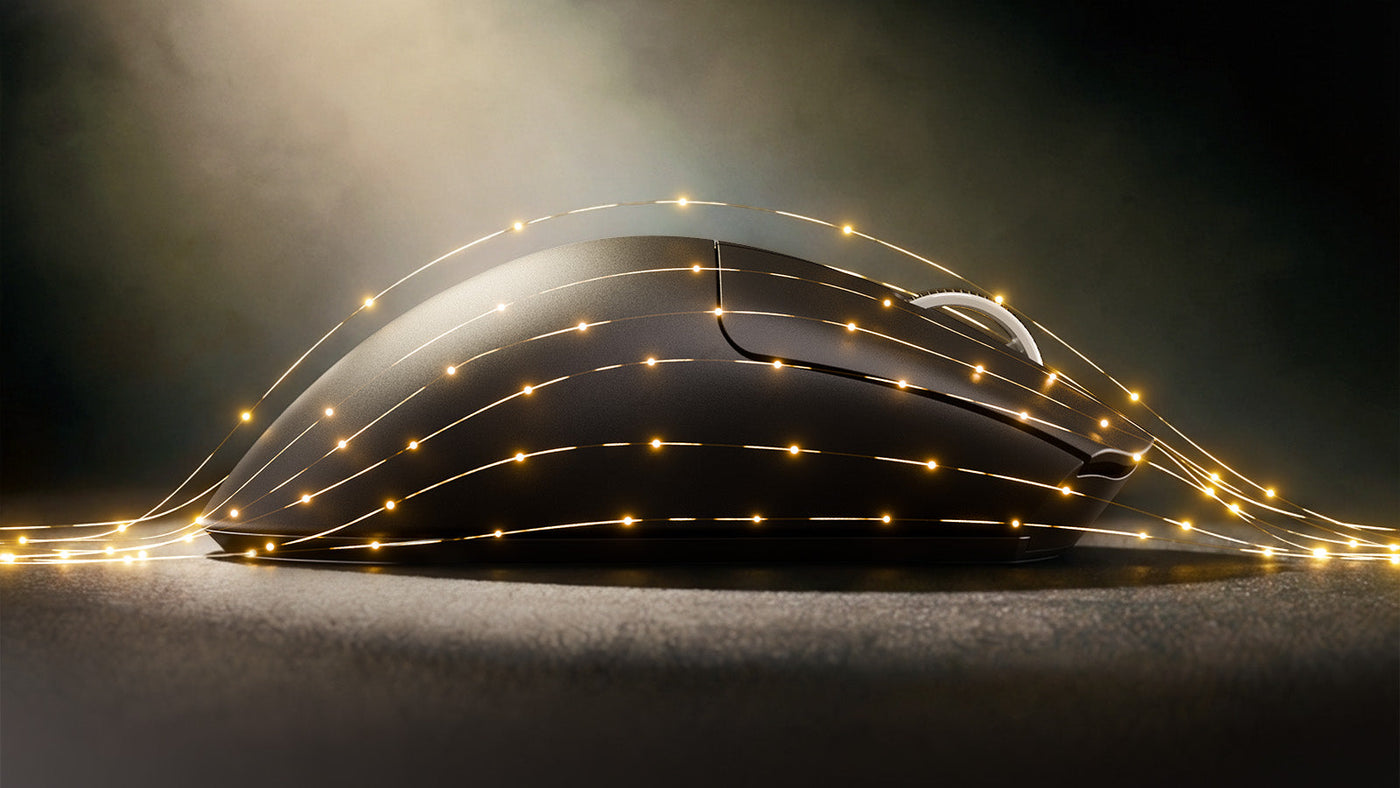
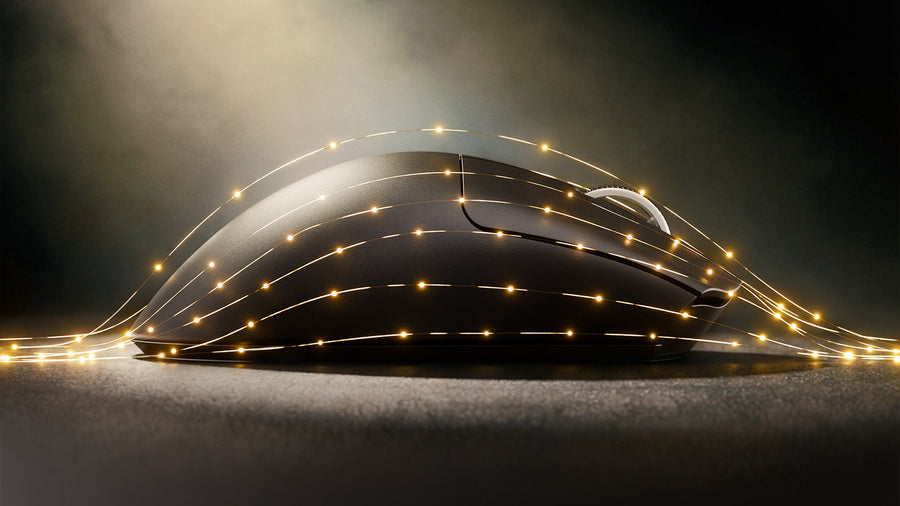
Choosing the best mouse for gaming often starts with specifications like sensors and weight, but the most impactful factor is arguably the shape. The debate between Ambidextrous (symmetrical) and Ergonomic (asymmetrical) designs has divided the gaming community for years. One prioritizes agile movement and fingertip control, while the other focuses on stability and hand health. Your choice depends heavily on your biology and your playstyle. This guide breaks down the geometry, the advantages of each shape, and how to match your grip to the mouse that will elevate your aim.

Attack Shark G6 Tri-mode gaming mouse in black and yellow with USB receiver.

Symmetrical vs. Asymmetrical: Understanding the Core Geometry

Ambidextrous mice are symmetrical. If you draw a line down the middle, the left side mirrors the right. They usually have a lower profile and a hump situated toward the middle or rear. This design encourages a grip where the fingers do more of the work.

Ergonomic (Ergo) mice are asymmetrical. They are sculpted specifically for the right hand (left-handed versions exist but are rare). They feature a tilted design, sloping down towards the right side. This shape fills the palm and supports the thumb and pinky in a natural, resting position. The goal is to rotate the wrist slightly to reduce tension on the forearm muscles during long sessions.

ATTACK SHARK G6 3モード ゲーミングマウス

Price: ¥3,173
3つの接続方法 G6マウスには3つの接続方法があります。有線モードでは、Type-Cケーブルを接続するだけで接続できます。Bluetoothモードでは、マウスのBluetoothをオンにしてコンピューターをクリックするだけで接続できます。2.4Gモードでは、USBレシーバーをホストに接続するだけで接続できます。さまざまな接続方法で、さまざまなニーズに対応します。 10 個のボタン プロ仕様のゲーミングマウスとして、10 個のボタンを搭載し、様々な操作に非常に便利です。ファイアボタン、デスクトップボタン、Webボタン、ライトボタンなど、独立したボタンが用意されています。ご注意:このマウスにはドライバーソフトウェアが付属しておらず、ボタンのプログラミングはできません。 クールな照明 この発光マウスには11 種類のRGBライティングモードがあり、他のRGBマウスとは異なり、ライトコントロールボタンを特別に設計しているため、マウスボタンをひっくり返してライトを切り替える必要はありません。マウスの右ボタンの隣にはライト切り替えボタンがあります。11 種類の異なるライティングエフェクトが、あなたのゲーム世界を明るく照らします。 機械的な外観 このメカニカルマウスは、プロのデザインマスターによって丹念に作り上げられています。外観、形状、色合わせなど、何十回もの試作を重ね、完成したメカはクールでスタイリッシュ、まるでSFの世界へと誘います。 充電式バッテリー ワイヤレスマウスには500mAhの充電式リチウム電池が内蔵されており、フル充電には約 3~4 時間かかります。省エネ・低消費電力技術を採用しており、1 回の充電で数週間使用できます。マウスを使用しない場合は、消費電力を抑えるため、ライトをオフにすることをお勧めします。 ミュートデザイン G6は静音マウスです。左右のボタンはミュートボタンになっており、クリック音はほぼ無音です。キーは静かで快適です。ノイズキャンセリング機能により、夜中でも家族や子供、ルームメイトの眠りを妨げることなく快適にプレイできます。 真の人間工学に基づいたデザイン...

Ambidextrous Mice: The King of Precision and Flicking

Ambidextrous mice are the gold standard for "Fingertip" and "Claw" grip users. Because they lack the bulky curves of ergo mice, they feel smaller and more maneuverable in the hand.

Why They Excel at Micro-Adjustments

The symmetrical shape allows for greater range of motion within your hand. You can pull the mouse back into your palm or push it forward with just your fingers. This vertical flexibility is crucial for controlling recoil in shooters or making tiny micro-adjustments to hit a headshot.

Ideal for High Mobility

In fast-paced games where you are constantly lifting and repositioning the mouse, the balanced center of gravity of a symmetrical wireless gaming mouse feels more natural. It is less about comfort and more about raw performance and speed. If your playstyle involves rapid flicking across the pad, the ambidextrous shape offers the least resistance.

Attack Shark G6 Bluetooth and wired gaming mouse in blue and white with USB receiver.

Ergonomic Mice: Why Comfort Leads to Long-Term Consistency

Ergonomic mice are favored by "Palm" grip users and gamers who prioritize stability over pure speed. By filling the hand, they lock your grip into a single, consistent position.

The Stability Factor

Because your entire hand makes contact with the shell, there is more friction and control. This makes tracking—following a moving target smoothly—feel incredibly stable. You are aiming with your arm and wrist rather than your fingers. This is beneficial in tactical shooters where holding an angle or smooth crosshair placement is more important than erratic movement.

Endurance Gaming

The tilted shape reduces the strain on your carpal tunnel. If you game for six hours straight, an ergo mouse keeps your hand relaxed. A relaxed hand is a consistent hand. While you might lose a tiny bit of vertical agility compared to an ambi mouse, you gain the ability to maintain your peak performance for longer without fatigue setting in.

Physics Matters: How Weight and Sensor Placement Affect Your Aim

Shape influences how you perceive the weight and the sensor position. On an ergonomic mouse, the weight is often distributed differently to support the tilt.

On many ambidextrous mice, the sensor sits directly in line with your knuckles. This makes aiming feel like pointing with your finger. On some ergo mice, the sensor might sit slightly lower or higher due to the shell design.

If the sensor is too far forward, small wrist movements translate into large screen movements (high sensitivity feel). If it is too far back, the mouse feels sluggish. Ambidextrous mice generally offer a more neutral, predictable sensor feel for a wider variety of grip styles, whereas ergo mice require you to commit to a specific hand position to get the sensor alignment right.

G6 Tri-mode Gaming Mouse in yellow beside a mech-themed keyboard and figure.

Tactical FPS vs. Fast-Paced Battle Royales: Selecting Your Shape

Your game of choice should influence your hardware. Different genres demand different aiming mechanics.

Tactical Shooters (CS:GO, Valorant)

These games rely on horizontal movement and holding angles. Crosshair placement is key. Here, Ergonomic mice shine. The stability helps you keep your crosshair level at head height. You don't need to look up and down constantly, so the vertical limitations of an ergo mouse are not a handicap. Games like Valorant reward this stability.

Arena Shooters and Battle Royales (Apex Legends, Overwatch, Fortnite)

These games are chaotic. Enemies are above you, below you, and behind you. You need 360-degree tracking and rapid vertical adjustments. Ambidextrous mice are superior here. The freedom to manipulate the mouse with your fingertips allows you to track a flying enemy or snap to a target on a rooftop instantly. The lightweight, agile nature of symmetrical mice matches the speed of the gameplay found in Apex Legends.

Buying Guide: How to Choose Based on Hand Size and Grip Style

Ultimately, aim is a product of comfort. To pick the winner, measure your hand and identify your mouse grip styles.

  • Palm Grip: If you use a palm grip and rest your entire hand on the mouse, get an Ergo mouse. Look for a size that is roughly 60% of your hand size dimensions. It offers the support you need.
  • Claw Grip: Gamers with a claw grip can go either way, but Ambidextrous mice with a "rear hump" are often preferred. The hump anchors your palm while your fingers stay arched for clicking speed.
  • Fingertip Grip: The fingertip grip requires strictly Ambidextrous mice. You need a small, low-profile mouse that doesn't touch your palm at all. An ergo mouse is too bulky and restrictive for this style.

Conclusion: Finding Your Perfect Geometry for Aim

There is no magic shape that grants perfect aim, but there is a shape that unlocks your potential. If you are a tracking-heavy player who values comfort and stability, the Ergonomic mouse is your best ally. If you are a flick-heavy player who needs vertical freedom and agility, the Ambidextrous mouse is the clear winner. Don't force yourself to adapt to a mouse; choose the geometry that fits your hand mechanics, and watch your consistency soar.

ATTACK SHARK G3 トライモード ワイヤレス ゲーミングマウス 25000 DPI 超軽量

Price: ¥4,443
製品比較 モデル G3 G3PRO をチェック センサー PAW3311 MCU BK52820 マイコン スイッチ HUANO ブルーシェルピンクドットスイッチ:8000 万回のクリック オムロンマイクロスイッチ:1 億回クリック スクロールホイール Fスイッチスクロールホイール:50Kスクロール Fスイッチスクロールホイール:200 万回スクロール...

FAQ

Q1: Can I aim well with an ergonomic mouse if I have small hands?

A: Yes, but you need a "mini" version. Many top brands now release smaller versions of their popular ergo shapes. A standard ergo mouse might feel like a brick if your hands are small, destroying your precision.

Q2: Why do most pros use ambidextrous mice?

A: Many pros use fingertip or claw grips to maximize reaction time. Ambidextrous mice cater to these grips better. However, plenty of top-tier pros still use ergo mice for the consistency they provide.

Q3: Does a wireless gaming mouse have input lag?

A: Modern high-end wireless mice are virtually indistinguishable from wired ones in terms of input lag. In fact, the lack of "cable drag" often improves aim more than any millisecond difference in signal speed.

Q4: Is an ergonomic mouse better for wrist pain?

A: Generally, yes. The tilted design puts the forearm in a more neutral position (less pronation), which reduces pressure on the wrist nerves compared to the flat position required by ambidextrous mice.

前後の記事を読む

How to Lube and Tune Mechanical Keyboard Stabilizers

コメントを書く

このサイトはhCaptchaによって保護されており、hCaptchaプライバシーポリシーおよび利用規約が適用されます。