














Tech Review


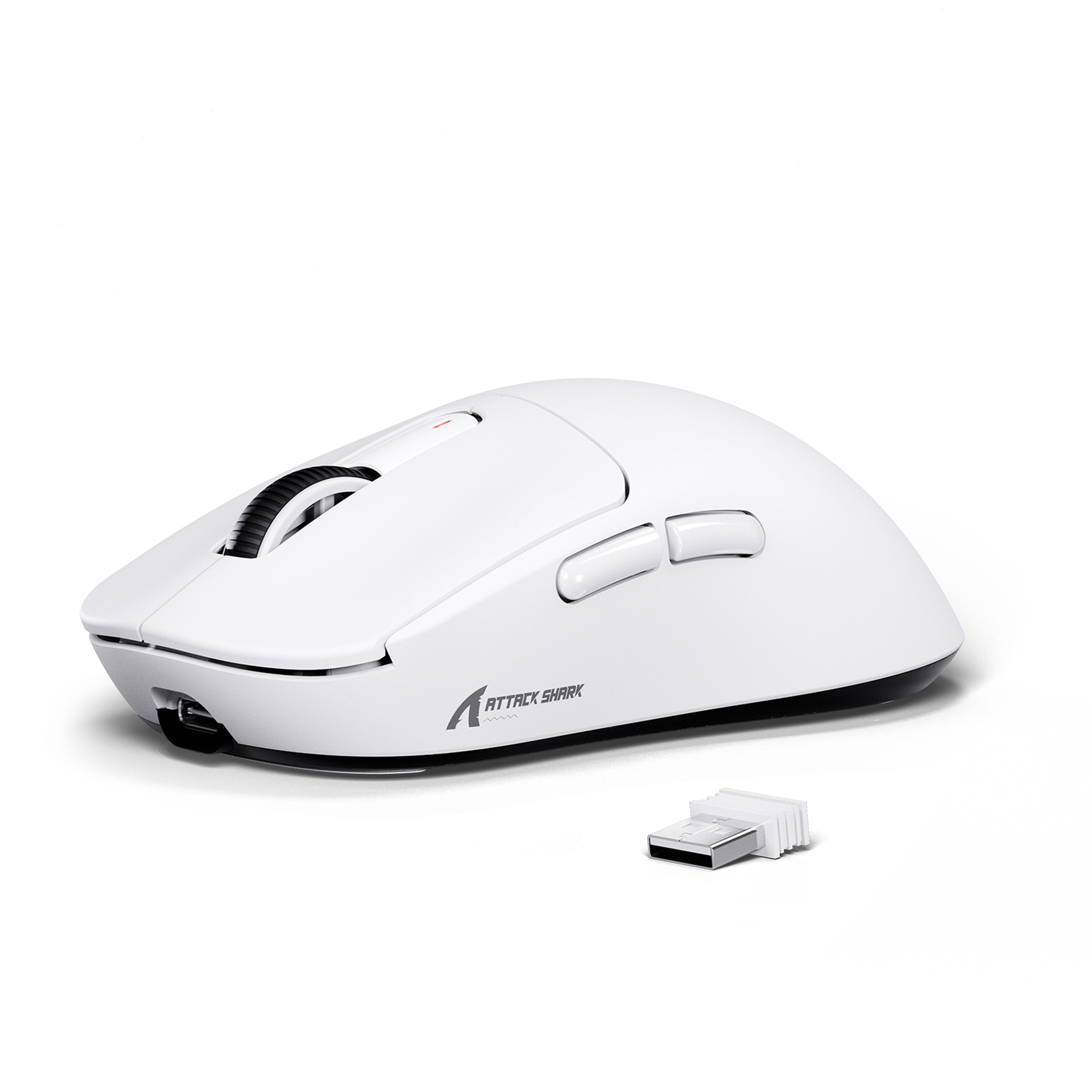
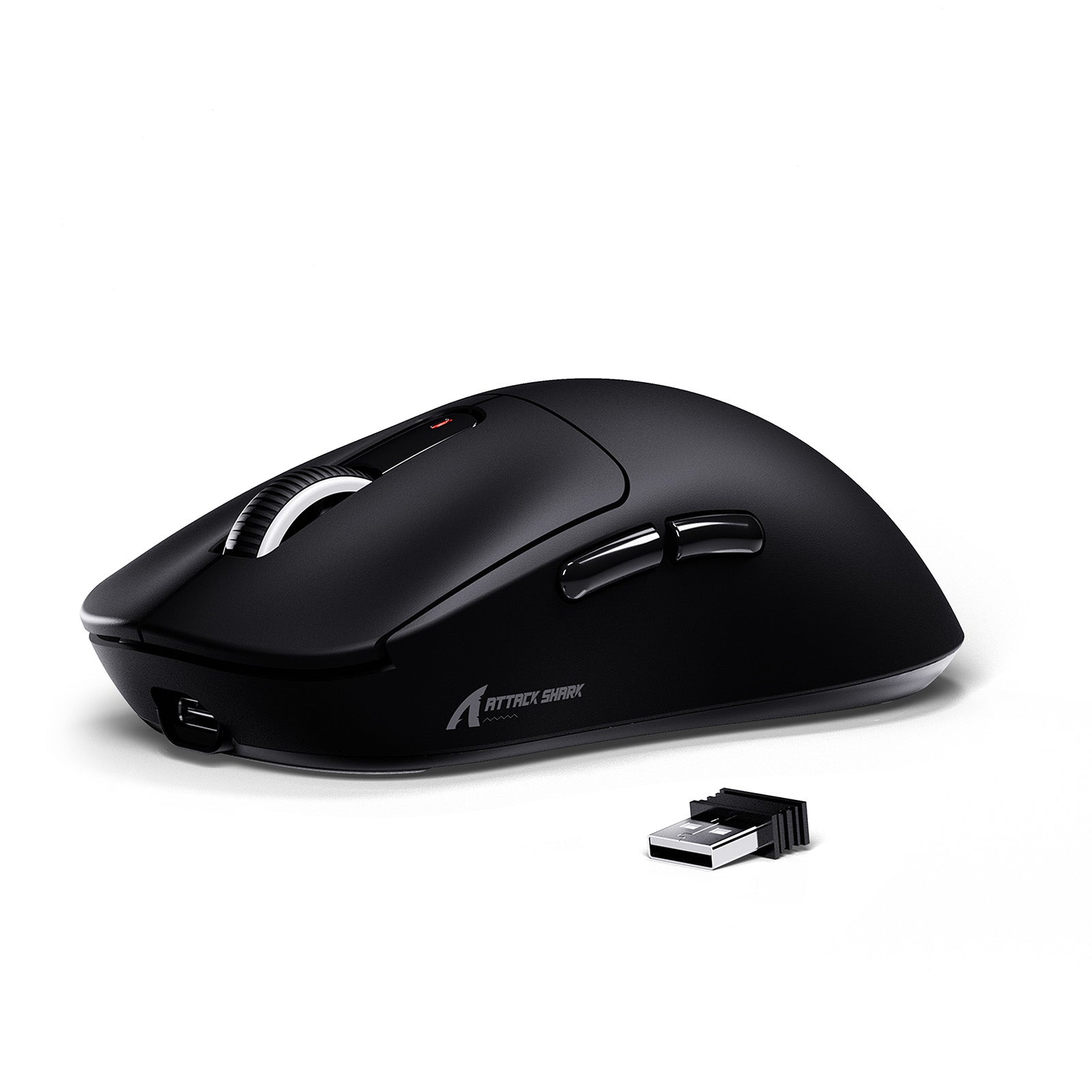
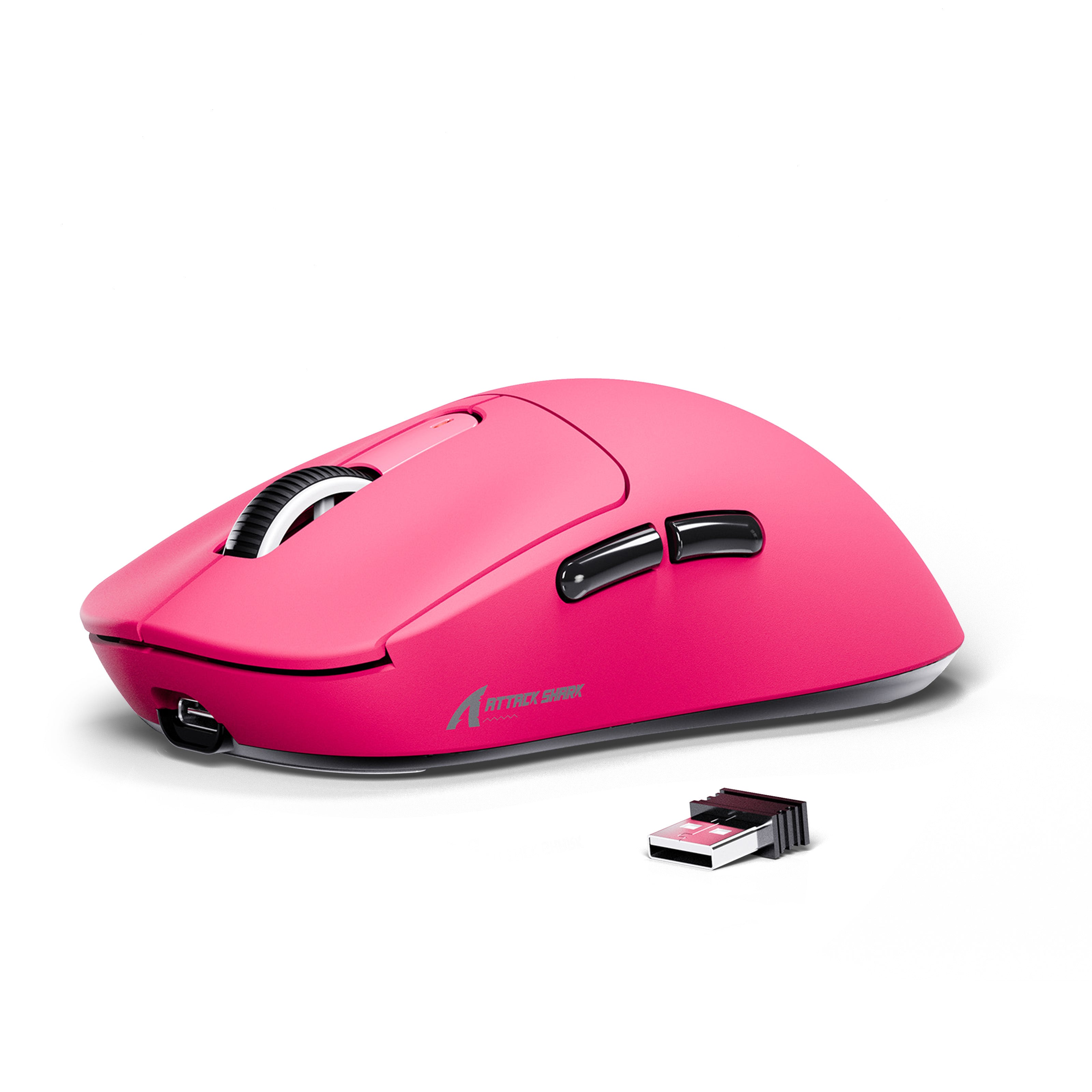
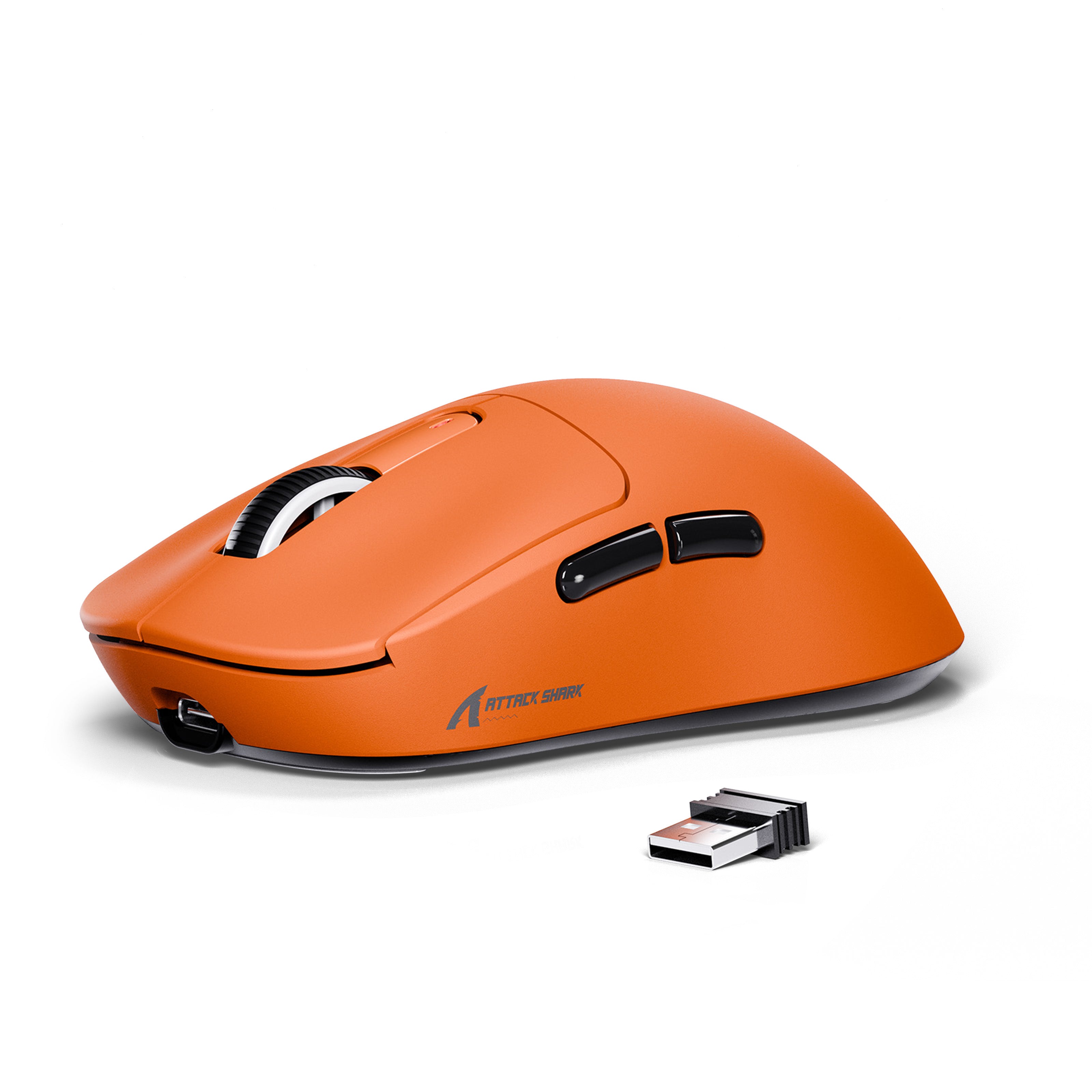
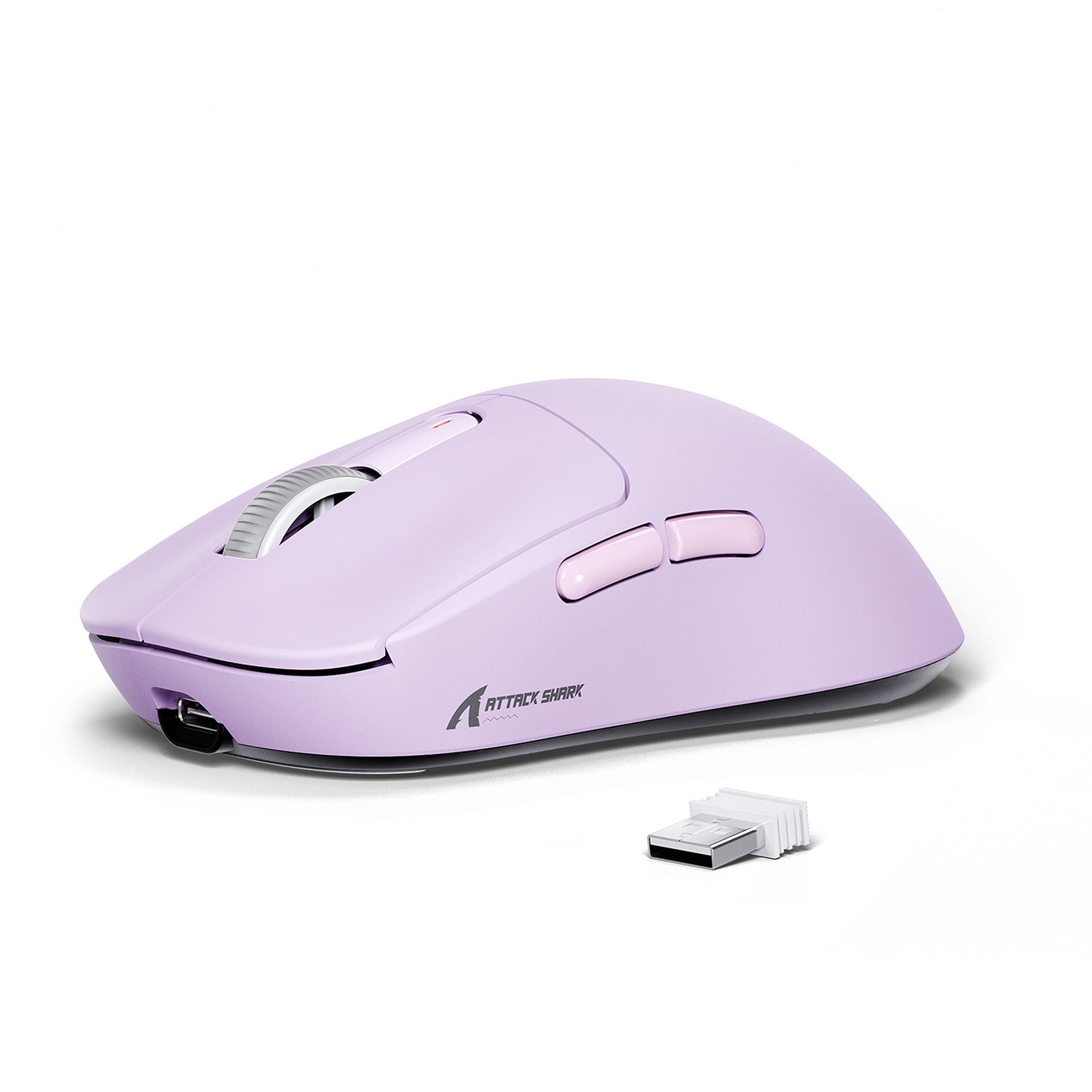
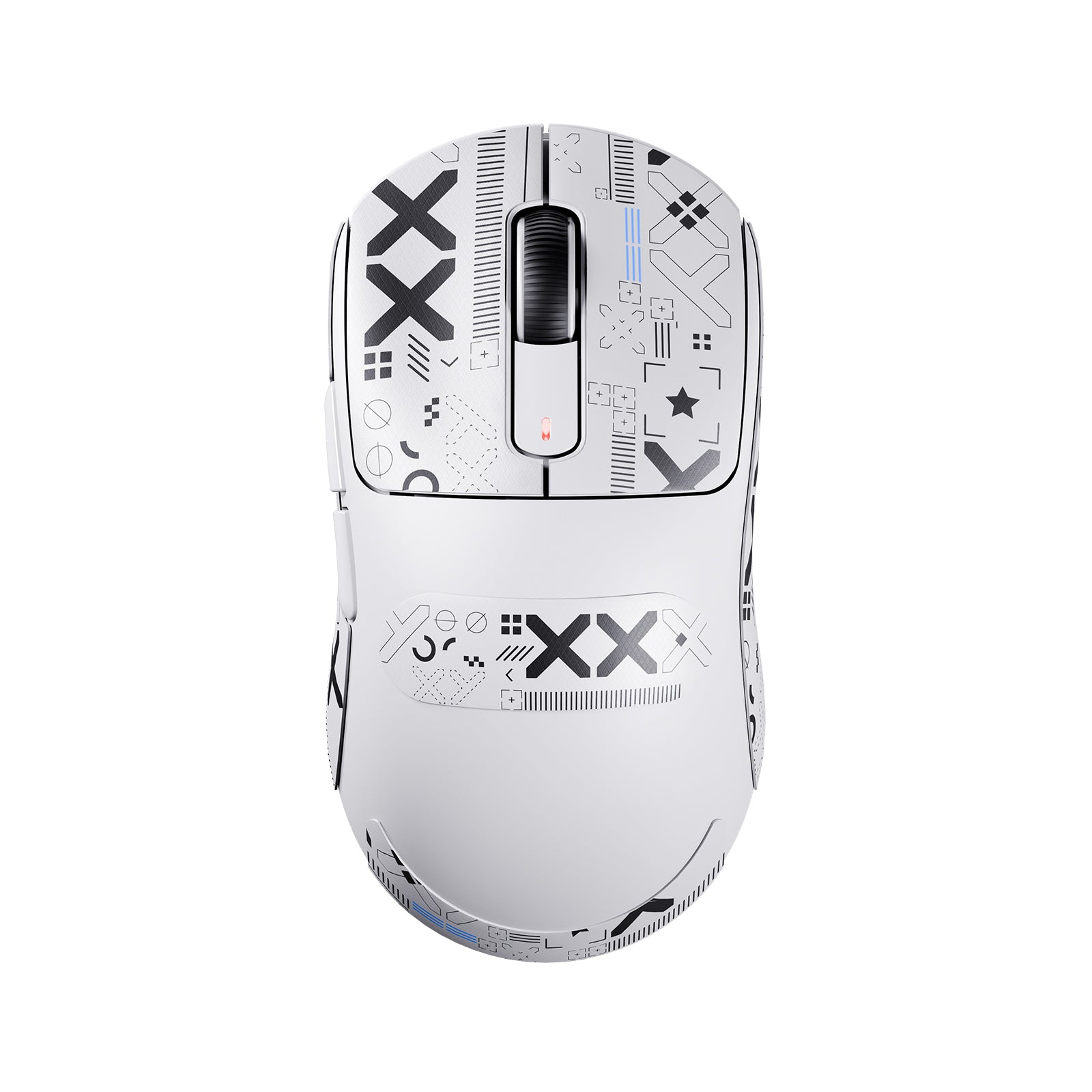
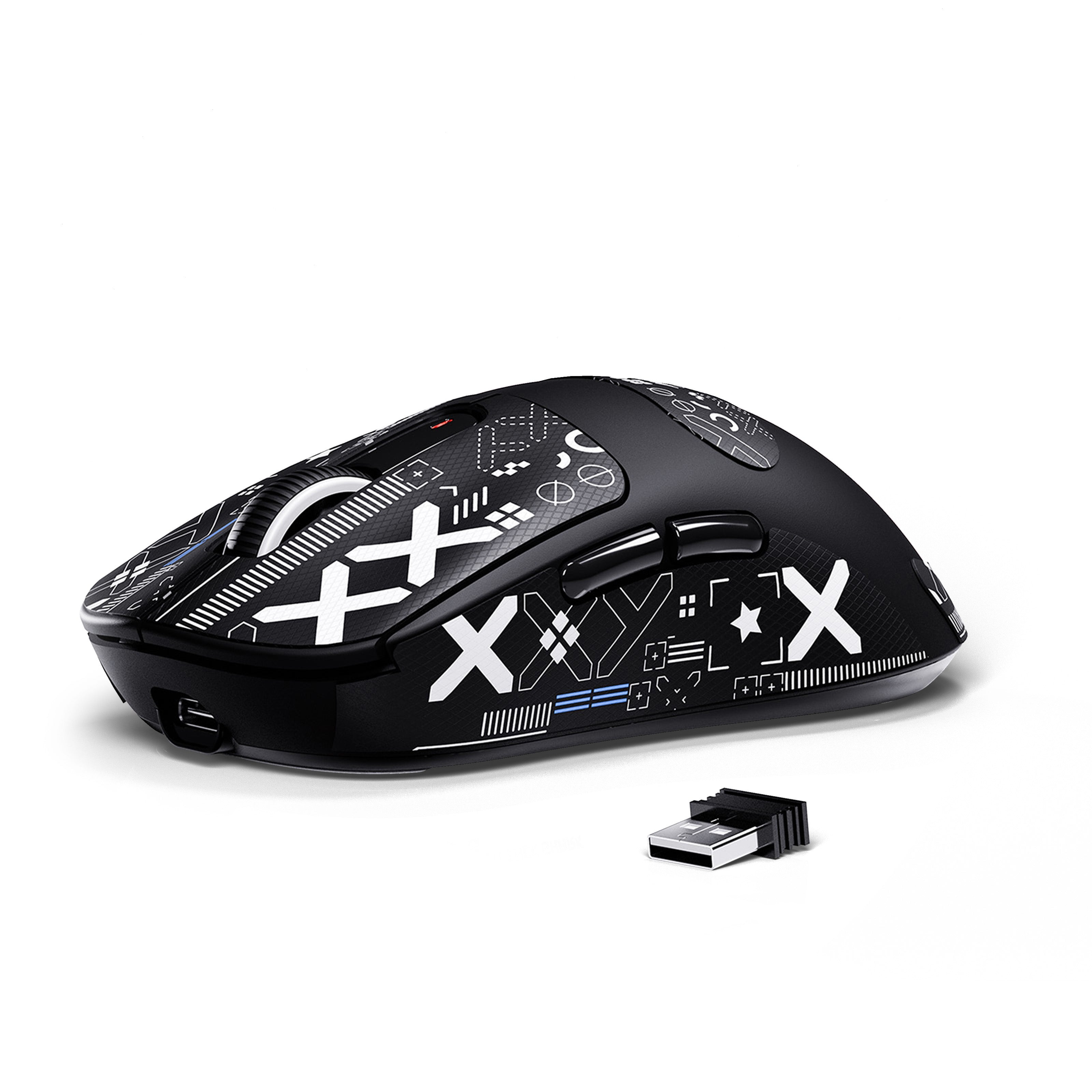
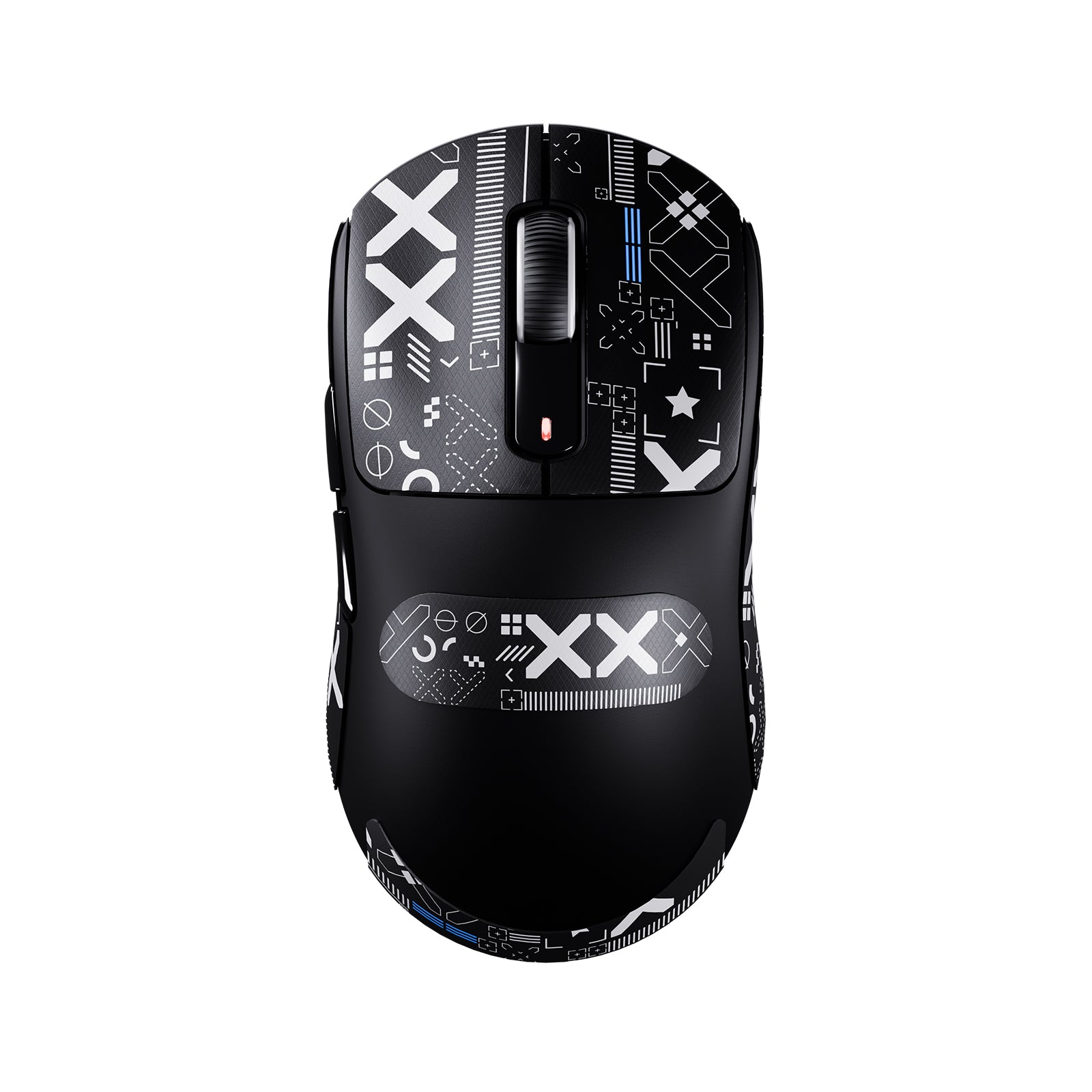
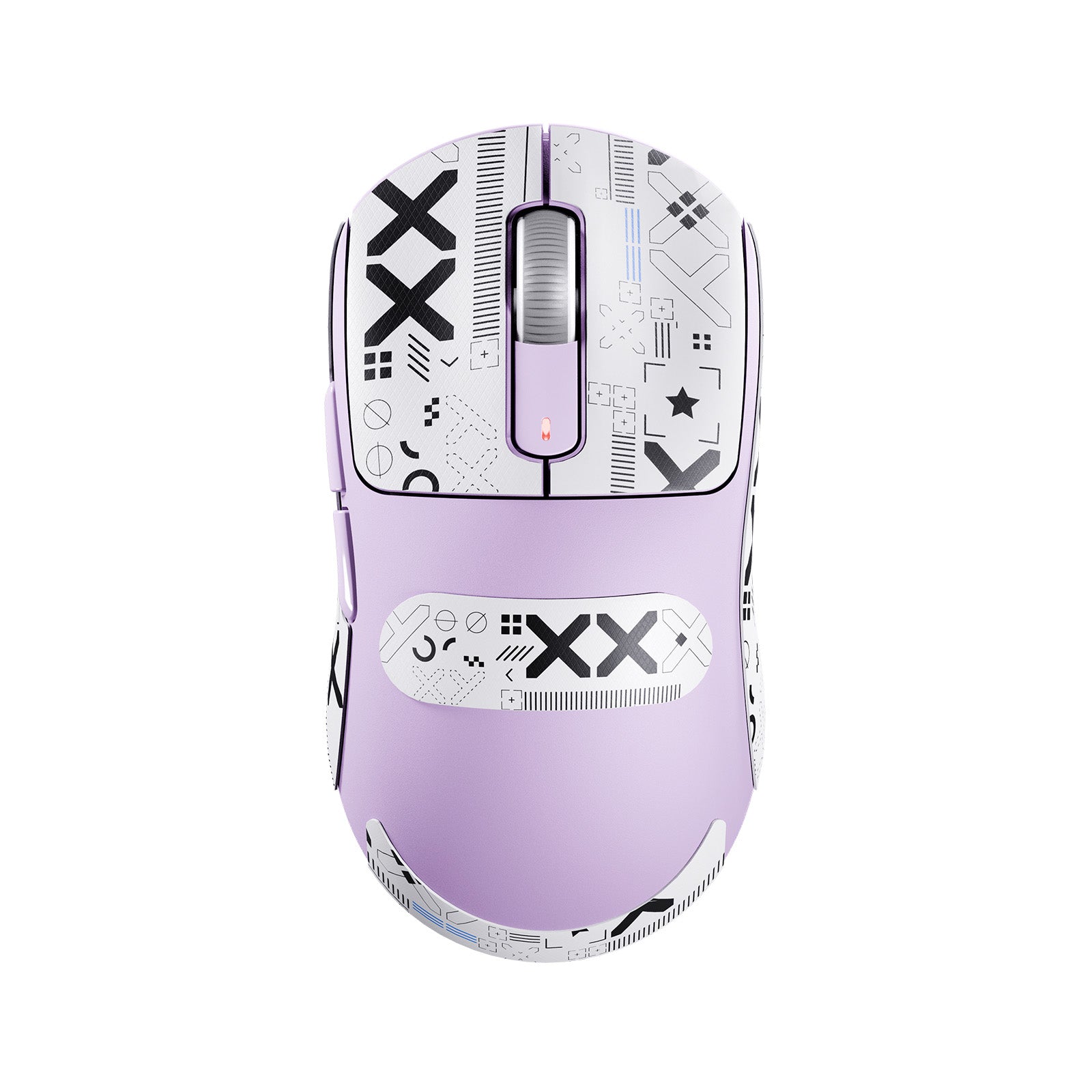
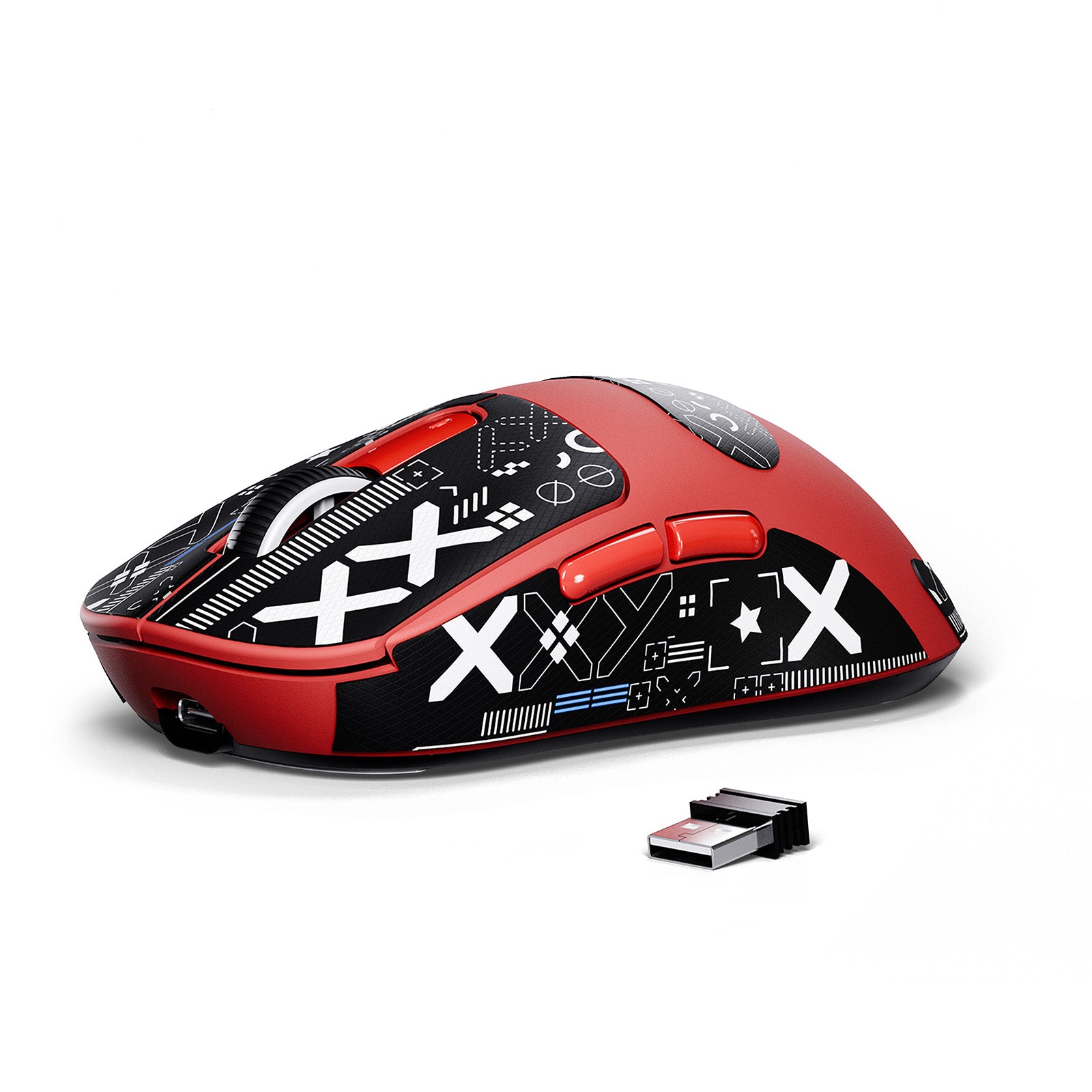
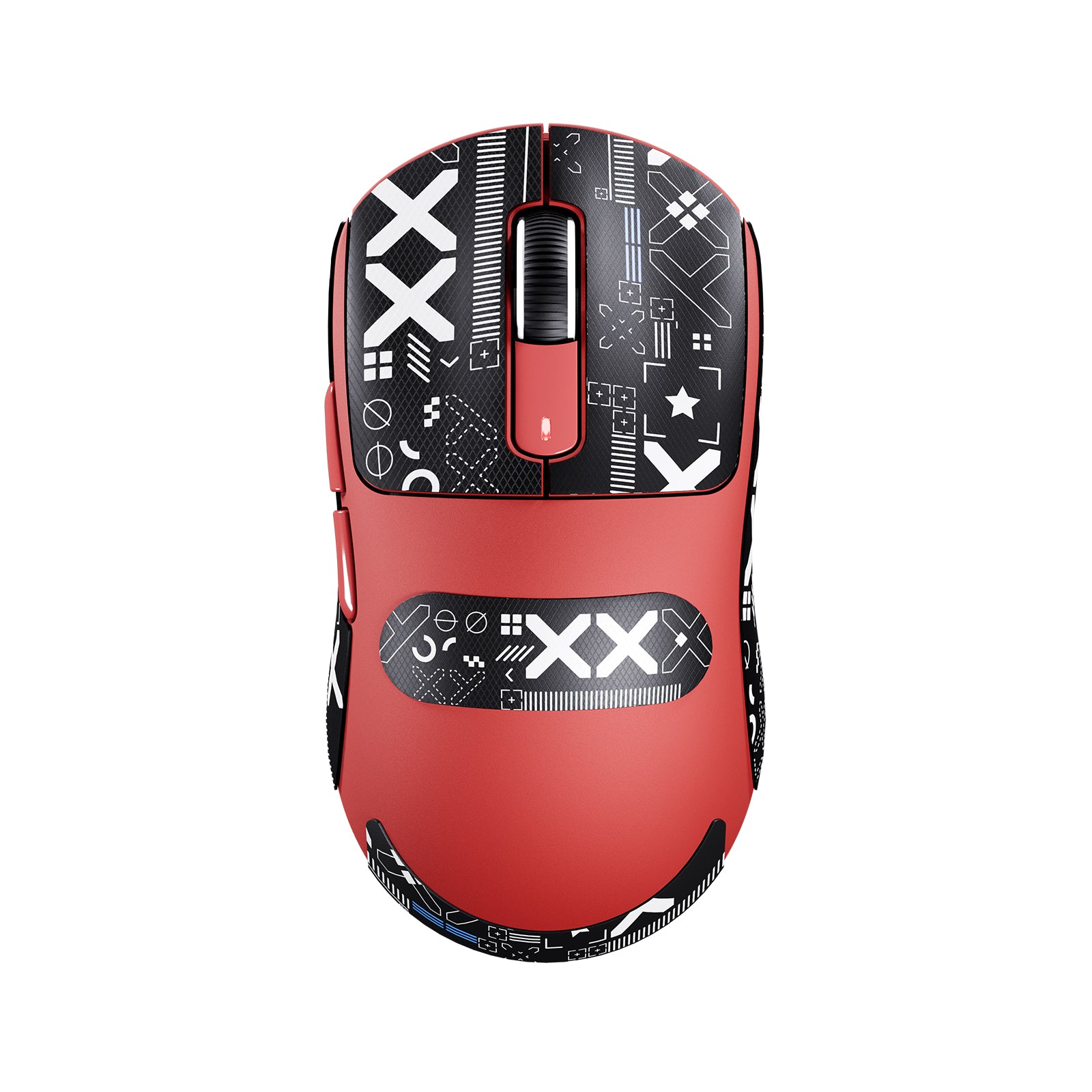
ATTACK SHARK X3 ワイヤレスゲーミングマウス PAW3395 スーパーライト
- Share:
-

-

-

-


- In Stock
Tech Review

比類なき精度と速度
PIXART PAW3395 フラッグシップセンサー
1対1トラッキングによる比類なき精度で、絶対的なコントロールを実現。650 IPSの速度、50gの加速度、26,000のプログラム可能なDPI、そして1000Hz/1msのポーリングレートを備えています。
650 IPS
26000 DPI
1000 Hz
非常に軽量で頑丈
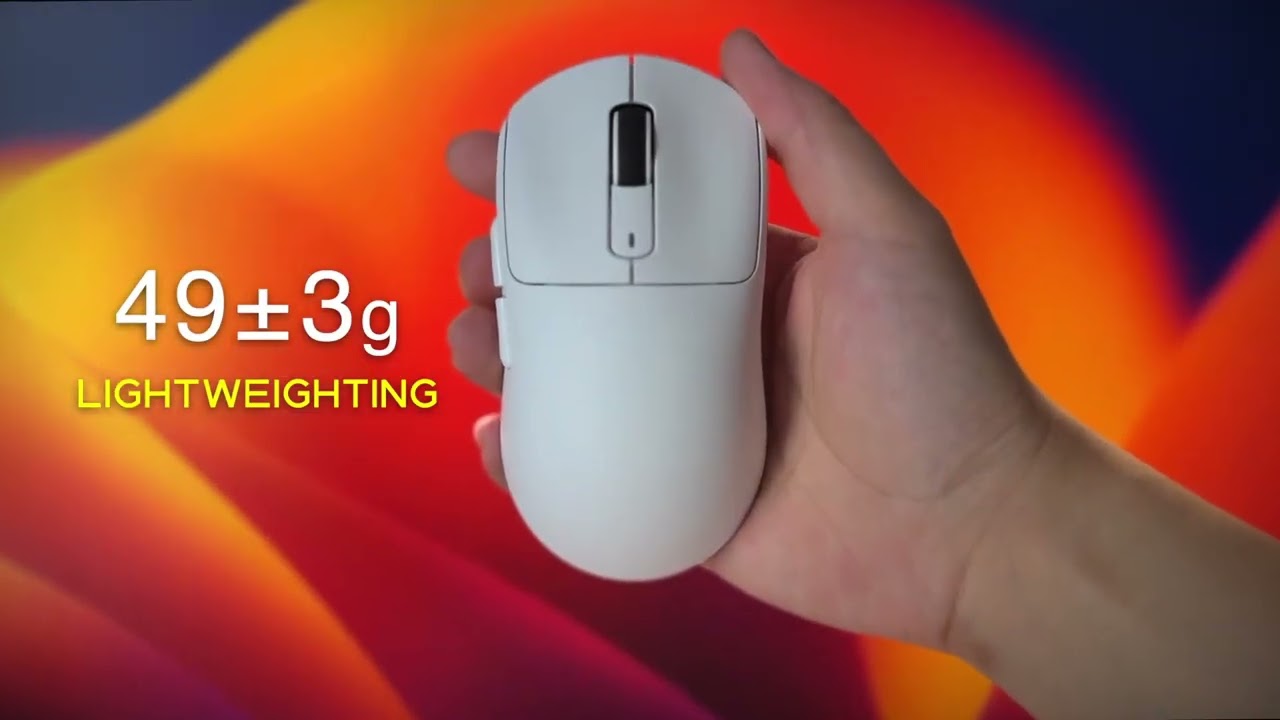
49G ULTRA-軽量
軽量化により、マウスをより正確に動かしたり、加速させたり、止めたりできるため、これまで以上に簡単にターゲットを追い、フリックショットを当てられます。(重量にレシーバーは含まれておらず、±3gの誤差があります)

お好みの方法で接続する
トライモード接続
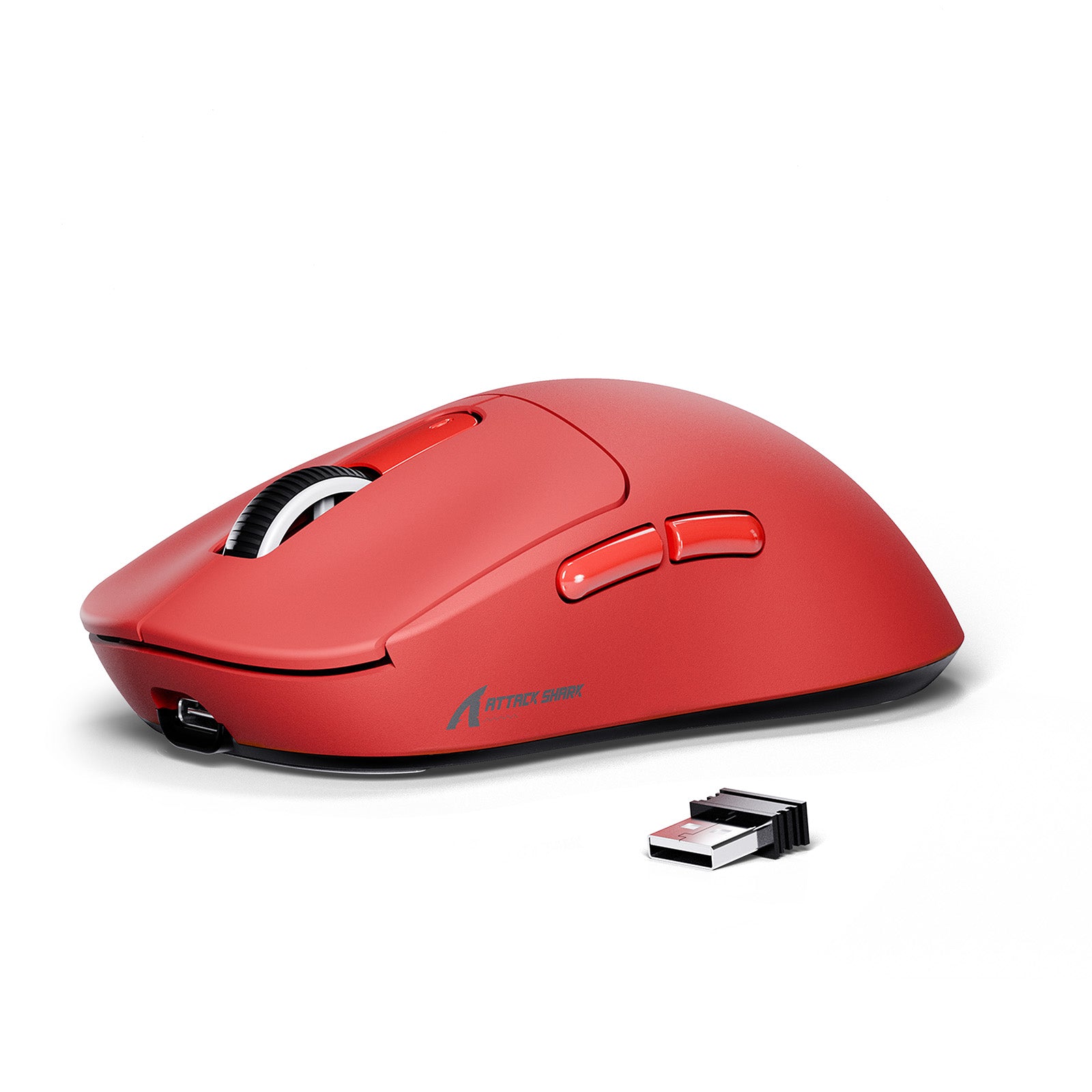
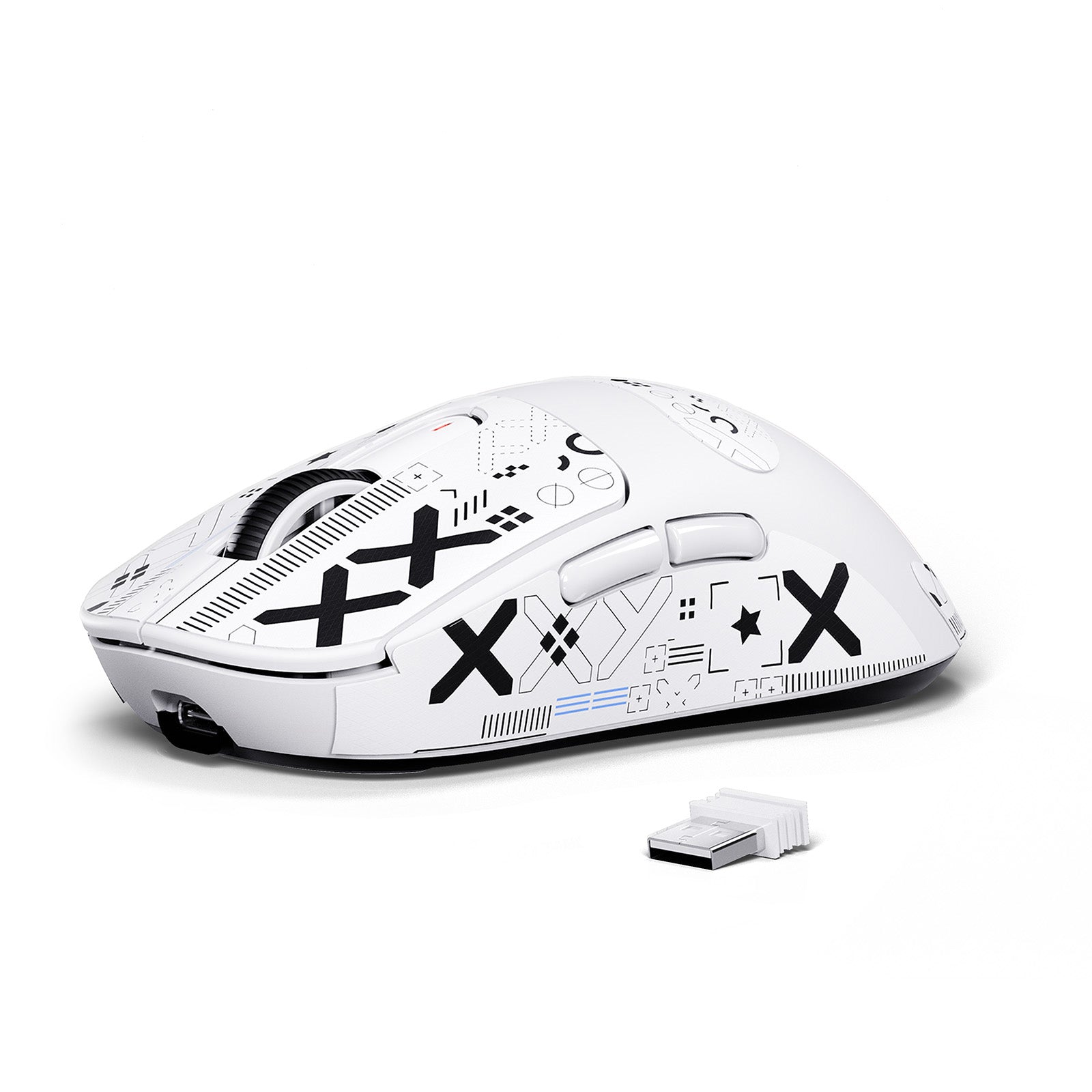
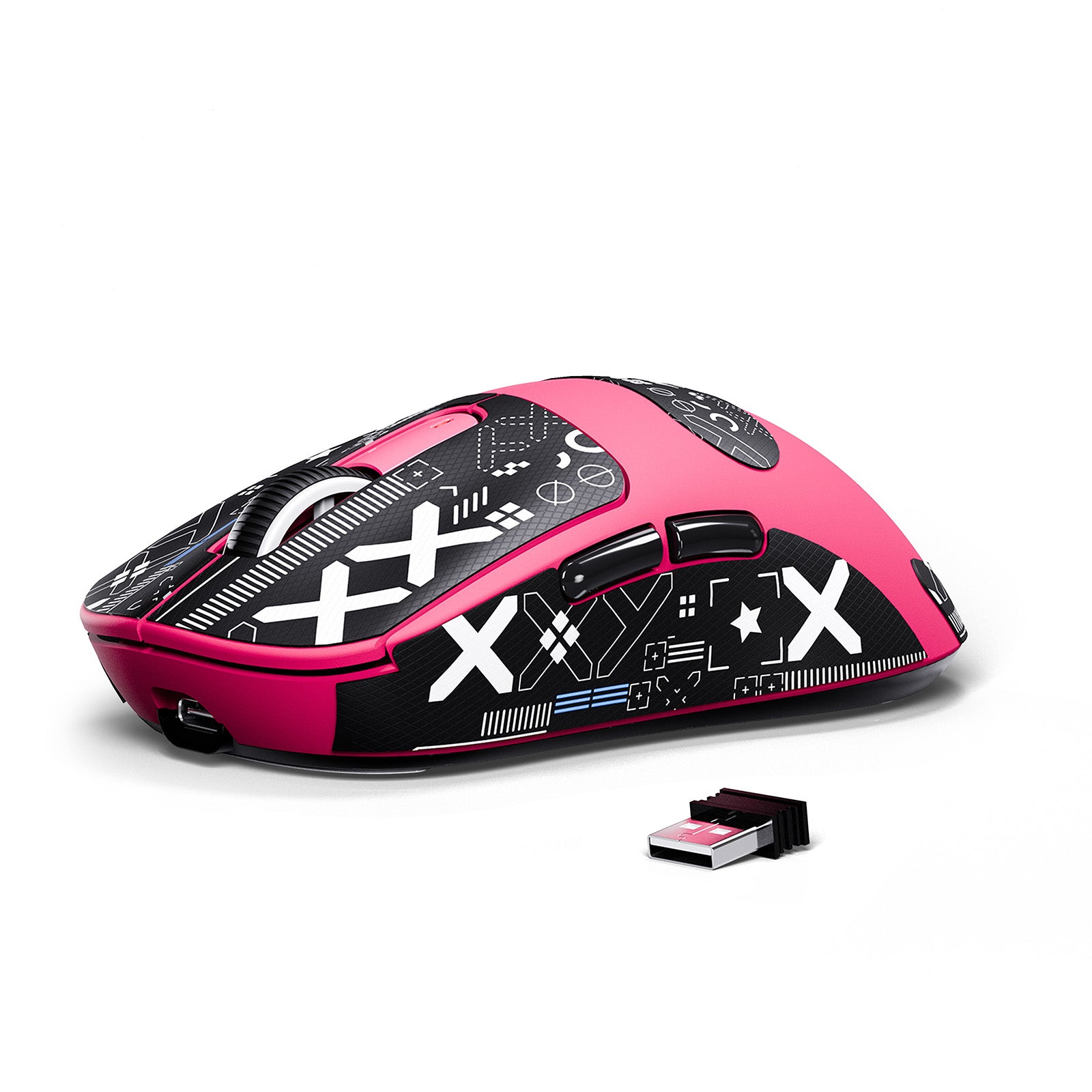
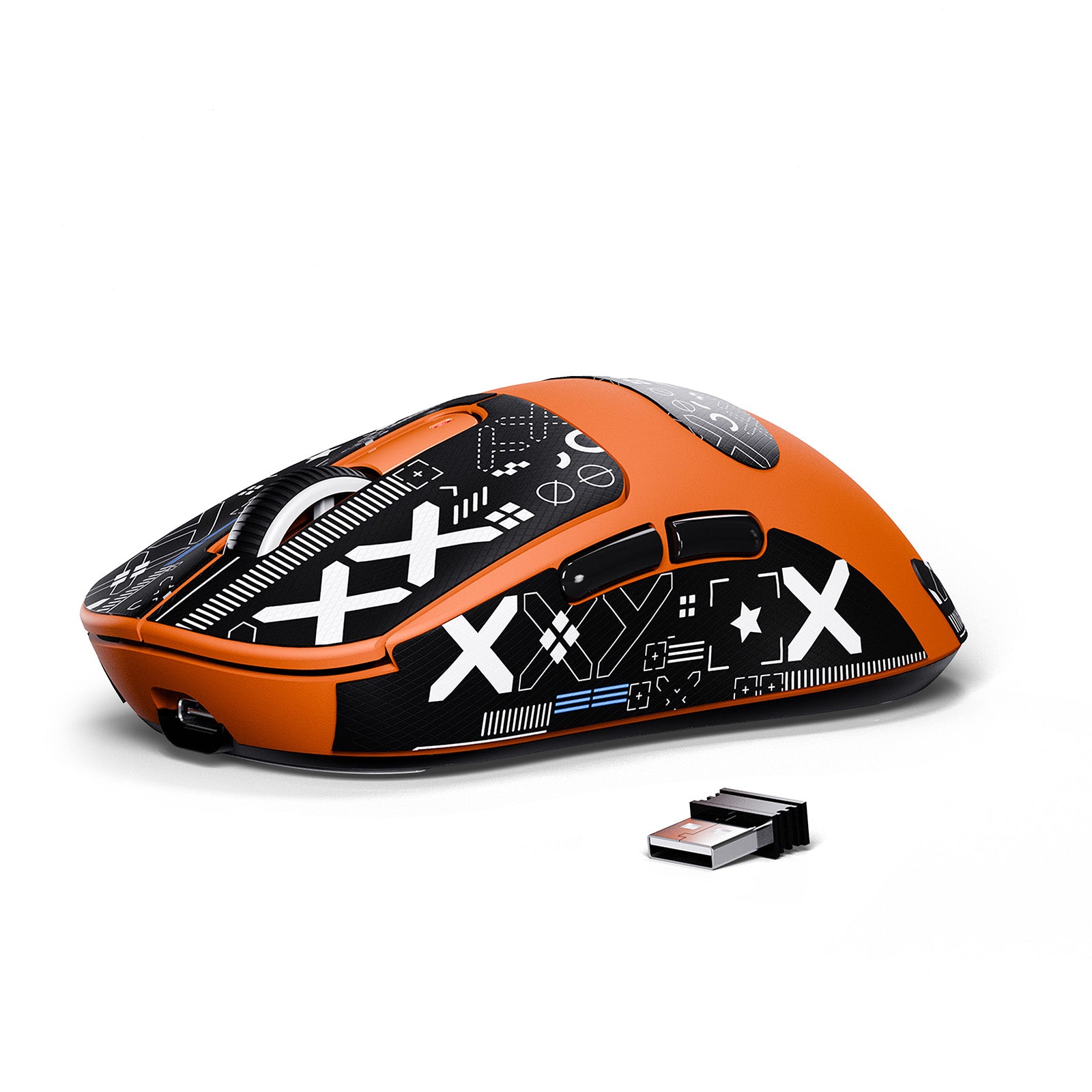
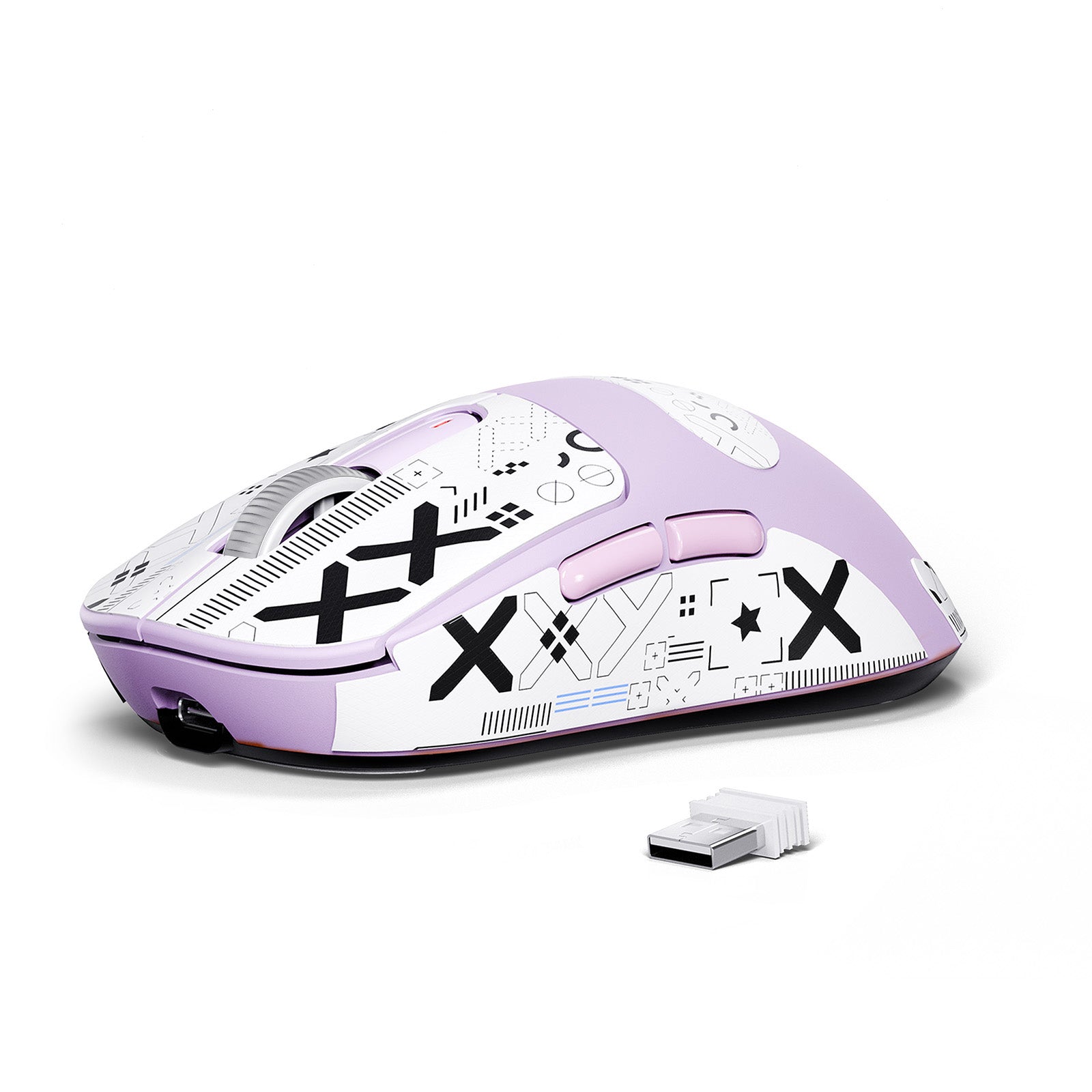
遅延のない2.4 GHzモードで超高速パフォーマンスを選ぶか、新しいBluetooth 5.2でスマートフォンやタブレット、その他のデバイスとシームレスに接続するか、超柔軟な充電ケーブルを使った有線モードでプレイするかを選べます。パッケージには1.6mのパラコードケーブルが同梱されています。
シャープでスムーズなスクロール
TTC ホイールエンコーダー
TTCエンコーダーでこれまでにないスクロールの精度を体験してください。スクロールするたびに満足感のあるシャープな反応が得られ、スムーズな操作と完璧なフィードバックを実現します。ゲームや生産性向上に最適です。

すべてのグリップに精密さを
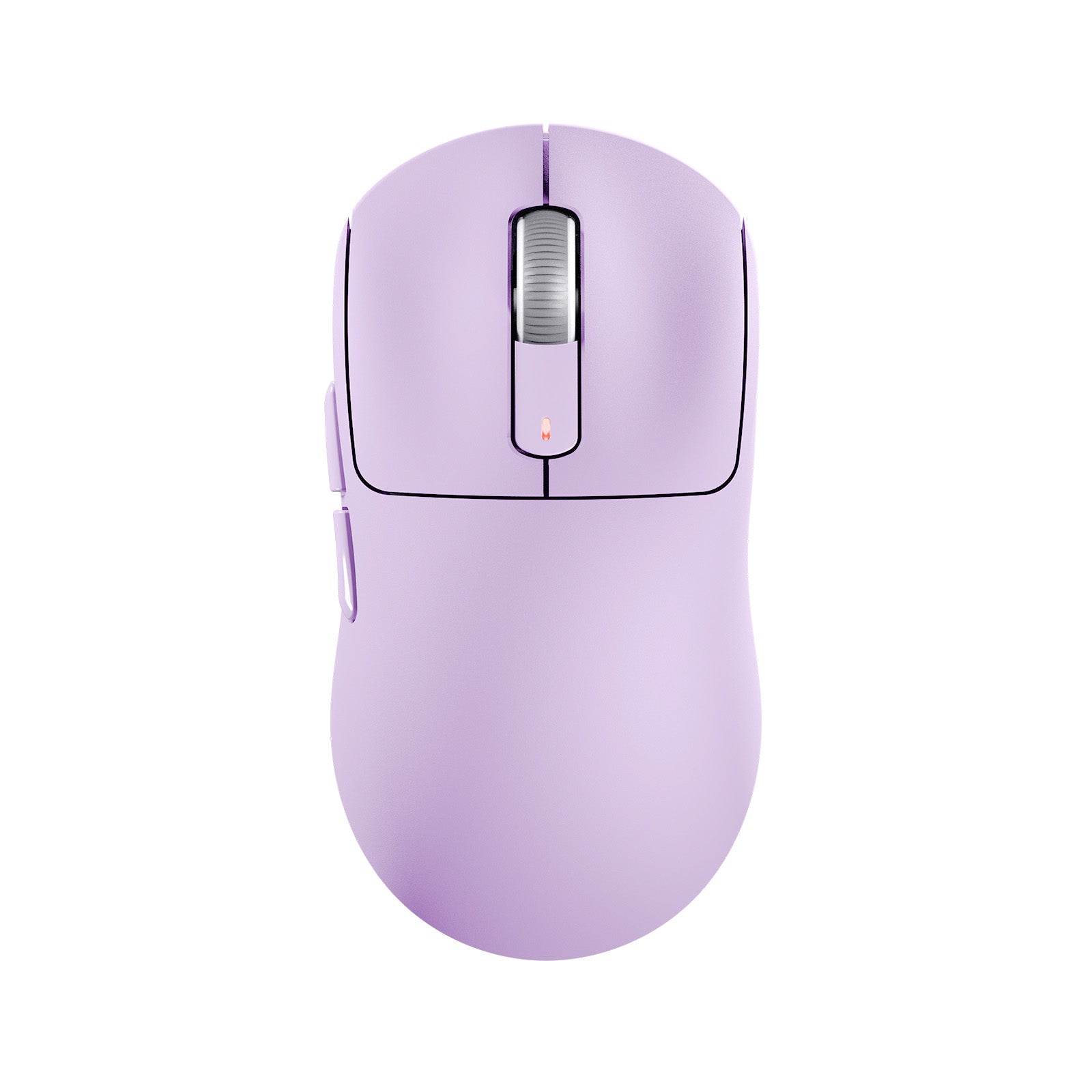
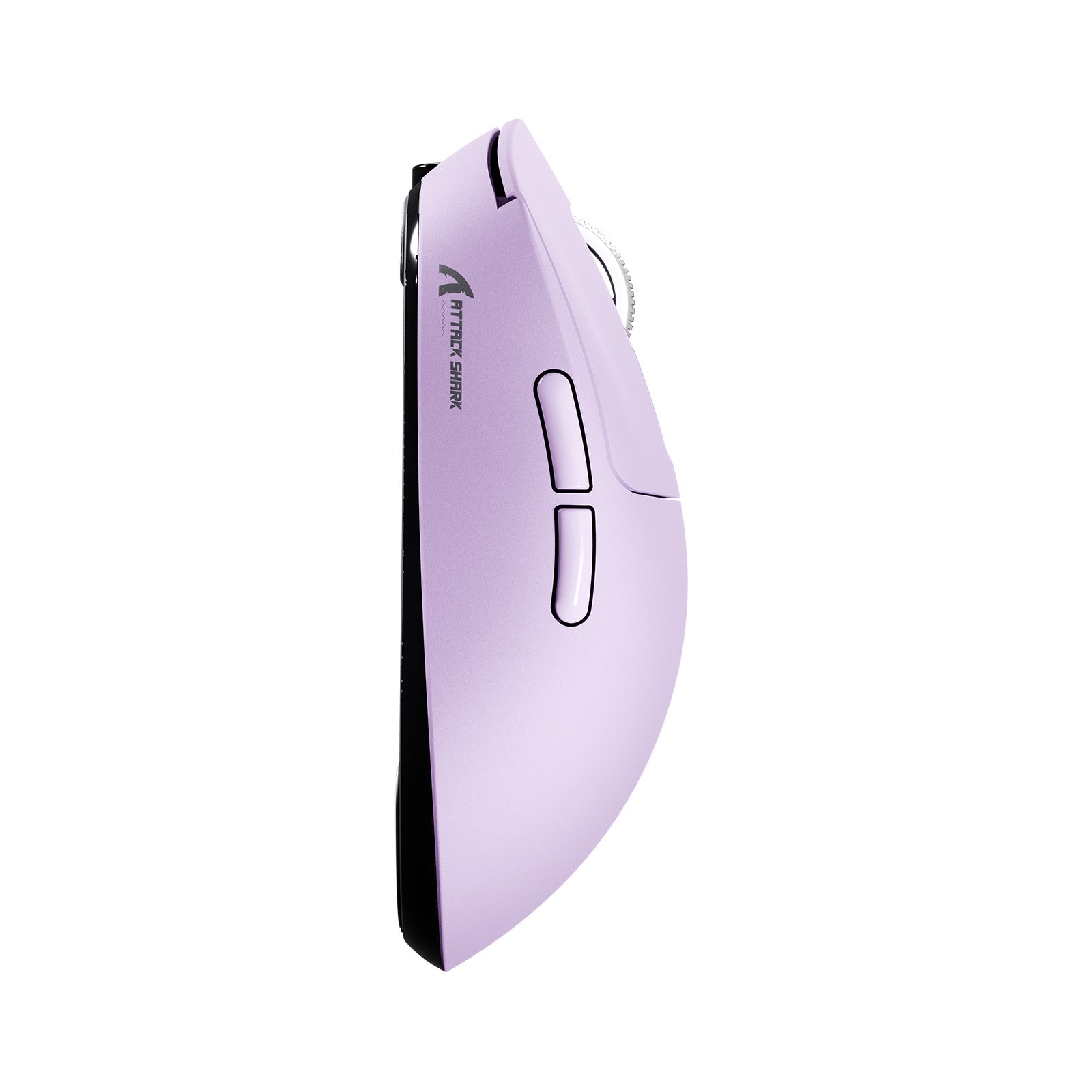
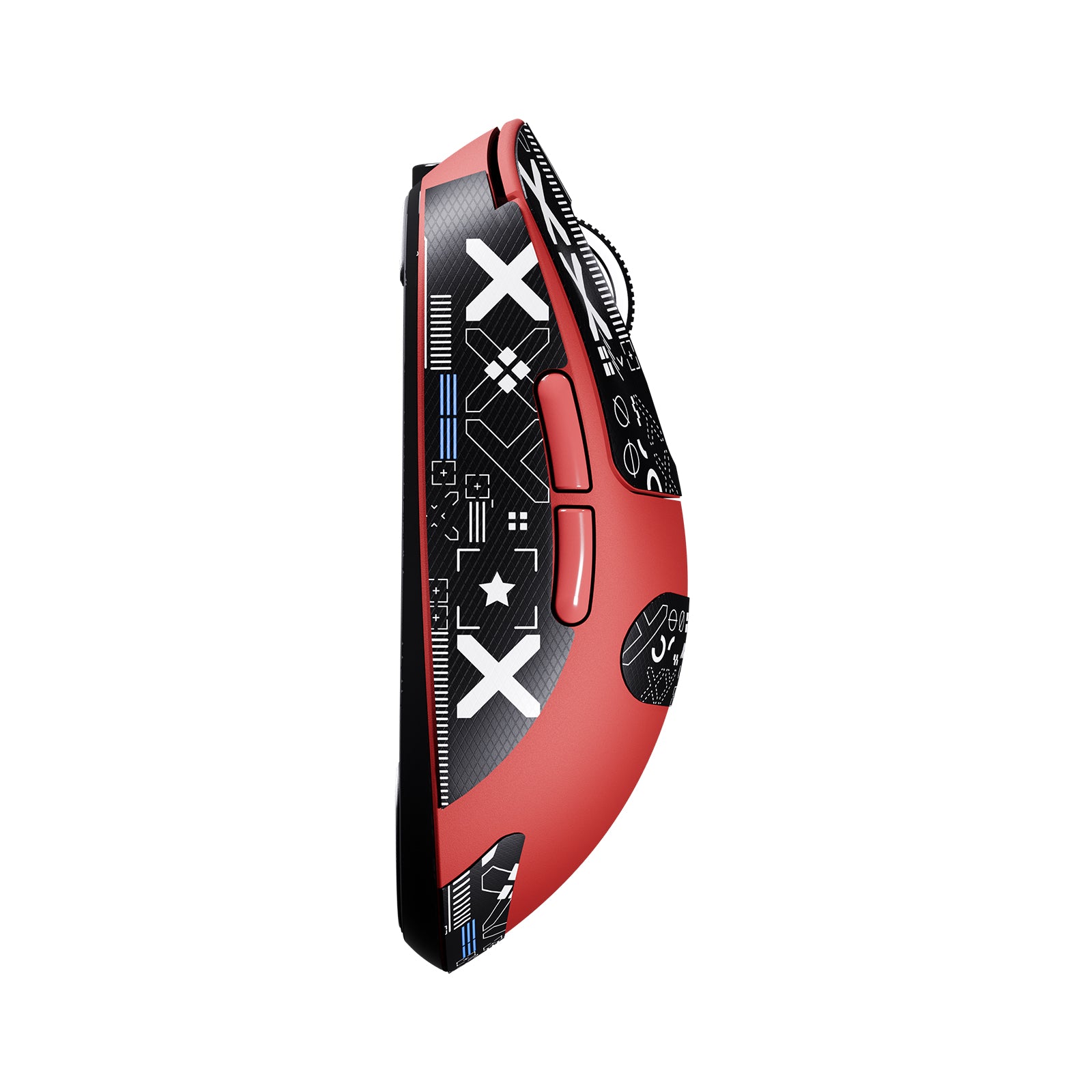
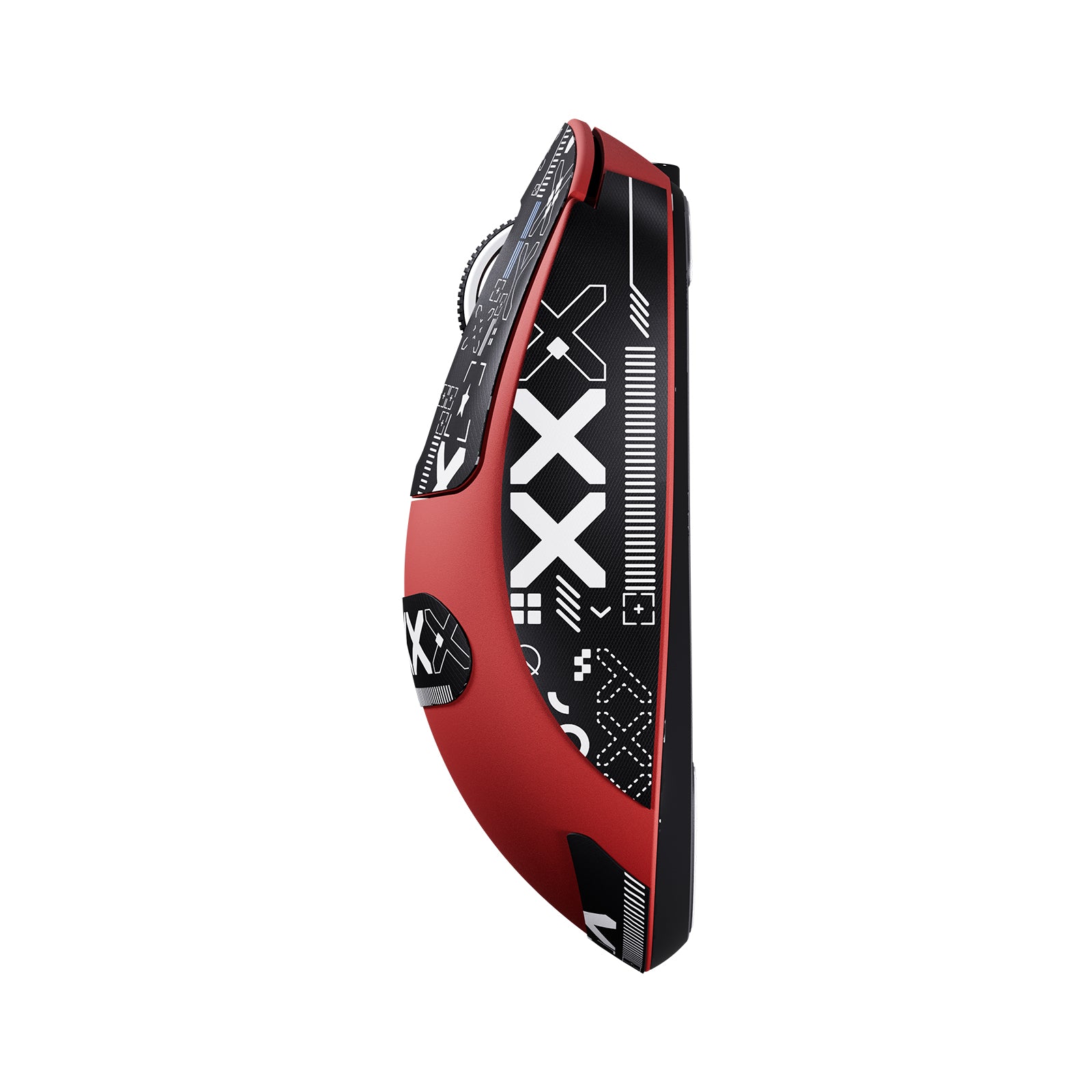
対称的なエルゴノミクス
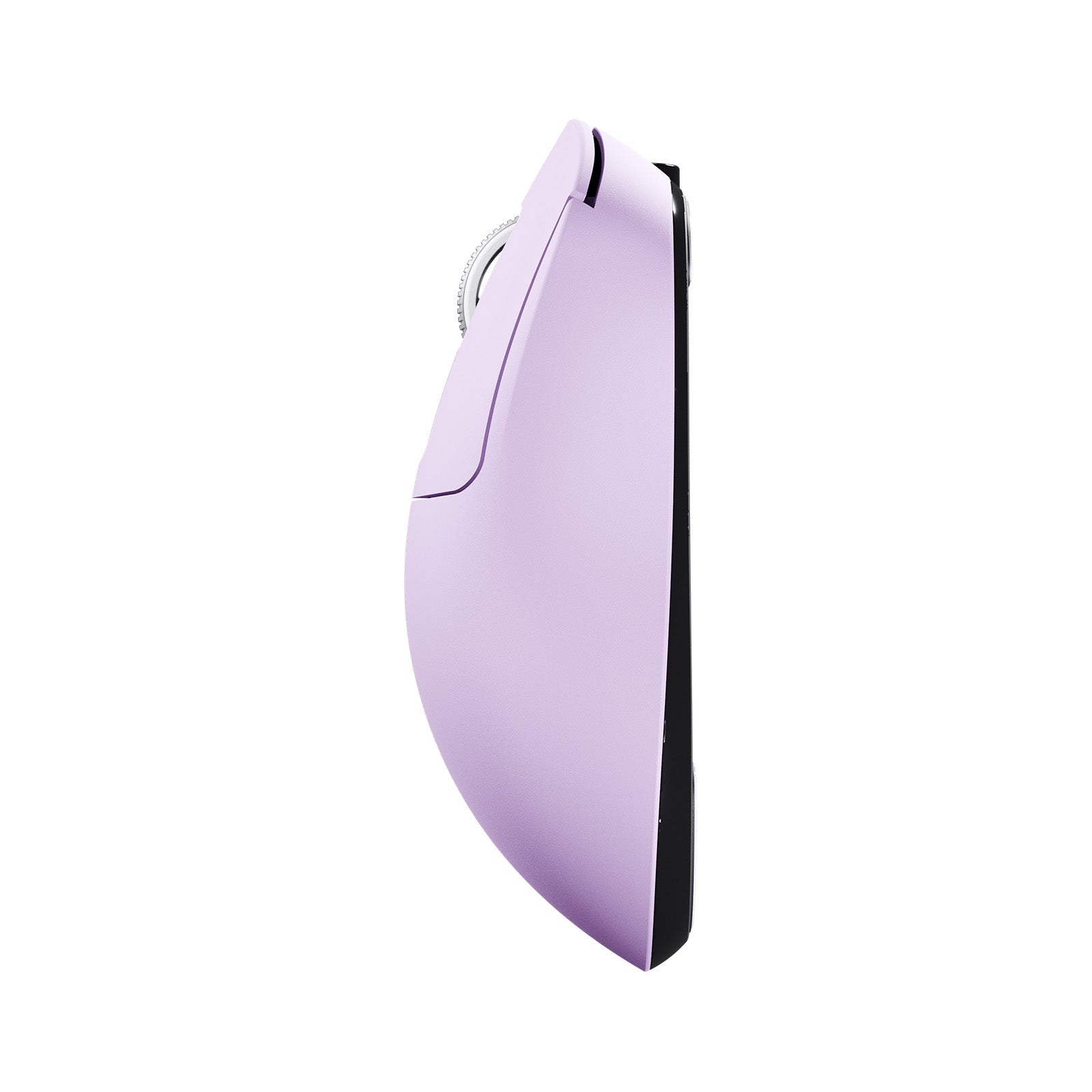
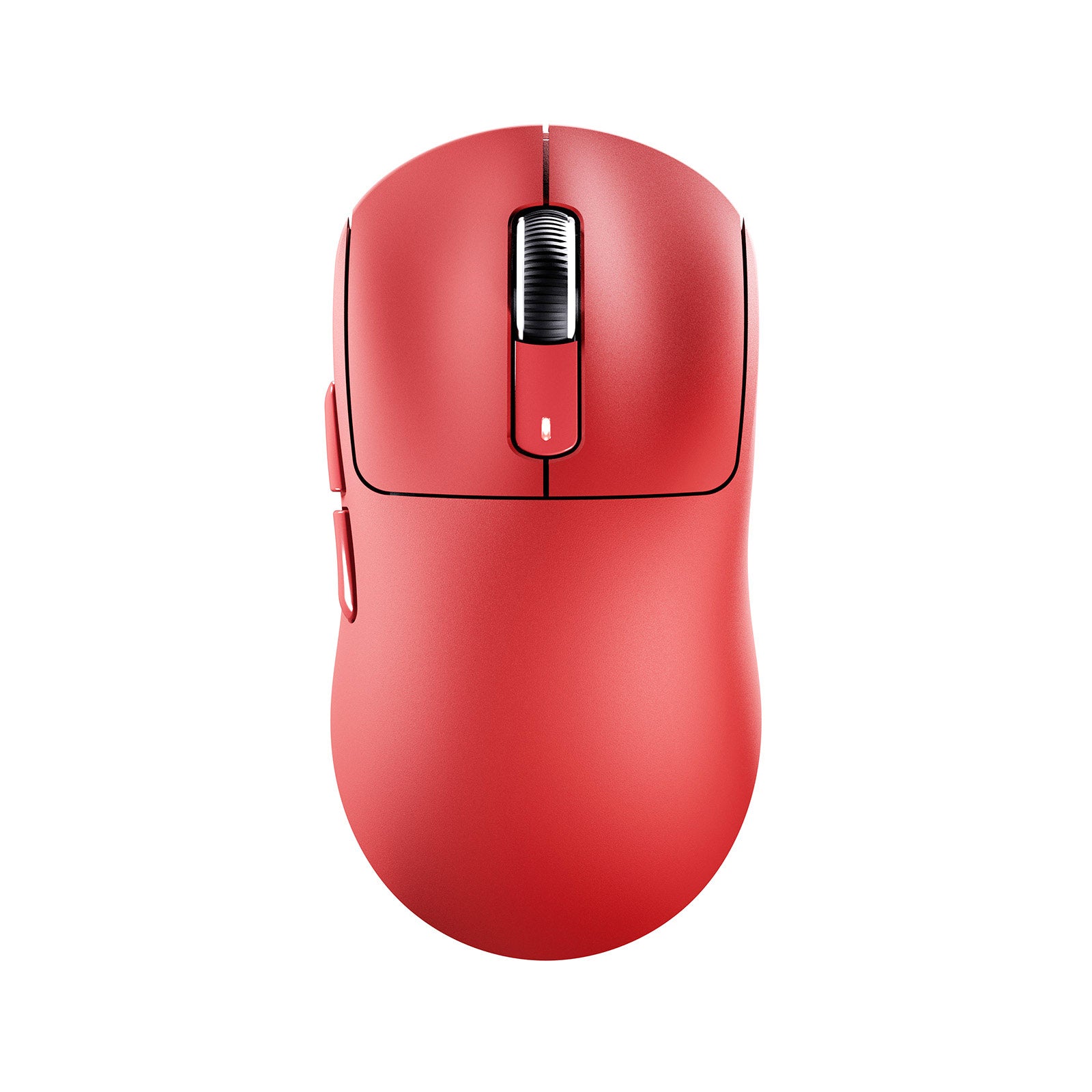
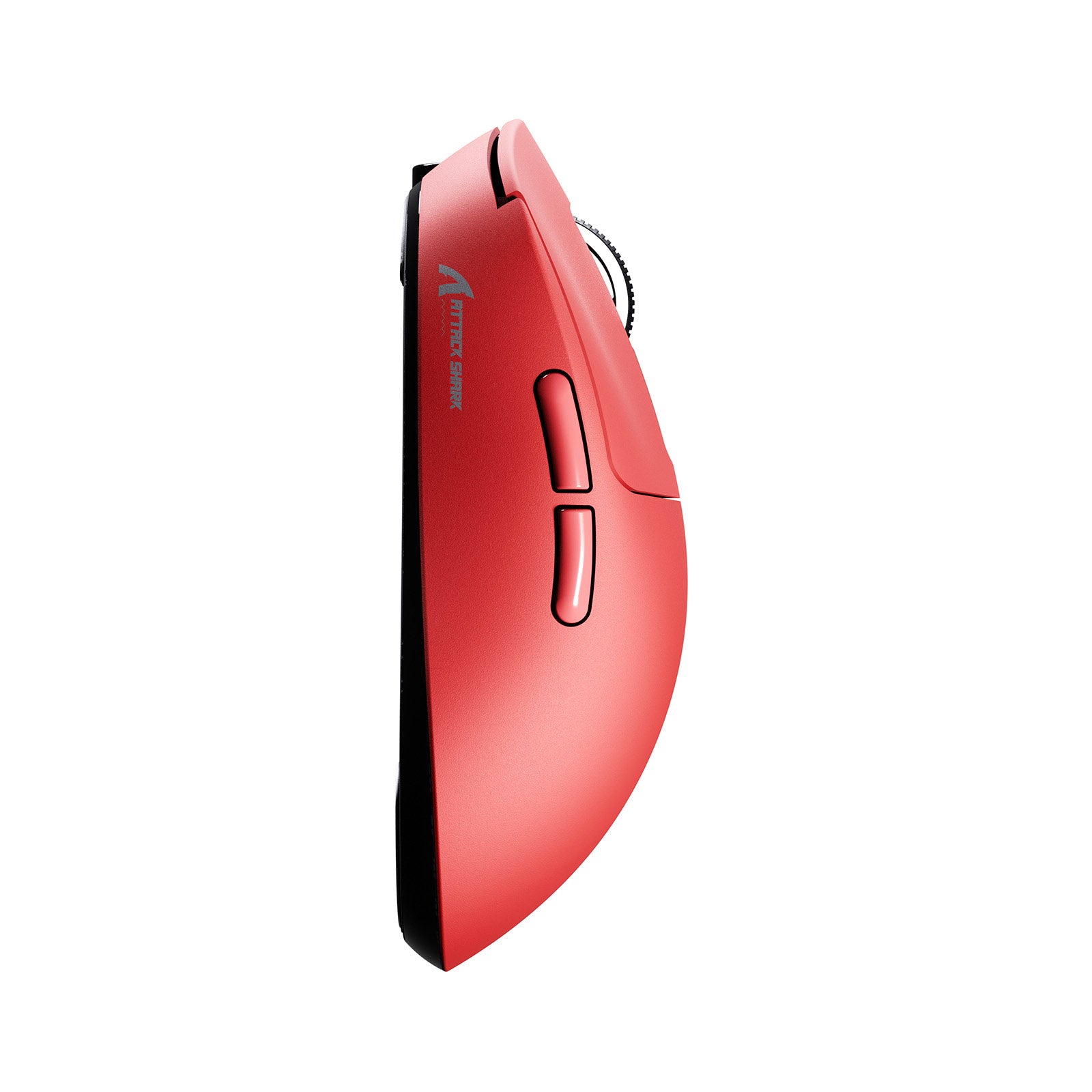
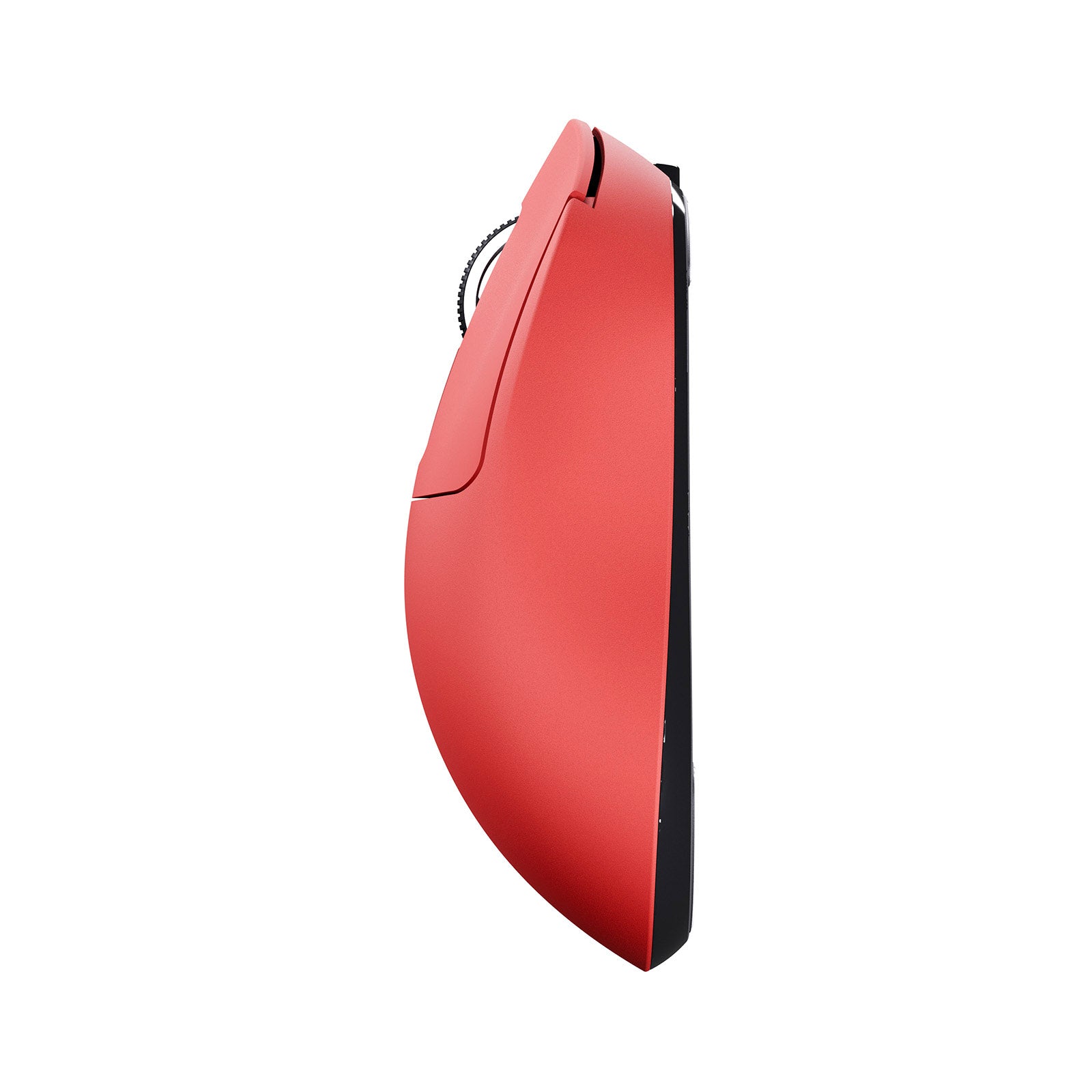
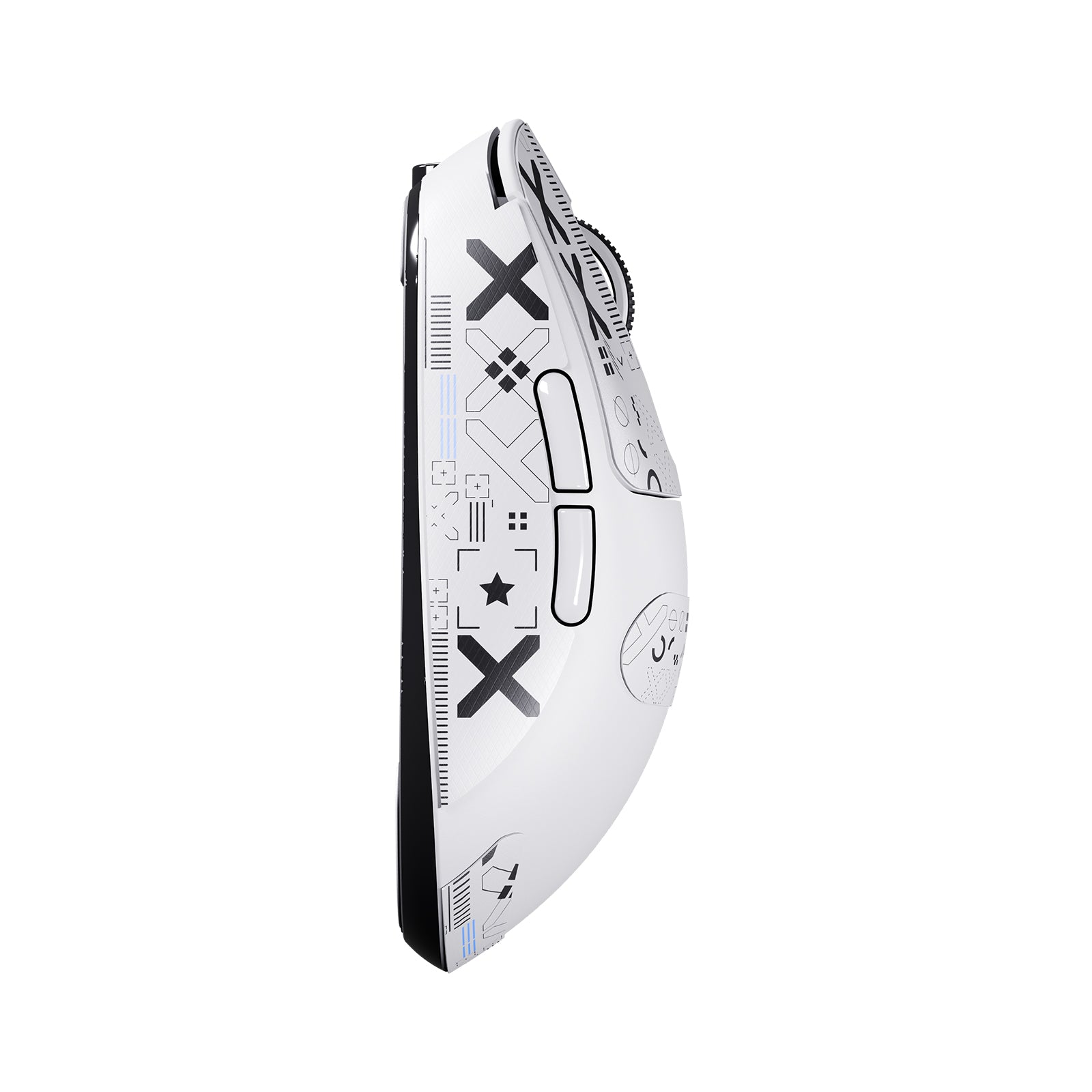
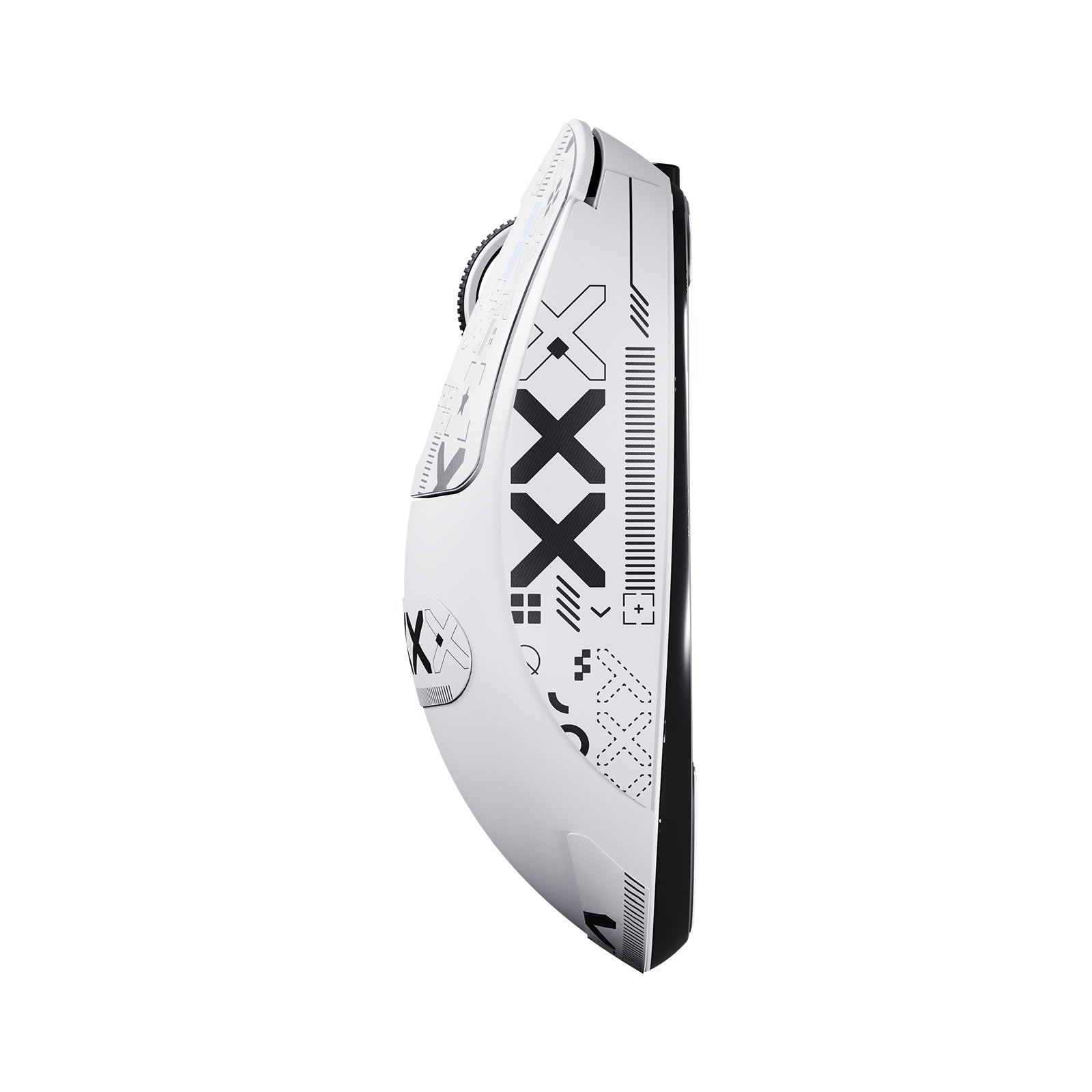
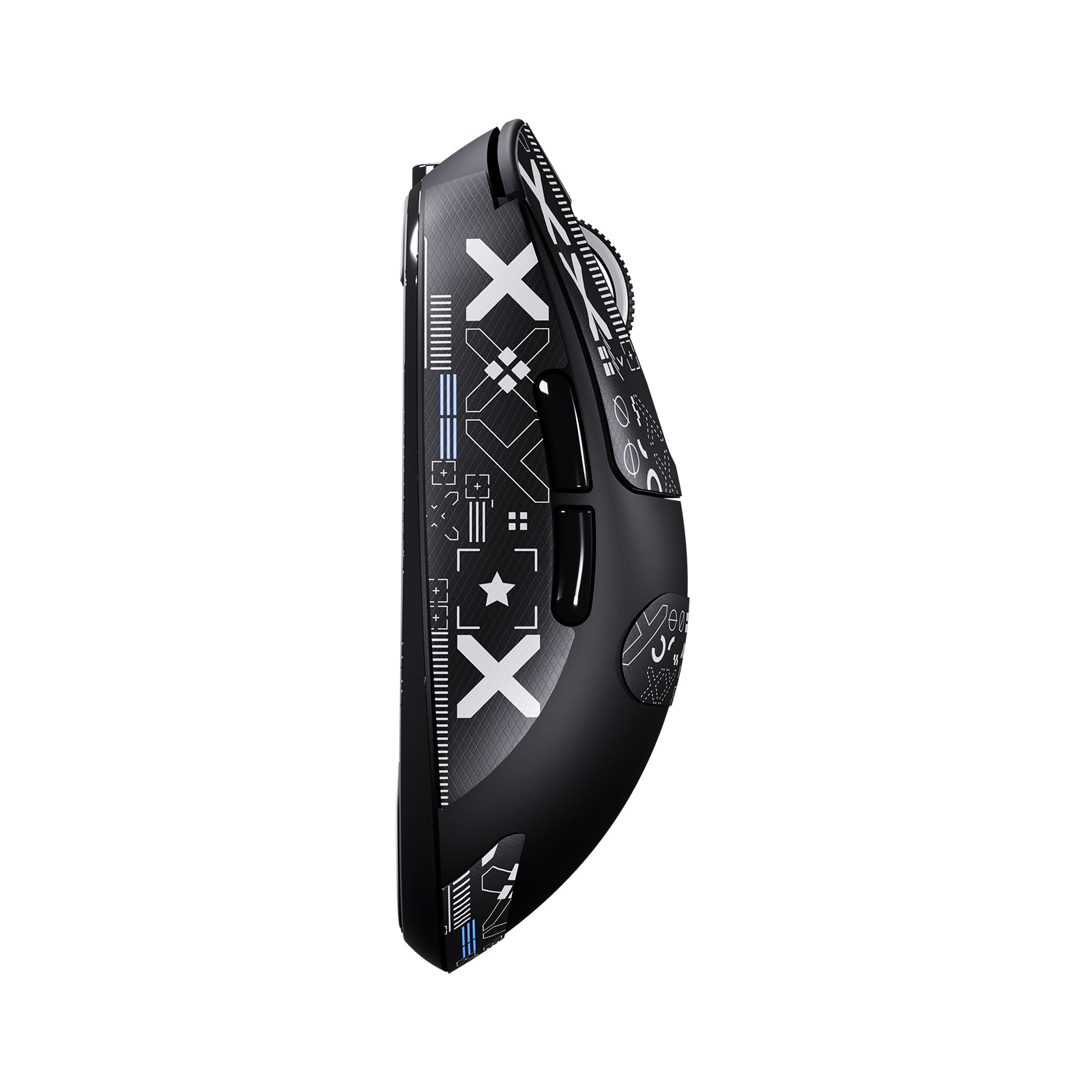
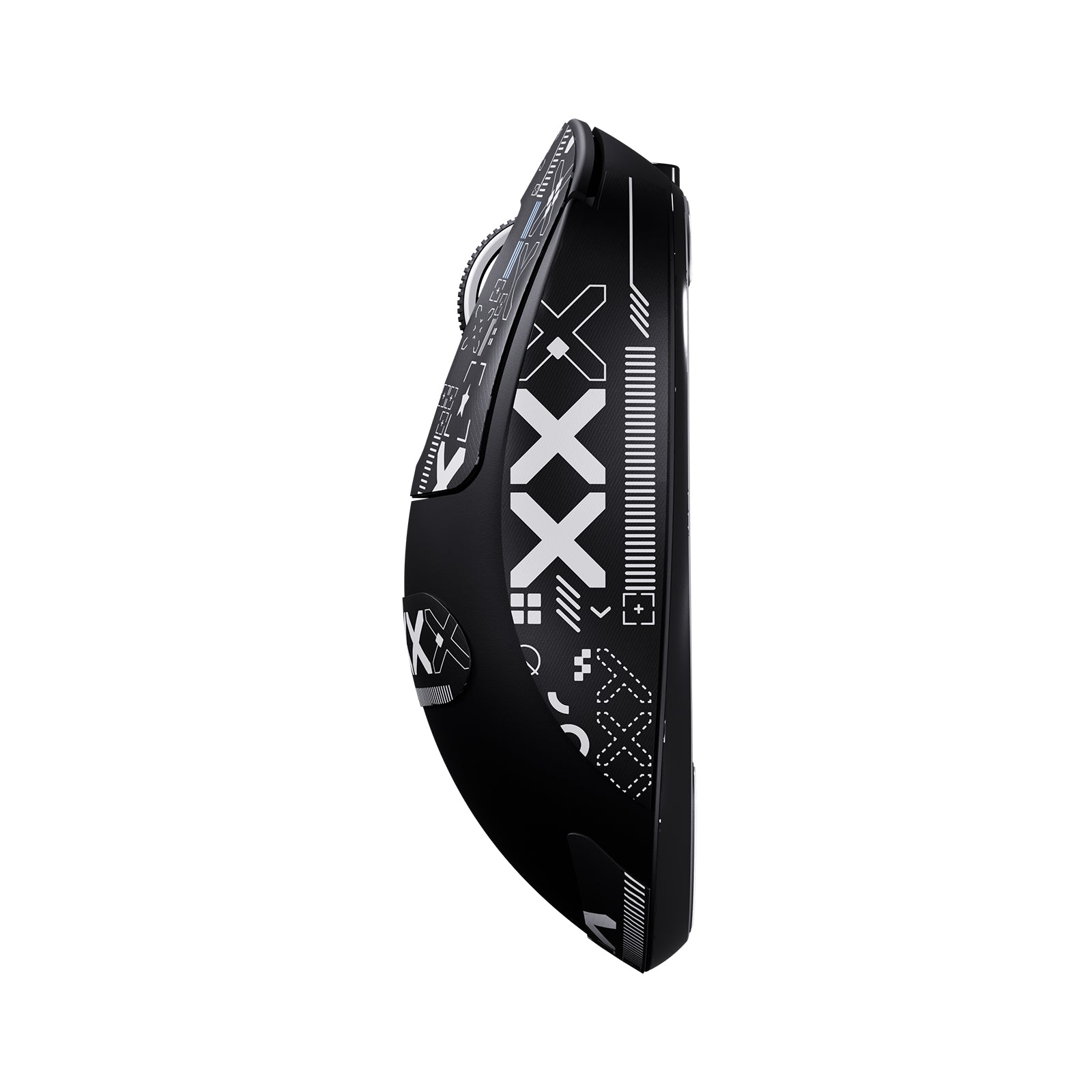
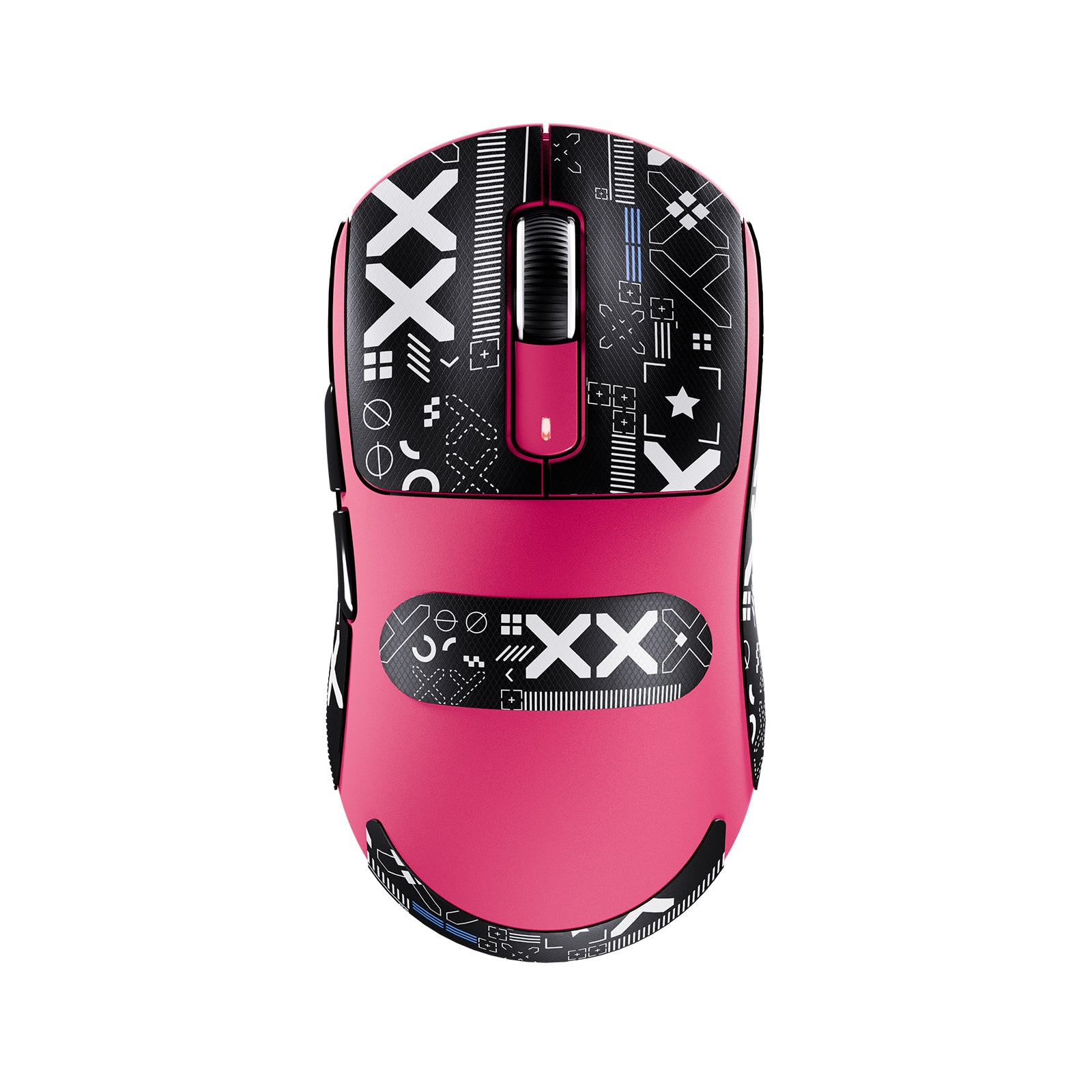
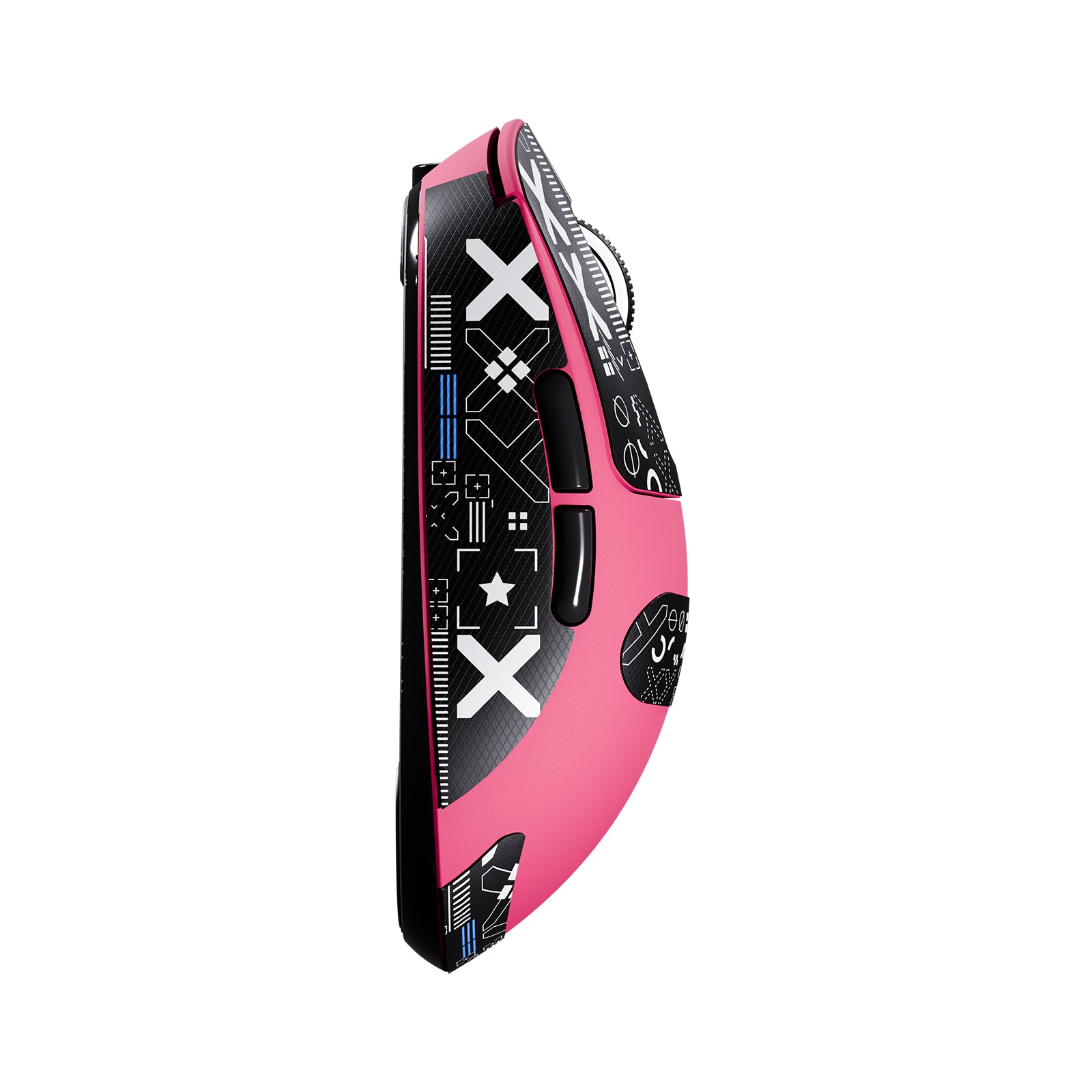
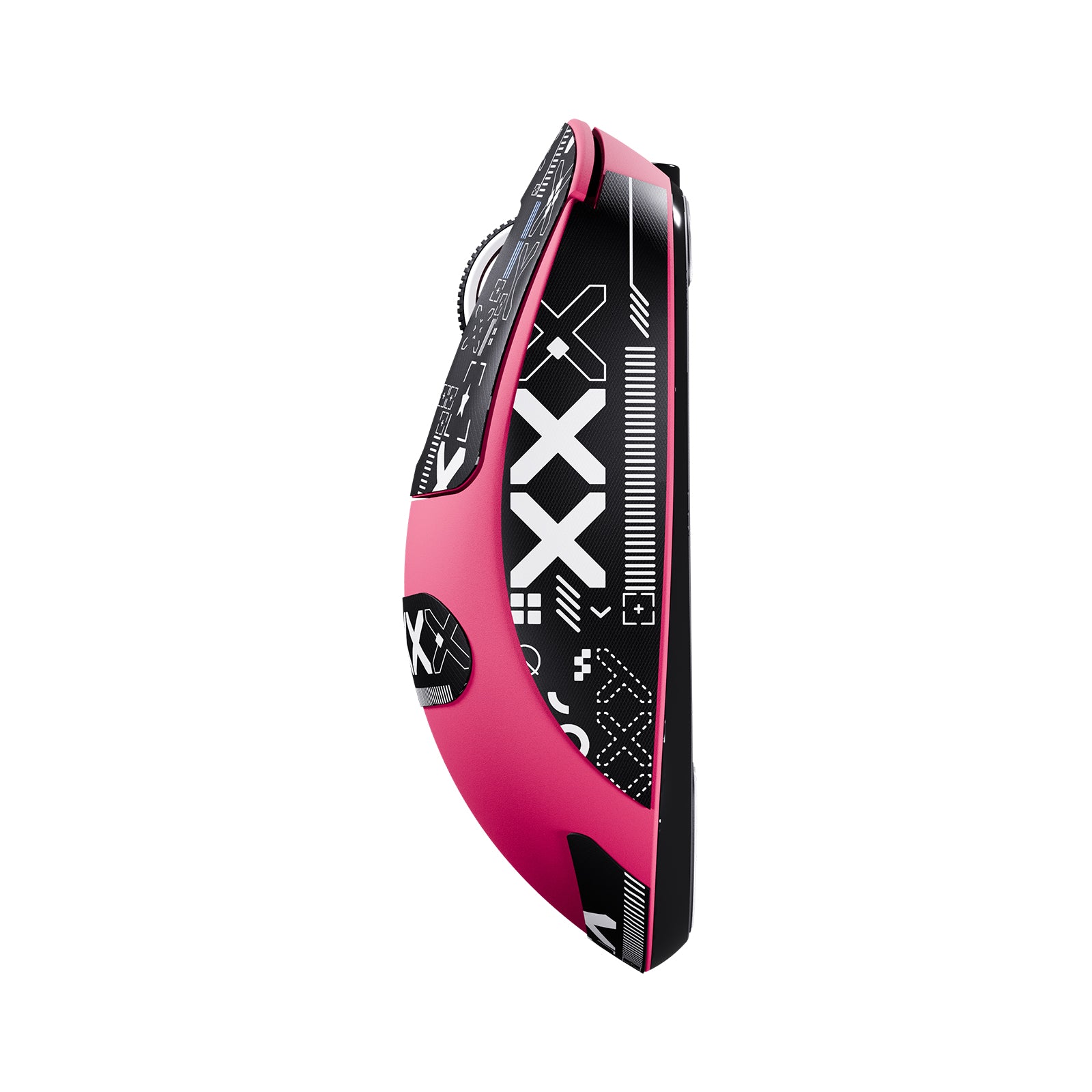
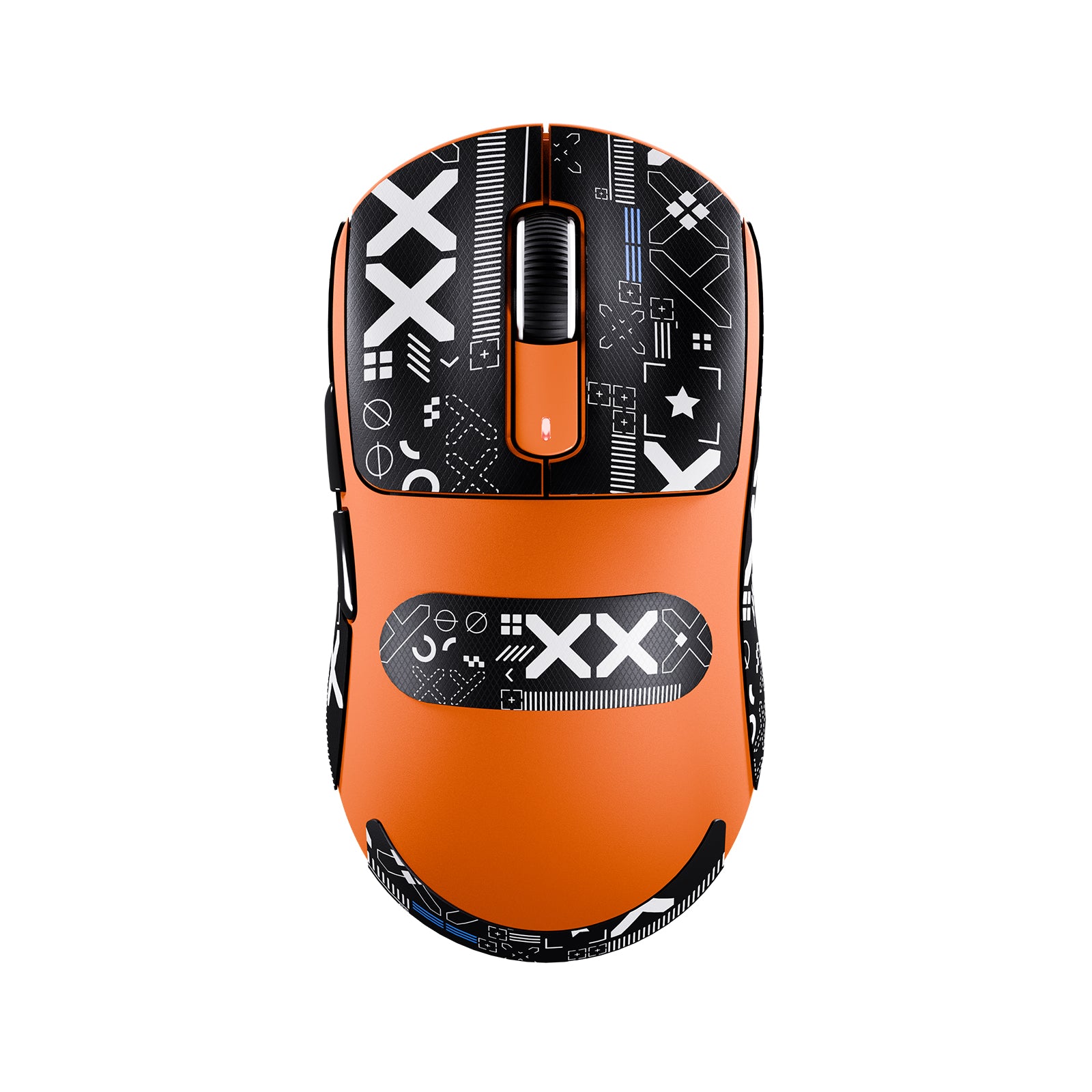
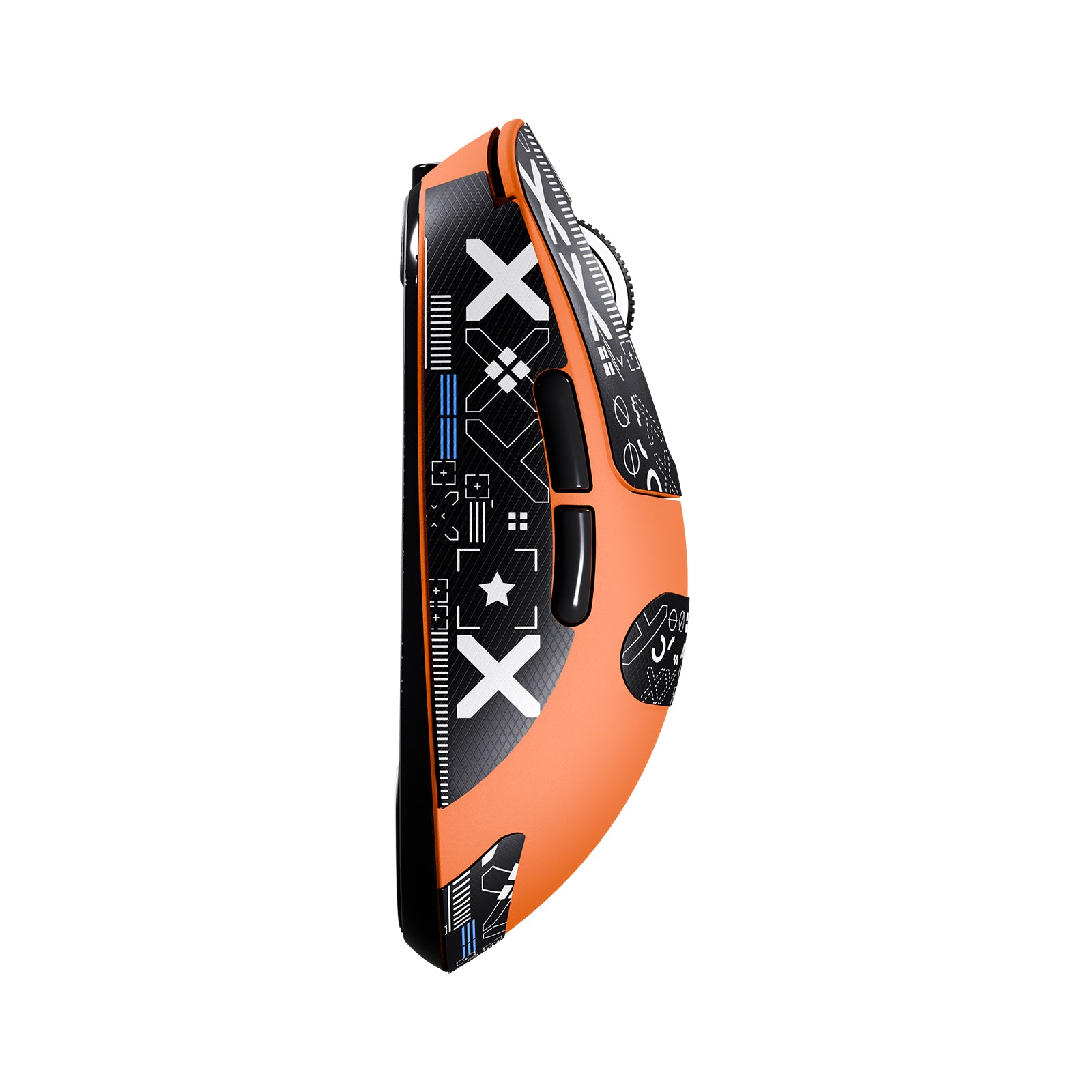
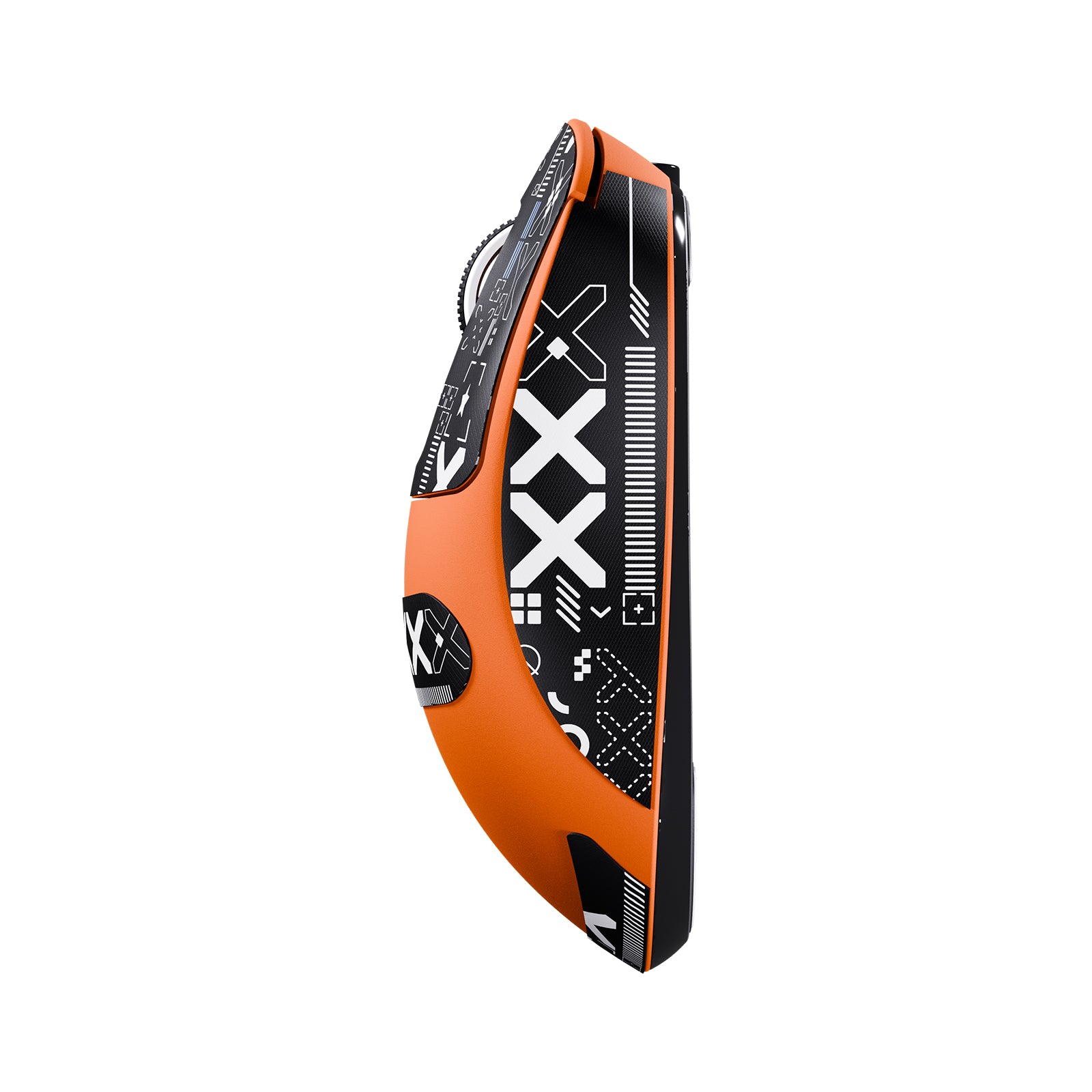
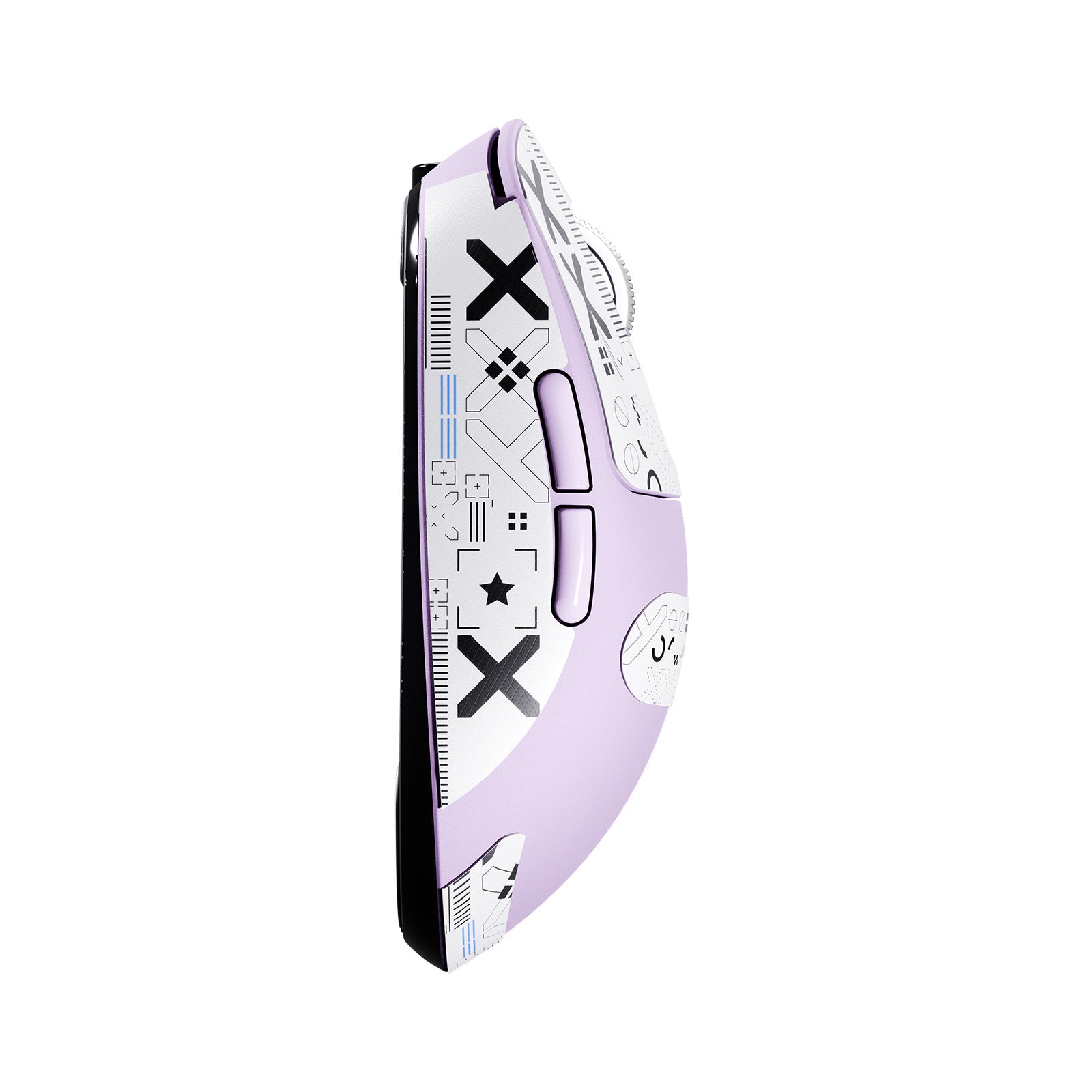
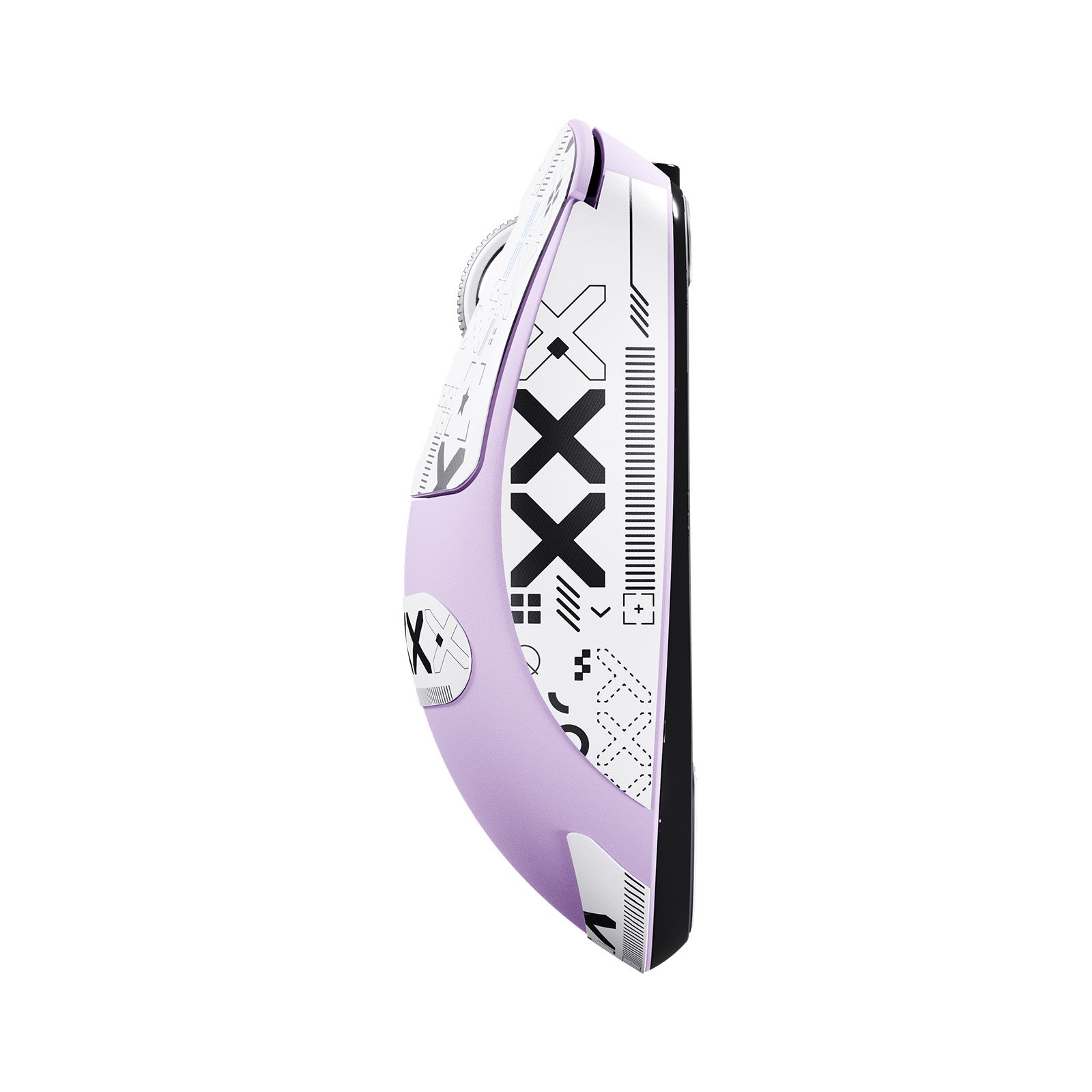
競技パフォーマンス向けに設計されたX3は、クロー、フィンガーチップ、パームグリップに対応する精密に調整された対称形状を特徴としています。スピーディーなゲームプレイと長時間の激しいアクションに対応するよう設計されており、eスポーツプレイヤーが求める安定性とコントロールを提供します。

プロレベルスイッチ
KAILH GM 8.0 スイッチ
超鮮明なクリック感と高い耐久性を備えたKailh GM 8.0スイッチは、激しいゲームプレイ中でも安定したパフォーマンスを発揮し、8,000万回以上の信頼できるクリックを実現します。

指先で完全コントロール
完全にカスタマイズ可能
ドライバーソフトウェアでマウスを設定し、ボタンの割り当て、DPI設定、ポーリングレート、リフトオフ距離などをプログラムできます。キーの再割り当てやマクロの作成を行い、オンボードメモリに保存してゲームプレイを最大限に活用しましょう。
ATTACK SHARK X3 ソフトウェア
スムーズな動き、キレのある停止
100% バージングレードPTFE製フット
純粋で添加物を含まないPTFE製で、超滑らかで安定した滑りとコントロールされた停止力を実現。スピーディーで競争の激しいゲームに最適なチューニングが施されています。

長く遊んで、充電は少なく
超長時間使用可能
Broadcomのマイクロコントローラーと優れた電源ソリューションにより、X3は最大200時間のプレイ時間*を実現し、1回の充電で1週間のゲームプレイを満足させます。スマートスリープ機能がバッテリーを保護し、使用時間を延長します。
*実験室環境でのテスト結果です。実際の性能は使用状況や環境により異なる場合があります。


Technical Specifications
製品比較
| モデル | X3 | X3PRO チェックする | X3MAX チェックする |
|---|---|---|---|
| センサー | PAW3395 | PAW 3950MAX | |
| MCU | BK3633 MCU | ||
| マイクロスイッチ | Kailhブラックマンバスイッチ 8000万クリック | オムロンスイッチ 1億クリック | |
| スクロールホイール | Fスイッチスクロールホイール 100万回スクロール | Fスイッチスクロールホイール 200万回スクロール | |
| ポーリングレート | 1000 Hz | 有線8K + ワイヤレス8K | 1000 Hz |
| DPI | 26000 | 42000 | |
| 最大加速度 | 50G | ||
| 最大トラッキング速度 | 650 IPS | 750 IPS | |
| ソフトウェアサポート | ウェブベースのコンフィギュレーター&PCソフトウェア | ||
| 受信機 | NANOレシーバー | 8Kレシーバー | NANOレシーバー |
| 接続方法 | Bluetooth / 2.4GHz ワイヤレス / 有線 | ||
| バッテリー | 300 mAh | ||
| マウスフィート | PTFEスケート | ||
| 寸法 | 118.5 x 61 x 39.7 mm | ||
-
49g超軽量
- X3超軽量マウスは極限の軽さを追求するプレイヤーのために生まれました。革新的な液体窒素冷却射出成形により、マウスの重量は49gに軽減されました。これはG PRO Xより30%、Aerox 3より20%軽く、ゲーム操作中にマウスをより速く動かせるため、操作速度が向上し、長時間使用による疲労を軽減します。
-
3395ゲーミングセンサー
- X3ゲーミングマウスは最新のPixArt 3395フラッグシップセンサーを搭載し、DPIは最大26,000で6段階に調整可能です。日常の作業からプロのゲームプレイまで、X3は簡単にニーズに応えます。
-
BK3633 トリモード
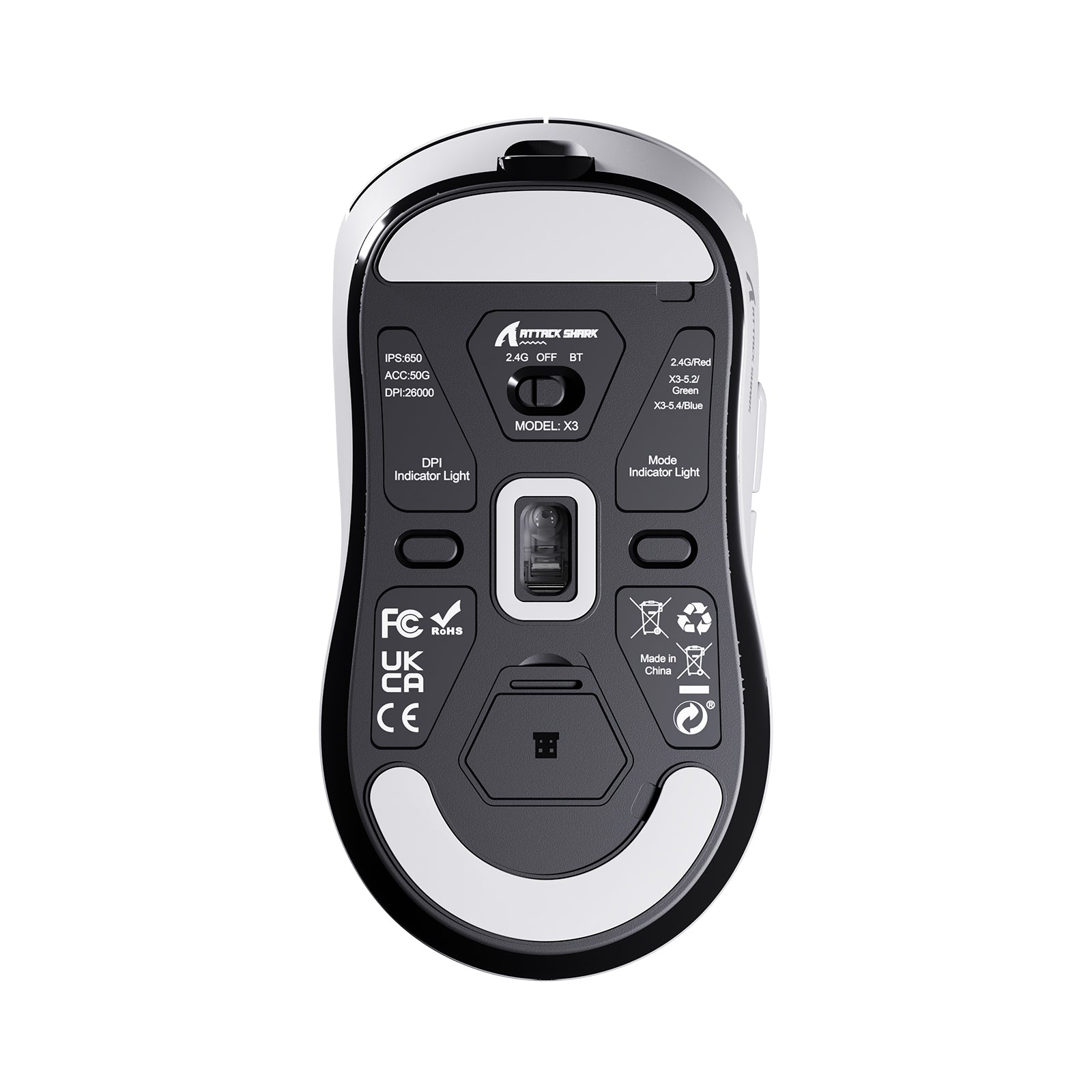
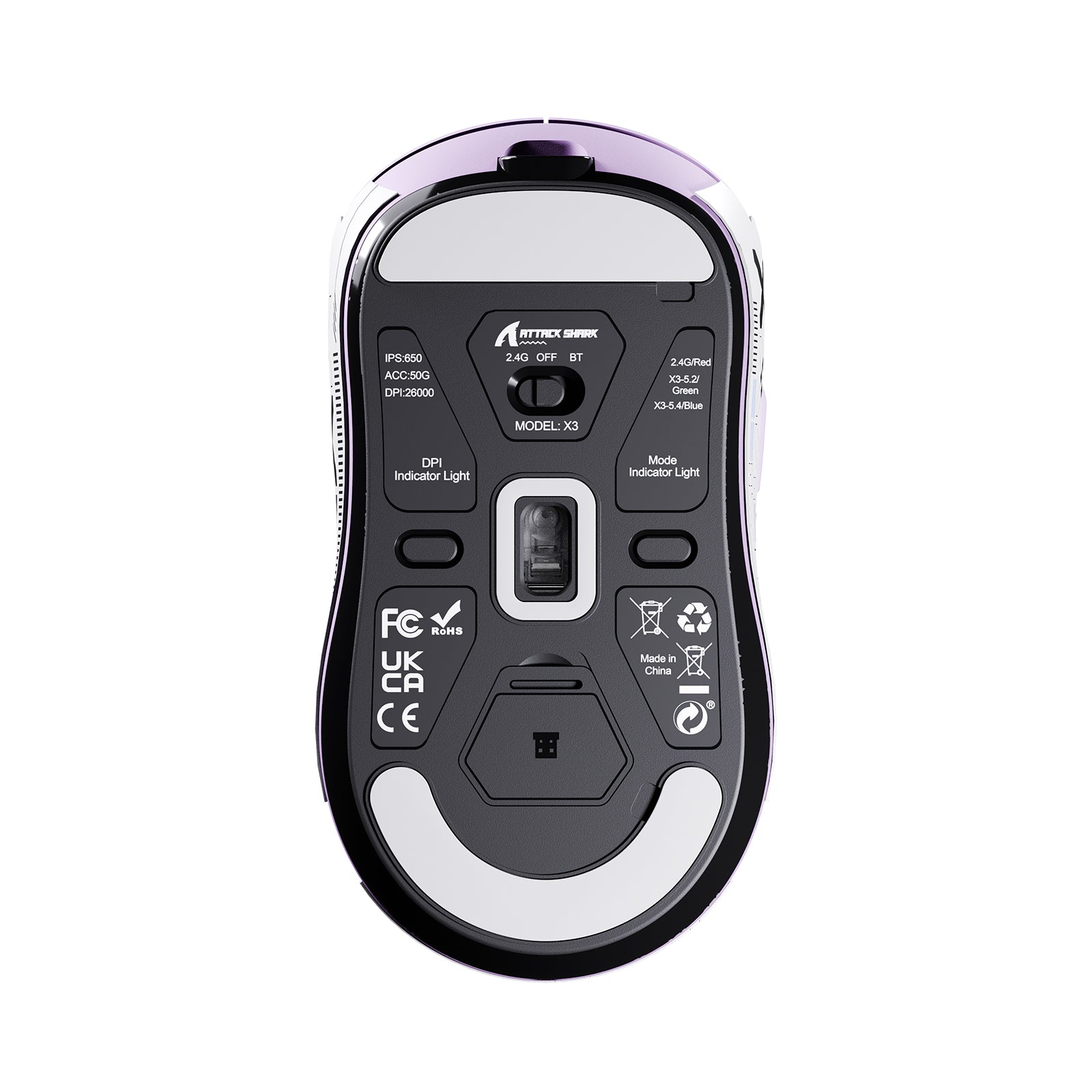
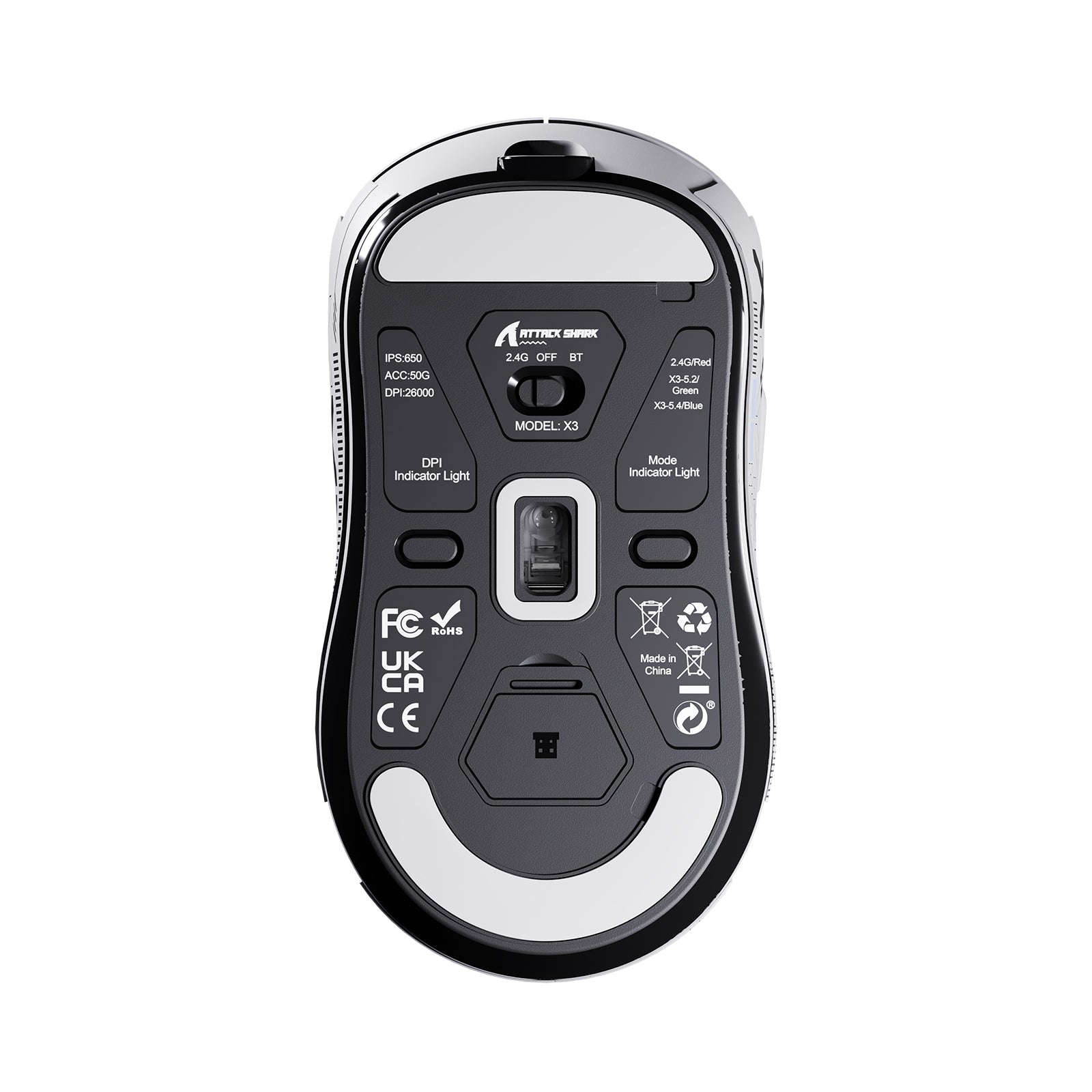
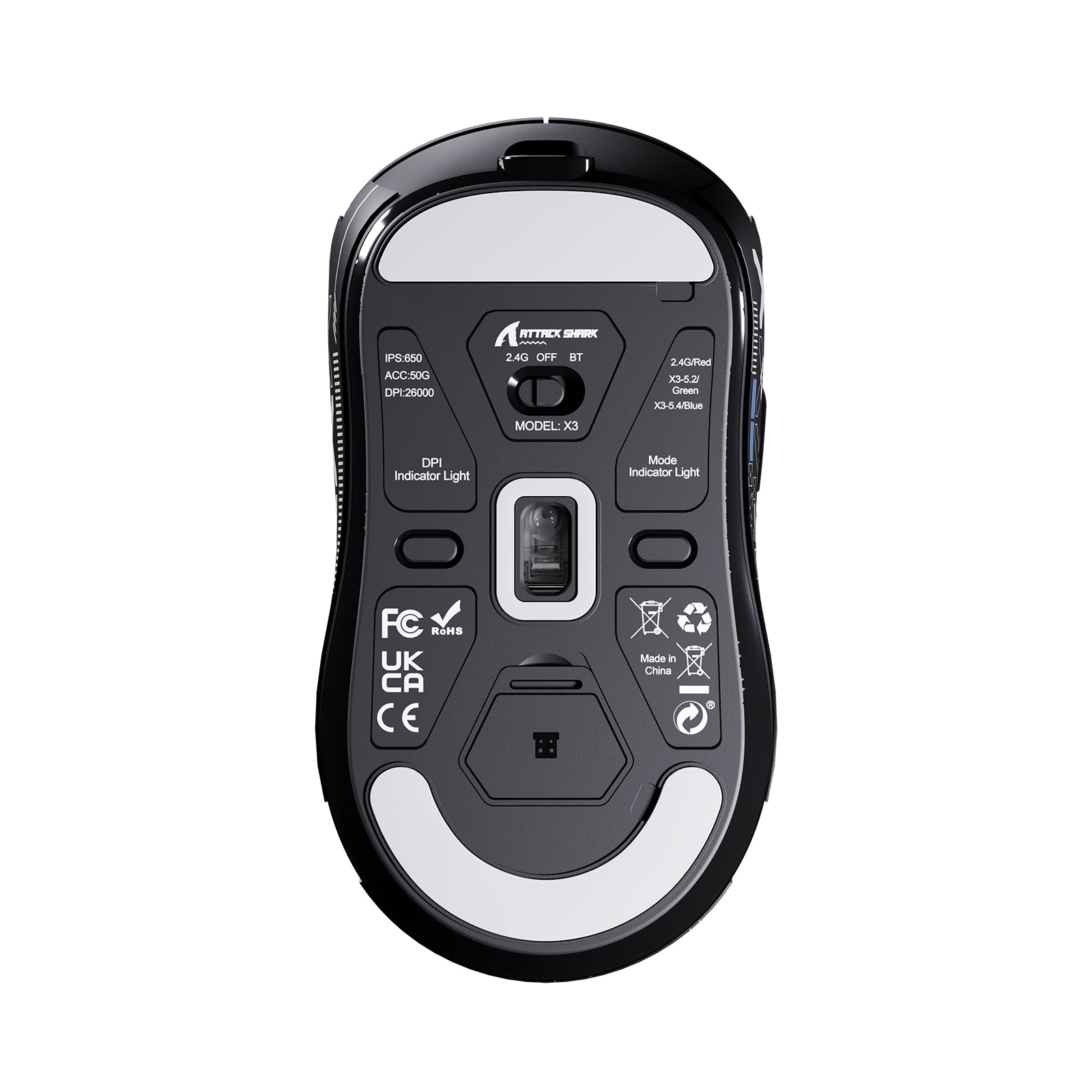
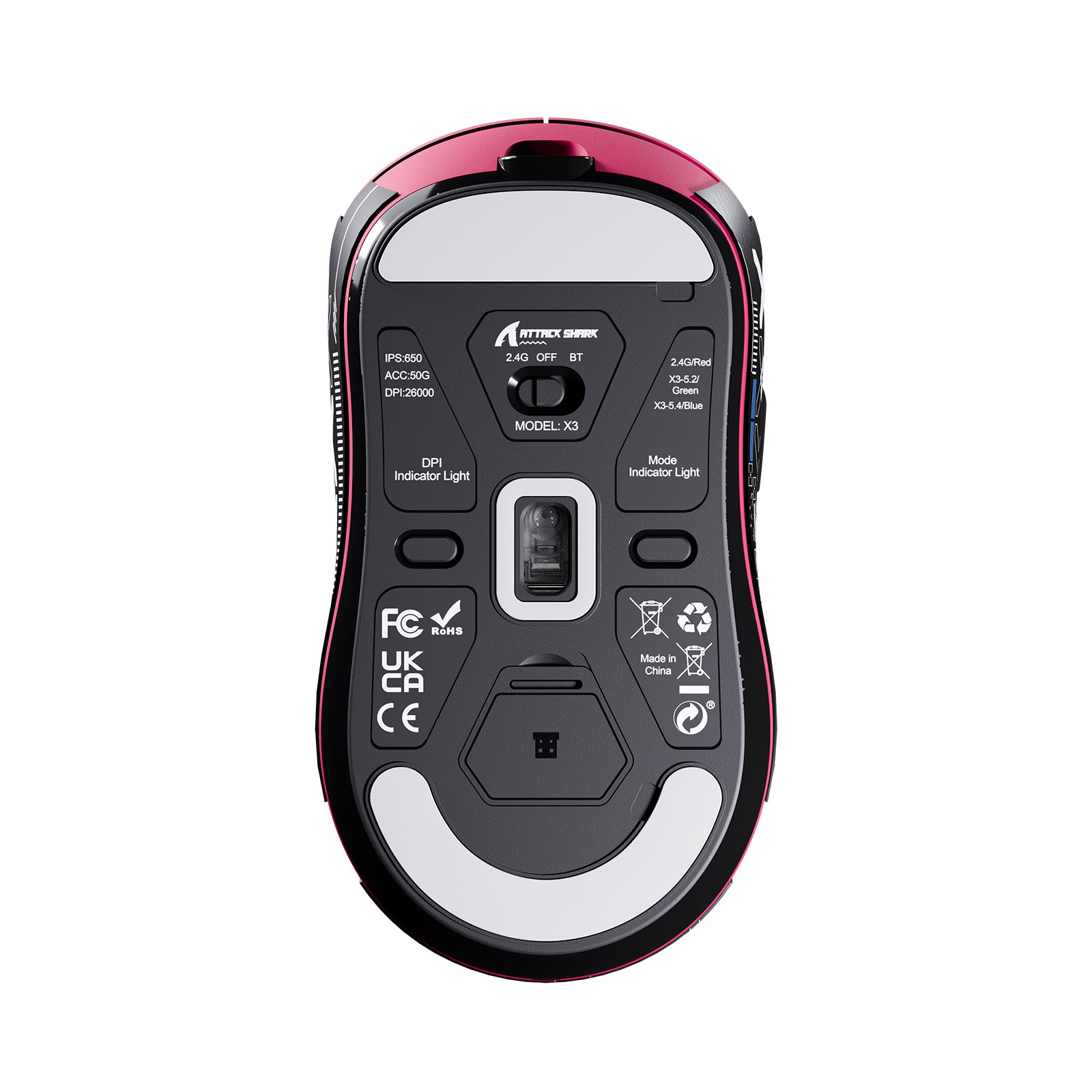
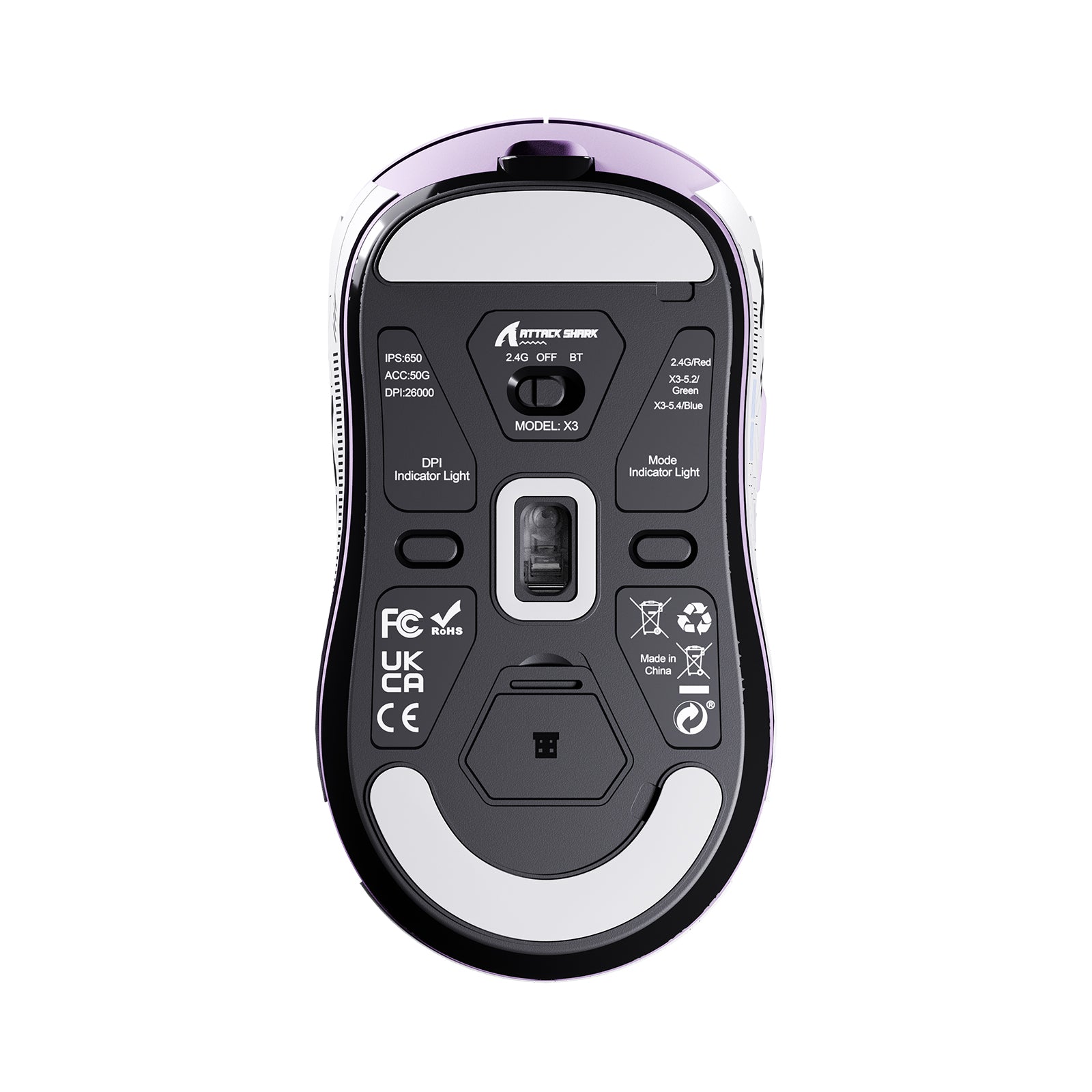
- さまざまなシーンのニーズに応えるため、X3高性能マウスはBK3633チップを搭載し、有線USB-C、2.4GHz、Bluetoothの3つの接続モードを提供。マウス背面のボタンで簡単に切り替え可能です。
-
8000万クリック
- 超長寿命マウスはKAILH GM8.0 マイクロスイッチ 3ピンを搭載。作動力25gf(最小)、動作力65±10gf、接点移動距離0.3±0.2mm、タッチ感度25%。金メッキ接点。ダブルクリックなし。クリック寿命は8,000万回以上で、数十年の使用が可能です。
-
200時間バッテリー
- X3充電式マウスは超長寿命バッテリーを搭載しています。フル充電には約2〜3時間かかります。通常使用シナリオのシミュレーションテストの結果、1回の充電で最大200時間の間隔使用が可能です。長時間のバッテリー寿命は、さまざまなゲームを長く楽しむのに役立ちます。
よくある質問
このマウスはゲーム機に対応していますか?
A: はい、2.4GワイヤレスまたはUSB有線接続で主要な一般向けコンソールに対応しています。ただし、ゲーム内での機能は特定のタイトルがマウス入力に対応しているかどうかによって異なるため、ご購入前にゲームの互換性をご確認いただくことをおすすめします。
Q: ソフトウェアがマウスを認識しないのはなぜですか?
A: 一部のUSBポートにおけるデータ制限または電力制限が原因の可能性があります。ソフトウェアを再インストールする前に、マウスを別のポート(デスクトップの場合は、できれば背面のマザーボード側ポート)に接続するか、有線モードに切り替えてみてください。
USBレシーバーはどこにありますか?
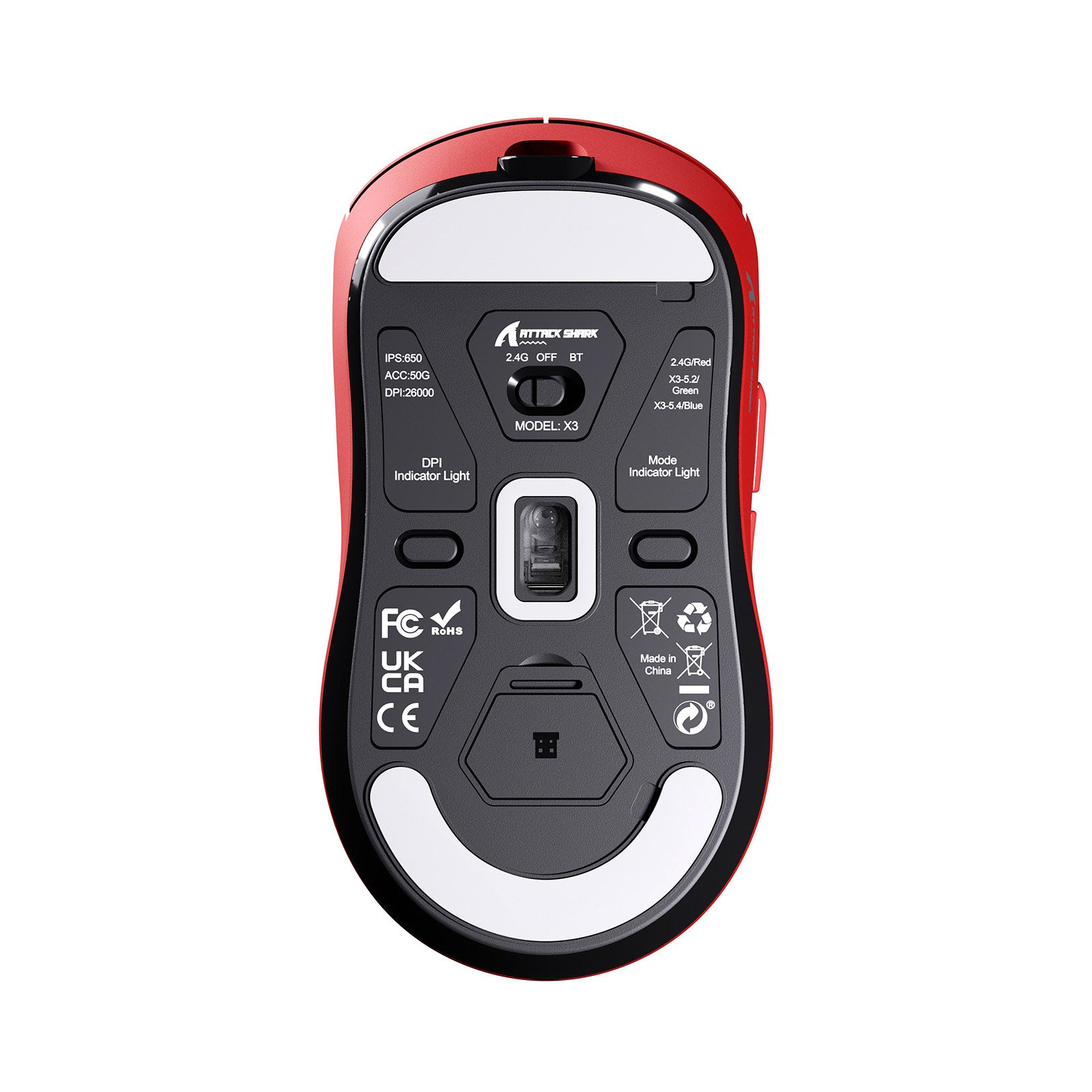
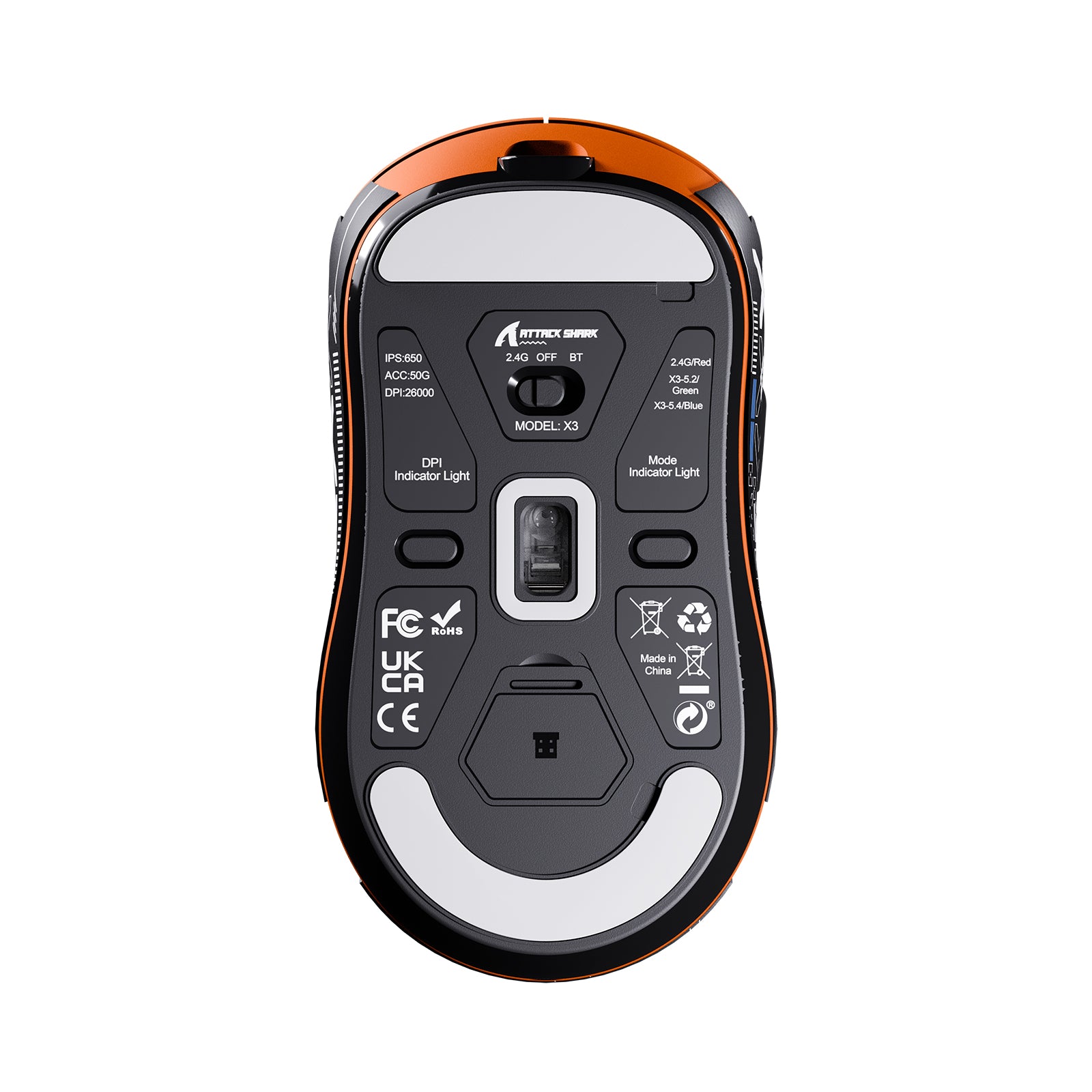
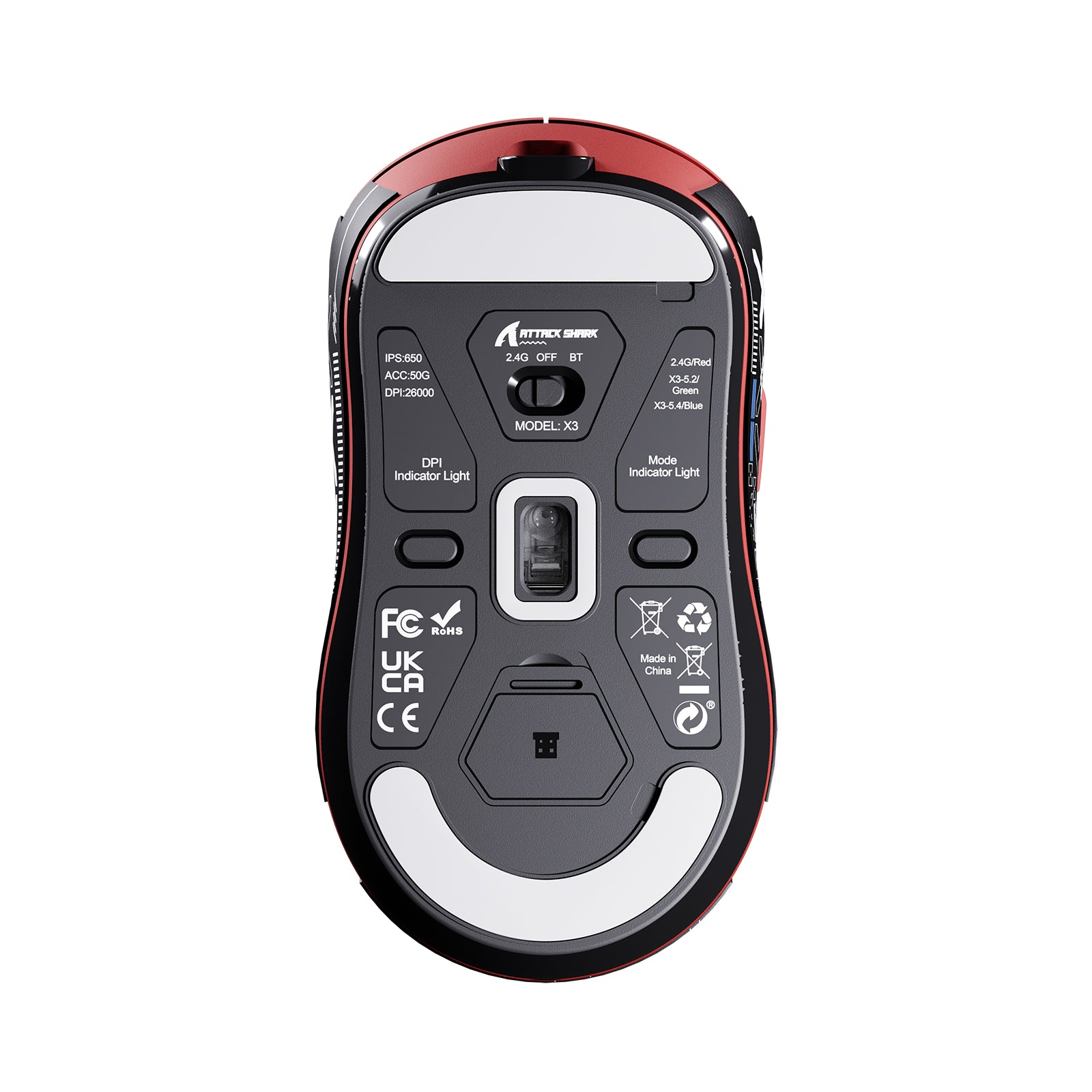
A: 収納しやすく紛失を防ぐため、レシーバーはマウス底面の専用コンパートメントに収納されています。底面の小さなカバーを開けるだけで見つけられます。
Q: パッケージにUSBケーブルが同梱されているのはなぜですか?
A: これは、Bluetooth、2.4Gワイヤレス、USB-C有線接続に対応した汎用性の高い「3モード」マウスです。付属のUSB-Cケーブルは、バッテリーの充電と有線モードの有効化の両方に使用でき、遅延のないゲーム体験を実現します。
Q: パッケージのマウスの色が、購入したものと違って見えるのはなぜですか?
A: 環境廃棄物を削減するため、このシリーズではすべてのカラーバリエーションに共通のパッケージを使用しています。正しい色については、箱の側面にある仕様ラベルまたは中の実際の商品をご確認ください。
X3ソフトウェアはどこからダウンロードできますか?
下のダウンロードセクションにあるX3マニュアルの隣から、ATTACKSHARK X3ソフトウェアをダウンロードしてください。このソフトウェアでは、ボタンの割り当て、DPIとポーリングレートの設定、リフトオフディスタンスの調整ができます。マクロを記録して、X3のオンボードメモリに保存することもできます。X3はウェブベースのコンフィギュレーターにも対応しているため、PCソフトウェアをインストールせずに設定を変更できます。
ATTACK SHARK X3の重量はどのくらいですか?
ATTACK SHARK X3の重量は、USBレシーバーを除いて49gです。X3は液体窒素冷却射出成形で作られており、マウス全体をこの重量まで軽量化しています。軽いマウスは動かしやすく、加速や停止も容易なため、ターゲットの追跡やフリックの命中にかかる負担が少なくなります。X3はこの重量でも左右対称の形状を維持しており、つかみ持ち、つまみ持ち、かぶせ持ちに対応しています。
X3のポーリングレートはどのくらいですか?
ATTACK SHARK X3は最大1000Hzでポーリングし、レポート間隔は1msです。X3ソフトウェアで、DPIやリフトオフ距離とともにポーリングレートを設定できます。PixArt PAW3395センサーは最大650 IPS、50Gの加速度に対応しているため、高速なスワイプでも画面上で1対1の動きを維持します。
X3とX3 PROの違いは何ですか?
X3 PROはPixArt PAW3950MAXセンサーを搭載しているのに対し、X3はPAW3395を搭載しています。X3 PROはワイヤレスで8000Hzのポーリングレートに対応し、X3の1000Hzを上回ります。また、X3 PROは1億回のクリック耐久性を持つOmron製スイッチを採用している一方、X3は8000万回のKailh製スイッチを使用しています。競技FPSで8Kポーリングが必要ならX3 PROを、プレイするゲームが1000Hzで十分ならX3を選びましょう。
X3のバッテリーはどのくらい持ちますか?
ATTACK SHARK X3は、実験室条件での測定において、1回の充電で最大200時間動作します。X3は付属のケーブルで約2-3時間で完全に充電できます。同じケーブルを使用して有線モードでも動作します。X3にはスマートスリープ機能も搭載されており、バッテリーを保護して使用時間を延ばします。
ATTACK SHARK X3のサイズはどのくらいですか?
ATTACK SHARK X3のサイズは118.5 x 61 x 39.7 mmです。左右対称の形状は、クローグリップ、フィンガーチップグリップ、パームグリップに対応するよう調整されており、マウスの持ち方に合わせて使えます。スピード感のあるゲームや長時間の激しいプレイ向けに設計された、軽量で左右対称のマウスをお探しなら、X3をお選びください。
Very light very fast software is nice and a great mouse
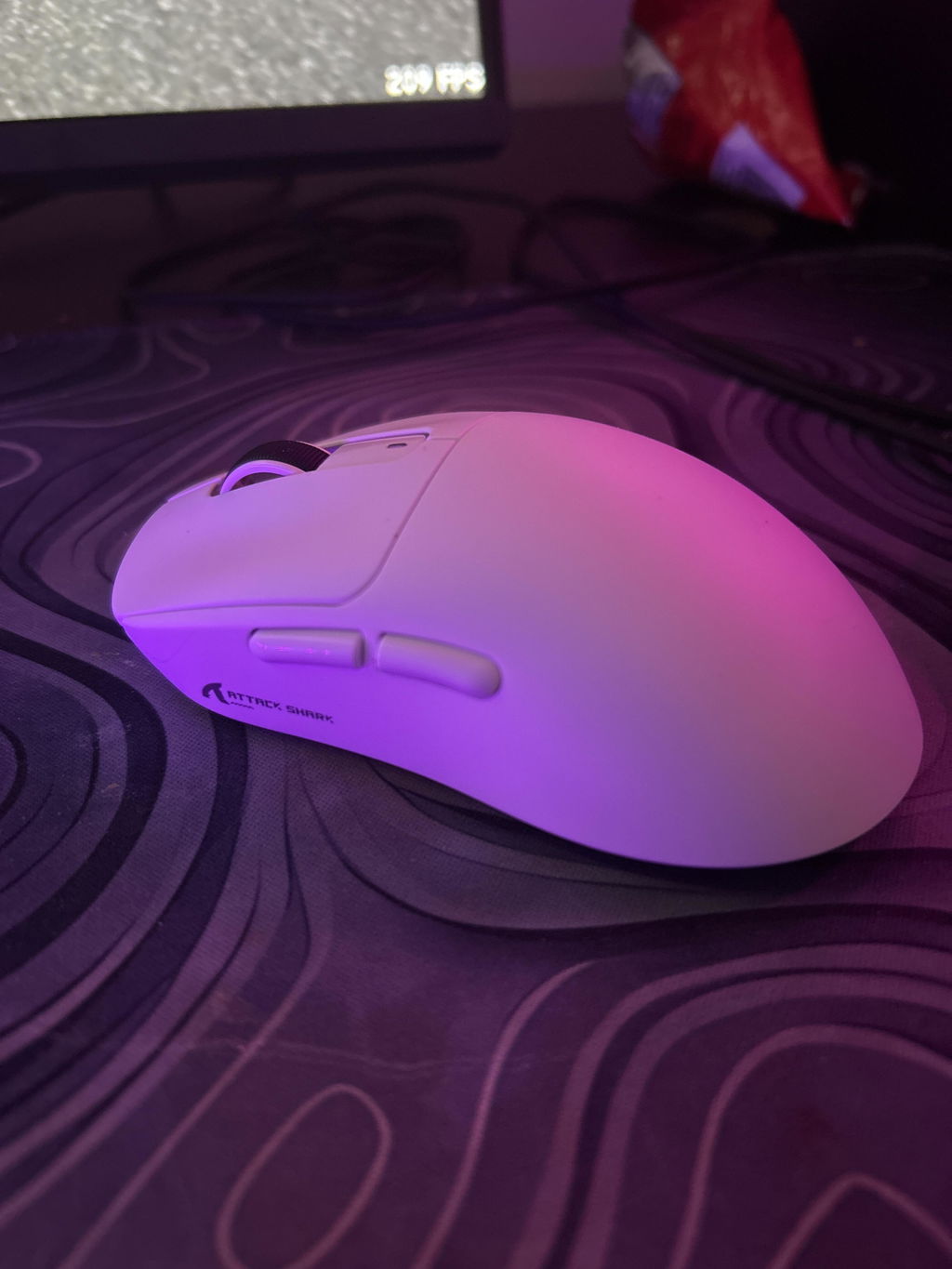
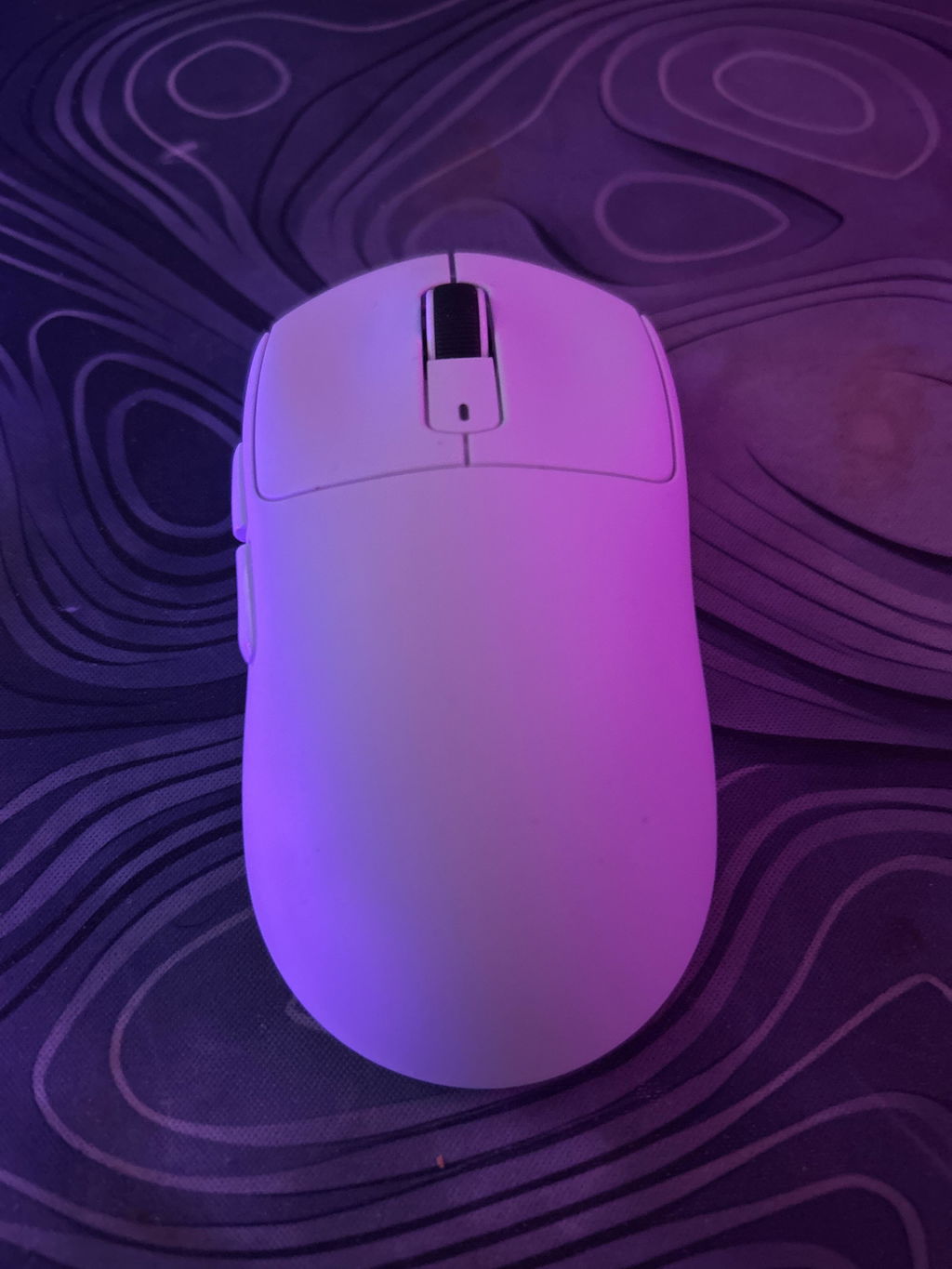
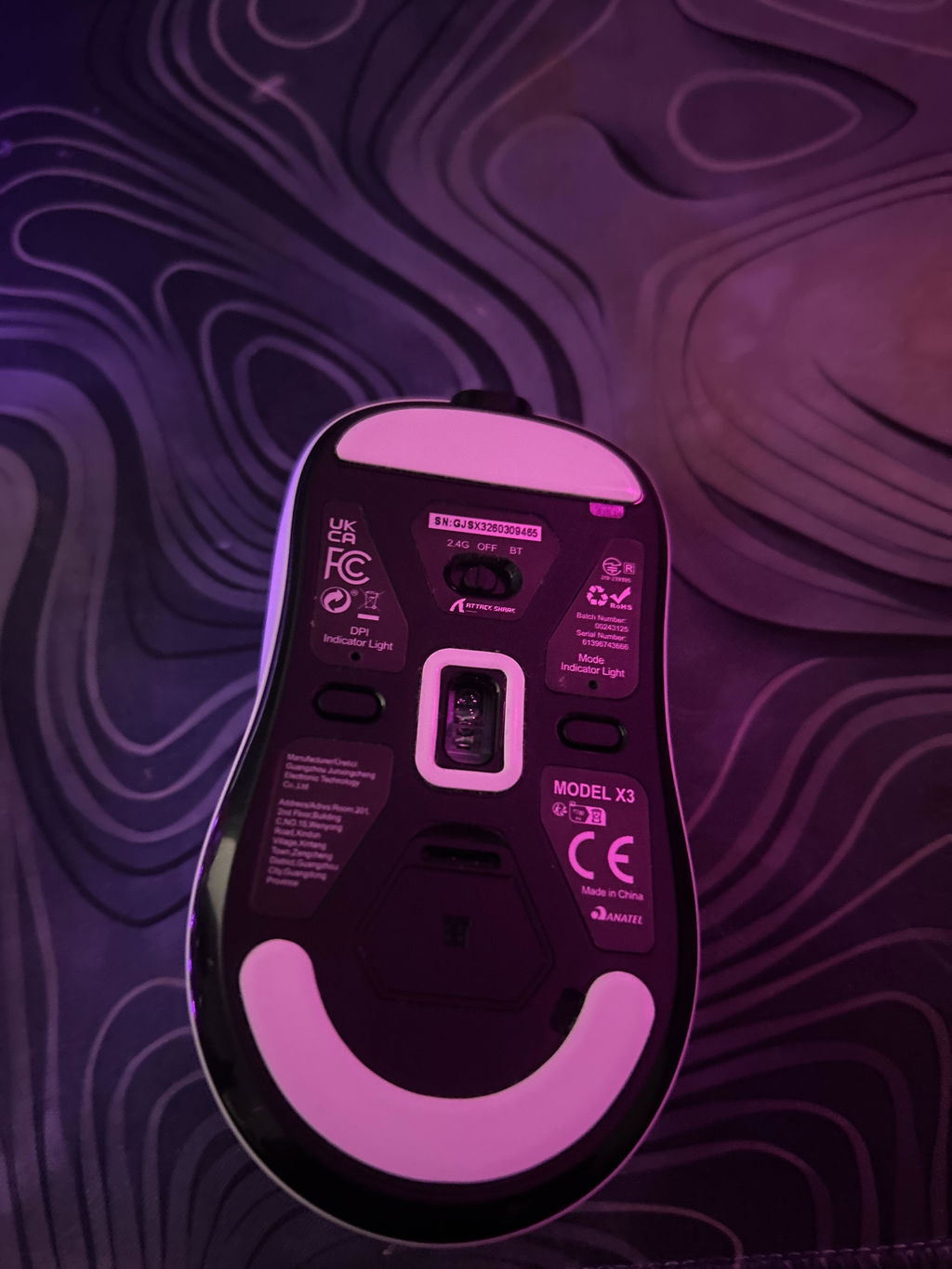
great for value, solid build overall. A little small so may not be great for someone with larger hands, but fit me fine atleast.

The media could not be loaded.
The mouse was smooth, and quick. It has a very fast response time. For connection, it has the usb, Bluetooth and wired connection. I��ve found the Bluetooth easy to set up with no glitches.For customization, you can change the dpi with a button on the bottom of the mouse.Recommend this mouse with the Ajazz AK820 pro keyboard that is purple. Looks like a perfect match.


Great mouse! I heard a lot of issues people had about the quality but I had none of them.Pros :Good battery lifeBluetooth supportGood sensorLightweightNo rattleNice clicks imoBraided CableCons:Crappy boxing (not as bad as the reviews)Grip tape kinda sucks (still looks cool)Coating sucks (just put on the equally mediocre grip tape after it fades away)Overall an amazing mouse, a lot of people had issues with the build but I must have gotten lucky I guessWould definitely recommend buying it from AliExpress as it's way cheaper, but shipping is INFINITELY faster on Amazon

Some connectivity issues while in game. Switched the wireless dongle from USB 3.0 to USB 2.0 and had no further issues. Just something to note. Other than that it has been flawless with good battery life. The grip on the mouse is starting to fade after 3 months of use.

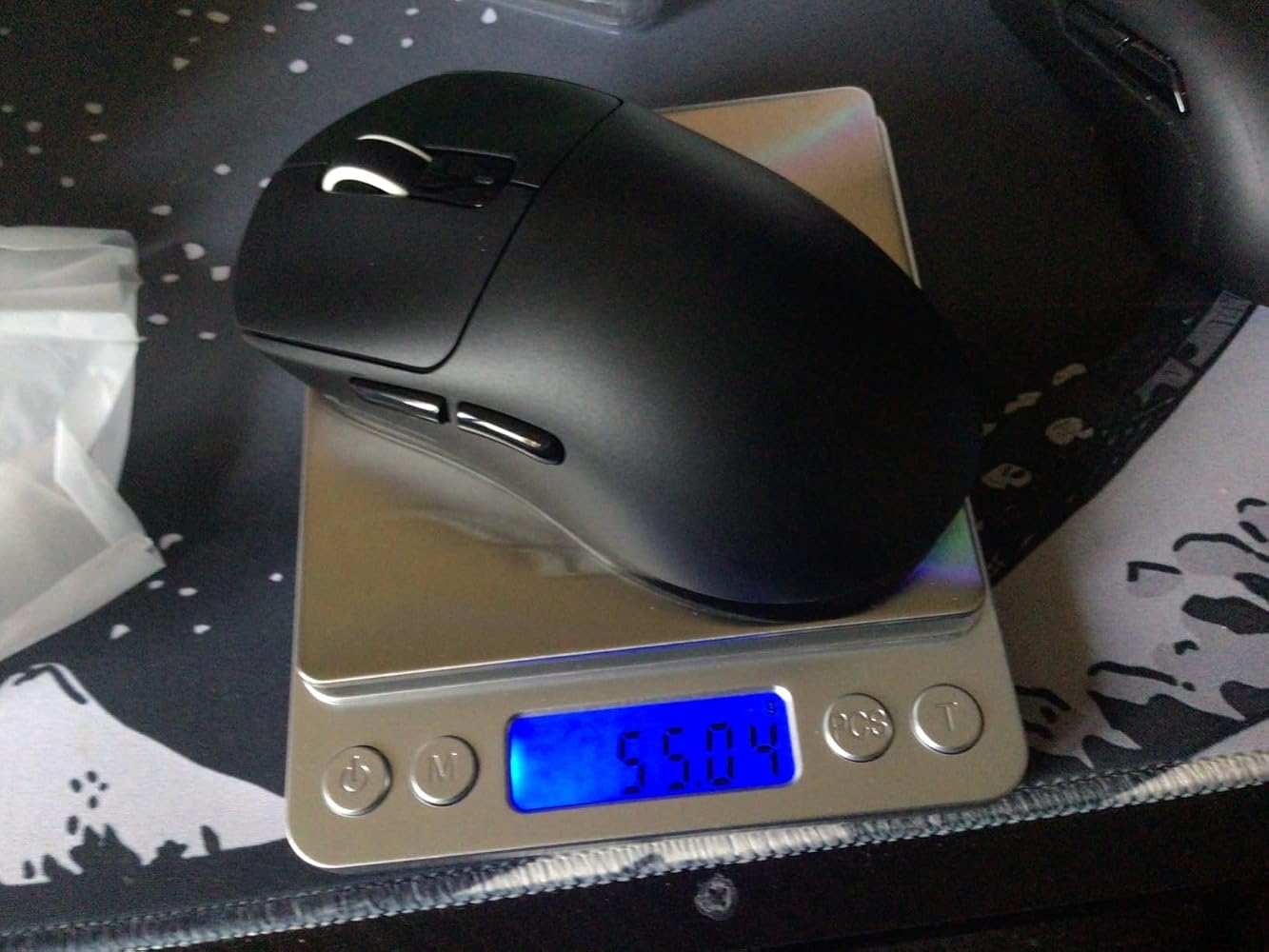
Weighs in at 55 grams without stickers and almost 57 with stickers. I wish the weight was lower.Performance: this mouse is pretty good, no delays, good sensor, and nice smooth skates.I had a vt9pro with 4k receiver before (which I got for the same price as this), but I wanted to try a mouse with the same shape as gpx and lighter. I must say that I do not recommend this for people with big hands, because I have big hands and use a claw grip/fingertip grip and it kind of gets hard get a good grip on it. Its a good mouse, but here are definitely better bang for buck mouses than this.Update: Changed to 3 stars, because now I'm having an issue where the scroll wheel scrolls at the opposite direction, which is very annoying.



The media could not be loaded.
UPDATE 11 months later: it's been almost year and ill say it has functioned decently well but I have had occasional connection issues like it randomly dying and not working for a while or it suddenly refusing to charge until i unplug and replug it in a ton of times. it still functions fine so i wont say its a bad product but these random glitches where it dies and then comes back make me afraid itll just die for good one day so i might invest in another mouse for my desktop, also the grip tape came off eventually it was kind of mid quality but i dont really care about that much.It works completely smoothly, charge lasts a long time (haven't had to charge it much for a week), zero latency issues or anything, the only thing is that it's very plastic and hollow feeling. For a $60 CAD mouse I was expecting it to feel a bit better, idk why other people in the reviews are saying it's heavy since it feels even lighter than my regular office mouse. Maybe I'm just used to heavier mice but that's how it feels to me.One other thing is I wasn't able to put on the top part of the grip tape because the glue didn't come off properly, might have been a skill issue on my part when I was removing it so just be extra careful. Grip tape feels pretty good so happy with that. Overall good mouse, zero issues works as advertised, only thing to keep in mind is weight because personally it feels cheaper than I expected for a $60 CAD mouse.


Sensor is amazing, the quality and the tape included is also amazing, but then after 2 weeks of use I found it double clicking like crazy. Almost every other click is a double click; it messes up my daily tasks let alone gaming sessions.

Llego bien y todo pero no era el color que quer��a y no tengo tiempo para regresarlo

There is no mouse beating it at this price.+3 way connectivity+Very light+Hold its charge for a long time+Amazing sensor.I use a G502x as my main but am currently prepping an SFF build and needed a good cheap mouse for travel.


Chegou em 12 dias ap��s a compra.O Mouse �� bem leve e confort��vel, os adesivos que vem nele tamb��m s?o bem f��ceis de colocar e d?o uma ader��ncia melhor na m?o.Acompanha o pendrive, cabo USB tipo-C para carregamento e �� s�� plugar no seu pc/note que j�� vai estar funcionando.Recomendo bastante.Sua bateria durou uns 18 dias isso que usou por umas 10 horas por dia para trabalho, estudo e jogar um pouco.


The media could not be loaded.
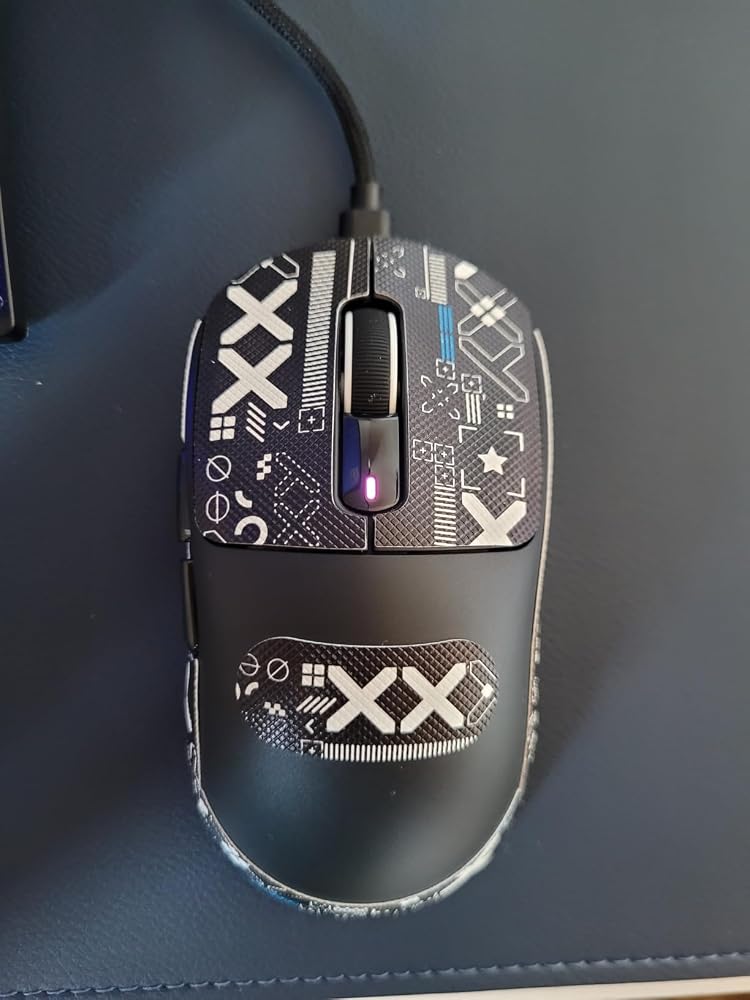
Mouse was nice and comfortable as it has an ergonomic shape to hold, comes in a nice box. The software is kind of sketch for me but i checked for viruses and it said there were none. Good value for price.

This thing is TOP TIER for price - it is unbeatable. It's lighter than the Logitech GPro and quality is similar. It fits a bit smaller (which I like).I had issues with my Logitech GPro mice in past, consent issues with mouse wheel etc.No issue so far with this mouse. It's phenomenal for gaming. Same sensor. Just a no brainer, don't buy the $250 mouse when you can buy this one and it's better quality.


Es suave, r��pido, un mouse gamer excelente para iniciar en el mundo de los shooters, 10/10


it's a great mouse lasts a very good amount of time I think It can go 2+ weeks on a single charge so pretty good also very very lightweight almost can't feel it

My son asked for it and he loves it, he says it��s the best one he had and says it has no delay

amazing mouse, good size, love the grip tapes, functions very well, only thing i would change is the sensitivity of peeling off the grip tapes because some of them arent sticky anymore, so i cannot use them, but great mouse

Feels perfect and it��s smooth for games on ps5 10/10 I do recommend and it comes with a cord while also having a usb to plug in so it could be wireless

Great mouse! I heard a lot of issues people had about the quality but I had none of them.Pros :Good battery lifeBluetooth supportGood sensorLightweightNo rattleNice clicks imoBraided CableCons:Crappy boxing (not as bad as the reviews)Grip tape kinda sucks (still looks cool)Coating sucks (just put on the equally mediocre grip tape after it fades away)Overall an amazing mouse, a lot of people had issues with the build but I must have gotten lucky I guessWould definitely recommend buying it from AliExpress as it's way cheaper, but shipping is INFINITELY faster on Amazon
Some connectivity issues while in game. Switched the wireless dongle from USB 3.0 to USB 2.0 and had no further issues. Just something to note. Other than that it has been flawless with good battery life. The grip on the mouse is starting to fade after 3 months of use.
Weighs in at 55 grams without stickers and almost 57 with stickers. I wish the weight was lower.Performance: this mouse is pretty good, no delays, good sensor, and nice smooth skates.I had a vt9pro with 4k receiver before (which I got for the same price as this), but I wanted to try a mouse with the same shape as gpx and lighter. I must say that I do not recommend this for people with big hands, because I have big hands and use a claw grip/fingertip grip and it kind of gets hard get a good grip on it. Its a good mouse, but here are definitely better bang for buck mouses than this.Update: Changed to 3 stars, because now I'm having an issue where the scroll wheel scrolls at the opposite direction, which is very annoying.