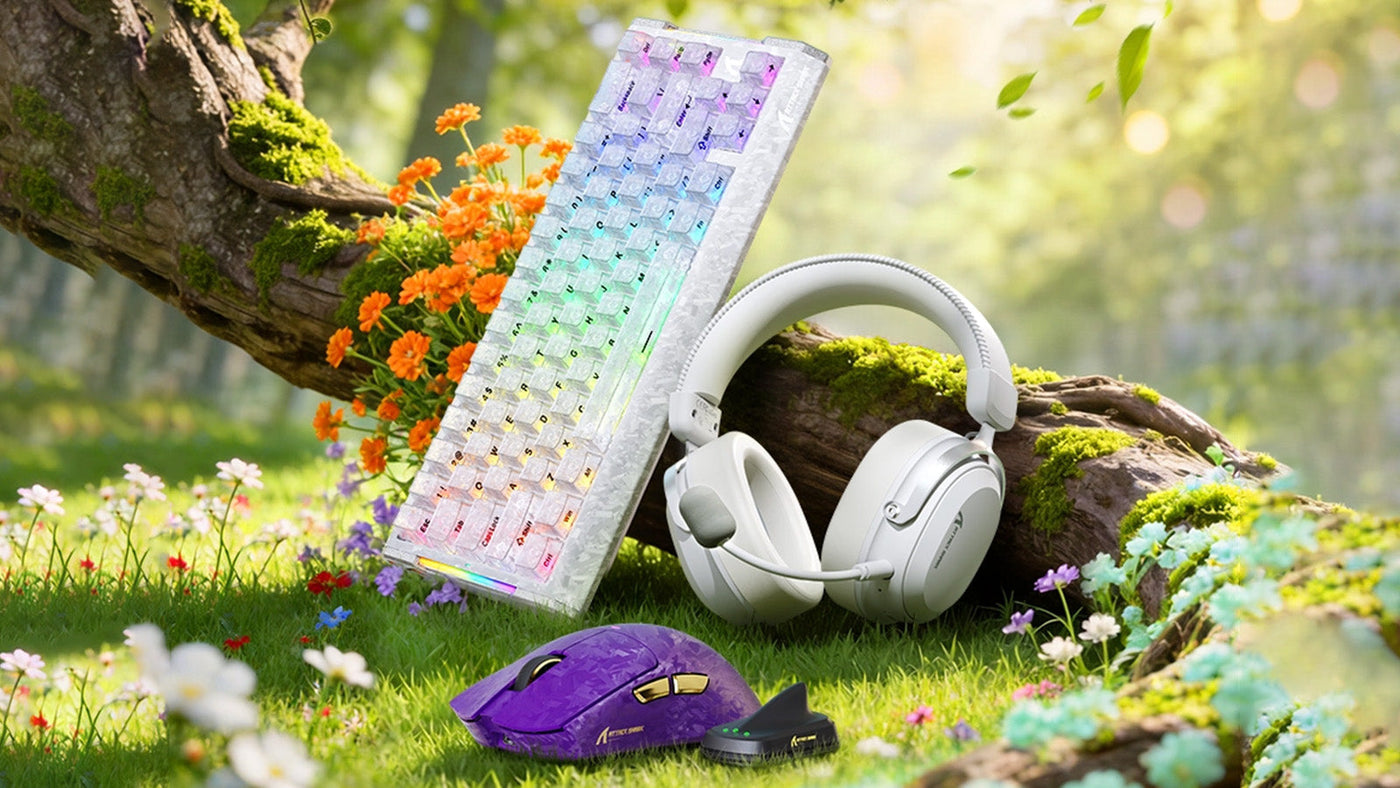
Building a new computer setup forces every player to ask the same frustrating question: "Where should I actually spend my money?" Marketing teams want you to believe that buying the most expensive hardware will instantly make you a better player. However, the reality of peripheral performance is much more nuanced. Some budget items perform flawlessly, while certain premium upgrades offer very little real-world advantage.
This comprehensive guide breaks down the "Budget vs. High-End" debate across all major desk accessories. By understanding exactly which components impact your gameplay and which are just aesthetic luxuries, you can allocate your funds strategically and build a highly competitive setup without wasting a single dollar.

Why Is the Mouse Your Most Important Investment?
If you only have the budget to upgrade one item on your desk, it must be your pointing device. This is the only piece of hardware that directly translates your physical hand movements into on-screen aiming accuracy.
The sensor technology gap
The difference between a generic office mouse and a dedicated gaming device is massive. However, the gap between a mid-range device and the most expensive gaming mouse is incredibly small today. Even a cheap gaming mouse from a reputable brand now features a flawless optical sensor. These sensors track your fast flicks perfectly without "spinning out" or losing connection. When researching the top gaming mice, prioritize sensor reliability and a comfortable shape over useless features like heavy metal weights or excessive RGB lighting.
The importance of weight and shape
In modern tactical shooters, lighter is almost always better. A heavy mouse causes wrist fatigue and makes it difficult to stop your crosshair precisely. You do not need to buy the most expensive gaming mouse to get a lightweight shell. Many brands now offer the best affordable gaming mouse options weighing under 70 grams. Finding a shape that perfectly fits your specific grip style (palm, claw, or fingertip) will improve your aim far more than spending an extra $100 on a flagship model.

Why Do Custom Keyboards Beat "High-End" Gaming Boards?
The keyboard market is filled with overpriced "gaming" boards that offer mediocre typing experiences. Understanding the mechanics of a keyboard helps you avoid wasting money on pure marketing hype.
Major brands often charge premium prices for proprietary mechanical switches. While these switches work fine, they are often scratchy and loud out of the box. Instead of buying a $200 flagship gaming board, you can often get a vastly superior typing and gaming experience by purchasing a $70 hot-swappable board. A hot-swappable board allows you to pull the switches out easily and replace them with high-quality, pre-lubricated switches later.
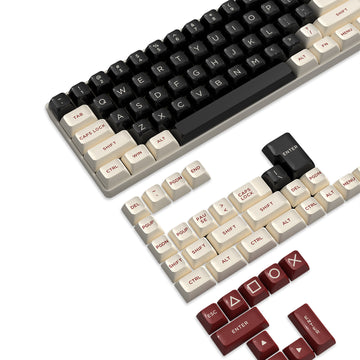
High-end gaming boards frequently feature built-in OLED screens, volume wheels, and massive wrist rests. These features drastically inflate the price but offer zero in-game advantages. A heavy, barebones aluminum keyboard with standard PBT keycaps will outlast and sound significantly better than a hollow plastic "gaming" board loaded with expensive gimmicks. Spend your money on dense case materials and good switches, not on tiny digital screens you will never look at while playing.

How Much Should You Spend on a Gaming Headset?
Audio provides critical directional cues in competitive matches, such as enemy footsteps or reloading sounds. However, the audio market suffers from severe diminishing returns.
You do not need studio-grade audiophile headphones to hear footsteps clearly. For gaming purposes, the "good enough" threshold is usually around $50 to $80. In this price range, you can find comfortable, closed-back headsets with clear stereo imaging. Spending $300 on a "high-res" gaming headset rarely provides a competitive advantage because the audio engines in most video games compress the sound files heavily anyway.
Many expensive headsets advertise "7.1 Virtual Surround Sound" as a premium feature. This is almost always a software gimmick that muddies the audio mix and adds artificial echoes. Professional players use standard stereo audio because it provides the most accurate, raw directional cues. Do not pay extra for artificial surround sound software when buying a headset.
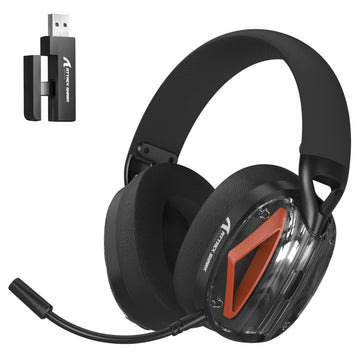
ATTACK SHARK L30PRO ワイヤレスゲーミングヘッドセット
Is the "Wireless Tax" Worth the Extra Money?
Cutting the cord makes your desk look incredibly clean, but wireless technology significantly increases the price of every peripheral. You must decide if the lack of a cable justifies the cost.
The wireless mouse advantage
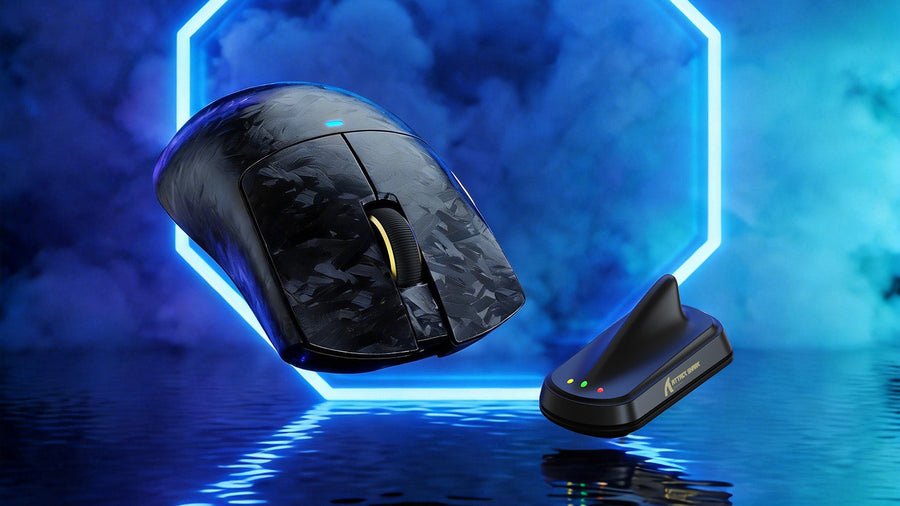
For aiming devices, the "wireless tax" is absolutely worth paying. Cable drag creates physical resistance that ruins your muscle memory during large mouse swipes. Modern wireless technology is now just as fast as a wired connection, boasting 1-millisecond response times. Investing in a highly-rated, cheap gaming mouse that features a 2.4GHz wireless dongle is the single best upgrade you can make for your aiming consistency.
The wireless keyboard reality
Conversely, paying the wireless tax for a keyboard is rarely necessary for desktop gamers. Your keyboard sits entirely stationary on your desk. A braided USB-C cable looks professional and provides zero latency. Unless you frequently move your keyboard to play games from a couch across the room, spending an extra $50 for a wireless keyboard offers no practical gaming benefit.
What Are the Hidden Budget Killers in a Gaming Setup?
When planning a budget, players often focus entirely on the electronics and completely forget about the physical surfaces they use.
The critical role of the mouse pad
Do not buy the best affordable gaming mouse and then ruin its tracking by using it directly on a wooden desk or a cheap $5 promotional pad. A high-quality cloth or hybrid mouse pad is essential. It provides consistent glide and stopping power. Allocate at least $30 for a large desk mat. It protects your desk, dampens keyboard noise, and gives your mouse the massive surface area required for low-sensitivity aiming.
Aftermarket mouse skates
The small plastic feet (skates) on the bottom of a mouse heavily dictate how smooth it feels. Even the top gaming mice sometimes use thin, scratchy stock skates. Spending $10 on a set of 100% pure PTFE aftermarket skates is a massive, low-cost upgrade. It will make a generic $40 mouse glide much smoother than a $150 flagship mouse using poor-quality factory skates, due to its low frictional shear strength.
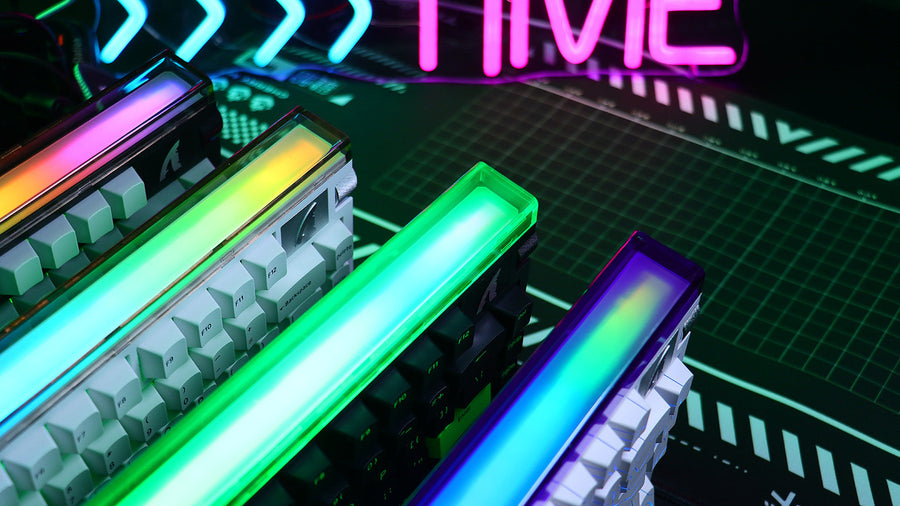
ATTACK SHARK R68 HE カーボンファイバー ラピッドトリガーキーボード マグネティックスイッチ
How Should You Allocate a $300 Peripheral Budget?
If you have a strict $300 budget to buy a mouse, keyboard, headset, and mouse pad, how you divide that money dictates your entire experience. Here are three strategic spending scenarios.
The FPS Competitor (Aim Focused)
If you play tactical shooters like Valorant or CS2, allocate the bulk of your budget to aiming.
- Mouse: $100 (A premium, ultra-lightweight wireless mouse with a flawless sensor)
- Mouse Pad: $40 (A large, high-quality cloth control pad)
- Keyboard: $80 (A wired, hot-swappable mechanical board with linear switches)
- Headset: $80 (A comfortable, wired stereo headset with a clear microphone)
The MMO/MOBA Player (Utility Focused)
If you play games requiring dozens of keybinds, prioritize your keyboard and mouse buttons.
- Mouse: $70 (A wired mouse with a 12-button side panel)
- Keyboard: $130 (A full-sized mechanical board with dedicated macro keys)
- Headset: $70 (A comfortable wired headset)
- Mouse Pad: $30 (A standard extended desk mat)
The Casual/Story Gamer (Immersion Focused)
If you play single-player RPGs, prioritize audio immersion and physical comfort.
- Headset: $150 (A high-quality wireless headset for deep bass and long-wear comfort)
- Mouse: $50 (A comfortable, ergonomic cheap gaming mouse)
- Keyboard: $70 (A quiet, wired mechanical keyboard)
- Mouse Pad: $30 (A visually appealing extended desk mat)
FAQ
Is a $150 mouse three times better than a $50 mouse?
No. Once you pass the $50 mark, the sensors are nearly identical in performance. You are paying the extra $100 for premium build materials, lower weight, brand prestige, and specialized wireless charging technology, not for raw aiming performance.
What is the most important spec to look for in a cheap gaming mouse?
Look for an optical sensor from a reputable manufacturer (like PixArt) and a weight under 85 grams. Ignore high DPI marketing numbers; anything over 3200 DPI is completely unnecessary for human aiming.
Should I buy a "gaming" chair or spend that money on peripherals?
Always secure your mouse, keyboard, and audio first. A "gaming" chair is often just an aesthetic upgrade. A standard, highly adjustable ergonomic office chair provides much better back support for long sessions and usually costs significantly less.
Do expensive keyboards make you type faster?
Not inherently. Typing speed relies on muscle memory. However, a high-quality mechanical keyboard with smooth, lubricated switches reduces finger fatigue and prevents double-typing errors, making long typing sessions much more comfortable.
Is it worth buying used or refurbished high-end gear?
Yes, for keyboards and headsets. Keyboards are easily sanitized, and you can replace headset ear pads cheaply. However, be cautious when buying a used wireless mouse, as the lithium battery degrades over time and cannot be easily replaced.


コメントを書く
このサイトはhCaptchaによって保護されており、hCaptchaプライバシーポリシーおよび利用規約が適用されます。