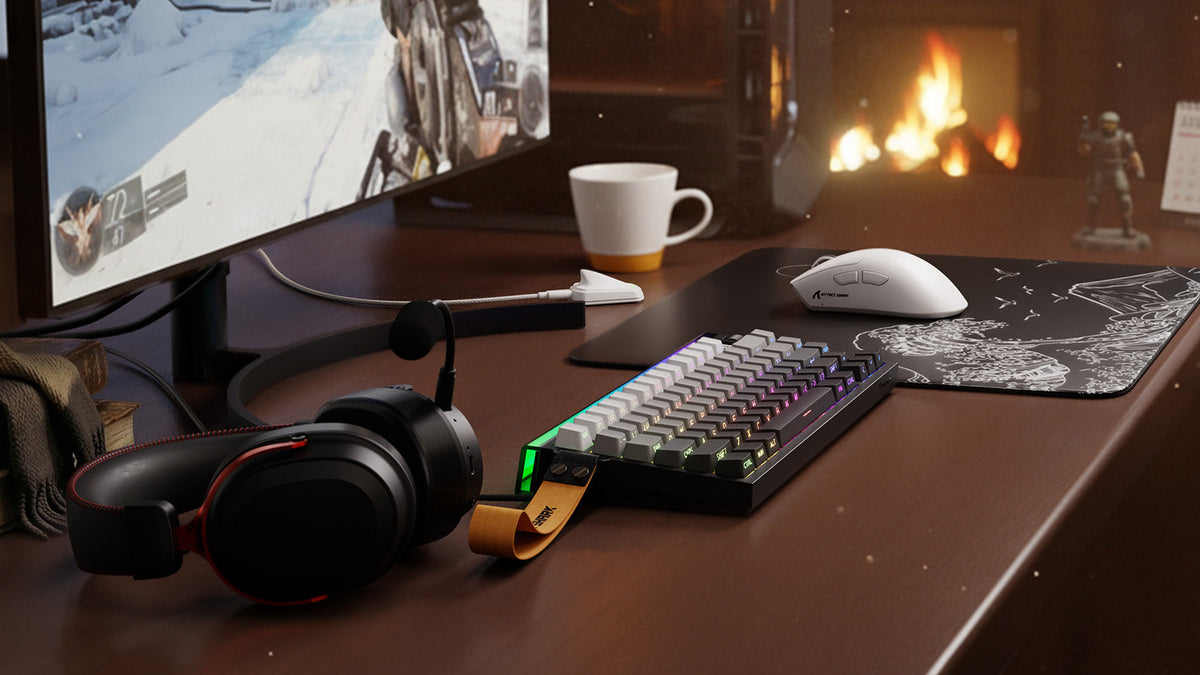
すでにPCまたはゲーム機、デスク、基本的なディスプレイを所有している場合、500ドルの予算でゲーミング環境を目に見えて改善できます。適切なプランは、現在何が体験を制限しているかによって異なります。座り心地の悪いチェア、動作の遅いモニター、フィットしない周辺機器、聞き取りにくい音声などが原因かもしれません。まず問題を特定することで、ほとんど違いを感じられないアップグレードに無駄なお金を使わず、パフォーマンス、快適性、役立つアクセサリーに予算を配分できます。
500ドルのゲーミング環境に何を含めるか決める
このガイドでは、500ドルをアップグレード予算として扱うため、ゲーミングPCやゲーム機は含めません。モニターは、すでに適したディスプレイを持っているユーザーもいれば、最大の出費にする必要があるユーザーもいるため、任意としています。
普段よくプレイするゲームで、現在の環境を試してみましょう。エイムが安定しない、画面がカクついて見える、ボイスチャットが聞き取りにくい、または座る姿勢がつらくなるタイミングを確認します。まだ問題なく使える機器はそのまま使い、定期的に発生する問題に予算を振り向けます。
以下の3つのプランは、同じ予算でも異なる優先事項に対応できることを示しています。それぞれの金額は固定の小売価格ではなく、配分例です。
| カテゴリー | バランス重視プラン | ディスプレイ重視プラン | 快適性重視プラン |
|---|---|---|---|
| モニター | 既存のものを使用 | $180 | 既存のものを使用 |
| チェアと人間工学 | $220 | $100 | $300 |
| キーボードとマウス | $110 | $100 | $90 |
| ヘッドセットまたはオーディオ機器 | $60 | $50 | $40 |
| マウスパッド、ケーブル、照明 | $80 | $50 | $50 |
| 予備費 | $30 | $20 | $20 |
| 合計 | $500 | $500 | $500 |
デスクの複数の要素をほどよく改善する必要がある場合は、バランス重視プランを選びます。現在のモニターで表示できるフレーム数を、PCやゲーム機が上回る場合は、ディスプレイ重視プランが適しています。ハードウェアに問題が生じる前に、座り心地の悪さでゲームを続けられなくなる場合は、快適性重視プランのほうが適しています。
送料、税金、ケーブル、アダプター、設置要件を確認するまで、予備費を残しておきます。
現実的なキーボードとマウスの予算を設定する
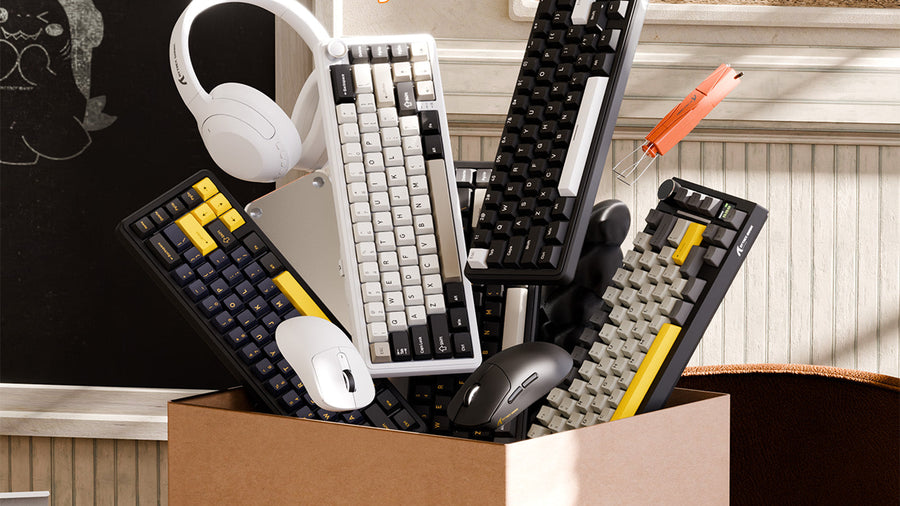
この500ドルのゲーミング環境では、キーボードとマウスを合わせて約90~130ドルを割り当てます。FPSプレイヤーは、マウスのフィット感や一貫した操作感のマウスパッドに、より多くの費用をかけることがあります。ゲーム、仕事、勉強で同じデスクを共有する人は、キーボードをより重視する場合があります。
デスクに合うキーボードを選ぶ
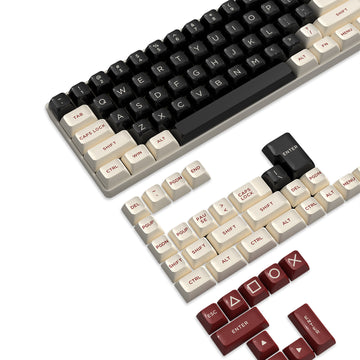
まず、使用するキーと確保できるマウススペースから考えます。TKLや75%レイアウトなら、フルサイズキーボードより幅を抑えながら、使い慣れたキーの多くを残せます。60%や65%キーボードはマウススペースを広げられますが、一部のコマンドがファンクションレイヤーの奥に移動します。
コンパクトキーボードは、その正確な寸法によってマウスを動かせる十分なスペースが確保できる場合にのみ役立ちます。レイアウトを選ぶ前に、幅、奥行き、ケーブルの通り道、必要なキーについて、同じキーボードサイズの確認を行いましょう。
スイッチは、好みの打鍵感と許容できる音量に合わせて選びましょう。リニアスイッチは滑らかな感触になりやすいものの、音はスイッチ、ケース、キーキャップ、内部の消音材、打鍵の強さによって異なります。後からスイッチを交換する予定があるならホットスワップ対応ソケットが便利です。一方、Hall Effect機能は、作動点の調整やラピッドトリガーを求めるプレイヤーにより適しています。
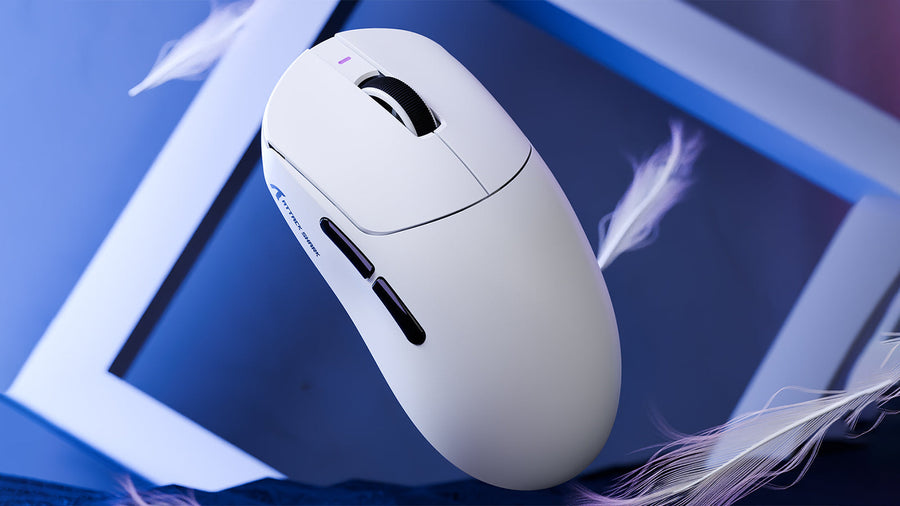
最大DPIよりマウスのフィット感を優先
信頼性の高いセンサーは重要ですが、最大DPIだけでは、プレイ中のマウスの使い心地はほとんど分かりません。シェルの長さ、幅、山の位置、サイドボタンの位置、グリップのサポートを、手のサイズや握り方と照らし合わせて比較しましょう。
軽いマウスは動かし始めたり止めたりするのに必要な力が少なく、素早いFPSの操作に適しています。安定性のために、より重いマウスを好むプレイヤーもいます。重量は、普遍的な性能基準ではなく、個人的な操作の好みとして考えましょう。
ワイヤレスで競技性の高いゲームをプレイするなら、仕様が明記された2.4GHzゲーミングモードを優先しましょう。Bluetoothは仕事やモバイルデバイスに便利ですが、通常は別の用途向けです。安定した1,000Hzのポーリングレートで、多くのゲーミング環境に対応できます。ゲーム、CPU、フレームレート、高リフレッシュレートディスプレイが追加の更新を活用できる場合は、より高いレートが重要になります。
レイアウト、マウスの形状、接続方式、予算の上限が決まったら、ゲーミング周辺機器の比較を使って、選択肢を絞り込めます。

システムが制限されるならモニターをアップグレード
現在のディスプレイでPCやコンソールが生み出す性能を表示しきれない場合は、モニター用に約150~200ドルを確保しましょう。システムが適切なフレームレートを出せれば、リフレッシュレートが高いほど動きが滑らかに見えますが、モニターは好みのゲームやグラフィック設定にも合わせる必要があります。
4つの要素をまとめて比較してください:
- 解像度: 高解像度にすると画像はより鮮明になりますが、より高いグラフィックス性能が必要です。
- リフレッシュレート: 高いリフレッシュレートは、システムが十分なフレーム数を出力できる場合に最も役立ちます。
- 接続: モニター、出力元のデバイス、ポート、ケーブルが、選択した解像度とリフレッシュレートに対応している必要があります。
- デスクへの収まり: スタンドの奥行き、視聴距離、利用可能な幅を考慮します。
競技性の高いゲームでは、システムのフレームレートを下げざるを得ない高解像度モニターより、応答性の高い1080pディスプレイのほうがバランスに優れる場合があります。ストーリー重視のゲームや作業との併用では、解像度や画質がより重視されることがあります。
システムやゲームにすでに適しているモニターは、そのまま使い続けてください。節約した費用を、よりよいチェア、用途に合った周辺機器、またはより明瞭なオーディオに充てられます。
デバイスとコミュニケーションのニーズに合わせてオーディオを選ぶ
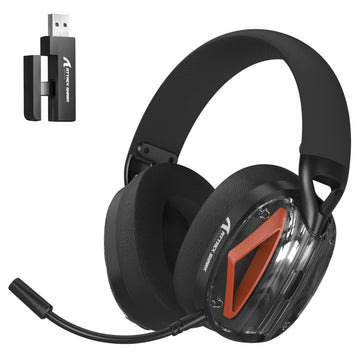
バランスのよい構成なら、オーディオに約40~70ドルを割り当ててください。ゲーミングヘッドセットは、ゲーム音とボイスチャットを1台にまとめられるため、通常は最も簡単な選択肢です。IEMはより軽いインイヤー型の選択肢ですが、方向感のある音の細部は、モデル、チューニング、フィット感、ゲームの音響設計によって異なります。
追加機能を比較する前に、接続方式を確認してください。有線ヘッドセットなら充電が不要で、2.4GHzワイヤレスモデルならデスク周りでより自由に動けます。Bluetoothはスマートフォンや気軽な音楽鑑賞に便利ですが、対応モードや遅延は製品によって異なります。
快適さは、表示されている重量だけで決まるわけではありません。イヤーカップの広さ、締め付け圧、ヘッドバンドの接触具合、パッド、調整範囲が、長時間の使用感に影響します。ワイヤレスモデルでは、音量やライティング条件が近い状態でバッテリー駆動時間を比較し、充電中も有線接続で使えるか確認してください。
ストリーミング、録音、または頻繁な通話を行うなら、別のマイクを用意する価値があります。多くのプレイヤーは、まず音声が明瞭なヘッドセットマイクを使い、特定の音質上の制限を把握してからアップグレードできます。関連するヘッドセットの互換性チェックを使って、すべての接続方式とレシーバーがデバイスに対応しているか確認してください。

椅子とデスクの位置を改善する
座る環境が主な弱点なら、200~300ドルを確保しましょう。体に合い、必要な調整機能を備えていれば、サポート力のあるオフィスチェアはゲーミングチェアと同等に機能します。
足がしっかり床につくか、座面の前端が膝の裏を圧迫していないか、背もたれが普段の座り方を支えているかを確認してください。肘掛けは、肩の力を抜いたまま、キーボードとマウスを快適に操作できる位置に調整できるものが理想です。
中古や整備済みのオフィスチェアなら、限られた予算でもより優れた調整機能を得られる場合があります。可能であれば、ガスリフト、キャスター、リクライニング機構、張り地、調整機構を実際に確認してください。現在の椅子が快適で安定しているなら、その費用は別の用途に回しましょう。
椅子の高さとデスクの位置は、互いに合っている必要があります。肘は体の近くに置き、前腕は床とほぼ平行に保ちましょう。OSHAのコンピューターワークステーションに関するガイダンスでも、モニター上端を目の高さ、またはそれより少し下に置き、キーボードとマウスに無理なく手が届く十分なデスクスペースを確保することを推奨しています。
キーボードに合う場合にのみリストサポートを追加する
リストレストは、デスクと高さのあるキーボードの間を埋めることができます。タイピング中に手首を上向きに押し上げたり圧迫したりせず、休憩中に手のひらの付け根を支えられるものが理想です。
幅と高さをキーボードに合わせてください。厚みのあるリストレストは、ロープロファイルキーボードの横で不自然な角度を生むことがあります。一方、幅が狭いものでは、手を均等に支えられない場合があります。
素材によって主に変わるのは、感触とメンテナンス性です。アクリルは硬めで、拭いて簡単にきれいにできます。フォームは柔らかな感触ですが、使用するうちにへこむことがあります。布製は滑りにくく感じられる場合がありますが、通常はより頻繁な清掃が必要です。木材や竹は硬めのサポートを提供し、表面に温かみがあります。
リストレストでは、高さの合っていない椅子やデスクを改善できないため、リストレストを追加する前にワークステーション全体を調整してください。
照明とケーブル管理は最後に行う
ケーブル管理には通常、15~30ドル程度しかかかりません。デスク下トレー、繰り返し使える結束バンド、粘着式アンカーを使えば、充電ケーブルをすぐ使える状態に保ちながら、作業面をすっきりさせられます。電源ケーブルと、頻繁に抜き差しする周辺機器のケーブルは、別々の経路にする計画を立てましょう。
ワイヤレスレシーバーは、大きな金属製の障害物から離し、デバイスの近くに適度な距離で置いてください。混雑したPC背面のポートでレシーバーの性能が低下する場合は、適切な延長ケーブルが役立つことがあります。
照明に残りのアクセサリー予算を使うのは、モニター、椅子、操作機器、オーディオが要件を満たしてからにしましょう。調整可能な間接照明をディスプレイの横または後ろに置き、画面への反射を避けてください。すでにあるランプで問題が解決する場合もあり、その分をすべてのセッションに影響する機器に回せます。

セットアップは2回に分けて購入する
日常の使用感を最も改善しそうな2つのアップグレードから始めましょう。椅子とキーボード、モニターとマウス、ヘッドセットとより整ったデスク環境などが考えられます。残りを使う前に、通常のゲームセッションを数回行って変更の効果を確かめてください。
残った問題、ケーブルの配線、マウスパッド、リストレスト、照明には、2回目の購入で残りの予算を使いましょう。この方法なら価格を比較する時間も確保でき、同じ問題を二重に解決する機器でデスクが埋まるのを防げます。
よくある質問
Q1. ノートパソコンでゲームをする人も同じ500ドルのセットアッププランを使えますか?
はい。ノートパソコンでも同じ予算構成を利用できますが、外付けモニター、ノートパソコンスタンド、USBハブにアクセサリー予算の一部が必要になる場合があります。購入前に、ノートパソコンのポートがモニターの想定解像度とリフレッシュレートに対応していることを確認してください。
Q2. 新しい周辺機器を購入する前に、PCパーツをアップグレードすべきですか?
ゲームを許容できる設定で動かせない、または安定したフレームレートを維持できない場合は、まずPCをアップグレードしましょう。ゲームがすでに快適に動作し、主な問題が操作性、画質、音質、快適性、デスクのスペースに関するものなら、先に周辺機器を選びます。
Q3. 500ドルの予算にコントローラーを含めるべきですか?
レーシング、格闘、スポーツ、プラットフォーム、三人称視点のゲームがライブラリの重要な部分を占めるなら、コントローラーを含めましょう。既存のデバイスを引き続き使えるものに応じて、キーボード、マウス、オーディオ、アクセサリーの予算から費用を振り分けます。
Q4. すでにゲーミングヘッドセットを持っている場合、スピーカーは必要ですか?
ヘッドセットですでにゲーム、通話、気軽な音楽鑑賞に対応できているなら、スピーカーは必須ではありません。音声を定期的に共有したり、ヘッドセットを装着せずにコンテンツを視聴したり、作業中にBGMを流したりしたい場合は追加しましょう。より必要性の高いアップグレードを後回しにしてはいけません。
Q5. キーボードとマウスのセットは常に安いですか?
セットにすると合計価格を抑えられますが、両方のデバイスが要件を満たす場合に限ってお得です。購入前に、キーボード配列、マウスの形状、接続方式、単品価格を比較しましょう。優れたキーボードに使いにくいマウスを組み合わせても、後で不要な買い替えが発生します。