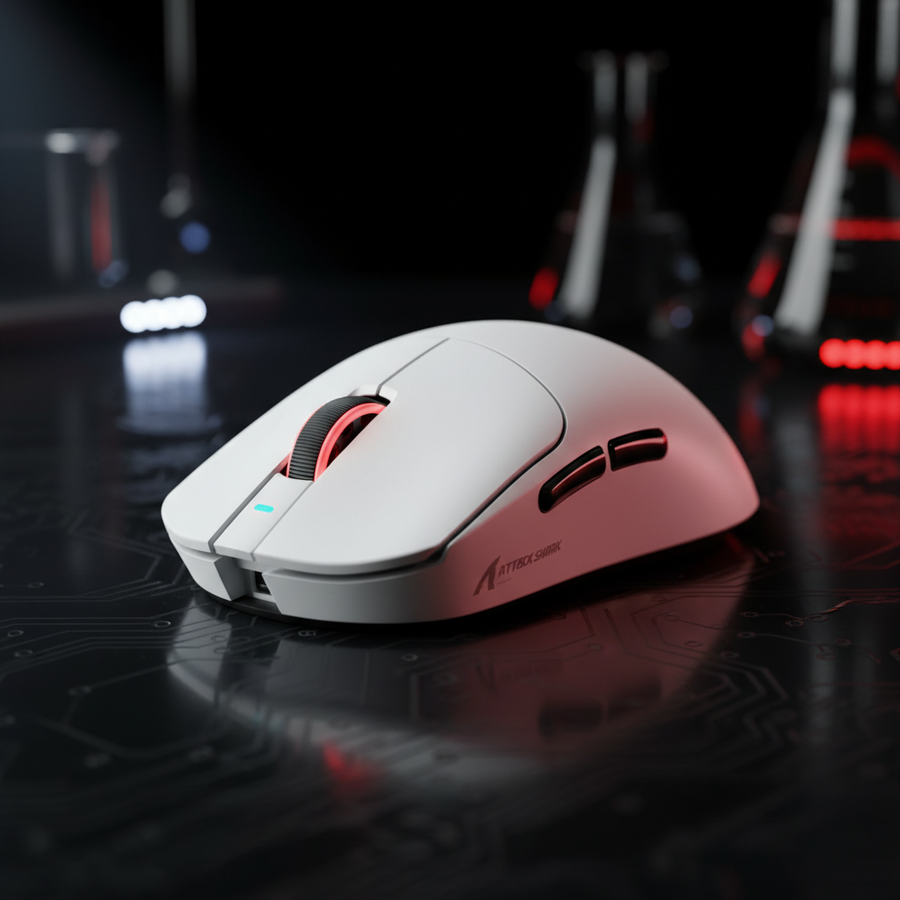
感知されるクリック力の物理学:レバレッジとピボットの動力学
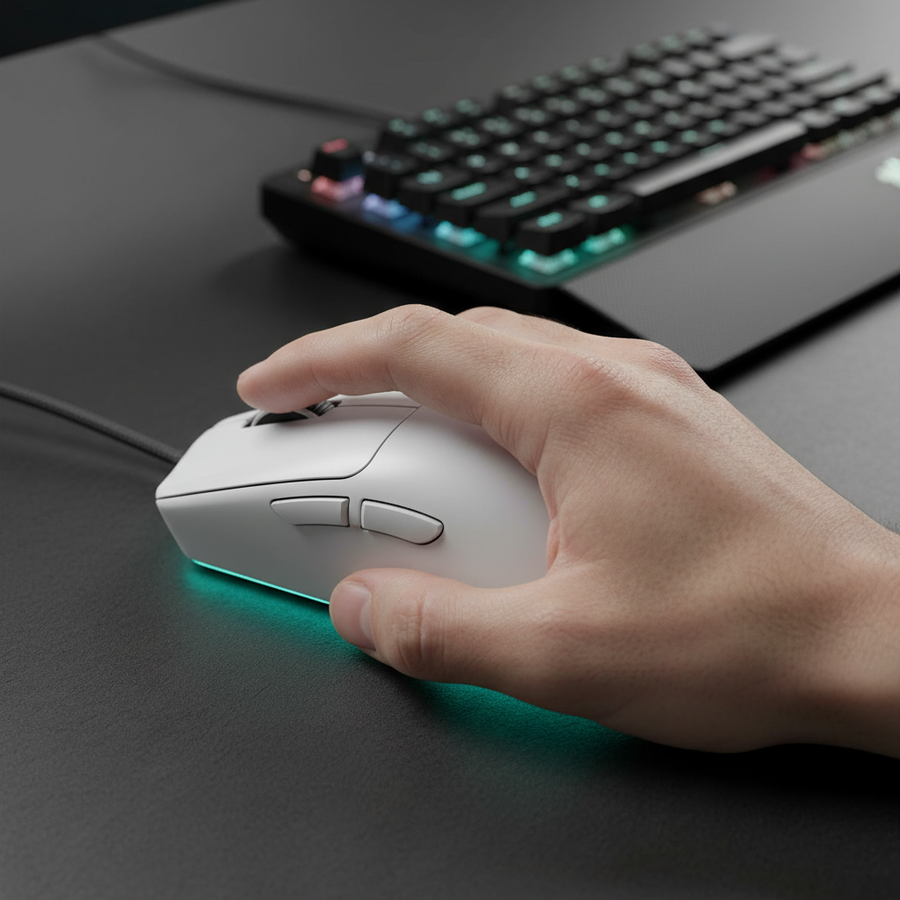
高性能周辺機器の設計において、「硬い」または「柔らかすぎる」クリックに対するユーザーの不満は、マイクロスイッチ自体の欠陥であることはほとんどありません。むしろ、それはユーザーのグリップによる物理的なレバレッジとシェルの機械的設計との不一致によるものです。パワーユーザーがジャンル間で移行する際、例えばタクティカルFPSでのパームグリップから高速なMOBAでの指先またはクローグリップに変えると、レバーアームの原理により感知される作動力が劇的に変化します。
ゲーミングマウスのボタンはクラス2のレバーとして機能します。ピボットポイントは通常マウス本体の中央付近にあり、マイクロスイッチは前方に位置しています。指先グリップを採用すると、指の腹がボタンの先端近くに接触します。これによりレバーアームが長くなり、基本的なトルクの物理法則($Torque = Force \times Distance$)により、スイッチを作動させるために必要な実際の押圧力が少なくて済みます。逆に、パームグリップでは指がピボットポイントに近い位置で押すことが多く、レバーアームが短くなり、同じ60gのスイッチでもはるかに重く感じられます。
論理の要約:レバレッジモデリング
- 仮定: 機械的なピボットはスイッチの50mm後方にあります。
- シナリオA(指先): 前端から10mmの接触。実効レバー = 60mm。
- シナリオB(パーム): 前端から30mmの接触。実効レバー = 40mm。
- 観察: ハードウェア仕様は同じにもかかわらず、シナリオBでの感知される力はシナリオAの約1.5倍です。
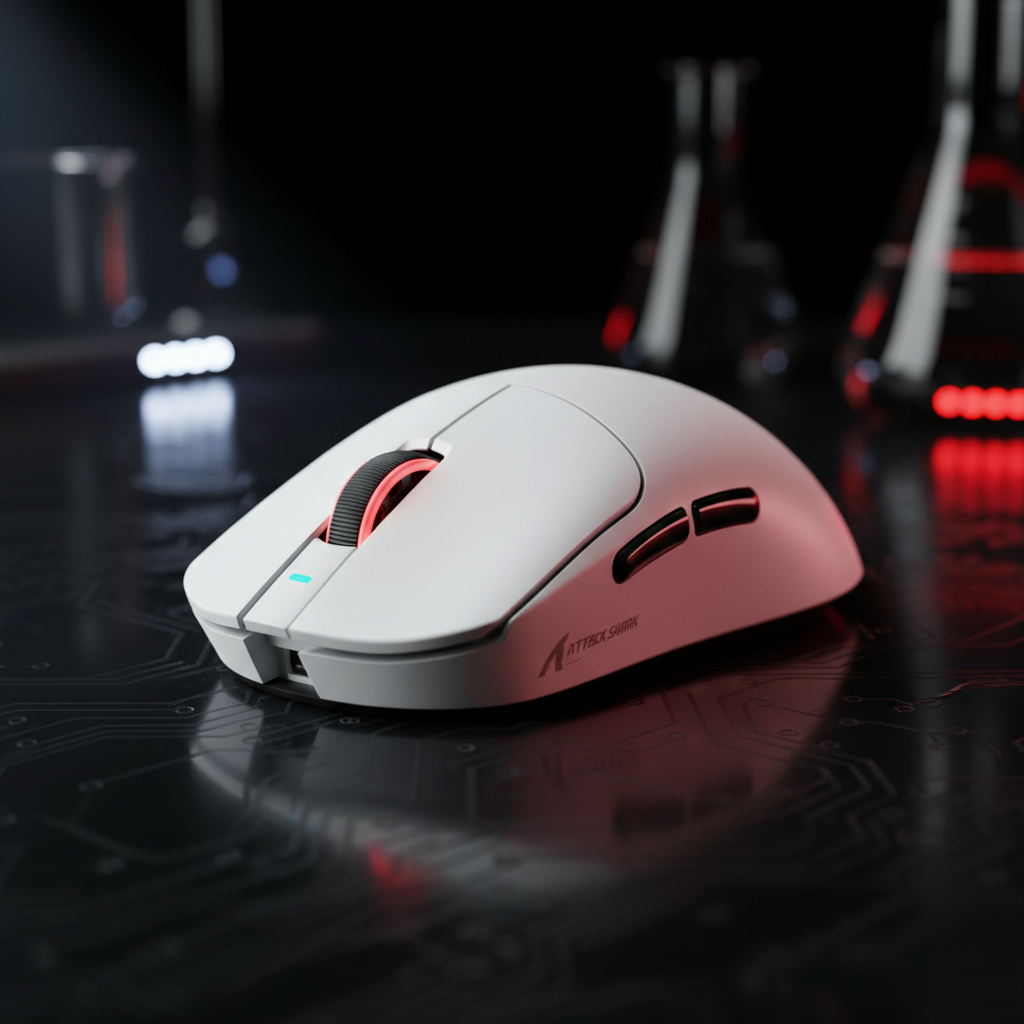
ジャンルの多様性を実現するために、前面ボタンのフレアがはっきりしたシェルを選ぶことをお勧めします。ATTACK SHARK X8シリーズ トライモード軽量ワイヤレスゲーミングマウスのようなモデルは、人間工学に基づいた分割ボタン設計を採用しており、より広い表面積で一貫したテンションを維持し、パームグリップ時の「重いクリック」感を軽減するのに役立ちます。

ソフトウェアキャリブレーション:デバウンスとポーリングレートの相乗効果
物理的な要素が最初の感触を決定しますが、信号の信頼性を定義するのはソフトウェアです。修理作業でよく見られる一般的なキャリブレーションミスは、デバウンスタイムを重いパームグリップに対して低く設定しすぎることです。持続的な圧力が一般的なタクティカルシューターでは、「重い」指がスイッチリーフに微小な振動を引き起こすことがあります。デバウンスが「プロスピード」の2msに設定されていると、これらの振動が誤ってダブルクリックとして認識される可能性があります。
経験豊富なハイブリッドプレイヤーは、グリップからジャンルへの切り替えに合わせてドライバープロファイルを活用すべきです。タクティカルプレイ(パームグリップ)では、6〜8msのデバウンスが安定した射撃プラットフォームを提供し、緊張したホールド中の誤射を防ぎます。MOBAの連打(クロー/フィンガーチップ)では、これを2〜4msに減らすことで、競技的優位性のためにほぼ瞬時の1ms応答時間を確保します。
8000Hz(8K)パフォーマンスの境界
超高ポーリングレートに移行すると、計算がさらに重要になります。グローバルゲーミング周辺機器業界ホワイトペーパー(2026年)によると、8000Hzのポーリングレートは0.125msの間隔に相当します。このレベルでは、従来の1000Hzロジック(0.5msのモーション同期遅延)は適用されません。8Kではモーション同期の遅延が無視できるほどの約0.0625msに低下します。
しかし、この帯域幅を真に飽和させパケットロスを避けるには、センサー飽和を考慮しなければなりません。毎秒8,000パケットを送信するには、センサーに十分なデータポイントが必要です。
- 800 DPIでは、8Kリンクを飽和させるためにマウスを最低でも10 IPS(毎秒インチ)動かす必要があります。
- 1600 DPIでは、要求が5 IPSに下がり、8Kは遅い微調整時により安定します。
方法論メモ:8K安定性モデリング
- モデリングタイプ:決定論的帯域幅飽和解析。
- 境界条件:マザーボードのリアI/Oポートに直接接続が必要です。フロントパネルのヘッダーやUSBハブはIRQ(割り込み要求)ボトルネックを引き起こします。
- バッテリーへの影響:8Kポーリングは、MCUの高負荷により通常の1000Hzモードと比べて75〜80%のワイヤレス稼働時間短縮をもたらします。

ATTACK SHARK G3 Tri-mode Wireless Gaming Mouse 25000 DPI Ultra Lightweightは、ウェブベースのコンフィギュレーターを通じてこのレベルの細かな制御を可能にし、ユーザーが特定のゲームプロファイルに基づいてポーリングレートやデバウンスタイミングを切り替えられます。
ハードウェアの相乗効果:シェル素材と表面抵抗
手、マウス、パッドの物理的な相互作用は、クリックの一貫性を高めることもあれば、低下させることもあるフィードバックループを生み出します。シェル素材自体が力の伝達に影響を与えることがわかっています。プレミアムパフォーマンスモデルに使われるカーボンファイバーや高密度ABSシェルは、より高い構造剛性を提供します。これにより、「シェルフレックス」と呼ばれる、強い握りでマウス本体がわずかに変形し、クリック力の一部を吸収してアクチュエーションが「もたつく」感触になる現象を防ぎます。

さらに、マウスパッドは重要でありながら見落とされがちな要素です。柔らかく弾力のある布製パッドは、クリック時に押し下げる力でマウスがわずかに沈み込みます。これにより手の角度や圧力分布が微妙に変わります。安定性が必要なハイブリッドグリップユーザーには、ATTACK SHARK CM02 eSport Gaming Mousepadのような硬めの表面がしっかりしたプラットフォームを提供します。超高密度ファイバーと4mmの弾性コアにより、マウスの高さが一定に保たれ、レバレッジ角度が予測可能になります。
比較データ:グリップと設定の最適化
| グリップスタイル | 典型的なジャンル | 主なレバーアーム | 推奨デバウンス | 推奨ポーリングレート |
|---|---|---|---|---|
| パーム | タクティカルFPS | ショート(重い感触) | 6–8ms | 1000Hz(安定性) |
| クロウ | ハイブリッド / BR | ミディアム | 4–6ms | 2000Hz–4000Hz |
| フィンガーティップ | アリーナFPS / MOBA | ロング(軽い感触) | 2–4ms | 8000Hz(精度) |
注意:高性能周辺機器のカスタマーサポートや保証対応から得られた一般的なパターンに基づく推定値です(制御された実験室研究ではありません)。
シェルサイズがこれらの動作に与える影響については、Mini vs. Standard: コンパクトシェルの性能トレードオフ評価をご覧ください。
実装:マルチジャンルセットアップのキャリブレーション
多用途なセットアップを構築するには、「設定して忘れる」考え方を超える必要があります。反復的なキャリブレーションプロセスを推奨します:
- ピボットポイントの特定:最もよく使う「クラッチ」グリップ(高強度の瞬間に使うグリップ)でマウスを持ち、指を置く位置を確認してください。人差し指がかなり後ろにある場合は物理的に不利な状態です。より攻撃的なエルゴノミック形状のマウスを検討しましょう。
- デバウンスのプロファイル作成:ダブルクリックテストツールを使用してください。「重い」パームグリップで100回クリック中に1回でも誤ってダブルクリックが発生する場合は、デバウンスを2ms増やしましょう。
- パッドの最適化:高速トラッキング時にクリックが不安定に感じる場合は、表面張力の高いパッドに切り替えてください。これによりマウスの「Z軸」が安定し、指の押し下げる力がスイッチに完全に伝わります。
- 8Kのトレードオフを管理する:CPUがIRQ負荷に対応でき、高リフレッシュレートモニター(240Hz以上)を使用している場合のみ8000Hzを有効にしてください。ほとんどのハイブリッドユーザーにとっては、2000Hzまたは4000Hzが指先の精度とバッテリー寿命の最適なバランスを提供します。
技術的適合性と安全性
ハードウェアをカスタマイズする際は、必ず地域の無線規格に適合していることを確認し、干渉問題を避けてください。例えば、北米で販売されるデバイスはFCC機器認証(FCC ID検索)で確認可能である必要があります。さらに、「キャリブレーション」に物理的なスイッチのはんだ付けが含まれる場合は、バッテリーの安全規定に注意してください。ワイヤレスマウスに使用されるリチウムイオン電池は、輸送および安全のためにUN 38.3基準に準拠しなければなりません。
モデリング仮定の概要
シナリオモデリング:マルチジャンルキャリブレーション
- モデルタイプ:ユーザーが加えるトルクとファームウェア信号処理の感度分析。
- 主要パラメーター:
パラメーター 値/範囲 単位 根拠 スイッチ作動 60–70 グラム 標準Huano/Omron仕様 レバー変動 20–40 ミリメートル グリップ位置変動範囲 8Kパケットレート 0.125 ミリ秒 物理法則($1/f$) CPUオーバーヘッド 15–25 % ミドルレンジCPUにおける推定8K負荷 バッテリー消費 4.0x 係数 8K対1K消費比率
- 境界条件:このモデルはマウスシェルに高精度工具(±0.1mm)を使用することを前提としています。許容誤差の大きい低価格シェルでは、クリックの均一性が5g以上変動する可能性があり、ソフトウェアのみのキャリブレーションは効果が薄くなります。
グリップの機械的レバレッジを理解し、データ駆動型のソフトウェア設定でサポートすることで、単一の高性能マウスをあらゆるジャンルに特化したツールに変えることができます。指先グリップの垂直精度や手のひら全体接触の安定性のいずれを目指すにしても、重要なのは手の物理特性とハードウェアの論理を一致させることです。
免責事項:この記事は情報提供のみを目的としています。ハードウェアの改造(スイッチのはんだ付けなど)は保証を無効にする可能性があり、リチウムイオン電池の取り扱いに伴うリスクがあります。長時間のゲームプレイは反復性の負傷を引き起こすことがあるため、持続的な痛みがある場合は医療専門家に相談してください。
参考文献: