

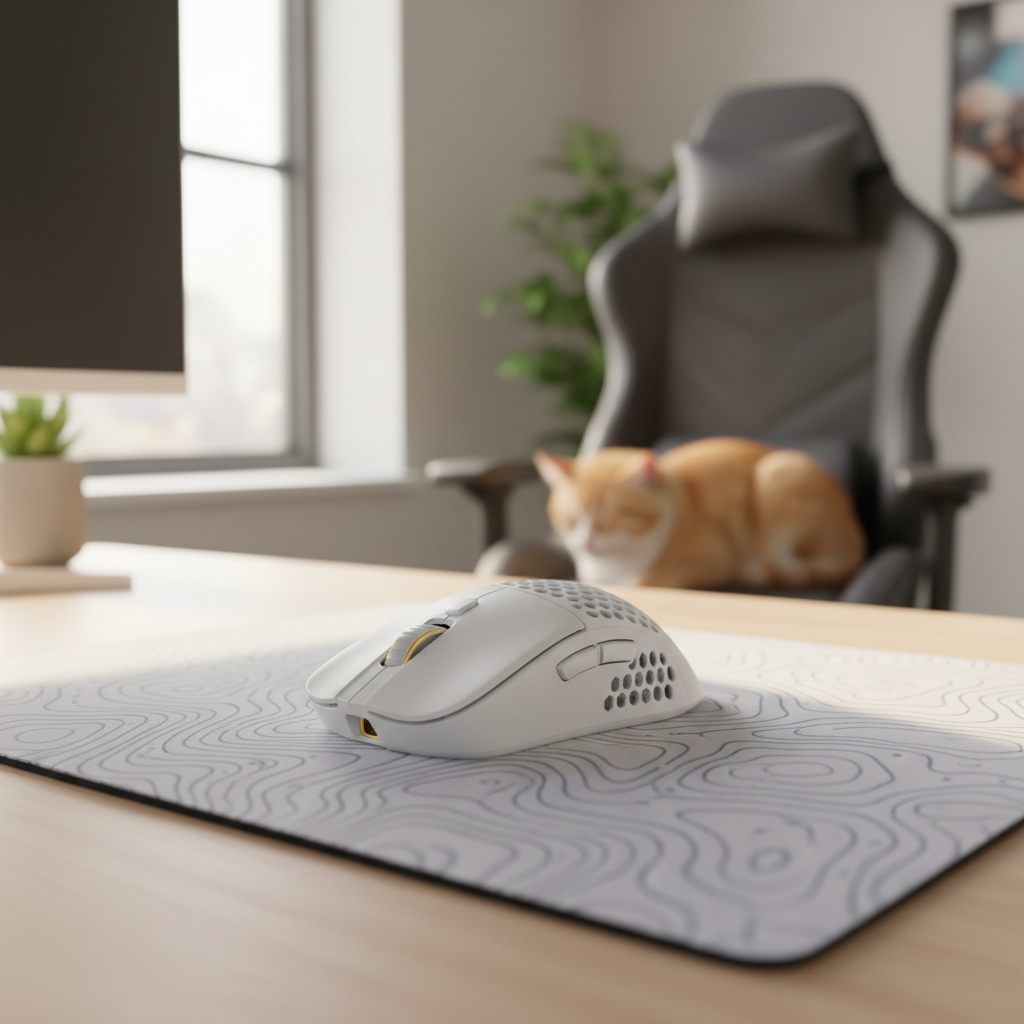
The Technical Impact of Pet Contaminants on High-Performance Sensors
High-performance gaming mice, particularly those utilizing advanced optical sensors like the PixArt PAW3395 or PAW3950, operate on the principle of high-speed image correlation. These sensors capture thousands of "surface snapshots" per second to calculate movement. However, in households with pets, the introduction of hair, dander, and skin oils creates a significant "noise" floor that can degrade tracking accuracy.
Pet hair is primarily composed of keratin, but it is the microscopic structure—specifically the overlapping scales of the hair cuticle—that makes it particularly troublesome for gaming peripherals. These scales act like tiny hooks, allowing fibers to lodge deeply into the seams of a mouse shell or the narrow aperture of a sensor ring. When a hair fragment enters the sensor's field of view, it causes "refraction jitter." The sensor's CMOS (Complementary Metal-Oxide Semiconductor) array interprets the hair as a moving surface feature, leading to erratic cursor behavior or "spin-outs" during high-velocity movements.
For gamers operating at an 8000Hz (8K) polling rate, this issue is magnified. At 8000Hz, the device transmits data every 0.125ms (one-eighth of a millisecond). Because the system is processing 8,000 packets per second, even a transient obstruction that lasts for only a few milliseconds can affect dozens of data points. This creates a perceptible "stutter" in the cursor path that 1000Hz users might never notice, as the higher reporting frequency demands a perfectly clear optical path to maintain its 0.125ms consistency.
Logic Summary: This analysis of sensor degradation assumes the use of a high-DPI optical sensor (26,000+ DPI) on a standard cloth or hard surface. The impact of hair-induced jitter is modeled as a signal-to-noise ratio (SNR) problem, where the hair fiber represents a high-contrast non-surface artifact.
Mechanics of Debris Migration in Gaming Mice
Most modern gaming mice prioritize lightweight designs, often utilizing thin-wall injection molding or perforated "honeycomb" shells to reduce mass. While these designs offer a competitive edge in FPS (First-Person Shooter) titles, they also increase the number of entry points for pet contaminants.
The Sensor Aperture and the 'Lip' Problem
A common design feature in many high-spec mice is a pronounced plastic "lip" or skirt surrounding the sensor lens. This ring is intended to maintain a consistent Lift-Off Distance (LOD) and protect the lens from direct contact with the mouse pad. However, this structure frequently acts as a collection point for compacted hair and skin oils. Over time, these materials form a "debris ring" that can partially obscure the lens's peripheral vision.Button Seams and Mushy Actuation
The gaps between the primary mouse buttons (M1/M2) and the main shell are typically less than 1mm wide. Pet hair, particularly the fine undercoat hair from cats or certain dog breeds, can easily migrate through these seams. Once inside, the hair can interfere with the mechanical microswitch or the plunger (the part of the button that strikes the switch). This leads to "mushy" clicks, where the tactile feedback is dampened, or in extreme cases, "double-clicking" issues where the hair prevents the switch from fully resetting.
Professional Cleaning Methodology: Tools and Techniques
Effective maintenance requires a non-invasive approach to avoid damaging sensitive internal components or stripping specialized shell coatings. Based on patterns observed in technical support and hardware repair environments, a multi-tool approach is significantly more effective than relying on a single cleaning method.
The Multi-Tool Cleaning Sequence
A logical cleaning workflow should follow a "bulk-to-detail" progression: 1. **Electronic Air Blower:** Use an electronic blower or an upright can of compressed air to dislodge loose surface hair. 2. **Soft-Bristle Detail Brush:** Use a brush to sweep debris out of button seams and the sensor ring. 3. **Plastic Dental Pick:** For compacted hair in tight gaps, a plastic dental pick is superior to metal tools. Metal tools can create microscopic burrs on the plastic shell, which actually attract more grime and hair over time. 4. **70% Isopropyl Alcohol (IPA) and Lint-Free Swabs:** Use these for the final cleaning of the sensor lens and the "lip" area to dissolve oils.Correcting the 'Compressed Air' Mistake
A frequent error is using compressed air at a direct, 90-degree angle into mouse gaps. This often forces hair deeper into the internal chamber or past the sensor lens skirt, making it inaccessible without a full teardown. The correct technique is to hold the can upright and use short, controlled bursts at a shallow, grazing angle (approximately 15–30 degrees) across the surface. This creates a "venturi effect" that pulls debris out rather than pushing it in.Maintenance Modeling: Cleaning Frequency Heuristics
Pet Type / Shedding Level Recommended Inspection Deep Clean Cycle Rationale High-Shed (e.g., German Shepherd) Daily 48–72 Hours High volume (up to 1.5 cups/week) [1] Medium-Shed (e.g., Short-hair Cat) Every 3 Days Weekly Dander and fine undercoat migration Low-Shed (e.g., Sphynx, Poodle) Weekly Bi-Weekly Focus on skin oils and dust Boundary Conditions: Model assumes 4+ hours of daily use on a cloth surface.
Preventative Setup Strategies for Pet Owners
While cleaning is necessary, modifying the gaming environment can drastically reduce the rate of contamination.
Surface Selection: Hard vs. Cloth Pads
For pet owners, the choice of mouse pad is a critical performance factor. Traditional cloth pads feature a woven textile surface that acts as a "trap" for pet hair. Once hair is ground into the weave, it is difficult to remove and can be picked up by the mouse's PTFE (Teflon) skates, eventually migrating into the sensor.Hard surface pads, such as those made from tempered glass or specialized polymers, are significantly easier to maintain. Hair and dander sit on top of the surface and can be cleared with a single wipe. Furthermore, hard pads do not suffer from "surface fatigue" caused by embedded debris, which can alter the friction coefficient over time.
Storage and Barriers
When the mouse is not in use, it should be stored in a way that minimizes exposure. However, users should be cautious with certain "mouse trays" or covers. Our analysis suggests that trays with raised edges or textured interiors can actually channel hair and dander directly into the mouse's sensor aperture if the tray itself is not cleaned regularly.A more effective preventative measure during high-shed periods is the use of low-tack PVC protection tape. Applying a small piece of residue-free tape (such as AT44 Black) over the sensor aperture when the mouse is stored can provide a total barrier against dander. According to technical specifications for AT44 Black Low Tack PVC Tape, this material is designed for sensitive surfaces and leaves no adhesive residue that could foul the lens.
The 8000Hz Performance Ceiling and System Health
Operating a mouse at an 8000Hz polling rate places unique demands on both the hardware and the host PC. When a sensor is partially obstructed by pet hair, the "noise" in the data stream can lead to increased CPU overhead.
IRQ Processing and CPU Load
At 8K polling, the bottleneck is typically **IRQ (Interrupt Request) processing**. The CPU must stop its current tasks 8,000 times per second to process a mouse packet. If the sensor is sending "jittery" or inconsistent data due to hair interference, the OS scheduling and single-core performance are stressed further as the system attempts to reconcile the erratic inputs.To ensure 8K stability, the mouse must be connected to a Direct Motherboard Port (Rear I/O). Using USB hubs or front-panel headers is strictly discouraged, as shared bandwidth and inadequate shielding can lead to packet loss, which is only exacerbated by physical sensor obstructions.
DPI and IPS Saturation
To fully utilize the 8000Hz bandwidth, the sensor must generate enough data points. This is a function of movement speed (IPS - Inches Per Second) and DPI (Dots Per Inch). * To saturate the 8000Hz bandwidth at **800 DPI**, a user must move the mouse at least **10 IPS**. * At **1600 DPI**, the required speed drops to **5 IPS**.If pet hair causes the sensor to "miss" snapshots, the effective IPS threshold increases, making the mouse feel less responsive during slow, precise micro-adjustments. This is why maintaining a clear optical path is more critical for high-polling-rate mice than for standard 1000Hz devices.
Regulatory and Safety Considerations for Maintenance
When performing maintenance, especially on wireless mice containing lithium-ion batteries, it is essential to follow safety guidelines established by organizations like the CPSC.
- Battery Safety: Avoid using metal tools near the battery compartment or internal PCB. A short circuit caused by a metal pick could lead to thermal runaway.
- Chemical Safety: Ensure that any cleaning agents used comply with EU RoHS Directive 2011/65/EU, which restricts hazardous substances in electronic equipment.
- Device Integrity: Opening the mouse shell to remove deep-seated hair may void your warranty. Always check the manufacturer's terms before attempting a full teardown. For devices sold in the US, you can verify compliance and internal photos via the FCC ID Search using the Grantee Code or model number.
In summary, pet hair is not merely an aesthetic issue; it is a technical hurdle that can compromise the performance of high-spec gaming hardware. By adopting a professional cleaning cadence, choosing the right tracking surfaces, and understanding the physical requirements of high-polling-rate sensors, gamers can ensure their gear remains a reliable extension of their skill.
For further technical standards on gaming peripherals, refer to the Global Gaming Peripherals Industry Whitepaper (2026).
Disclaimer: This article is for informational purposes only. Maintenance and cleaning of electronic devices should be performed with caution. The author and publisher are not responsible for any damage to hardware or loss of warranty resulting from the techniques described. Always consult your device's user manual for specific care instructions.
References

コメントを書く
このサイトはhCaptchaによって保護されており、hCaptchaプライバシーポリシーおよび利用規約が適用されます。