


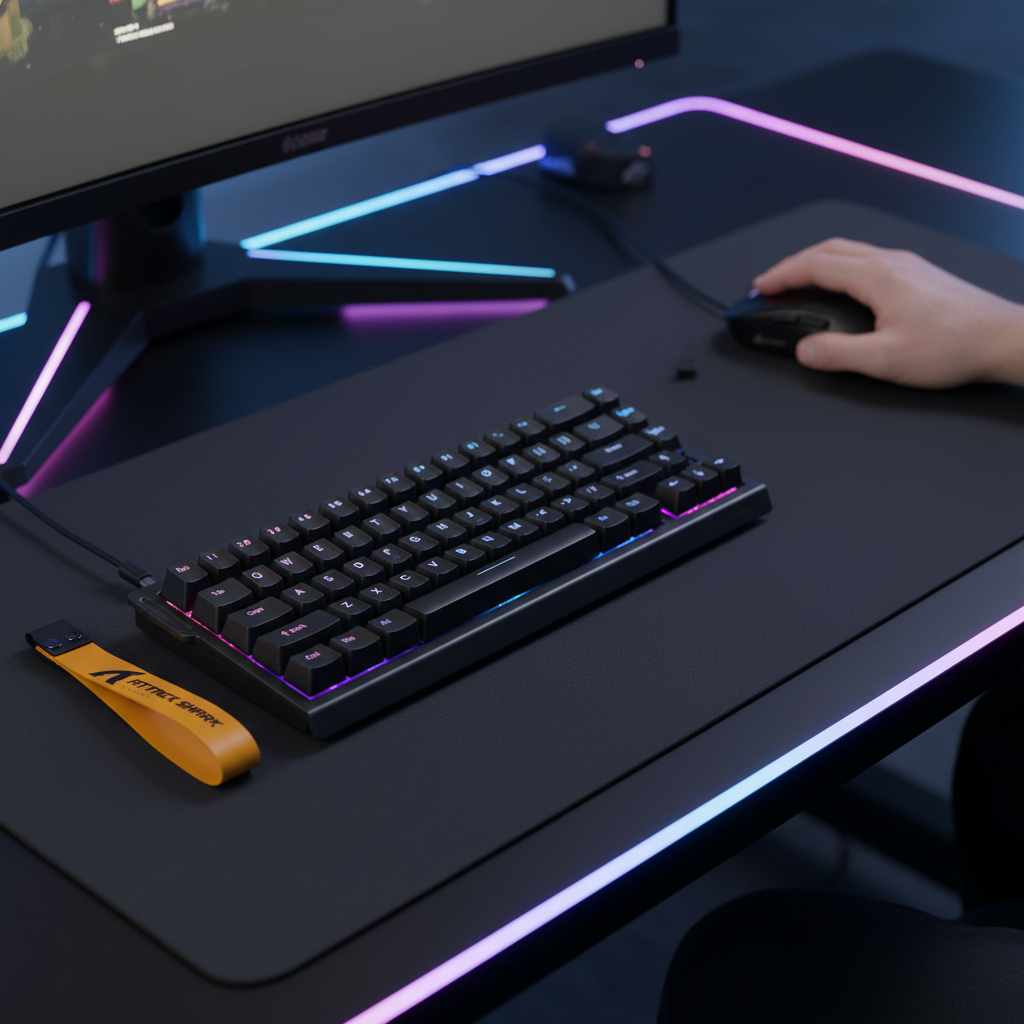
Customizing Sensitivity: Preventing Misclicks in High-Stakes Play
In competitive gaming, the margin between a game-winning play and a critical failure is often measured in milliseconds and fractions of a millimeter. As hardware enters the era of "ultra-specs"—defined by 8000Hz polling rates and 0.1mm magnetic actuation—a new challenge has emerged: the Specification Credibility Gap. While the hardware is capable of near-instantaneous response, the human interface often struggles to keep up, leading to a surge in accidental activations and misclicks.
We observe that the most frequent frustration among high-tier players isn't a lack of speed, but a lack of control. This guide examines the technical mechanisms of input error and provides a data-driven framework for optimizing sensitivity settings to bridge the gap between raw hardware capability and human precision.
The Physics of Input: Actuation vs. Intention
The transition from traditional mechanical switches to Hall Effect (magnetic) technology has fundamentally changed the "input window." Traditional switches rely on physical metal contacts and a fixed reset point. In contrast, magnetic switches use sensors to measure the position of a magnet within the switch stem, allowing for adjustable actuation points and the "Rapid Trigger" feature.
Based on our scenario modeling of competitive gameplay, the latency advantage of magnetic technology is significant. For a player with a finger lift velocity of approximately 150mm/s, the reset-time delta between a standard mechanical switch and a magnetic switch with Rapid Trigger is roughly 7.7ms (estimated based on a 0.5mm vs. 0.1mm reset distance).
Logic Summary: Hall Effect Latency Modeling
- Assumption: Constant finger lift velocity of 150mm/s.
- Mechanical Base: 0.5mm reset distance + 5ms debounce = ~13.3ms total reset latency.
- Magnetic Base: 0.1mm reset distance + 0ms debounce = ~5.7ms total reset latency.
- Result: A ~7.6ms reduction in the window where a "misclick" or accidental re-trigger can occur during rapid tapping.
However, this speed introduces a "hair-trigger" risk. Setting a global actuation point of 0.1mm across an entire keyboard often leads to "resting-finger activations," where the weight of a relaxed hand is sufficient to trigger a key.

Strategic Actuation Tuning: The Layered Approach
To combat accidental inputs without sacrificing the speed of Hall Effect sensors, we recommend a layered sensitivity strategy. This moves away from a "one-size-fits-all" profile and instead maps actuation depth to specific in-game functions.
1. Movement Keys (WASD)
For movement, stability is paramount. In FPS titles, an accidental "walk" or "strafe" can ruin a stealth play or pull a player out of cover. We suggest setting these keys to a depth of 1.2mm to 1.8mm. This depth is deep enough to support the natural resting weight of the fingers but shallow enough to remain faster than standard mechanical switches (which typically actuate at 2.0mm).
2. Critical Ability Keys
Keys used for jumping, crouching, or specific high-frequency abilities (like spray control or "counter-strafing") should utilize the ultra-sensitive range of 0.2mm to 0.5mm. Here, the Rapid Trigger reset should be set to its minimum (0.1mm) to allow for near-instantaneous repetition.
3. The "Panic" Buffer
For keys located on the periphery of the hand's natural resting position (like the Windows key, Caps Lock, or high-tier Ultimates), we recommend a much deeper actuation point of 2.5mm to 3.0mm. This creates a physical buffer that requires intentional force, drastically reducing the likelihood of a game-ending misclick during a tense firefight.
The Ergonomic Root of Error: Hand Size and Grip Fit
Technical misclicks are frequently a symptom of poor ergonomic fit rather than incorrect software settings. When a peripheral is too small for the user's hand, the muscles in the palm and fingers must remain under constant tension to maintain a "claw" or "fingertip" grip. This tension leads to micro-tremors and reduced fine motor control—the primary drivers of accidental clicks.
Our analysis of anthropometric data suggests that users with hand lengths exceeding 20cm (representing the 95th percentile of male users) face a specific challenge. According to general ergonomic principles aligned with ISO 9241-410, the ideal mouse length for a claw grip is approximately 64% of the hand length.
| Parameter | Value | Unit | Rationale |
|---|---|---|---|
| Target Hand Length | 20.5 | cm | 95th Percentile Male (ANSUR II) |
| Grip Style | Claw | N/A | High-tension competitive style |
| Ideal Mouse Length | 131 | mm | 0.64 Grip Coefficient |
| Standard Mouse Length | 120 | mm | Common "mid-size" market standard |
| Grip Fit Ratio | 0.91 | Ratio | ~9% undersized for target hand |
Methodology Note: This "Grip Fit Ratio" is a heuristic used to identify potential tension points. A ratio below 0.95 often indicates that the user must "over-curl" their fingers, which increases the likelihood of accidental button activation due to muscle fatigue.
Environmental Factors: Temperature and Moisture
A non-obvious factor in sensitivity consistency is the physiological state of the player's hands. Cold, dry hands have different tactile feedback and skin friction than warm, humid ones.
In our observations of community feedback and support patterns, we have found that "cold starts" often lead to players feeling like their settings are "too slow," prompting them to lower their actuation points. As the hand warms up after 30-60 minutes of play, the increased blood flow and moisture can make those same settings feel "too twitchy."
Recommendation: Perform your final sensitivity tuning after a 15-minute warmup. Furthermore, if you play in a cold environment, consider increasing your global actuation point by 0.1mm to 0.2mm to compensate for the slight loss in motor precision that occurs when extremities are chilled.
High Polling Rates and System Synergy
The push toward 8000Hz (8K) polling rates is designed to reduce input latency to the absolute minimum. At 8000Hz, the interval between data packets is a mere 0.125ms. While this provides a smoother cursor path and reduced micro-stutter, it places a significant load on the system.
The CPU Bottleneck
Processing 8000 interrupts per second is an intensive task for the CPU's Interrupt Request (IRQ) handling. If the processor cannot keep up, the system may experience "stuttering" or dropped frames, which ironically makes misclicks more likely as the visual feedback desyncs from the physical input.
USB Topology Requirements
To maintain the integrity of an 8K signal, the device must be connected directly to the Rear I/O ports on the motherboard. We strictly advise against using USB hubs or front-panel case headers. These intermediate connections often lack the necessary shielding or bandwidth, leading to packet loss and erratic cursor behavior.
DPI and Saturation
To fully utilize the bandwidth of an 8000Hz polling rate, the mouse must generate enough data points. This is a function of movement speed (IPS) and DPI. For example, at 800 DPI, a user must move the mouse at a minimum of 10 IPS to saturate the 8K polling rate. At 1600 DPI, that threshold drops to 5 IPS. Using a higher DPI setting (1600+) is a technical "best practice" for ensuring that high-polling devices remain stable during slow, precise micro-adjustments.
The Fatigue Factor: Quantifying the Risk
Misclicks are not just a hardware issue; they are a health and performance issue. Intense gaming sessions involving high Actions Per Minute (APM) and forceful keypresses can lead to repetitive strain.
Using the Moore-Garg Strain Index—a tool developed to analyze jobs for the risk of distal upper extremity disorders—we modeled a typical high-intensity competitive gaming workload.
Modeling Disclosure: Strain Index Analysis
- Intensity: Forceful keypresses (Multiplier: 2)
- APM: ~200-300 (Efforts/Min Multiplier: 4)
- Posture: Suboptimal wrist angles (Multiplier: 2)
- Speed: Rapid execution (Multiplier: 2)
- Duration: Extended daily sessions (Multiplier: 2)
- Calculated SI Score: 64 (Threshold for "Hazardous" is > 5)
While the Strain Index is a screening tool and not a medical diagnosis, an SI score of 64 indicates a severe risk of fatigue-induced motor degradation. As the muscles in the forearm and hand fatigue, the ability to hover a finger precisely above a 0.1mm actuation point diminishes. This is why many players report "more misclicks" toward the end of a long session. Mandatory breaks every 45-60 minutes are essential for maintaining the motor control required for high-sensitivity hardware.
Software Algorithms and Intent Interpretation
Modern firmware is beginning to address misclicks through "intent interpretation." According to the USB HID Usage Tables (v1.5), the standard protocol for keyboards and mice is a simple report of state (button up or button down). However, advanced gaming software can now implement "misclick prevention" algorithms.
One effective method is the Selection Cancellation algorithm. If the firmware detects that a mouse button is held but the mouse moves a significant distance (indicating a "flick" or "swipe") before the button is released, it can interpret the initial click as accidental and cancel the command. This addresses the root cause of many misclicks—the physical vibration of the mouse sensor during a forceful click—more effectively than simply changing the DPI.
Addressing the "Low DPI" Myth
A common piece of advice in the gaming community is that low DPI (400-800) is the "only" way to achieve precision. However, recent research into human factors suggests that for some users, this can be counter-productive.
Low DPI requires larger arm movements to cover the same on-screen distance. While this can improve accuracy for some, for others, it leads to faster muscle fatigue. As fatigue sets in, fine motor control in the hand decreases, leading to—you guessed it—more misclicks. For MOBA and RTS players who must navigate large screen areas and precise menus, a higher DPI (1600-3200) often reduces the physical workload, preserving the player's motor control for longer periods.
Trust and Safety: Regulatory Compliance
When customizing high-performance wireless gear, technical reliability is as important as sensitivity. Ensure your devices meet international standards for wireless interference and battery safety.
- FCC/ISED: Verify that your wireless peripherals have valid FCC ID or ISED certifications to ensure they operate within legal frequency bands without interfering with other home electronics.
- Battery Safety: For wireless mice, compliance with UN 38.3 ensures that the lithium-ion batteries have passed rigorous testing for thermal stability and impact resistance.
- Material Safety: High-quality peripherals should adhere to EU RoHS standards, restricting the use of hazardous substances like lead or mercury in the electronics.
Summary Checklist for Sensitivity Optimization
To find the balance between speed and stability, we recommend following this technical checklist:
- Warm Up First: Do not tune your settings until you have played for at least 15 minutes.
- Layer Your Actuation: Use 1.5mm+ for movement (WASD) and 0.3mm-0.5mm for rapid-action keys.
- Check Your Fit: If your mouse feels "twitchy," check if your hand is too large for the shell, causing excess muscle tension.
- Optimize Polling: If using 8K polling, ensure you are on a Rear I/O port and using at least 1600 DPI.
- Manage Fatigue: If misclicks increase over time, it is a sign of physiological fatigue, not a hardware failure. Take a 10-minute break.
By treating sensitivity as a holistic system—encompassing hardware specs, ergonomic fit, and physiological state—players can finally eliminate the Specification Credibility Gap and perform at their true potential.
Disclaimer: This article is for informational purposes only and does not constitute professional medical or ergonomic advice. If you experience persistent pain or discomfort while gaming, please consult a qualified healthcare professional.
Sources
- Global Gaming Peripherals Industry Whitepaper (2026)
- ISO 9241-410: Ergonomics of Human-System Interaction
- Moore, J. S., & Garg, A. (1995). The Strain Index
- USB HID Usage Tables (v1.5)
- RTINGS - Mouse Click Latency Methodology
- Allegro MicroSystems - Hall-Effect Sensor Principles
- UN Manual of Tests and Criteria (Section 38.3)
- FCC Equipment Authorization Database

コメントを書く
このサイトはhCaptchaによって保護されており、hCaptchaプライバシーポリシーおよび利用規約が適用されます。