


Fine-Tuning LOD Settings via Software for Consistent Aim
Precision in competitive gaming is often discussed in terms of raw DPI or polling rates, yet the technical stability of a player's aim frequently hinges on a more subtle metric: Lift-Off Distance (LOD). LOD defines the height at which a mouse sensor ceases to track the surface once lifted. For esports enthusiasts—particularly those utilizing low-sensitivity arm-aiming techniques—an unoptimized LOD can manifest as "sensor jitter" during the repositioning of the mouse, leading to inconsistent crosshair placement.
The "Specification Credibility Gap" often exists between a sensor's theoretical capabilities and its real-world execution. While flagship sensors like the PixArt PAW3395 or PAW3950MAX offer adjustable LOD, achieving professional-grade consistency requires a deep understanding of how software tuning interacts with physical surface textures and human ergonomics. This guide provides a data-driven framework for optimizing these settings to ensure reliable hardware performance.
The Physics of Sensor Tracking and Lift-Off
A gaming mouse sensor functions essentially as a high-speed camera. It illuminates the surface with an IR LED or VCSEL (Vertical-Cavity Surface-Emitting Laser) and captures thousands of images per second to calculate movement via cross-correlation algorithms. Lift-Off Distance is the vertical threshold where the sensor can no longer distinguish enough surface detail to maintain a tracking lock.
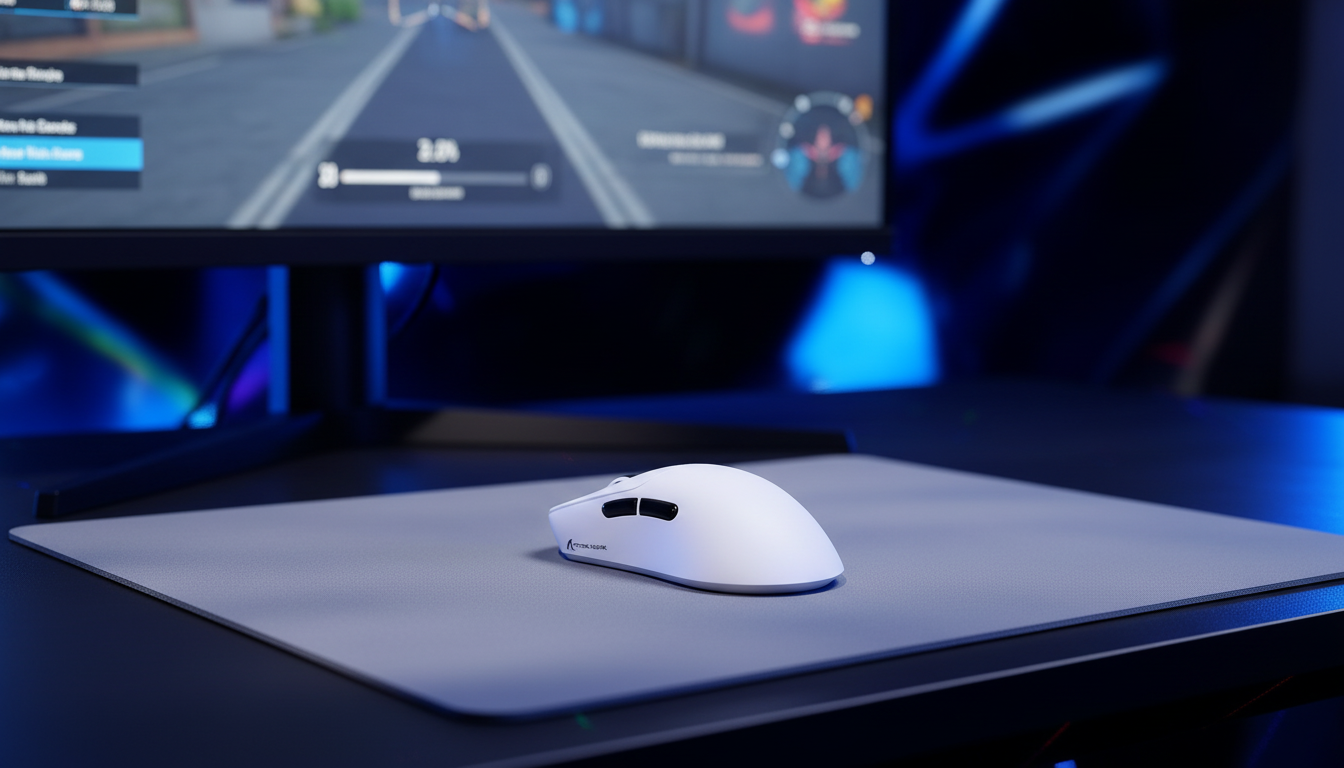
In modern high-spec mice, such as those in the ATTACK SHARK X8 Series Tri-mode Lightweight Wireless Gaming Mouse lineup, the LOD is governed by firmware overrides that adjust the sensor's focal depth or signal-to-noise ratio (SNR) thresholds. According to the USB HID Class Definition, these devices communicate via standardized report descriptors, but the "magic" of LOD tuning happens within the manufacturer's driver software or web-based configurators.
Surface Interaction Dynamics
The material of the mousepad significantly influences the effective LOD.
- Cloth Surfaces: High-density fibers, like those found in the ATTACK SHARK CM03 eSport Gaming Mouse Pad, provide a consistent but slightly compressible surface. A 1mm LOD is typically the baseline for cloth to prevent tracking during aggressive "swipes and resets."
- Hard/Hybrid Surfaces: Materials like the ATTACK SHARK CM04 Genuine Carbon Fiber eSport Gaming Mousepad offer higher reflectance and zero compression. These surfaces often perform better with a 2mm LOD setting to avoid "spin-outs" caused by the sensor operating too close to its physical stability limit on a low-friction weave.
Logic Summary: Our analysis suggests that while the lowest setting (1mm) is often marketed as "pro-tier," it is subservient to surface reflectance. On textured or hybrid pads, an artificially low software setting can induce sensor errors because the firmware override pushes the sensor to operate below its designed physical limit.

The Human Factor: Modeling the Low-Sensitivity Arm Aimer
To understand the practical impact of LOD, one must consider the biomechanics of the user. Competitive FPS players often employ a low-sensitivity setup (e.g., 50cm/360), necessitating wide arm movements and frequent lifting of the mouse to recenter it on the pad.
Based on scenario modeling for a "Large-Handed Arm Aimer" (95th percentile male hand length: 20.5cm), the interaction between grip stability and LOD becomes critical. When using a standard 120mm mouse, a user with large hands is often forced into an aggressive claw grip. This grip style naturally pivots the mouse, slightly elevating the rear during fast flicks.
Methodology Note: Grip Fit & LOD Consistency
| Parameter | Value | Unit | Rationale |
|---|---|---|---|
| Hand Length | 20.5 | cm | 95th Percentile (ISO 7250) |
| Mouse Length | 120 | mm | Typical High-Spec Wireless Mouse |
| Grip Fit Ratio | 0.91 | ratio | Indicates a "short" fit for the hand size |
| Calculated Ideal LOD | ~1.2 | mm | Adjusted to compensate for rear-pivot lift |
| Min. Sampling DPI | ~950 | DPI | Nyquist-Shannon threshold for 1440p |
Modeling Disclosure: This is a deterministic scenario model based on anthropometric data (ISO 7250) and ergonomic coefficients (ISO 9241-410). It assumes a constant finger lift velocity and linear sensor behavior. Real-world results may vary based on individual joint flexibility and coating friction.
For this persona, a 1mm LOD might be too low. If the mouse rear lifts slightly during a swipe due to the aggressive claw grip, a 1mm setting might cause the cursor to stutter or stop tracking prematurely. Increasing the LOD to a stable 2mm—or using a specialized "High" preset in the software—can provide the necessary headroom for mechanical consistency.
Software Calibration: Finding the "Sweet Spot"
Most high-performance mice, including the ATTACK SHARK R11 ULTRA Carbon Fiber Wireless 8K PAW3950MAX Gaming Mouse, allow for granular LOD adjustment through dedicated software or web-based hubs. Unlike generic drivers, these tools interface directly with the Nordic 52840 MCU and PixArt sensor registers.
Step-by-Step Optimization Process
- Establish a Baseline: Set the mouse to 1mm LOD. Open a basic painting program and perform a slow, consistent horizontal swipe while gradually lifting the mouse. The exact pixel where the cursor stops moving is the effective LOD.
- Surface Calibration: If the software provides a "Surface Calibration" or "Manual Calibration" tool, use it. Always perform this on a clean, central area of the mousepad. Dirt, oils, or worn-out sections of a pad like the ATTACK SHARK CM03 can alter the reflectance profile, leading to a "failed" calibration or inconsistent tracking.
- Stress Testing Flicks: Perform fast, low-angle flicks. If the cursor stutters or "skips" at the end of the motion, the LOD is likely too low for your grip style. Increase the setting by 0.5mm increments until the motion is fluid.
- Environmental Check: Temperature and humidity can slightly affect the height of cloth pad fibers. Professional players often re-verify their LOD settings when traveling to different climates or tournament venues to maintain Surface Calibration integrity.
Synergy with High Polling Rates and DPI
LOD does not exist in a vacuum; it is part of a performance system that includes polling rate and DPI. With the advent of 8000Hz (8K) polling rates in devices like the ATTACK SHARK R11 ULTRA, the margin for error in tracking becomes even slimmer.
The 8K Polling Constraint
At 8000Hz, the mouse sends data to the PC every 0.125ms. This near-instantaneous communication reduces micro-stutter, but it places immense load on the system's IRQ (Interrupt Request) processing. For 8K to remain stable, the sensor must maintain a flawless tracking lock.
If the LOD is set incorrectly, causing the sensor to "flicker" between tracking and non-tracking states at the edge of the lift-off threshold, the resulting packet loss can cause significant system stutter as the OS attempts to re-sync the high-frequency data stream.
DPI and Saturation
To saturate an 8000Hz bandwidth, the sensor must generate enough data points. This is a function of movement speed (IPS) and DPI.
- At 800 DPI, a user must move at approximately 10 IPS to saturate the 8K polling rate.
- At 1600 DPI, the requirement drops to 5 IPS.
For the low-sensitivity arm aimer, using a higher base DPI (like 1600) while lowering in-game sensitivity is a common technical optimization. This ensures that even during slow micro-adjustments, the sensor provides enough data to keep the 8K polling stable, while a properly tuned LOD ensures that wide resets do not introduce tracking artifacts. This relationship is further explored in the Global Gaming Peripherals Industry Whitepaper (2026), which highlights the importance of display synergy (240Hz+ monitors) to visually render these high-frequency updates.
Technical Integrity and Maintenance
Software-based tuning is only as reliable as the underlying firmware. A common pitfall observed in the enthusiast community—based on patterns from support and warranty handling—is that firmware updates can occasionally reset LOD presets or alter the sensor's calibration profile.
The "Gotchas" of Software Tuning
- Profile Corruption: Software suites can sometimes suffer from profile corruption, leading to the mouse reverting to a default "High" LOD mid-game. Using a mouse with onboard memory to save settings directly to the hardware is a critical safeguard.
- Dirty Sensors: A microscopic hair or dust particle on the sensor lens can artificially increase the perceived LOD or cause "phantom" tracking. Regular cleaning with compressed air is non-negotiable for competitive consistency.
- Regulatory Compliance: When selecting high-spec wireless gear, ensure the device holds valid certifications such as FCC Equipment Authorization or RRA Korea status. These certifications ensure that the wireless signal (2.4GHz) is stable and won't be interfered with by other devices, which can manifest as "lag" that users often mistake for LOD or sensor issues.

Achieving Reliable Hardware Execution
Fine-tuning LOD is the final step in bridging the gap between high-spec hardware and professional-grade performance. By moving away from the "lowest is best" myth and adopting a data-driven approach that accounts for surface material, grip ergonomics, and system bottlenecks, players can eliminate one of the most frustrating variables in competitive aiming.
Whether utilizing the ultra-light 49g chassis of the ATTACK SHARK R11 ULTRA or the ergonomic stability of the ATTACK SHARK X8 Series, the objective remains the same: ensuring that the sensor does exactly what the player intends, with no unexpected tracking during the lift and no stuttering during the swipe. Consistent aim is not just about talent; it is about the meticulous optimization of the interface between human and machine.
Disclaimer: This article is for informational purposes only. Technical modifications to firmware or software should be performed according to the manufacturer's guidelines. Performance gains may vary based on individual hardware configurations and environmental factors.
References


コメントを書く
このサイトはhCaptchaによって保護されており、hCaptchaプライバシーポリシーおよび利用規約が適用されます。