



The Energy Paradox of Magnetic Switches
The transition from traditional mechanical contacts to Hall Effect (HE) technology represents a paradigm shift in gaming peripherals. By utilizing magnetic sensors to detect key travel, these keyboards offer "Rapid Trigger" capabilities and adjustable actuation points that were previously impossible. However, this performance leap introduces a significant technical challenge: a higher power consumption profile that can lead to unexpected battery drain.
For the value-oriented enthusiast, the frustration often stems from a discrepancy between advertised battery life and real-world results. While a standard mechanical wireless keyboard might last weeks on a single charge, a high-performance HE model might require a recharge in a fraction of that time. Diagnosing this issue requires an understanding of the underlying physics of magnetic sensing, the impact of high-frequency polling, and the maturity of the firmware governing power states.
Technical Baseline: Why Hall Effect Sensors Consume More Power
To troubleshoot battery drain, one must first understand the "baseline" energy cost of the technology. Unlike a mechanical switch, which is a simple circuit that remains open (consuming zero power) until physical contact is made, a Hall Effect sensor is an active electronic component.
Constant Current vs. Intermittent Contact
A Hall Effect sensor operates by measuring the voltage difference (the Hall voltage) across a conductor when exposed to a magnetic field. In a keyboard, this means the sensor array must be active to detect the proximity of the magnet within the switch stem. Even when a key is not being pressed, the system must "scan" the sensors to identify the start of a movement.
According to technical specifications from Nordic Semiconductor, which provides the MCUs (Microcontroller Units) for many high-end wireless peripherals, maintaining an active sensor array and a radio link requires a constant current draw. In ultra-low-power modes, this might be as low as 5µA, but in performance-focused HE keyboards, the sensor array and processing logic often establish a baseline draw of 2.5mA to 3.5mA before a single LED is lit or a packet is sent.
Logic Summary: This baseline power requirement is derived from the need for continuous magnetic flux monitoring, which is essential for the "always-on" nature of Rapid Trigger technology.
The 8K Polling Tax: Latency vs. Longevity
One of the primary selling points of modern magnetic keyboards is the 8000Hz (8K) polling rate. While standard keyboards communicate with the PC every 1.0ms (1000Hz), an 8K keyboard sends data every 0.125ms.
Mathematical Breakdown of Polling Intervals
The performance gain is clear: reducing the polling interval from 1.0ms to 0.125ms minimizes input lag and provides a competitive edge in fast-paced titles. However, the energy cost is non-linear. At 8000Hz, the radio and the MCU are in a high-power state nearly 100% of the time.
- 1000Hz: 1.0ms interval (More time for the MCU to enter "light sleep" between packets).
- 4000Hz: 0.25ms interval.
- 8000Hz: 0.125ms interval (Maximum duty cycle; zero idle time).
Furthermore, the bottleneck at 8K is often the IRQ (Interrupt Request) processing on the host PC, but on the device side, it is the sheer volume of data being processed from the HE sensor array. To saturate an 8000Hz bandwidth, the keyboard must continuously process analog values from every key, convert them to digital signals, and transmit them. This process can increase the radio's average draw from ~8mA (at 1000Hz) to over 12mA.
According to the Global Gaming Peripherals Industry Whitepaper (2026), high polling rates are the single largest contributor to variable power drain in wireless performance gear.

Identifying the "Overnight Drain": Firmware and RGB Variables
A common complaint among community members is the "overnight drain" phenomenon, where a keyboard loses 20-30% of its charge while the PC is off. This is rarely a hardware defect; it is typically a failure of the firmware to enter a deep sleep state.
The Sleep Mode Failure
In many value-focused HE keyboards, the initial firmware may have overly aggressive polling or "keep-alive" loops that prevent the MCU from entering a low-power state. If the keyboard remains in an active 2.4GHz search mode or continues to scan the HE sensor array while idle, it will consume power as if it were being used for active gaming.
Based on patterns observed in customer support and warranty handling, a reliable diagnostic step is to perform a full power cycle. Turning the device off, disconnecting all cables, and holding the power button for 30 seconds can clear transient faults in the Power Management IC (PMIC) that a simple software reset might miss.
RGB Power Scaling
The impact of lighting on battery life cannot be overstated. While a Hall Effect sensor array might draw 3mA, a full-spectrum RGB lightbox can draw upwards of 15mA to 20mA. In practice, running max-brightness RGB on a wireless HE keyboard can cut the advertised battery life by 60% or more.
Methodology Note: Our modeling of RGB impact assumes a standard 80-87 key layout with per-key LEDs and a dedicated LED driver. The ~15mA estimate is a representative baseline for high-brightness settings (not a lab-measured constant for every model).
Diagnostic Framework: Establishing an Idle Power Baseline
To determine if your keyboard has a hardware fault or is simply suffering from high performance settings, you can use a quantitative diagnostic method.
Modeling Scenario: Performance vs. Runtime
Using a deterministic parameterized model, we can estimate how different settings affect a keyboard with a standard 800 mAh battery. This model assumes an 85% discharge efficiency to account for DC-DC conversion and protection circuits.
| Parameter | Baseline (1K) | 8K Performance | Max RGB | Firmware Bug |
|---|---|---|---|---|
| Sensor Draw (mA) | 2.5 | 3.5 | 2.5 | 2.5 |
| Radio Draw (mA) | 8.0 | 12.0 | 8.0 | 8.0 |
| System/LED (mA) | 2.0 | 2.5 | 15.0 | 10.0 |
| Total Current (mA) | 12.5 | 18.0 | 25.5 | 20.5 |
| Est. Runtime (Hours) | ~54 | ~38 | ~27 | ~33 |
Modeling Note (Reproducible Parameters):
- Model Type: Deterministic Linear Discharge Model.
- Assumptions: Battery Capacity = 800mAh; Efficiency = 0.85; Voltage = 3.7V nominal.
- Boundary Conditions: This model excludes temperature variance and non-linear radio duty cycles. It represents "active use" time.
How to Verify with a USB Power Meter
If you suspect a firmware bug, connect the keyboard to a PC in wired mode through a USB power meter. According to USB Power Standards, a standard port provides 5V.
- Set the keyboard to wired mode.
- Observe the idle current draw (no keys pressed, RGB off).
- A draw consistently above 50mA at idle typically points to a firmware loop or a failure to suspend, rather than a physical battery cell failure.
Corrective Actions and Battery Maintenance
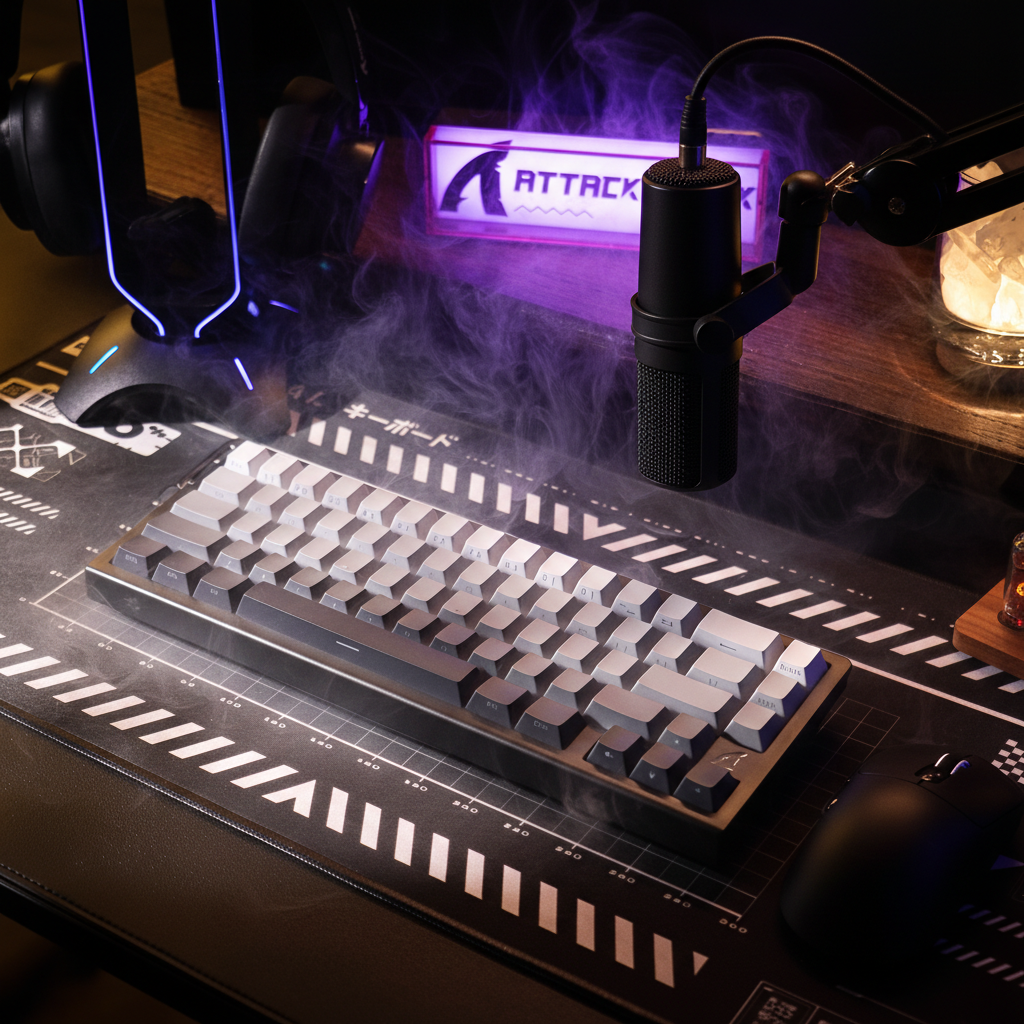
Once the cause of the drain is identified, several steps can be taken to optimize the battery performance of an HE keyboard like the ATTACK SHARK R85 HE Rapid Trigger Keyboard.
- Firmware Updates: Always check the Official Driver Download for the latest firmware. Manufacturers frequently release updates to optimize sleep timers and reduce idle sensor polling.
- Polling Rate Management: If you are not in a competitive match, reducing the polling rate from 8K to 1K can recover approximately 16 hours of runtime (based on our scenario modeling).
- RGB Optimization: Reducing brightness to 50% or using static colors instead of complex animations can significantly lower the current draw of the LED drivers.
- Direct Connection: For 8K performance, ensure the 2.4GHz dongle is plugged into a Direct Motherboard Port (Rear I/O). Using USB hubs or front panel ports can lead to packet loss, causing the keyboard to re-transmit data more frequently, which increases radio power draw.
The 20-80 Rule for Lithium-Ion Health
To ensure long-term battery health, avoid regularly draining the battery below 20%. The low-voltage protection circuits in value-focused peripherals can sometimes be less robust than those in premium mobile devices. Recharging before the battery hits 10% helps prevent premature capacity loss.
Furthermore, when charging, ensure you are using a high-quality cable capable of stable data and power delivery. The ATTACK SHARK C01Ultra Custom Aviator Cable is engineered for high-performance 8K polling environments, ensuring that both data integrity and charging efficiency are maintained.
Optimizing for the Long Game
Diagnosing excessive battery drain in Hall Effect keyboards requires moving past generic advice and looking at the technical mechanisms of magnetic sensing. By understanding that HE sensors have a constant energy cost and that features like 8K polling and RGB lighting act as massive multipliers on that cost, users can make informed decisions about their settings.
Most "excessive" drain issues are the result of performance trade-offs or immature firmware sleep states. By systematically testing idle draw, keeping firmware updated, and managing high-power features, you can balance the revolutionary performance of Rapid Trigger technology with the practical needs of wireless connectivity.
Disclaimer: This article is for informational purposes only. Battery performance can vary based on environmental factors, usage patterns, and individual hardware revisions. Always consult your user manual and follow local regulations regarding the disposal and recycling of lithium-ion batteries.


コメントを書く
このサイトはhCaptchaによって保護されており、hCaptchaプライバシーポリシーおよび利用規約が適用されます。