


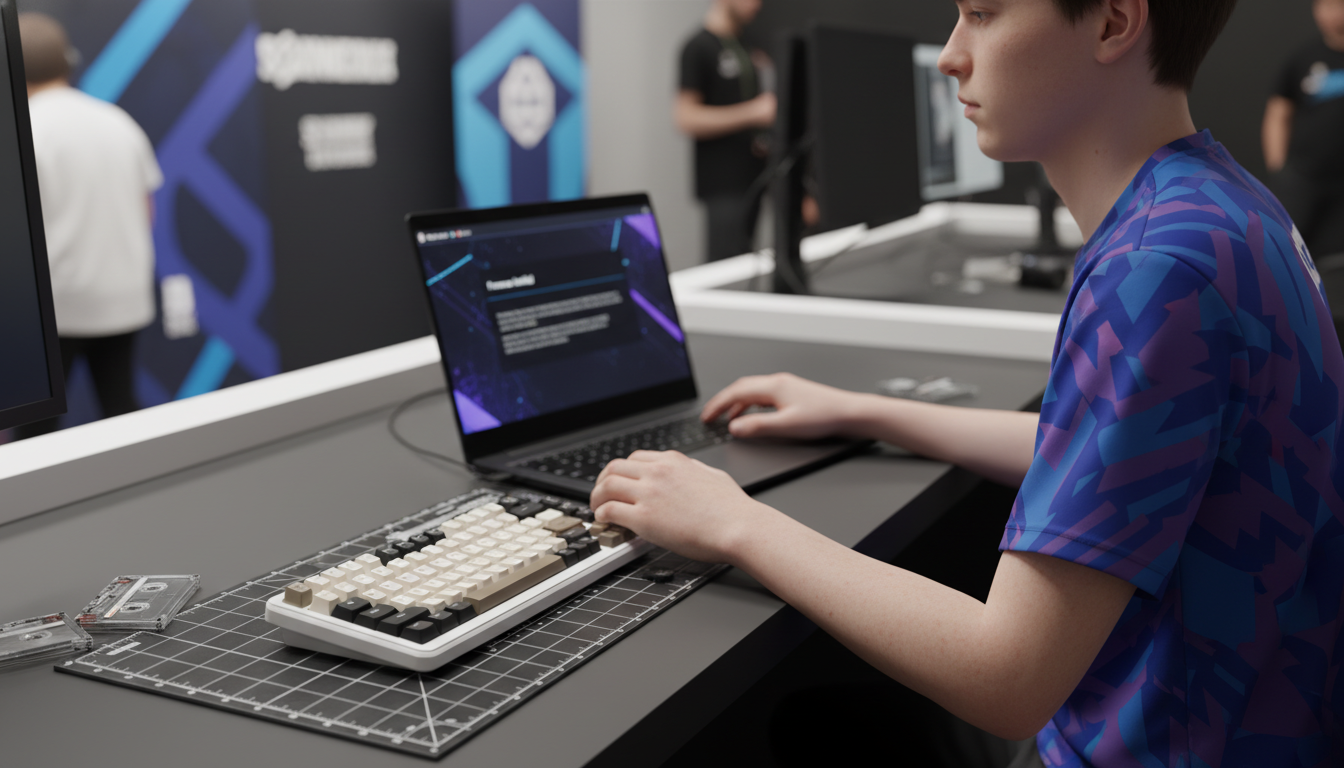
The Shift Toward Hardware Integrity
The competitive landscape of LAN tournaments is undergoing a paradigm shift. As performance technologies like Hall Effect magnetic switches and rapid trigger functionality become standard, the focus of tournament integrity has moved from software-based anti-cheat to hardware-level verification. For the technically-inclined gamer, the "specification credibility gap"—the distance between what a box claims and what the firmware actually executes—is a significant hurdle during check-ins.
Tournament administrators increasingly view the keyboard not just as a peripheral, but as an active processing unit. With the advent of true 8000Hz polling rates, which deliver a near-instant 0.125ms report interval, the potential for undocumented hardware-assisted movement (such as automated SOCD or complex macro strings) has grown. Proving that your device is running "clean," factory-spec firmware is no longer optional; it is a prerequisite for high-stakes play.
According to the Global Gaming Peripherals Industry Whitepaper (2026), the standardization of hardware-based integrity checks is expected to become a universal requirement for professional tiers. This article breaks down the mechanisms of firmware verification and provides a step-by-step roadmap for ensuring your gear remains compliant under the scrutiny of an official audit.
Technical Frameworks for Firmware Verification
Verification at a LAN event typically involves three layers of scrutiny: version identification, binary integrity, and I/O path hardening. Understanding these layers helps players navigate the check-in process without technical delays.
1. Firmware Version and Signature Checks
Administrators often begin by checking the reported firmware version through the device’s native configuration hub or a web-based driver. However, simply showing a version number is rarely sufficient for high-tier events. Admins may use checksum tools to verify the firmware binary against a known-good "Golden Image" provided by the manufacturer.
2. USB HID Descriptor Analysis
The USB HID Class Definition (HID 1.11) defines how a device identifies itself to the host OS. During inspection, admins may use a protocol analyzer to ensure the keyboard is not presenting "ghost" HID interfaces. A keyboard that reports as both a HID Keyboard and a HID Mouse/Controller may trigger a deeper manual review, as this is a common method for hiding macro-injection hardware.
3. Diagnostic OS Booting
A common practice in modern tournaments is requiring players to boot their systems into a specialized, "clean" diagnostic OS (often a lightweight Linux distribution) from a USB drive. This environment bypasses local Windows drivers and registry entries, allowing the admin to verify the raw hardware output. If your keyboard requires a specific unsigned driver to enable performance features, it may be flagged as non-compliant in this environment.
Logic Summary: These verification steps are derived from patterns observed in tournament administration and hardware support logs. They prioritize the identification of undocumented hardware-level automation.

Pre-Tournament Compliance Checklist
Experienced tournament administrators report that the most frequent compliance failures are not intentional cheats, but rather players being unaware of their own firmware versions or active macro profiles. To avoid unnecessary suspicion, follow this technical preparation checklist before traveling.
Create a "Tournament Profile"
Most modern high-performance keyboards support multiple on-board profiles. You should dedicate one profile specifically for tournament use.
- Settings: Enable base rapid trigger functions and default actuation points.
- Disables: Completely remove any complex macros, secondary function layers, or "Snap Tap" style SOCD overrides unless explicitly permitted by the rulebook.
- Actuation Stability: Set a conservative deadzone (e.g., 0.05mm–0.1mm) to prevent "jitter" that might look like automated input during a diagnostic check.
Documentation and Proof
Before you leave for the event, take clear screenshots of your firmware version screen and the active settings for your "Tournament Profile." While not a definitive proof, admins often accept this as preliminary evidence of your intent to remain compliant.
Physical Maintenance
Ensure your keyboard’s USB-C port and the cable connectors are free of debris. A loose or intermittent connection during a firmware read-out can cause a "read error," which may lead an admin to suspect the device is attempting to block an audit. Using a high-quality, shielded cable is essential for maintaining signal integrity at 8000Hz.
| Component | Verification Step | Rationale |
|---|---|---|
| Firmware | Check for latest stable version | Ensures compatibility with admin "Golden Images" |
| Cable | Inspect for shielding and 8K support | Prevents packet loss during high-frequency checks |
| Profiles | Clear all non-essential macros | Minimizes the risk of undocumented input flags |
| Physical | Clean USB-C port with compressed air | Prevents read errors during hardware inspection |

Navigating the On-Site Inspection
Once you arrive at the tournament desk, the inspection process is usually rapid but thorough. Understanding the technical constraints of high-frequency polling can help you troubleshoot issues on the fly.
The 8000Hz (8K) Verification
If you are using an 8K polling rate, be prepared for the admin to check your system's CPU overhead. At 8000Hz, the report interval is exactly 0.125ms. This frequency places a significant load on the system's IRQ (Interrupt Request) processing.
To demonstrate that your 8K performance is legitimate and not "spoofed" by a software injector, you may be asked to perform a high-speed movement test. To saturate an 8000Hz bandwidth, you typically need to move at a specific speed depending on your DPI:
- At 800 DPI: You must move at least 10 IPS (inches per second) to generate enough data packets to fill the 8K polling windows.
- At 1600 DPI: Only 5 IPS is required to maintain a stable 8000Hz stream.
USB Topology Requirements
Administrators strictly enforce the use of Direct Motherboard Ports (the Rear I/O panel). Do not attempt to use front-panel case headers or unpowered USB hubs. Shared bandwidth and poor internal cable shielding in case headers can cause packet loss and micro-stutter, which may be misinterpreted as a firmware-level malfunction or an attempt to bypass anti-cheat timing checks.
Regulatory Compliance and Safety Standards
While competitive integrity is the focus of the tournament, physical compliance is the focus of the law. Gear that lacks proper certification may be barred from certain venues due to local electrical safety or radio frequency (RF) regulations.
Certification Markings
Ensure your keyboard has the necessary markings for the region of the tournament. For events in the United States, search the FCC Equipment Authorization (FCC ID Search) database to confirm your model’s Grantee Code. For European events, the device must comply with the EU Radio Equipment Directive (RED).
Battery Safety for Travel
If you are using a wireless-capable keyboard, you must adhere to international transport standards. Most airlines and tournament venues require batteries to meet the IATA Lithium Battery Guidance, specifically the UN 38.3 test criteria. Carrying a copy of your device's Material Safety Data Sheet (MSDS) can expedite passage through airport security and venue check-ins.

Modeling and Assumptions
To provide a clear picture of the technical requirements discussed, we have modeled the performance and compliance landscape for a standard high-performance tournament setup.
Modeling Note (Reproducible Parameters): This analysis assumes a modern competitive environment using a high-refresh-rate monitor (240Hz+) and a direct-to-motherboard connection. This is a scenario model, not a controlled lab study.
Parameter Value or Range Unit Rationale / Source Category Polling Rate 8000 Hz Industry standard for high-performance gear Latency 0.125 ms Theoretical reciprocal of 8K frequency CPU IRQ Load 15–25 % Estimated overhead on modern 6-core processors Min. Movement (800 DPI) 10 IPS Required to saturate 8K packet bandwidth Motion Sync Delay ~0.0625 ms Half the polling interval at 8000Hz
Boundary Conditions
- CPU Bottleneck: Systems with older processors (pre-2020) may experience significant stuttering at 8K polling, which can lead to "false positive" flags for firmware instability.
- Shared Bandwidth: If other high-bandwidth devices (like 4K webcams or external SSDs) are on the same USB controller, the 8K polling rate may drop, affecting compliance verification.
- Cable Quality: Non-shielded cables longer than 1.5 meters often fail to maintain 8K stability due to signal attenuation.
Maintaining hardware compliance is a shared responsibility between the player and the manufacturer. By understanding the technical underpinnings of firmware verification—from HID descriptors to 8K polling math—you can ensure that your performance on the stage is the only thing the judges are watching.
Disclaimer: This article is for informational purposes only and does not constitute official legal advice or a guarantee of tournament eligibility. Rules and verification procedures vary significantly by organizer. Always consult your specific event’s rulebook and technical requirements. For battery transport, always verify current IATA and local carrier regulations.
Sources:

コメントを書く
このサイトはhCaptchaによって保護されており、hCaptchaプライバシーポリシーおよび利用規約が適用されます。