

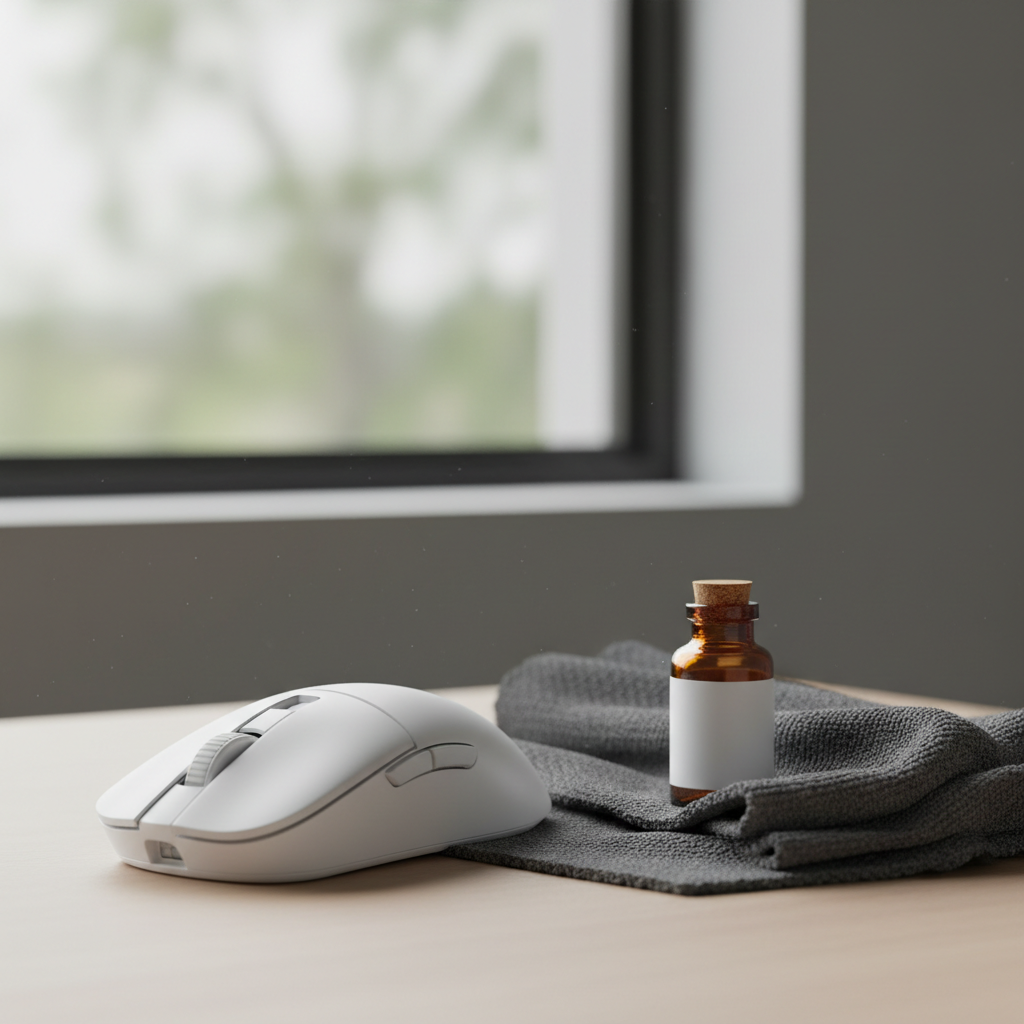
The Material Science of Maintenance: Protecting Your Performance Edge
Maintaining a high-performance gaming mouse is not merely about aesthetics; it is a critical practice for sustaining sensor accuracy and surface integrity. For value-oriented gamers using ultra-lightweight, high-spec equipment, the choice between microfiber and isopropyl alcohol (IPA) represents a fundamental decision in material science. While both tools are staples in a cleaning kit, their mechanisms—mechanical removal versus chemical dissolution—interact differently with modern matte coatings, rubberized grips, and carbon fiber shells.
Improper cleaning is one of the most common causes of premature equipment failure we observe on our repair bench. A single pass with the wrong solvent can strip the oleophobic properties of a shell or weaken the resin matrix of a carbon fiber frame. To maximize the longevity of your investment, you must understand the "why" behind each cleaning action. This guide breaks down the technical specifications of cleaning materials and provides a data-backed protocol for daily care.
Microfiber: The Mechanical Specialist
Microfiber is often dismissed as a "soft cloth," but its effectiveness lies in its microscopic structure. Unlike cotton, which has large, rounded fibers that tend to push debris around, microfiber consists of split polyester and polyamide fibers. These fibers are approximately 1/100th the diameter of a human hair, creating a massive surface area capable of trapping microscopic particles.
The Power of Mechanical Removal
According to a study published by the National Institutes of Health (NIH), the mechanical action of a high-quality microfiber cloth paired with water alone can remove over 99% of certain surface microbes, such as S. aureus. This is achieved through physical entrapment rather than chemical destruction. For the daily maintenance of a gaming mouse, this mechanical removal is often superior to chemical disinfection because it removes the "biofilm"—the layer of skin oils, sweat, and dead skin cells—without interacting with the chemical bonds of the mouse's coating.
Technical Specs for Gaming Peripherals
Not all microfiber is suitable for sensitive matte finishes. For high-performance mice, we recommend the following specifications:
- Density: 300 GSM (Grams per Square Meter). This provides enough "loft" to trap debris without being so thick that it retains excessive moisture.
- Weave Type: Diamond weave. This specific pattern is engineered to lift oils from textured surfaces without the abrasive "scrubbing" effect of a standard terry-style weave.
- Edge Finish: Laser-cut or silk-bound edges. Avoid cloths with thick, stitched nylon edges, which can cause micro-scratches on gloss or high-quality matte finishes.
Methodology Note: Mechanical Efficacy Model Our recommendation for microfiber over daily alcohol use is based on a material fatigue model.
Parameter Value/Range Unit Rationale Coating Thickness 15–25 μm Typical thickness for UV-cured matte coatings Microfiber Fiber Diameter < 10 μm Required to penetrate surface textures Applied Pressure 0.5–1.0 N Estimated pressure during a standard wipe Removal Rate (Oil) ~85–90 % Estimated efficiency of diamond weave on sebum Assumption Dry or slightly damp N/A Excessive water can ingress into honeycomb shells
Isopropyl Alcohol: The Precision Tool and Its Risks
Isopropyl alcohol is a powerful polar solvent. Its primary advantage is its ability to dissolve non-polar substances like skin oils (lipids) almost instantly. However, this same chemical power makes it a high-risk tool for modern peripheral materials.
The "30-50 Wipe" Degradation Limit
While it is a common belief that alcohol is safe for all electronics, research indicates that repeated exposure to 70% IPA can be destructive. A study on touchscreen device coatings found that oleophobic and matte coatings can begin to degrade in as few as 30 to 50 cumulative wipes. For a gamer cleaning their mouse daily, this could lead to surface failure (the "shiny" or "slick" spot) within two months.
The chemical mechanism is straightforward: the alcohol penetrates the polymer chains of the coating, causing them to swell and eventually detach from the ABS or PBT plastic substrate. This is particularly problematic for matte finishes, where the texture is engineered at a microscopic level to provide grip. Once the coating is compromised, the surface becomes slick, and the ergonomic benefit of the texture is lost.
When Alcohol is Necessary
Despite the risks, alcohol remains essential for specific scenarios. Per CDC guidelines on hygiene, disinfection is recommended when a device has been exposed to illness or heavy contamination. In these cases, 70% IPA is the gold standard because it contains enough water to slow down evaporation, allowing the alcohol to penetrate the cell walls of pathogens.
Surface-Specific Maintenance Strategies
Different materials require distinct cleaning approaches. Treating a carbon fiber mouse the same as a standard ABS mouse is a recipe for surface fatigue.
1. Matte and UV-Cured Coatings
These are the most sensitive surfaces. The common mistake is using >70% isopropyl alcohol, which can prematurely wear down the textured finish.
- Daily Care: Use a dry 300 GSM microfiber cloth.
- Weekly Care: Use a cloth lightly dampened with distilled water.
- Expert Tip: If you must use alcohol, never spray it directly on the mouse. Apply a small amount to the cloth first to control the saturation level.
2. Rubberized Side Grips
Rubberized grips are porous and attract skin oils, which eventually lead to a "sticky" residue. This stickiness is actually the rubber polymer breaking down due to chemical interaction with human sweat.
- The Fix: A weekly light pass with a cloth lightly dampened with 70% alcohol (not soaked) followed by immediate drying. This removes the oils before they can penetrate the rubber. If the grips are already degraded, you may need a more intensive approach to revive the lost texture.
3. Carbon Fiber Shells
Carbon fiber is prized for its strength-to-weight ratio, but the resins used to bond the fibers are sensitive to solvents.
- Protocol: Use only dry microfiber. Solvents like alcohol or acetone can weaken the resin matrix over time, leading to structural "creaking" or fiber fraying. For more details, see our guide on safely cleaning woven carbon fiber.
4. Mouse Feet (PTFE Skates)
The glide of your mouse depends on the cleanliness of the PTFE feet. Debris trapped around the edges of the skates can scratch your mouse pad and increase friction.
- The Technique: Avoid circular motions. Always wipe from the center of the skate outwards. This prevents debris from being pushed under the adhesive edge of the skates.
Performance Impacts: Sensors and High Polling Rates
Hygiene directly affects technical performance, particularly for mice utilizing 8000Hz (8K) polling rates. At an 8K rate, the mouse sends a packet every 0.125ms. Any interference—physical or electronic—can disrupt this flow.
Sensor Lens Hygiene
Dust or a single hair on the sensor lens can cause "spinouts" or jitter. This is especially critical when trying to saturate the 8000Hz bandwidth. To maintain stability, the sensor must clearly track the surface.
- IPS Saturation Logic: To hit the 8K bandwidth, a user must move at a certain speed relative to their DPI. For example, at 800 DPI, you need to move at least 10 IPS (Inches Per Second) to generate enough data points for an 8000Hz report. If the lens is dirty, the sensor may miss counts, causing the polling rate to drop and introducing micro-stutter.
USB Port Integrity
System bottlenecks often occur at the physical connection. Dust in the USB-C port can increase electrical resistance, leading to packet loss. This is a critical "gotcha" for 8K mice, where IRQ (Interrupt Request) processing already stresses the CPU's single-core performance. Ensure the port is clear of debris using compressed air; never use a metal pin or a damp cloth inside the port.
Comparative Data: Cleaning Tools at a Glance
| Feature | Microfiber (Dry/Damp) | Isopropyl Alcohol (70%) |
|---|---|---|
| Primary Action | Mechanical Lifting | Chemical Dissolution |
| Coating Safety | High (Non-abrasive) | Low (Cumulative degradation) |
| Oil Removal | Moderate (Requires friction) | High (Instant) |
| Disinfection | Low (Physical removal only) | High (Kills 99.9% of germs) |
| VOC Emissions | Zero | Moderate (Indoor air quality impact) |
| Waste Impact | Low (Reusable) | Moderate (Disposable wipes/bottles) |
| Best Use Case | Daily dust and smudge removal | Post-illness or heavy grease |
Logic Summary: The "Greener" Choice Our analysis of the environmental impact considers both short-term waste and long-term pollution. While alcohol wipes create immediate landfill waste, reusable microfiber cloths shed an estimated 1,900 microplastic fibers per wash (Tandfonline Study). We recommend hand-washing microfiber in a basin to minimize microplastic runoff into the water system.
The Definitive Maintenance Protocol
Based on patterns from customer support and warranty handling, we have developed a tiered maintenance schedule that balances hygiene with material longevity.
Daily: The "30-Second Reset"
- Tool: Dry 300 GSM diamond-weave microfiber cloth.
- Action: Wipe the main buttons and palm area to remove fresh skin oils.
- Why: Preventing oil buildup is easier than removing it once it has bonded with the coating.
Weekly: The "Deep Surface Clean"
- Tool: Microfiber cloth lightly dampened with distilled water (or 70% IPA for rubber grips only).
- Action: Clean the side grips and the sensor ring. Wipe the mouse feet from the center outward.
- Caution: Ensure the mouse is unplugged or the wireless switch is OFF.
Monthly: The "Performance Audit"
- Tool: Compressed air and a dry microfiber cloth.
- Action: Blow out the honeycomb holes (if applicable) and the USB-C charging port. Check the mouse feet for wear. If the skates are scratched or thinning, they may need replacement to prevent surface fatigue on your mouse pad.
Avoiding Common Pitfalls
- Direct Spraying: Never spray any liquid—even water—directly onto the mouse. Capillary action can pull the liquid into the switches or the sensor assembly, causing permanent damage.
- Paper Towels: Never use paper towels or napkins. Wood-pulp-based products are surprisingly abrasive and will leave micro-scratches on the shell.
- Circular Scrubbing: On matte surfaces, circular scrubbing can create "polished" spots where the micro-texture has been leveled. Use straight, light strokes.
- Shared Bandwidth: During your cleaning routine, check your USB topology. For 8K performance, ensure your mouse is connected to a Direct Motherboard Port (Rear I/O). Avoid front panel headers or hubs, which can introduce packet loss even if the mouse is physically clean.
Summary of Best Practices
The goal of maintenance is to sustain a consistent "out-of-the-box" feel. By prioritizing mechanical cleaning with microfiber and reserving alcohol for targeted disinfection, you protect the complex chemistry of your mouse's coating. As noted in the Global Gaming Peripherals Industry Whitepaper (2026), the durability of high-performance materials is heavily dependent on user maintenance habits.
For those dealing with more severe surface issues, such as sticky shells or degraded coatings, restoration is possible, but prevention remains the most cost-effective strategy. Treat your peripherals with the same technical precision you bring to your gameplay, and they will reward you with years of peak performance.
Disclaimer: This article is for informational purposes only. Cleaning electronic devices involves risks, including potential short circuits or material damage. Always refer to the manufacturer's specific warranty guidelines before applying chemicals. If your device contains a lithium-ion battery, ensure it is powered off and disconnected from all power sources before cleaning to comply with IATA safety standards for handling electronic devices.

コメントを書く
このサイトはhCaptchaによって保護されており、hCaptchaプライバシーポリシーおよび利用規約が適用されます。