

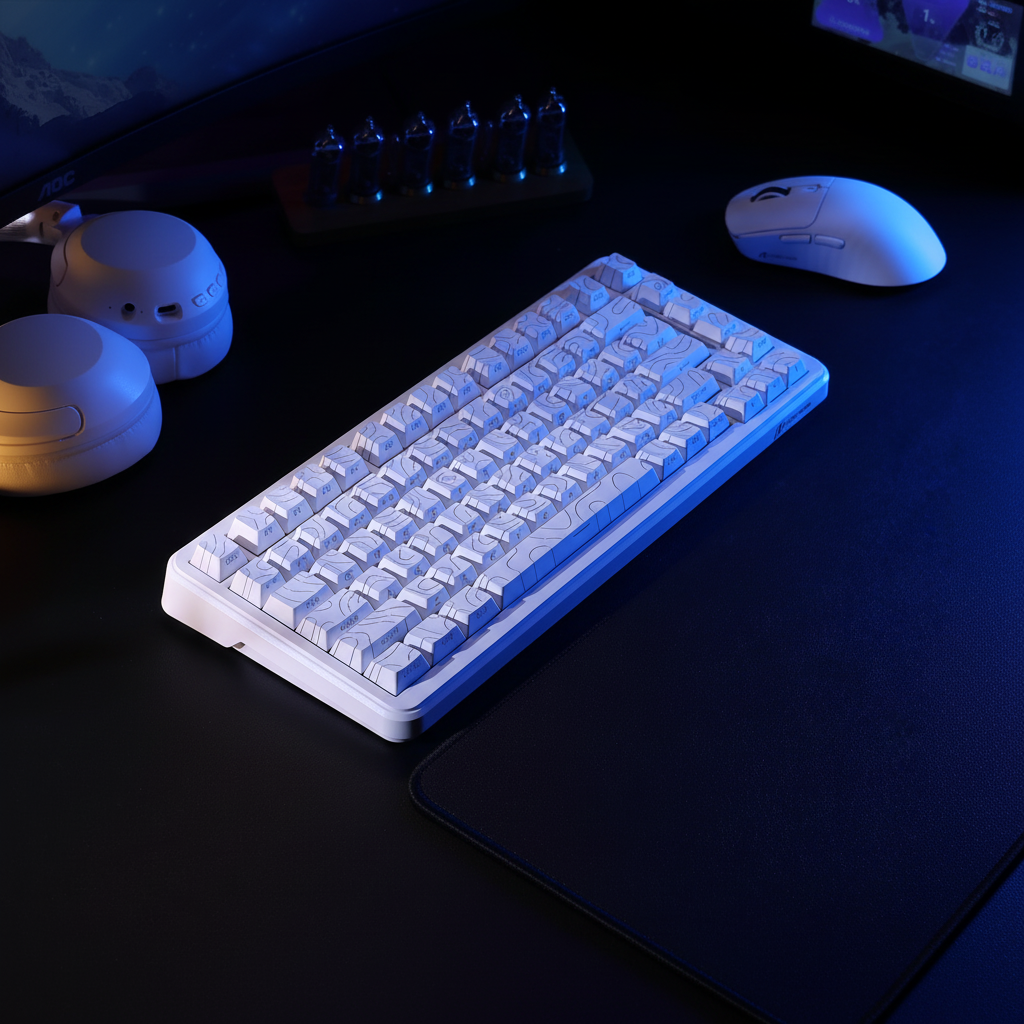
The Spatial Conflict: Why Geometry Dictates Performance
In the architecture of a performance-driven gaming setup, the mousepad is often the most undervalued piece of real estate. For gamers operating in spatially constrained environments—where desk depth may be limited or a compact mechanical keyboard is required to reclaim arm-room—the interaction between mouse shape and pad dimensions becomes a critical performance bottleneck.
We often observe that the most common mistake in compact setups is choosing a mouse based on hand size alone, without accounting for the "Usable Range of Motion" (URM). On a sub-300mm pad, a mouse that is too long forces the heel of the palm to hang off the edge during low-sensitivity swipes. This displacement drastically reduces control and creates a physical "lip" that can snag during high-intensity flicks. To optimize the upper limit of operational precision, users must understand the geometric relationship between the peripheral's footprint and the available tracking surface.

The 70% Heuristic: Mapping Mouse Length to Pad Width
To prevent physical interference and maintain a consistent pivot point, we utilize a specific fitment heuristic based on pattern recognition from technical support and setup audits. For palm grip users, the mouse length should typically not exceed 70% of the pad's usable width.
The Fitment Formula:
Max Mouse Length = Usable Pad Width × 0.70
For example, on a 250mm wide pad, a mouse exceeding 175mm (which is rare) would be unusable, but even a standard 125mm mouse consumes 50% of the horizontal plane before a single movement is made. For claw and fingertip users on these smaller surfaces, an "egg-shaped" mouse—generally defined as having a length under 120mm and a rounded rear—often provides a greater range of motion. The rounded geometry allows the wrist to pivot more freely without the rear chassis of the mouse colliding with the pad's perimeter.
Method & Assumptions: Shape-Pad Fitment Model This model is a hypothetical estimate under specific assumptions used for quick equipment selection. It is not a controlled lab study.
Parameter Value/Range Unit Rationale Pad Width (W) 250 - 300 mm Standard compact footprint Mouse Length (L) 115 - 130 mm Common gaming mouse range Grip Type Claw / Fingertip N/A Focus on wrist-pivot mechanics Sensitivity 400 - 1600 DPI Standard competitive range Surface Friction 0.05 - 0.15 $\mu$ (static) Hybrid/Hard surface baseline Boundary Conditions: This model may not apply to full-arm aimers (ultra-low DPI) or users with hand lengths exceeding 21cm, where the 70% rule may lead to insufficient palm support.

Egg-Shaped vs. Elongated Designs: Pivot Mechanics
The choice between an egg-shaped chassis and an elongated, ergonomic "ergo" design is not merely aesthetic; it changes the physics of the micro-adjustment. According to technical insights shared by PixArt Imaging, sensor placement relative to the thumb-grip (the pivot point) determines how much physical movement is required to register a specific in-game arc.
- Egg-Shaped Mice: These designs typically centralize mass. For fingertip users, this allows for wide, sweeping micro-adjustments (estimated at 5-10cm arcs) without the rear of the mouse hitting the wrist or the pad's edge.
- Elongated Mice: On hard, low-friction speed pads, elongated mice can sometimes feel "slippery." In confined spaces, the extra length increases the rotational inertia, making it harder to stop the mouse precisely during a flick.
Experienced users note that the initial static friction of a control-oriented pad helps anchor any shape, but on a small speed surface, a shorter mouse is almost always the superior choice for maintaining "stopping power."
Sensor Performance and Edge Dynamics
A critical, often unaddressed factor in small-pad optimization is sensor degradation at the perimeter. As a mouse approaches the edge of a non-rectangular or small pad, the consistency of the tracking surface can change.
According to performance guides from eSports Gaming Gear, maintaining a consistent Lift-Off Distance (LOD) is vital for flick-shot consistency. We recommend seeking a "low" LOD setting of approximately 1mm. On complex geometries (like hexagonal or L-shaped pads), the distance from the sensor to the edge varies dramatically. This can cause inconsistent LOD and potential tracking jitter if the sensor partially "sees" the desk surface.

8000Hz Polling and the 1600 DPI Threshold
For users leveraging high-performance sensors capable of 8000Hz (8K) polling rates, spatial constraints introduce a technical hurdle: bandwidth saturation. To achieve a true near-instant 0.125ms response time, the sensor must generate enough data points.
- The Math: Packets per second = Movement Speed (IPS) × DPI.
- The Constraint: In a small space, you cannot move the mouse at high speeds (IPS) for long durations.
- The Solution: To saturate the 8000Hz bandwidth during slow micro-adjustments on a small pad, a higher DPI is required. At 800 DPI, you must move at 10 IPS to fill the 8K polling interval. At 1600 DPI, that requirement drops to 5 IPS, making the 8K performance much more stable in restricted areas.
Note that 8000Hz polling places a significant load on the CPU's IRQ (Interrupt Request) processing. For the best results, ensure the mouse is connected to a direct motherboard USB port (Rear I/O) to avoid packet loss associated with front-panel headers or hubs.
Surface Interaction: Hard Pads vs. Cloth
In extreme space constraints, the "geometry" of the pad matters less than its material properties. A hybrid or hard pad with ultra-low static friction allows for complete mouse repositioning with minimal wrist movement. This effectively decouples performance from the pad's physical footprint.
| Surface Type | Static Friction | Best Shape Match | Spatial Benefit |
|---|---|---|---|
| Cloth (Control) | High | Elongated/Ergo | Helps "anchor" large mice in small zones. |
| Hard (Speed) | Ultra-Low | Egg-Shaped / Small | Allows sub-2cm sweeps for full 180° turns. |
| Carbon Fiber | Medium-Low | Universal | High durability; consistent X/Y axis tracking. |
| Tempered Glass | Lowest | Small / Lightweight | Near-zero drag; requires high-precision PTFE feet. |
The Global Gaming Peripherals Industry Whitepaper (2026) suggests that as sensors like the PixArt PAW3395 and PAW3950 become standard, the bottleneck shifts to the physical interface—the "skates" or feet. Many modders add thicker aftermarket PTFE feet (e.g., 0.8mm) to increase the height of the mouse slightly. This subtle change can shift the perceived pivot point and improve micro-adjustment freedom on a small surface.

Wireless Integrity and Compliance
For spatially constrained users, wireless mice are non-negotiable to eliminate cable drag ("cable tax"). However, compact desks are often crowded with other wireless devices, leading to signal interference. When selecting a high-performance mouse, it is important to verify that the device meets international standards for RF stability.
Devices certified under the FCC Equipment Authorization or the ISED Canada Radio Equipment List have undergone testing to ensure they operate within specific frequency bands (typically 2.4GHz) without causing or being overly susceptible to interference. Furthermore, for devices utilizing lithium-ion batteries, adherence to UN 38.3 ensures the battery remains stable during high-intensity use and charging cycles.
Optimizing the Setup: Practical Steps
To maximize the performance of a mouse on a small pad, follow this optimization checklist:
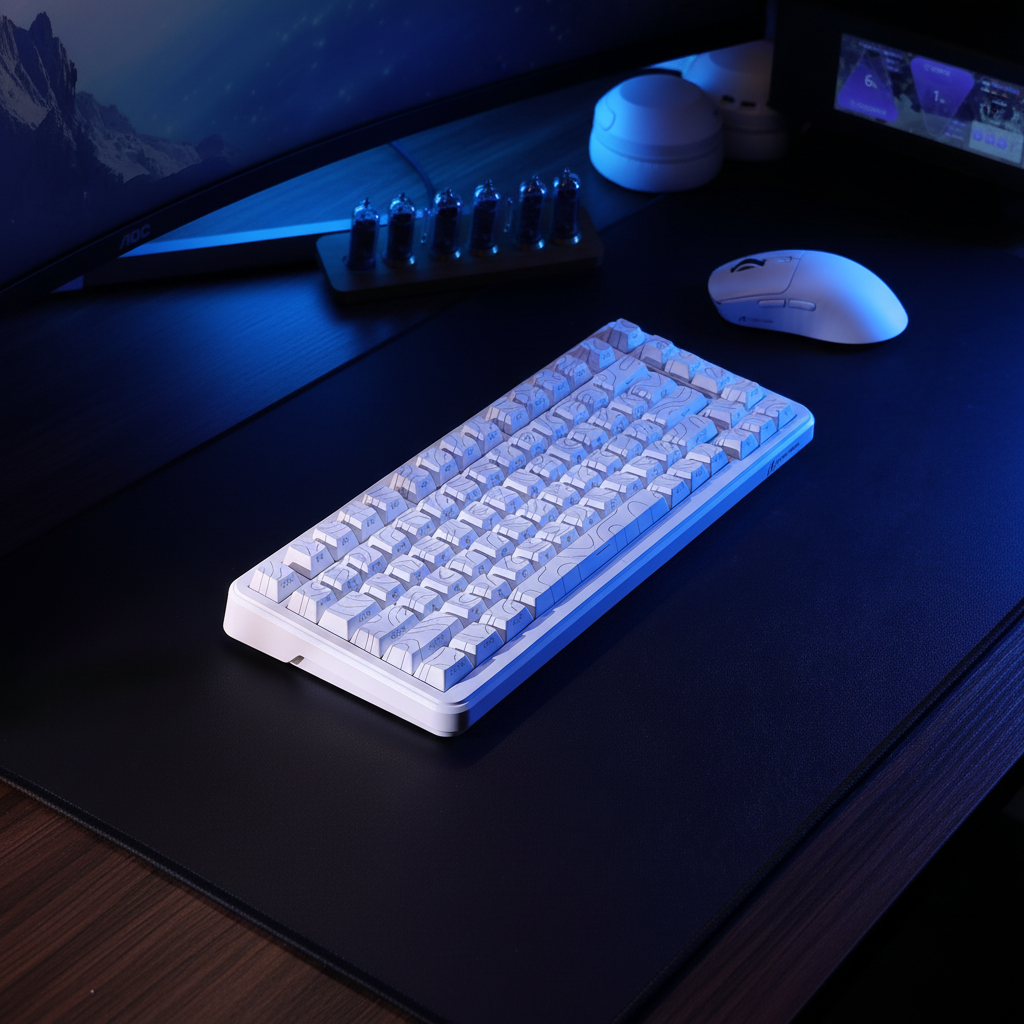
- Keyboard Rotation: Tilt your keyboard (e.g., 45 degrees) to reclaim horizontal space for the mousepad. This is a common practice among professional players to maximize the "flick zone."
- DPI Adjustment: If you are using a high polling rate (4K or 8K), switch to 1600 DPI to ensure consistent data packet delivery during slow movements.
- LOD Calibration: Set your sensor's Lift-Off Distance to the lowest stable setting (typically 1mm) to prevent "cursor jump" when you reach the edge of the pad and need to reset.
- Weight Management: In small spaces, a lighter mouse (sub-60g) requires less force to overcome static friction, which is essential when you only have a few centimeters of travel to hit a target.
By aligning mouse geometry with the physical constraints of the desk, gamers can achieve performance levels that rival those with much larger setups. The key is not more space, but more efficient use of the space available.
Ergonomic Disclaimer: This article provides information on peripheral setup and ergonomics for general use. It is not a substitute for professional medical advice. If you experience persistent wrist pain, numbness, or signs of Repetitive Strain Injury (RSI), please consult a qualified healthcare professional or physiotherapist.

コメントを書く
このサイトはhCaptchaによって保護されており、hCaptchaプライバシーポリシーおよび利用規約が適用されます。