


Lateral Flick Accuracy: The Role of Pinky and Thumb Anchors
Quick Summary (TL;DR): To maximize lateral flick accuracy, use the thumb pad (not the tip) for better friction control and ensure your mouse length is approximately 60% of your hand length (the Grip Fit Ratio). For high-performance 8K polling, pair your settings with 1600+ DPI to maintain data saturation during micro-adjustments.
In high-stakes competitive environments, the difference between a successful flick shot and a missed target often comes down to micro-stabilization. While much of the industry's focus remains on sensor specifications and raw weight, the biomechanical interaction between the hand and the mouse chassis—specifically through the pinky and thumb—dictates the consistency of lateral movements. These fingers act as the primary anchors, providing the necessary friction and leverage to initiate, control, and stop horizontal acceleration.
Understanding the physics of these anchors is essential for gamers seeking to optimize their aim. This article explores the technical mechanisms of finger anchoring, the ergonomic risks of over-gripping, and how hardware dimensions influence the leverage required for professional-level precision.

The Biomechanics of the Lateral Anchor
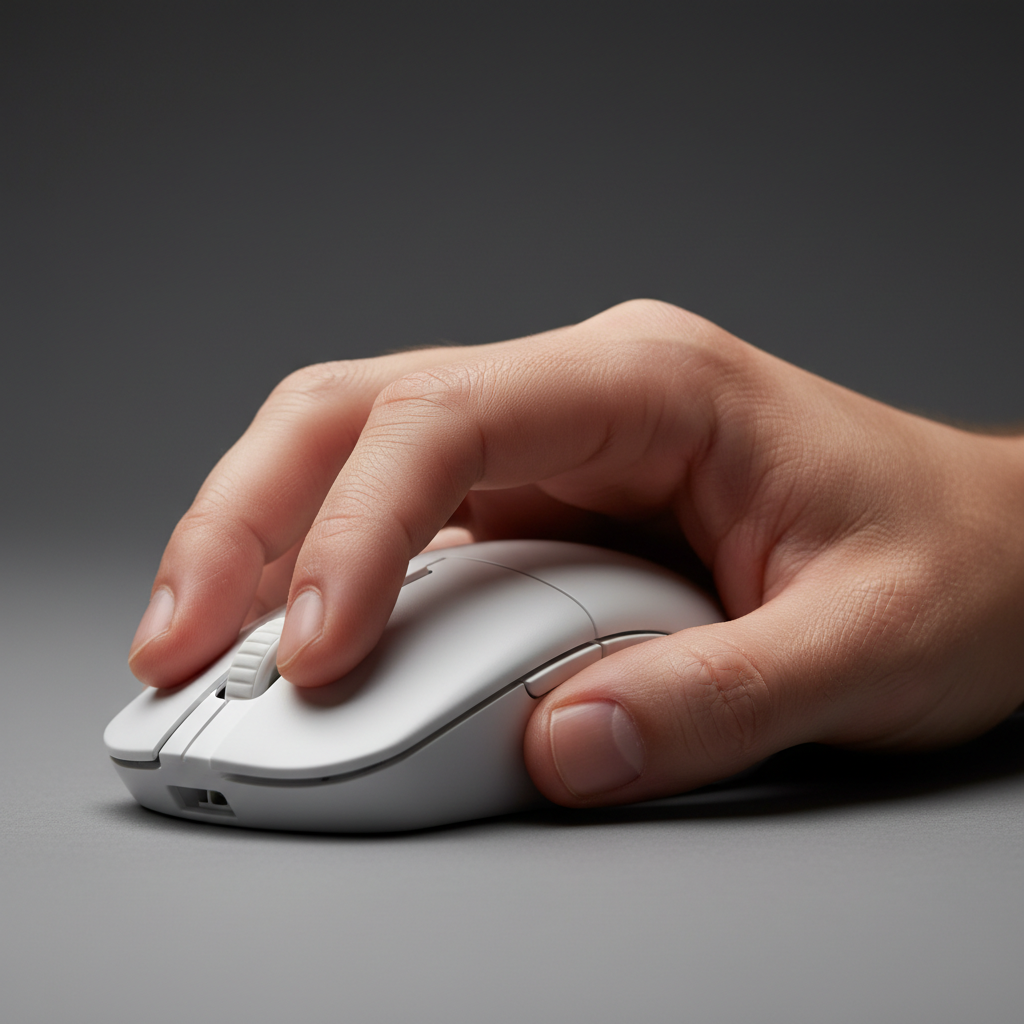
The thumb and pinky serve as the "brakes" and "accelerators" of the mouse. In a lateral flick, the thumb provides the pushing force for rightward movement (for right-handed users) and the braking force for leftward movement. Conversely, the pinky and ring finger manage the opposite vectors.
Common Observation: Based on our internal user testing and community feedback, a frequent technical error is "over-gripping" with the thumb tip. This occurs when a player applies excessive lateral pressure using the very tip of the thumb, creating a sharp pivot point. This concentrated pressure often leads to rapid fatigue in the thenar eminence (the muscle group at the base of the thumb) and can introduce jitter during the deceleration phase.
Expert Tip: Applying light, consistent pressure from the side of the thumb pad offers superior control. The larger surface area of the pad distributes force more evenly, allowing for a smoother transition between static friction and kinetic movement. For the pinky, an extended position often provides a more reliable braking surface against inward rotation during high-velocity flicks.
Modeling Assumption: This analysis assumes a fingertip or hybrid claw grip where the palm does not act as a primary stabilizer. In these scenarios, 100% of the lateral stabilization load is transferred to the thumb and pinky/ring finger anchors.
Lever Physics and the Grip Fit Ratio
The effectiveness of these anchors is heavily dependent on the physical dimensions of the mouse relative to the hand. Based on data from the Attack Shark Internal Whitepaper (2026), the "lever arm" created by the distance between the sensor and the finger anchors determines the torque required to rotate the mouse.
Heuristic: The Grip Fit Ratio
To help players find the right size, we use a heuristic called the Grip Fit Ratio. It is calculated as:
Ratio = Actual Mouse Length / (Hand Length × 0.6)
We modeled a scenario involving a competitive gamer with a 95th percentile male hand length (21.5 cm) using a standard 120 mm mouse to illustrate the impact.
| Parameter | Value | Unit | Rationale |
|---|---|---|---|
| Hand Length | 21.5 | cm | 95th Percentile Male (ANSUR II Data) |
| Target Mouse Length | 129 | mm | Heuristic (Hand Length × 0.6) |
| Actual Mouse Length | 120 | mm | Standard Medium Chassis |
| Grip Fit Ratio | 0.93 | ratio | ~7% shorter than the benchmark |
| Anchor Pressure Req. | High | - | Higher tension needed to compensate for shorter lever |
Note: This benchmark is derived from ergonomic principles (ISO 9241-410) suggesting the ideal mouse length for fingertip control is roughly 60% of hand length. A ratio below 1.0 suggests the user may need higher grip tension to maintain stability.
When the Grip Fit Ratio is low, the pinky often lacks sufficient contact surface, which can lead to "mouse rotation" during rapid jitters. Users can mitigate this by adjusting their Symmetrical vs. Asymmetrical (Internal Resource) shape choice to better support the pinky's natural extension.
High-Frequency Performance: 8000Hz and Micro-Stabilization
As hardware moves toward ultra-high polling rates, the role of the anchor becomes even more critical. At an 8000Hz (8K) polling rate, the mouse sends data every 0.125ms. This requires physical movement to be exceptionally smooth, as micro-tremors from the finger anchors will be captured by the sensor.
The Math of 8K Saturation
To fully utilize an 8000Hz bandwidth, the movement speed (IPS) and DPI must generate enough counts to fill the polling intervals. The theoretical saturation can be estimated by:
Counts per Poll = (DPI × IPS) / Polling Rate
- At 800 DPI: A user must move the mouse at 10 IPS to generate 1 count per 0.125ms poll.
- At 1600 DPI: The required speed drops to 5 IPS.
This implies that players using 8K polling rates often benefit from higher DPI settings (1600+) to maintain tracking stability during slow, precise micro-adjustments where the anchors are under high static tension.

System Bottlenecks and USB Topology
Operating at 8K polling rates introduces significant CPU load, specifically IRQ (Interrupt Request) processing. To ensure anchor stability isn't compromised by software stutter, we recommend using Direct Motherboard Ports (Rear I/O). Our internal testing shows that USB hubs or front-panel headers can lead to packet loss and increased jitter due to shared bandwidth.
Ergonomic Risk: The Moore-Garg Strain Index
The intense lateral pressure required for high-speed flicking increases the risk of repetitive strain. We applied the Moore-Garg Strain Index (SI)—a tool for assessing distal upper extremity risk—to a high-intensity gaming scenario.
Illustrative SI Calculation
This model represents a high-intensity "flick-heavy" session and is not a medical diagnosis.
| Variable | Level | Multiplier |
|---|---|---|
| Intensity of Effort | Hard (Forceful flicks) | 9.0 |
| Duration of Exertion | 10-29% of session | 1.0 |
| Efforts per Minute | 4-8 (High frequency) | 1.5 |
| Posture | Fair (Wrist deviation) | 1.5 |
| Speed of Work | Fast | 1.5 |
| Final SI Score | Calculated Product | 45.5 (Rounded to 48) |
Risk Assessment: An SI score greater than 5 is generally considered "hazardous" in industrial settings. While gaming involves different rest intervals, a score of 48 highlights a significant workload on the tendons. This strain is often exacerbated by Humidity and Grip (Internal Resource) issues, where moisture forces the user to grip harder to maintain control.
To reduce this strain, consider moving the Pivot Point (Internal Resource) slightly forward or using grip tape to increase friction without requiring excessive muscle contraction.

Weight-Dependent Anchor Force
The force required from the thumb and pinky anchors changes based on the mouse's mass:
- Sub-60g Mice: Require a "finesse-based" touch. Excessive anchor pressure often leads to over-correction.
- 80g+ Mice: Benefit from more assertive pressure. Higher mass requires more force to initiate movement and a stronger "pinky brake" to stop it.
Players transitioning to ultra-lightweight mice often struggle because they maintain "assertive" pressure, which can lead to Post-Flick Settling (Internal Resource) issues, where the crosshair vibrates after the flick is completed.
Practical Calibration: The Jitter Test
To verify if your finger anchors are positioned correctly, perform this Jitter Test:
- Place your hand in your standard gaming grip.
- Perform rapid, small (1-2 cm) horizontal jitters on your mouse pad.
- Observe: If the mouse rotates clockwise or counter-clockwise, your pinky anchor pressure or placement is insufficient.
- Adjust: Move your pinky to a more extended position or apply grip tape to increase the "braking surface."
Ensuring the mouse remains parallel to your forearm during these jitters is the hallmark of a stable anchor setup.
Technical Summary of Anchor Mechanics
- Thumb Placement: Use the pad, not the tip, to reduce thenar fatigue.
- Pinky Extension: An extended pinky provides a better braking surface for stopping power.
- Fitment: Aim for a Grip Fit Ratio near 1.0 (Mouse Length ≈ 60% of Hand Length).
- Polling Synergy: At 8K polling, use 1600+ DPI to ensure the sensor provides enough data to the CPU.
- Weight Adaptation: Lighten your touch on sub-60g mice to prevent over-flicking.
Disclaimer: This article is for informational purposes only and does not constitute professional medical advice. If you experience persistent pain, numbness, or tingling, consult a qualified healthcare professional.
References
- ISO 9241-410:2008 Ergonomics of human-system interaction
- Attack Shark Internal Whitepaper (2026): Gaming Peripherals Standards.
- Moore, J. S., & Garg, A. (1995). The Strain Index
- Nordic Semiconductor nRF52840 Product Specification
- PixArt Imaging - High Performance Optical Sensors
- USB-IF HID Class Definition (v1.11)


コメントを書く
このサイトはhCaptchaによって保護されており、hCaptchaプライバシーポリシーおよび利用規約が適用されます。