

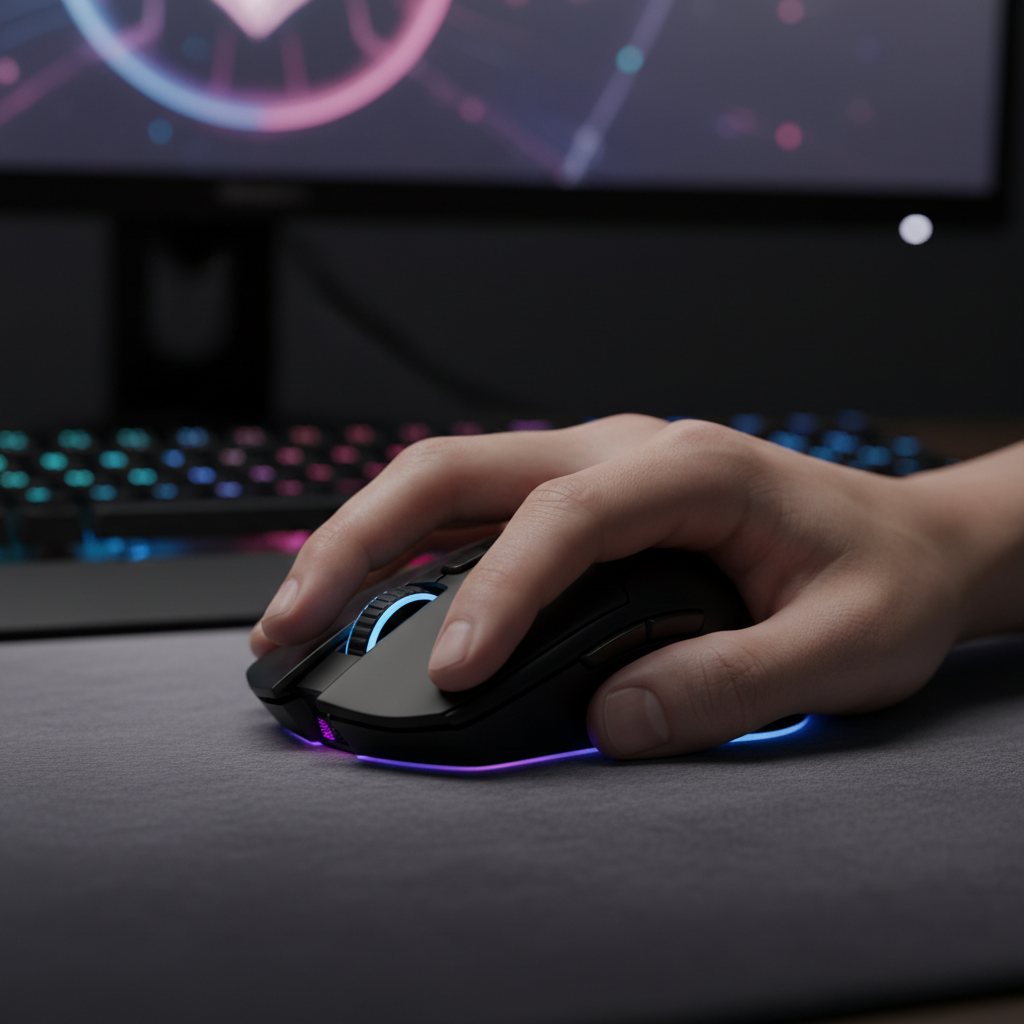
Quick Fix Checklist: Immediate Relief for Ring Finger Cramps
If you are experiencing acute cramping while using a narrow claw-grip mouse, prioritize these actions before diving into the technical biomechanics. These steps are based on Attack Shark’s community support data and common patterns observed among competitive FPS players.
- Widen the Grip: Apply 0.5mm to 1.0mm grip tape to the right side of the mouse. This small physical adjustment can reduce the "pinch angle" of the ring finger.
- Lower Polling Rate: If you are using 8000Hz, drop to 2000Hz or 4000Hz. This reduces the subconscious "micro-tension" required to keep the sensor perfectly still.
- Reduce Surface Friction: Switch to a "speed" oriented mousepad. Lowering the force required to start a movement (static friction) directly reduces the grip strength needed.
- The "Floating Finger" Drill: During practice, consciously lift your ring finger slightly. If your aim falls apart, you are likely over-relying on a "death grip" for stability rather than using your palm anchor.
Note: This guide is synthesized from Attack Shark’s technical support archives, community feedback from FPS enthusiasts, and internal ergonomic testing. It is intended for practical optimization and is not a substitute for medical advice.
The Claw Grip Meta and the Narrow Mouse Dilemma
In the high-stakes environments of Valorant and Apex Legends, the "claw grip" has emerged as a dominant technique. By arching the fingers and anchoring the palm against the rear hump, players achieve a hybrid of stability and micro-adjustment range. However, the trend toward ultra-narrow shells has introduced a significant ergonomic challenge: chronic ring finger fatigue.
We frequently observe that competitive users over-tense their ring and pinky fingers to create a "pinch" for lateral stability. This is particularly prevalent on mice with a grip width under 58mm. When the chassis is too slim, the hand can be forced into an acute, cramped angle.
Biomechanics of the "Death Grip": Why Your Ring Finger Aches
The ring finger (digitus annularis) provides the critical counter-force to the thumb during lateral mouse movements. When a mouse is too narrow, the distance between these two points decreases, forcing the adductor muscles of the hand to work in a shortened, high-tension state.
The Pinch Point Mechanism
Most narrow mice lack a dedicated ring finger shelf. This creates a concentrated pinch point at the fingertip. General ergonomic principles, such as those discussed by the CDC/NIOSH, suggest that repetitive high-pressure pinching is a known risk factor for musculoskeletal strain.
Heuristic Note: Based on internal ergonomic modeling of lever-arm mechanics, we estimate that for every 1mm decrease in grip width below a user's natural comfortable span, the static muscle load required for lateral stability can increase by approximately 5–10%. This is a theoretical estimate and may vary significantly based on individual hand size and tendon flexibility.
Geometric Thresholds for Relief
Based on community pattern recognition and user feedback, we have identified these practical rules of thumb for shell geometry:
- Grip Width: A range of 58–62mm at the narrowest point is often the "sweet spot" for medium-to-large hands (18cm+).
- Rear Hump Height: A pronounced hump (38mm+) helps fill the palm, which can redistribute anchoring force away from the fingers.
- Front Profile: A lower front profile (under 36mm) may reduce the need to arch fingers aggressively, potentially lowering extensor tendon tension.

The Weight vs. Inertia Paradox
There is a common misconception that reducing mouse weight always reduces hand strain. While a lower mass (e.g., 50g–60g) reduces the force needed for large sweeps, it can sometimes increase ring finger cramping in narrow mice.
The Stability Conflict
Reduced mass provides less inertial stability. In a narrow mouse, the device is more susceptible to "jitter" from micro-tremors. To compensate, players often exert a higher pinch force—a "death grip"—to stabilize the sensor.
As noted in the Global Gaming Peripherals Industry Whitepaper (2026), the industry is shifting toward "balanced density" rather than raw weight reduction to address these stability issues.
| Parameter | Narrow/Ultra-Light (<55g) | Balanced/Wide (58g-65g) | Rationale (Practical Observation) |
|---|---|---|---|
| Grip Force Required | Often Higher (for stability) | Moderate (natural) | Lower mass may require more manual damping. |
| Lateral Control | Fingertip Pinch | Palm + Finger Opposition | Wider shells allow the palm to assist. |
| Strain Location | Fingertips / Interossei | Distributed across palm | Surface area contact reduces pressure. |
| Ideal Hand Size | Small (<17cm) | Medium-Large (18cm+) | Proportionality to the grip width. |
Technical Deep Dive: 8000Hz Polling and Precision Tension
Modern mice, such as the ATTACK SHARK V8 Ultra-Light, support 8000Hz (8K) polling. While this offers a near-instant 0.125ms reporting interval, it places unique demands on your grip.
Polling Rate and Precision Tension
At 8000Hz, the system captures 8 times more data points than a 1000Hz mouse. This granularity means slight involuntary finger twitches are registered. To prevent "pixel skipping" during 8K play, users often subconsciously increase grip tension.
Key Technical Constraints & Self-Verification:
-
Sensor Saturation: To fully utilize 8K, you must move the mouse fast enough relative to your DPI.
- How to Test: Use a tool like "MouseTester" (community software). At 1600 DPI, you generally need a movement speed of at least 5 IPS (Inches Per Second) to saturate the 8K polling interval.
- Motion Sync Latency: At 8000Hz, Motion Sync delay is roughly 0.0625ms. This is significantly lower than the 0.5ms delay at 1000Hz, making it virtually imperceptible for most users.
- Battery Impact: In internal manufacturer testing, 8K polling can reduce wireless battery life by up to 80% compared to 1000Hz mode due to the high MCU processing load.
Practical Solutions: Positioning and Drills
1. The "Floating" Ring Finger Drill
This community-proven exercise helps redistribute strain. During warm-up, consciously relax your ring finger, letting it rest very lightly. Use only the pinky and thumb for lateral control. This helps identify if you are over-relying on a high-tension pinch for stability.
2. Surface Friction Optimization
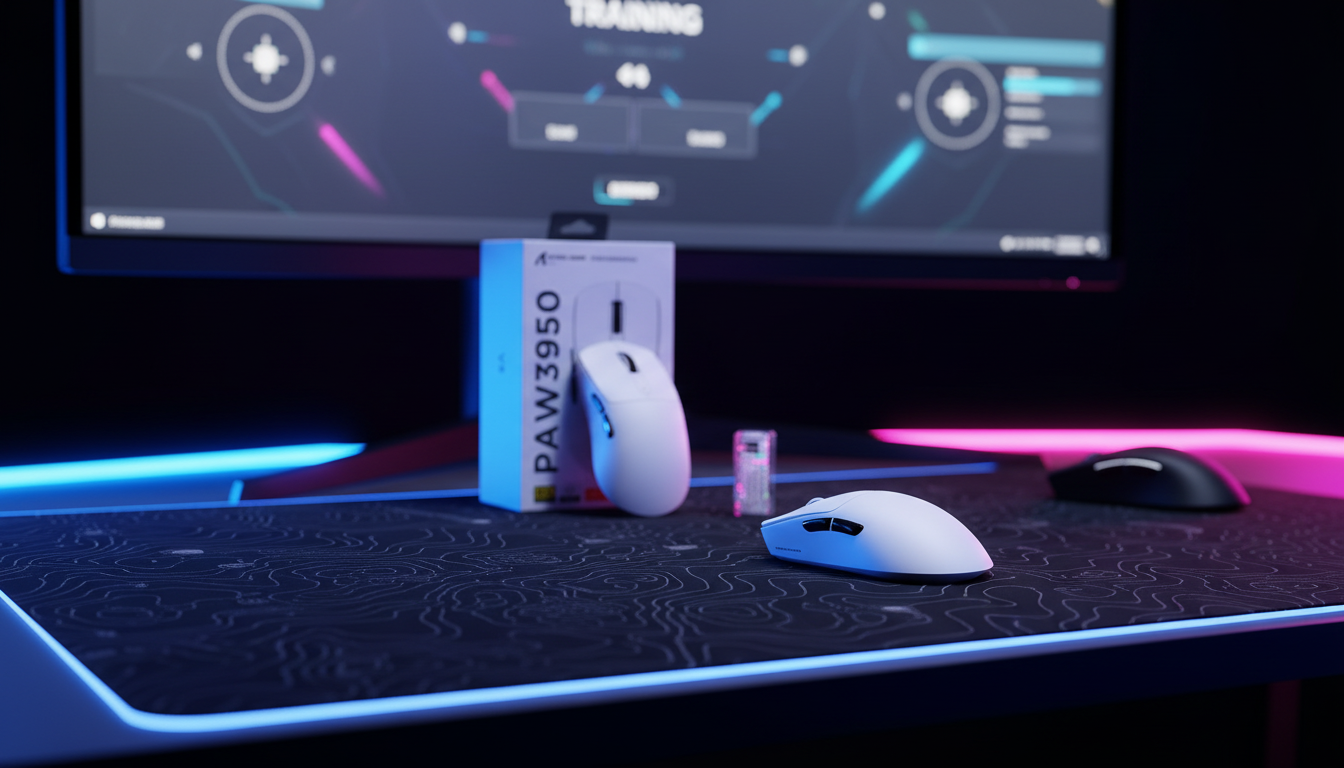
A high-friction surface requires more initial force to overcome static inertia. Switching to a low-friction surface, such as the ATTACK SHARK CM02 Mousepad, can reduce the "tugging" sensation, allowing for smoother micro-adjustments with less manual force.
3. Grip Tape Modification
Applying 0.5mm or 1.0mm grip tape can effectively increase the grip width by 1–2mm. This small change is often enough to move the fingers from an acute angle into a more relaxed curl.

Hardware Selection: Finding the Right Shell
Case Study: ATTACK SHARK G3
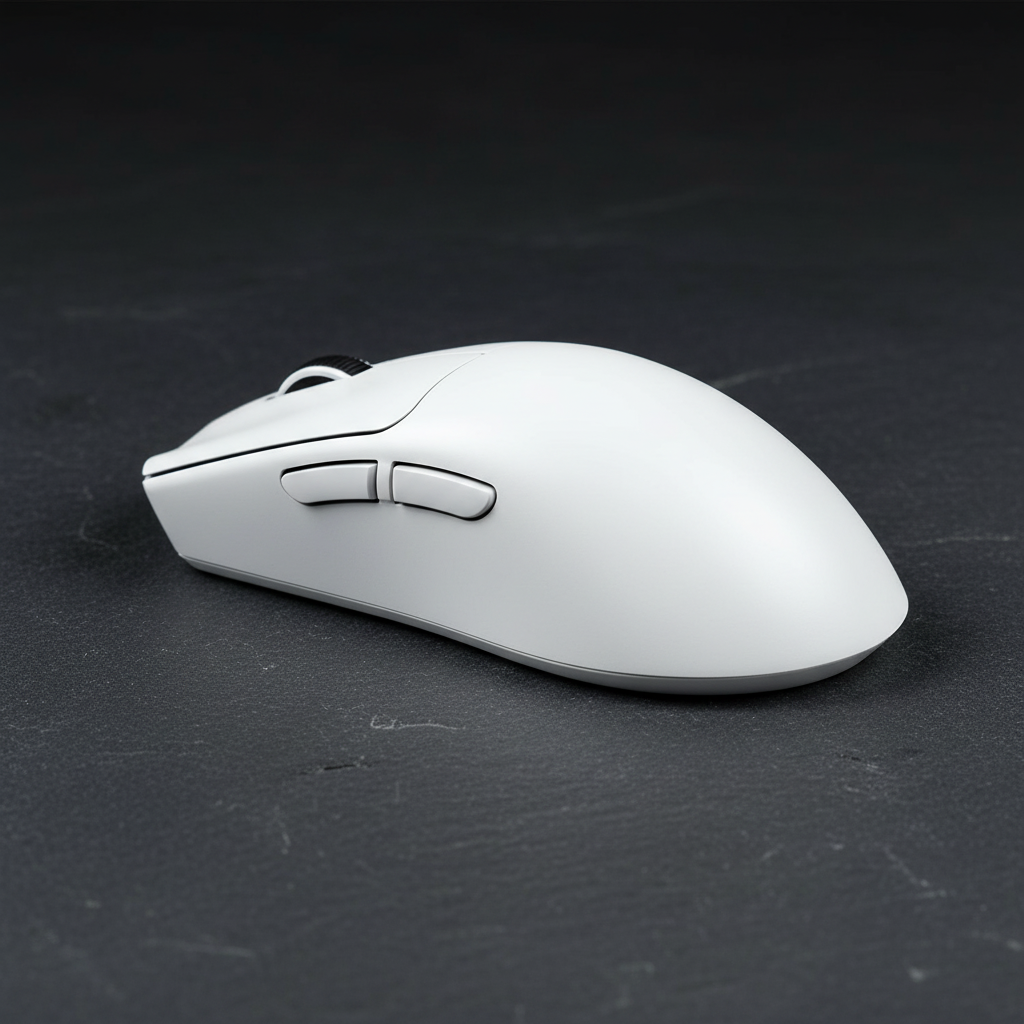
The ATTACK SHARK G3 is designed to mitigate claw grip strain through balanced dimensions:
- Dimensions: At 125 x 63 x 39.7 mm, it provides a wider grip point than many "ultra-narrow" competitors.
- Weight: At 59g, it retains lightweight benefits while providing enough mass for inertial stability.
- Tactility: Using HUANO Pink Dot switches provides clear tactile feedback, which may help prevent "over-clicking" fatigue.
Supporting Accessories
A wrist rest can help maintain a neutral forearm angle. The ATTACK SHARK ACRYLIC WRIST REST features an inclined design that elevates the hand, which can indirectly relieve finger tension by improving overall arm posture.
Compliance and Safety
When purchasing high-performance wireless peripherals, ensure they meet international standards for long-term reliability.
- Battery Safety: Standards like UN 38.3 ensure lithium-ion batteries are stable during high-intensity use.
- Wireless Integrity: For European users, RED (Radio Equipment Directive) compliance ensures that 2.4GHz signals are safe and do not interfere with other devices.
- Firmware: Always use official sources for updates. The Attack Shark Official Driver Download provides verified firmware to manage DPI and polling rates safely.
Disclaimer: This article is for informational purposes only and does not constitute professional medical advice. If you experience persistent pain, numbness, or tingling, please consult a qualified healthcare professional.

コメントを書く
このサイトはhCaptchaによって保護されており、hCaptchaプライバシーポリシーおよび利用規約が適用されます。