

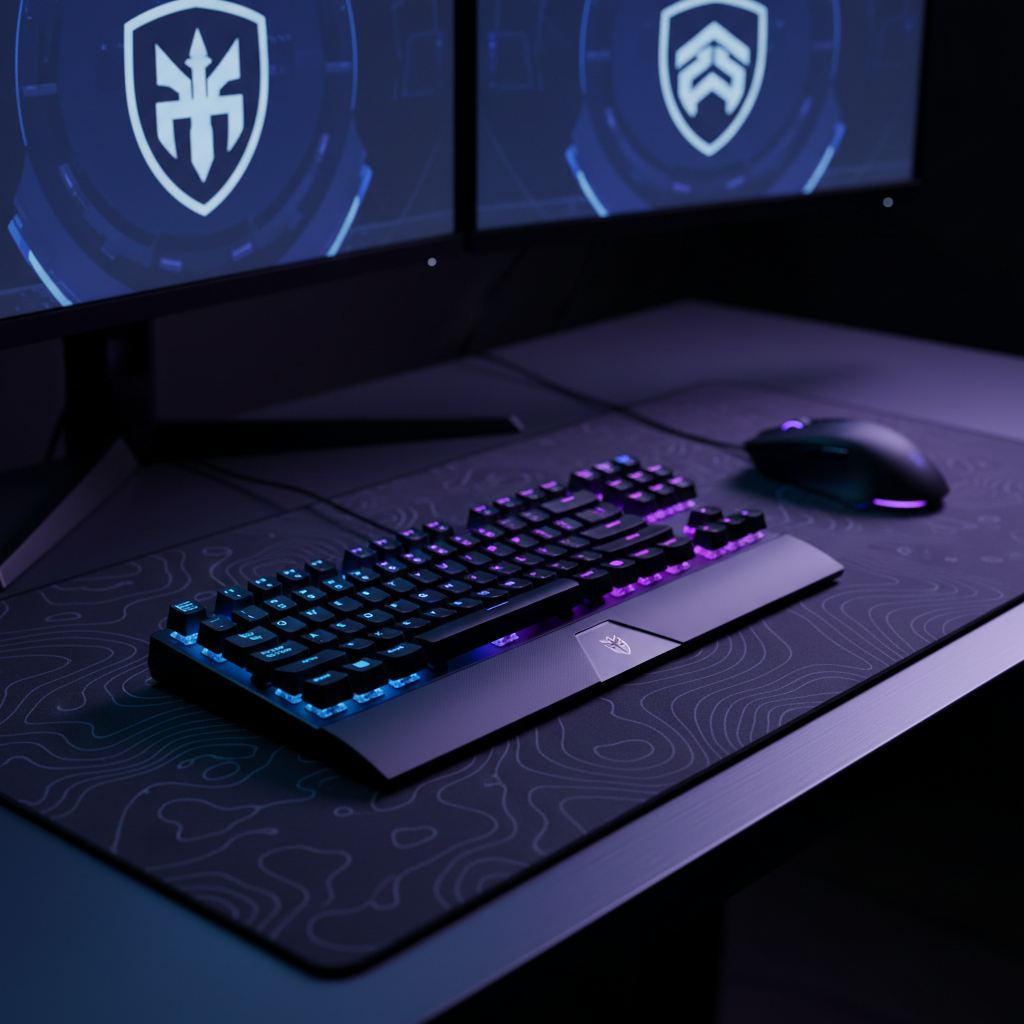
Tuning Actuation for RTS: Maximizing APM Without Misinputs
In the high-stakes environment of competitive Real-Time Strategy (RTS) gaming, the difference between a successful unit split and a catastrophic army loss often comes down to milliseconds and input reliability. While the broader gaming community frequently discusses "fast" switches, RTS enthusiasts require a more nuanced approach: a system that facilitates high Actions Per Minute (APM) without succumbing to the "misinput trap"—accidental commands triggered during rapid hotkey spamming.
The emergence of Hall Effect (HE) magnetic switches and Rapid Trigger technology has fundamentally altered the input landscape. Unlike traditional mechanical switches with fixed physical actuation and reset points, HE sensors allow for granular, per-key customization. However, achieving a professional-grade configuration requires moving beyond global settings toward a data-driven, per-key-group strategy.
The Physics of Input: Hall Effect Mechanics and the Latency Delta
To understand the advantage of modern actuation tuning, one must look at the kinematics of a finger movement. Traditional mechanical switches rely on a physical leaf spring contact. This design necessitates a "debounce" period—a mandatory delay (typically ~5ms) to ensure the electrical signal has stabilized after the physical "bounce" of the metal contacts. Furthermore, mechanical switches have a fixed hysteresis, meaning the key must travel a significant distance back up before it can be pressed again.
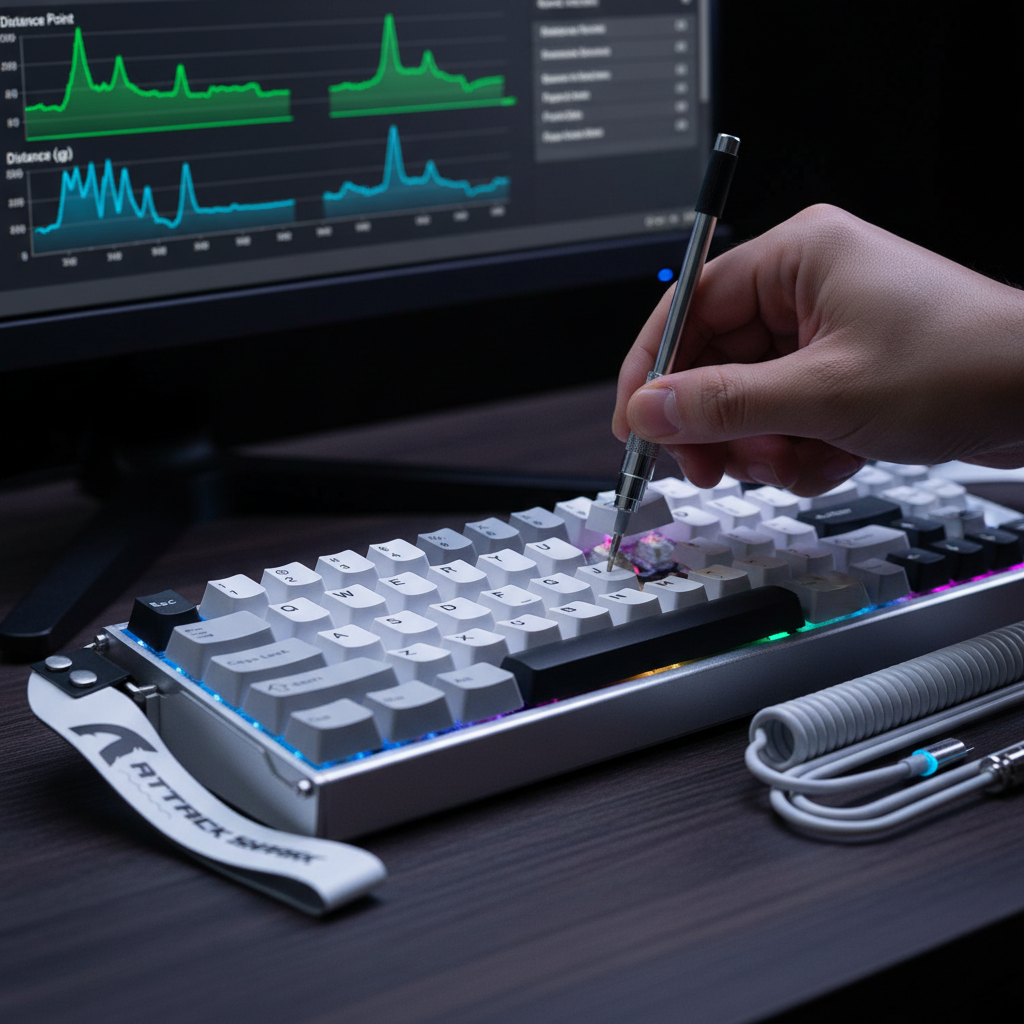
Hall Effect sensors eliminate these physical limitations by measuring changes in a magnetic field. Because there is no mechanical contact, the debounce delay is virtually eliminated. More importantly, "Rapid Trigger" allows the switch to reset the instant the finger begins an upward motion, regardless of the physical travel position.
Quantifying the Speed Advantage
Based on scenario modeling for a high-APM player, the transition from standard mechanical switches to an aggressive Rapid Trigger setup yields a measurable performance gain.
| Input Type | Travel/Reset Distance | Debounce/Processing | Total Theoretical Latency |
|---|---|---|---|
| Standard Mechanical | 0.5mm Reset | 5.0ms | ~13.3ms |
| Hall Effect (RT) | 0.1mm Reset | 0.0ms | ~5.7ms |
| Net Advantage | -0.4mm Distance | -5.0ms Delay | ~7.7ms Gain |
Logic Summary: This model assumes a finger lift velocity of 150 mm/s, which is common among elite RTS players during intense micro-management. The ~7.7ms advantage per keypress cycle (based on kinematic formulas t = d/v) may seem small, but in a 20-minute match where a player performs 5,000+ production and command actions, the cumulative reduction in input delay is substantial. According to the RTINGS Mouse Click Latency Methodology, minimizing these hardware-level delays is a primary determinant of competitive edge.

The RTS Calibration Framework: Per-Key-Group Strategy
A common mistake among players adopting HE keyboards is applying an ultra-sensitive 0.1mm actuation point across the entire layout. While this maximizes speed, it also maximizes the risk of "fat-fingering" critical commands. Professional RTS tuning requires a segmented approach based on the function of the key.
1. Production and Unit Hotkeys: The Aggressive Profile
For keys used for unit production (e.g., 'A' for Marines in StarCraft II or 'Q/W/E/R' in MOBAs), speed is paramount.
- Actuation Point: 0.1mm to 0.4mm.
- Rapid Trigger Sensitivity: 0.05mm to 0.1mm. This allows for near-instantaneous command registration and the fastest possible repeat-rate for "spamming" units during a production cycle.
2. Deliberate Command Keys: The Buffer Profile
Keys that trigger irreversible or high-consequence actions—such as "Stop" (S), "Hold Position" (H), or "Ultimate" abilities—require a physical buffer. Setting these to a 0.1mm actuation point often leads to accidental stops during army movement.
- Actuation Point: 1.2mm to 1.5mm.
- Rapid Trigger: Disabled or set to a conservative 0.5mm. The extra travel acts as a deliberate mechanical confirmation, ensuring the command is intentional.
3. Modifier Keys: The Hybrid Balance
Keys like Shift, Ctrl, and Alt are often held down rather than tapped. Using ultra-sensitive settings here can lead to accidental "ghost" releases if the finger pressure wavers slightly. A medium actuation (1.0mm) with a standard reset is typically preferred to maintain a stable state during complex multi-key commands.
Ergonomic Risks: The Hidden Cost of High APM
While aggressive tuning improves in-game performance, it imposes a significant biomechanical load on the player. The transition to ultra-low actuation points often causes players to "hover" their fingers with high tension to avoid accidental triggers.
The Moore-Garg Strain Index Analysis
In our scenario modeling of a competitive RTS workload (APM > 300, 4+ hours of daily practice), we calculated the ergonomic risk using the Moore-Garg Strain Index (SI).
- Calculated SI Score: 21.6
- Risk Category: Hazardous (Threshold for concern is SI > 5)
Methodology Note: This score is derived from multipliers for high intensity, high frequency of efforts, and sustained "claw" or "fingertip" postures. An SI of 21.6 indicates a high probability of distal upper extremity strain. This is not a medical diagnosis, but a screening tool highlighting that performance-oriented tuning must be balanced with ergonomic countermeasures.
To mitigate this risk, players should utilize a high-quality wrist rest to maintain a neutral wrist angle. Furthermore, the Global Gaming Peripherals Industry Whitepaper (2026) emphasizes that "muscle memory recalibration" for new actuation points typically takes 5 to 7 days. During this period, players often experience increased fatigue as they learn the new "feather-touch" required for 0.1mm actuation.
Peripheral Synergy: Mouse Fit and 8K Polling
Actuation tuning does not exist in a vacuum. For RTS players, the keyboard provides the commands, but the mouse provides the precision. A common bottleneck occurs when a highly tuned keyboard is paired with a mouse that does not fit the player's hand, leading to stability issues during high-speed micro-adjustments.
The 60% Rule for Mouse Fit
For a player with large hands (approximately 20.5cm in length), ergonomics research suggests an ideal mouse length of ~131mm for a claw grip. Using a standard 120mm mouse results in a fit ratio of ~0.91, which is roughly 9% shorter than ideal. This discrepancy often forces the hand into a cramped position, undermining the precision gains achieved through keyboard tuning. Selecting an ultra-lightweight ergonomic mouse that aligns with these dimensions is critical for long-term consistency.
8000Hz (8K) Polling and Sensor Saturation
For the "technically savvy" enthusiast, 8000Hz polling is the current frontier. While a 1000Hz mouse reports every 1.0ms, an 8000Hz mouse reports every 0.125ms. This reduces the "Motion Sync" delay to a negligible ~0.0625ms.
However, 8K polling introduces specific technical requirements:
- DPI and IPS Saturation: To actually saturate the 8000Hz bandwidth, the sensor must generate enough data points. At 800 DPI, you must move the mouse at 10 IPS (Inches Per Second). At 1600 DPI, the requirement drops to 5 IPS. Higher DPI settings are generally recommended for 8K polling to ensure smooth reporting during slow, precise movements.
- CPU Bottleneck: 8K polling is an IRQ-intensive process. It stresses the CPU's single-core performance. Users should always connect 8K receivers to Direct Motherboard Ports (Rear I/O) to avoid the packet loss associated with USB hubs or front-panel headers.
- Cable Integrity: High-speed data transfer requires superior shielding. A custom aviator cable designed for 8K polling ensures that signal integrity is maintained without interference.
Environmental Factors and Hall Effect Limitations
While Hall Effect switches offer unparalleled speed, they are not without "gotchas." Because they rely on magnetic fields, they are susceptible to environmental magnetic interference. Placing high-powered speakers or unshielded magnets near the keyboard can cause input interruption or "ghost" keypresses—a failure mode that traditional mechanical switches do not possess.
Furthermore, Hall Effect sensors can exhibit non-linear behavior near the bottom of the key travel. This is why many professional profiles recommend a "Rapid Trigger" reset point that is slightly higher than the absolute bottom-out to ensure the sensor remains within its most accurate operating range.
Conclusion: Building a Professional Input Ecosystem
Optimizing an RTS setup is an exercise in balancing opposing forces: speed vs. accuracy, and performance vs. ergonomics. The "ultimate" configuration is rarely a global setting, but rather a hybrid ecosystem.
- Keyboard: Use Hall Effect switches with a per-key-group profile. Aggressive for production, deliberate for commands.
- Mouse: Prioritize a fit ratio close to 1.0 based on hand size and use a high-DPI/8K polling setup for the smoothest cursor path.
- Surface: A carbon fiber mousemat provides the consistent friction (uniform X/Y axis tracking) necessary for pixel-perfect unit selection.
By treating actuation tuning as a granular engineering problem rather than a marketing checkbox, players can unlock higher APM ceilings while maintaining the rock-solid reliability required for competitive play.
Methodology & Modeling Transparency
Run 1: Hall Effect Rapid Trigger Advantage (Kinematic Model)
- Goal: Calculate latency delta between Mechanical and HE switches.
- Type: Deterministic kinematic model (t=d/v).
- Boundary Conditions: Assumes a constant finger lift velocity of 150 mm/s. Does not account for variable MCU polling jitter.
| Parameter | Value | Rationale |
|---|---|---|
| Mechanical Reset | 0.5mm | Standard Cherry MX spec |
| HE Reset (RT) | 0.1mm | Aggressive enthusiast setting |
| Debounce (Mech) | 5.0ms | Standard leaf-spring delay |
| Travel Time | 5.0ms | Baseline physical travel constant |
Run 2: Moore-Garg Strain Index (Ergonomic Risk Model)
- Goal: Assess risk of repetitive strain injury for high-APM gaming.
- Type: Job analysis screening tool (SI = I * D * E * P * S * M).
- Boundary Conditions: Scenario-based for 300+ APM over 4+ hours. Not a medical diagnostic.
| Multiplier | Value | Context |
|---|---|---|
| Intensity | 1.5 | Rapid, forceful keypresses |
| Efforts/Min | 4.0 | High APM (>300) |
| Posture | 1.5 | Moderate wrist deviation |
| Speed | 2.0 | Very high finger kinematics |
Run 3: Grip Fit Ratio (Anthropometric Model)
- Goal: Determine ideal mouse sizing for large hands.
- Type: ISO 9241-410 based sizing heuristic.
- Boundary Conditions: Based on 95th percentile male hand data (20.5cm). Individual preference may vary.
| Parameter | Value | Formula/Source |
|---|---|---|
| Hand Length | 20.5cm | Target Persona Input |
| Ideal Length | 131.2mm | HandLength * 0.6 (Claw Grip) |
| Standard Mouse | 120mm | Market average comparison |
| Fit Ratio | 0.91 | (Actual / Ideal) |
Disclaimer: This article is for informational purposes only. The ergonomic scores and latency calculations are based on scenario modeling and do not constitute medical advice or guaranteed performance metrics. Consult a qualified ergonomic specialist if you experience persistent pain or discomfort during gaming.
References
- Moore, J. S., & Garg, A. (1995). The Strain Index
- RTINGS - Mouse Click Latency Testing
- USB-IF HID Usage Tables (v1.5)
- NVIDIA Reflex Analyzer Technical Guide
- Global Gaming Peripherals Industry Whitepaper (2026)
- ISO 9241-410: Ergonomics of Physical Input Devices
- MonsGeek - Magnetic Switch Tuning Guide
- LTT Labs - Keyboard Testing Methodology

コメントを書く
このサイトはhCaptchaによって保護されており、hCaptchaプライバシーポリシーおよび利用規約が適用されます。