

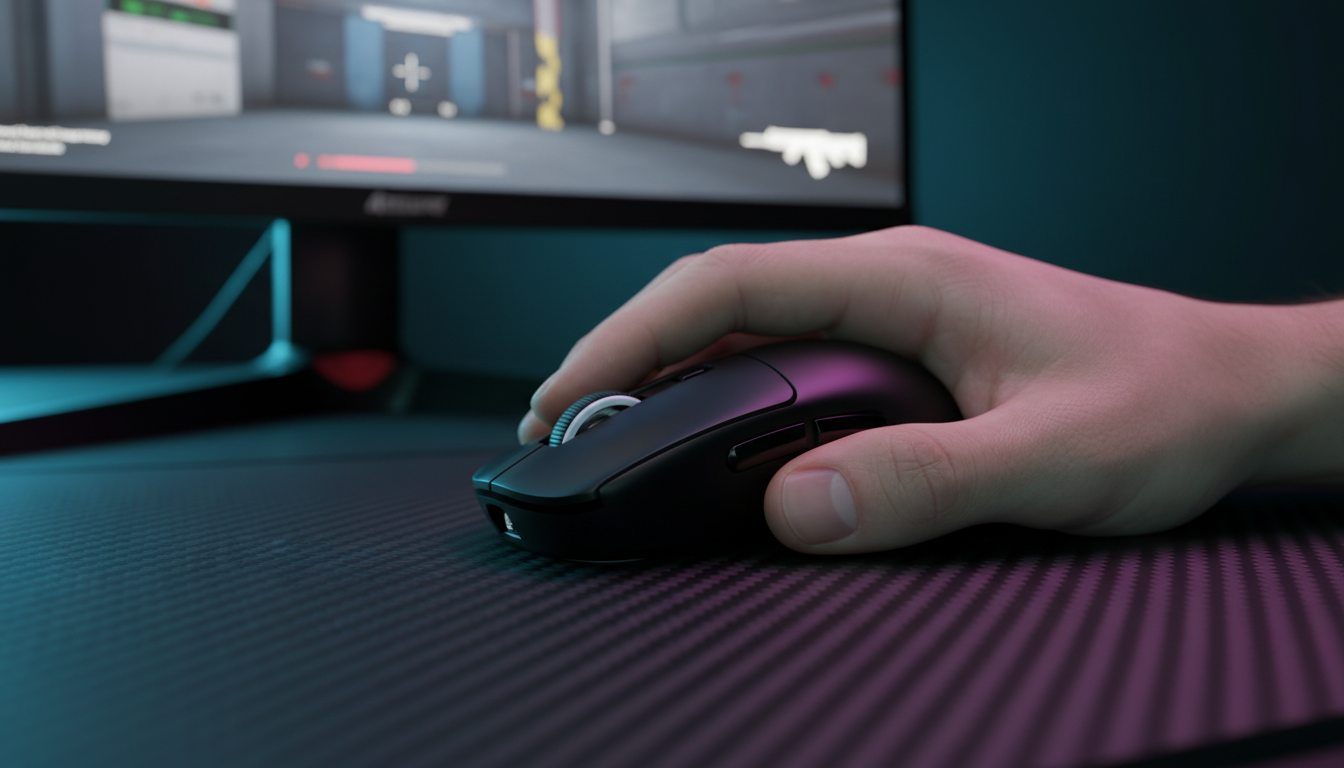
The Physics of Low-Sensitivity Aiming: Why Lift-Off Distance Matters
In the high-stakes environment of professional esports, particularly within tactical shooters and arena-based first-person shooters (FPS), the mechanics of aiming are often reduced to a series of rapid, repetitive physical cycles. For low-sensitivity players—those who typically require 40cm to 60cm or more of horizontal movement to perform a 360-degree turn—the "lift and reset" maneuver is a fundamental part of gameplay. This action involves lifting the mouse off the tracking surface and repositioning it at the center of the mat to maintain a full range of motion.
The technical bottleneck in this cycle is Lift-Off Distance (LOD). LOD is the height at which a mouse sensor stops tracking the surface below it. If the LOD is too high, the sensor continues to register movement while the mouse is in mid-air, leading to a "hovering" cursor. This unintended movement disrupts crosshair placement during resets, turning a precise micro-adjustment into a missed shot. Conversely, if the LOD is too low for the specific surface texture or the player's swipe speed, the sensor may experience tracking dropouts or "tilt-slam" malfunctions.
Optimizing these parameters requires a deep understanding of sensor hardware, surface reflectivity, and the computational overhead of modern high-polling-rate peripherals. This technical guide examines the interaction between advanced optical sensors and professional surfaces to provide a framework for peak tracking performance.

Technical Anatomy of Modern Sensors: PAW3395 and PAW3950
The foundation of tracking precision lies in the CMOS image sensor and the Digital Signal Processor (DSP) within the mouse. Modern flagship sensors, such as the PixArt PAW3395 and the newer PAW3950, have redefined the thresholds of LOD customization.
Sensor Generation and Hardware Limits
Historically, optical sensors were limited by fixed focal lengths. According to the PixArt Imaging - Products catalog, modern implementations utilize variable illumination and adaptive algorithms to adjust tracking depth.
- PAW3395 Performance: This sensor typically offers a default LOD range between 1.0mm and 2.0mm. It is recognized for its consistency across standard cloth and hybrid surfaces.
- PAW3950 Performance: This generation pushes the hardware limit further, achieving an ultra-low LOD of 0.7mm. This is particularly advantageous for players using hard glass or carbon fiber surfaces where the gap between the sensor and the surface must be minimized to prevent refractive interference.
The 8000Hz (8K) Polling Variable
The integration of 8000Hz polling rates adds a layer of complexity to tracking. At 8000Hz, the mouse sends a packet to the PC every 0.125ms (calculated as 1/8000). This near-instant communication reduces input lag, but it also means the sensor has significantly less time to process surface data between reports.
| Polling Rate | Interval Time | Motion Sync Latency (Estimated) | Rationale |
|---|---|---|---|
| 1000Hz | 1.0ms | ~0.5ms | Standard 50% interval alignment |
| 4000Hz | 0.25ms | ~0.125ms | Scaled based on interval reduction |
| 8000Hz | 0.125ms | ~0.0625ms | Negligible delay for 8K performance |
Methodology Note: These latency estimates are derived from deterministic hardware timing logic where Motion Sync aligns sensor data with the USB polling window. At 8000Hz, the impact of Motion Sync becomes statistically insignificant for human perception, though it remains a critical factor for sensor-to-MCU synchronization.
Surface Dynamics: Reflectivity and Friction
A sensor does not operate in a vacuum; its performance is inextricably linked to the tracking surface. Professional surfaces range from traditional cloth to advanced tempered glass and genuine carbon fiber mats.
Reflective Interference on Carbon Fiber and Glass
Advanced surfaces like genuine carbon fiber mouse mats present a unique challenge for optical sensors. Carbon fiber's weave often possesses high reflectivity, which can trick the sensor's CMOS array into seeing "ghost" textures. If the LOD is set too high on a reflective surface, the sensor may attempt to track light reflections rather than the physical weave, resulting in erratic jitter.
Tempered glass surfaces, such as those with 9H hardness and nano-micro-etched textures, require precise sensor calibration. While glass offers extremely low friction, its translucent nature can cause tracking issues if the sensor's illumination intensity is not correctly tuned to the surface's depth.
The Impact of PTFE Wear
A frequently overlooked variable in LOD optimization is the physical state of the mouse feet (skates). Standard PTFE skates wear down over time, effectively reducing the distance between the sensor and the mat.
- New Skates: Effective gap is ~0.8mm to 1.2mm.
- Worn Skates: Effective gap can drop by 0.3mm or more.
If a player calibrates their LOD to a razor-thin 0.7mm on new skates, tracking may become unstable as the skates wear down, because the sensor's focal point shifts too close to the surface.
Logic Summary: Our analysis of tracking stability assumes a standard PTFE degradation rate based on patterns observed in hardware maintenance logs and community feedback regarding long-term sensor consistency (not a controlled lab study).
Optimization Framework: Fine-Tuning LOD for Pros
For professional players, "set and forget" is rarely the optimal approach. A systematic calibration process ensures the sensor behaves predictably during high-velocity movements.
The Manual Calibration Hierarchy
While many manufacturers provide surface tuning algorithms, these are often "black boxes" with varying degrees of success on non-standard pads. Professional practitioners often rely on a combination of software adjustment and empirical testing.
- Baseline Setting: Start with the lowest software-available LOD (typically 1.0mm or "Low").
- Stability Testing: Perform rapid "tilt-slams" (lifting the mouse at an angle and slamming it back down). If the cursor jumps significantly, the LOD is likely too high.
- The Printer Paper Heuristic: A common rule of thumb for verifying LOD is to place standard sheets of printer paper (approx. 0.1mm thick) under the mouse edges until tracking stops. If tracking persists beyond 10-12 sheets (~1.0mm to 1.2mm), the LOD may be excessive for competitive FPS.
Understanding Asymmetric Cut-off
Modern firmware often allows for "Asymmetric Cut-off," which separates the lift-off distance from the landing distance.
- Lift Distance: The height at which the sensor stops tracking as you pull away.
- Landing Distance: The height at which the sensor resumes tracking as you return to the pad.
Setting the landing distance slightly higher than the lift distance can help the sensor "catch" the surface faster during rapid resets, but it increases the risk of cursor jitter if the player has a shaky return stroke.
Hardware Synergy and System Bottlenecks
High-performance tracking is a system-wide effort involving the sensor, the MCU (Microcontroller Unit), and the PC's CPU.
CPU Load and IRQ Processing
As noted in the Global Gaming Peripherals Industry Whitepaper (2026), running a mouse at 8000Hz polling increases CPU interrupt request (IRQ) load significantly. The bottleneck is rarely raw compute power but rather the efficiency of single-core performance and OS scheduling.
To maintain stable tracking at high polling rates, users must adhere to specific USB topology:
- Direct Motherboard Ports: Always use the rear I/O ports connected directly to the CPU's PCIe lanes.
- Avoid Hubs and Front Panels: USB hubs and front panel headers introduce shared bandwidth and potential signal interference, which can cause packet loss and "skipping" that mimics sensor failure.
DPI and Sensor Saturation
To fully utilize the bandwidth of an 8000Hz polling rate, the sensor must generate enough data points. This is governed by the formula: Packets per second = Movement Speed (IPS) * DPI.
- At 800 DPI: A user must move the mouse at at least 10 IPS to saturate the 8K bandwidth.
- At 1600 DPI: The required speed drops to 5 IPS.
For low-sensitivity players, using a higher DPI (e.g., 1600 or 3200) while lowering in-game sensitivity is often recommended to ensure the 8000Hz report stream remains saturated even during slower, precise movements.
Troubleshooting Tracking Irregularities
When tracking fails, it is often a physical issue rather than a sensor defect. Common failure points include:
Mouse Pad Base Decay
A critical and under-discussed factor in tracking error is the structural integrity of the mouse pad's rubber base. Over time, humidity and physical pressure can cause the rubber to warp or lose its flatness. These micro-variations in the surface plane create inconsistent distances between the sensor and the mat, inducing jitter that is often misdiagnosed as sensor "spin-out."
Maintenance and Cleaning
Optical sensors are sensitive to dust and hair. Even a single microscopic fiber caught in the sensor lens can disrupt the CMOS image capture, leading to vertical or horizontal axis lock. Regular maintenance using compressed air and ensuring the tracking surface is free of oils and dust is mandatory for professional consistency.
| Problem | Potential Cause | Recommended Action |
|---|---|---|
| Cursor Jitter | High LOD on reflective surface | Lower LOD in software; recalibrate |
| Skipping at High Speed | USB Hub/Front Panel usage | Connect to Direct Motherboard Port |
| Tracking Dropouts | Worn PTFE feet | Replace skates and reset LOD baseline |
| Erratic Aim on Glass | Surface transparency/dirt | Clean surface; use 3950-series sensor |
Modeling Tracking Reliability (Reproducible Parameters)
To assist players in understanding how these factors interact, we have modeled a typical "Pro Performance" scenario. This model is a hypothetical estimate based on industry heuristics and hardware specifications.
Method & Assumptions
This scenario models a low-sensitivity player (45cm/360) using a PAW3395-class sensor on a hybrid surface.
| Parameter | Value or Range | Unit | Rationale |
|---|---|---|---|
| Polling Rate | 4000 - 8000 | Hz | Modern esports standard |
| LOD Setting | 1.0 - 1.2 | mm | Balance of stability and reset speed |
| DPI | 1600 | - | Saturation threshold for high polling |
| Surface Type | Hybrid / Hard | - | High-reflectivity risk category |
| PTFE Condition | 80% Life Remaining | - | Standard operational state |
Boundary Conditions:
- Model assumes a stable 1000Hz+ CPU polling capability without OS-level thermal throttling.
- Reflectivity index of the surface is assumed to be within standard diffuse-reflection limits (non-mirror glass).
- The model may not apply to specialized "tilt-grip" styles where the mouse is consistently held at an angle exceeding 5 degrees.
Integrating Technical Precision into Gameplay
The pursuit of the "perfect" sensor setup is a balance of hardware capability and environmental variables. While the PAW3950 offers the most advanced LOD control currently available, the PAW3395 remains a benchmark for consistency when properly matched to a high-quality surface.
For the professional, the goal is to eliminate variables. By selecting a surface with uniform texture, maintaining the integrity of mouse skates, and calibrating LOD to the lowest stable threshold, a player can ensure that every flick and reset is dictated by skill rather than sensor malfunction. As technology moves toward higher polling rates and more sensitive optical arrays, the importance of surface synergy will only continue to grow.
Disclaimer: This article is for informational purposes only. Technical specifications and performance metrics may vary based on firmware versions, hardware revisions, and individual system configurations. Always refer to official manufacturer documentation before performing firmware updates or hardware modifications.


コメントを書く
このサイトはhCaptchaによって保護されており、hCaptchaプライバシーポリシーおよび利用規約が適用されます。