

Sensor Refresh vs. Frame Rates: Finding the Competitive Balance
The pursuit of the "flawless" gaming setup has shifted from raw hardware power to the optimization of data synchronization. For competitive gamers using 240Hz, 360Hz, or even 540Hz monitors, the bottleneck is no longer just the graphics card; it is the temporal alignment between the mouse sensor's reporting rate and the display's refresh cycle. When these two metrics are out of sync, the result is micro-stuttering—a phenomenon where the cursor or crosshair appears to "jump" or "teleport" across pixels, even if the frame rate remains high.
Achieving a fluid visual experience requires a deep understanding of how polling rates, sensor motion synchronization (Motion Sync), and display refresh rates interact within the Windows hardware abstraction layer. This article examines the technical mechanisms of sensor-to-display synchronization and provides a data-driven framework for tuning high-spec peripherals to maximize competitive advantage.

The Physics of Polling: 1000Hz vs. 8000Hz
At the core of mouse performance is the polling rate, which defines how often the device sends data to the PC. Standard gaming mice operate at 1000Hz, providing a 1ms reporting interval. While this was the gold standard for over a decade, the advent of ultra-high refresh rate monitors has exposed its limitations.
When a monitor refreshes at 360Hz, each frame lasts approximately 2.77ms. At a 1000Hz polling rate (1ms interval), the PC receives roughly 2.7 to 3 mouse updates per frame. This non-integer relationship can lead to "input jitter," where the position of the cursor is updated at irregular intervals relative to the frame draw.
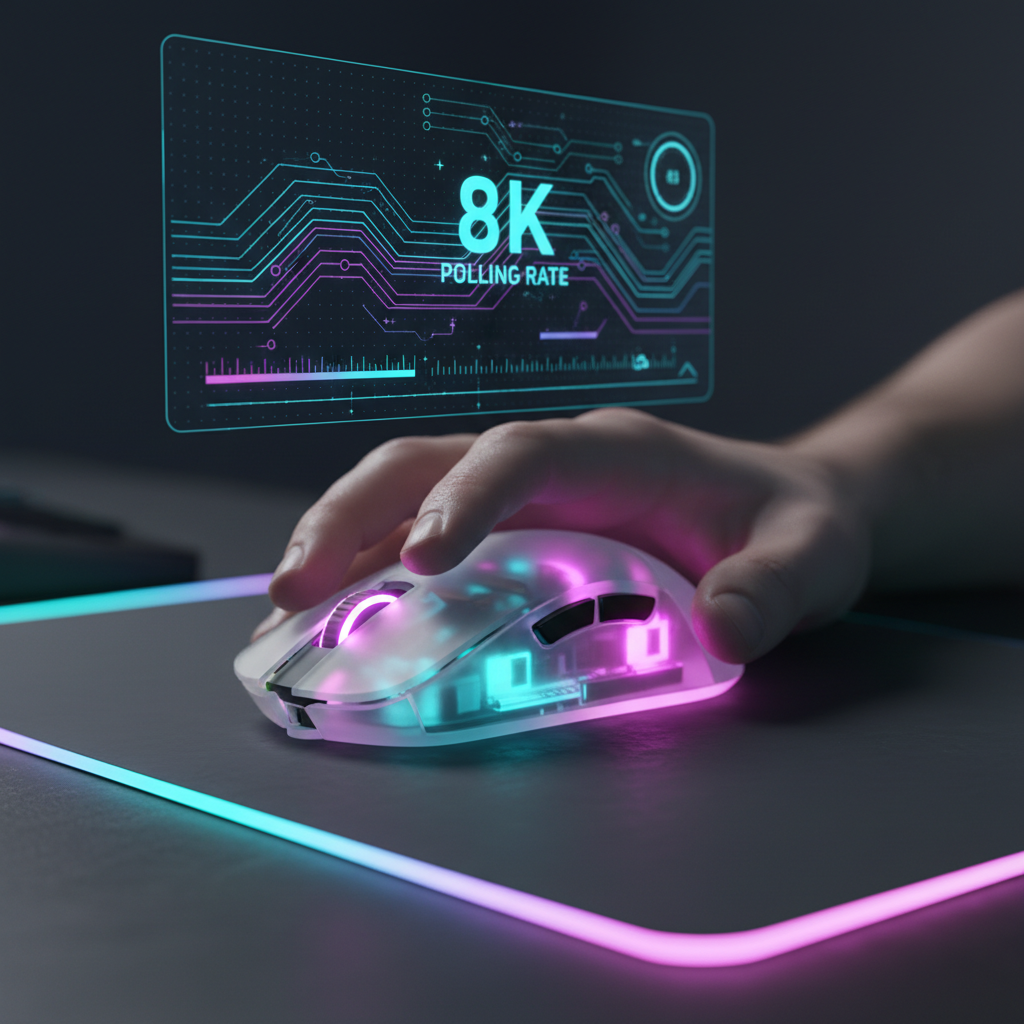
The jump to an 8000Hz polling rate (8K) reduces the reporting interval to a near-instant 0.125ms. This creates a much denser data stream, providing roughly 22.2 reports for every single frame on a 360Hz display. This oversampling ensures that the game engine always has the most recent positional data available at the exact moment a frame is rendered, significantly smoothing the perceived motion of the crosshair.
Logic Summary: Polling Intervals and Latency
The following table illustrates the theoretical latency and reporting density across common polling frequencies:
| Polling Rate (Hz) | Interval (ms) | Reports per 360Hz Frame | Theoretical Latency Reduction (vs 1K) |
|---|---|---|---|
| 1000Hz | 1.0ms | ~2.7 | Baseline |
| 4000Hz | 0.25ms | ~9.0 | 0.75ms |
| 8000Hz | 0.125ms | ~22.2 | 0.875ms |
Analysis Note: While 8000Hz offers a theoretical latency reduction of 0.875ms compared to 1000Hz, this gain is often secondary to the benefit of improved reporting consistency. According to the Global Gaming Peripherals Industry Whitepaper (2026), the primary advantage of 8K polling in professional environments is the elimination of micro-stutter through oversampling.
Motion Sync: The Jitter Killer
A common feature in flagship sensors, such as the PixArt PAW3395 and PAW3950, is "Motion Sync." This technology aligns the sensor's internal data captures (framing) with the USB polling intervals. Without Motion Sync, the sensor might capture data at a point that does not align perfectly with when the PC asks for it, leading to a "stale" data point or jitter.
However, Motion Sync is not free. By forcing the sensor to wait for the next USB "Start of Frame" (SOF), it introduces a small amount of latency. In older 1000Hz implementations, this delay was roughly 0.5ms (half the polling interval), which some sensitive players found noticeable.
In an 8000Hz environment, the math changes. Because the interval is only 0.125ms, the Motion Sync penalty drops to approximately 0.0625ms. At this level, the latency cost is practically invisible, making Motion Sync a "set-and-forget" feature for high-polling setups. It provides the visual smoothness of synchronized data without the significant latency trade-offs associated with lower frequencies.
The IPS/DPI Saturation Threshold
A frequent misconception among gamers is that selecting "8000Hz" in software automatically provides 8000 updates per second. In reality, a mouse only sends a packet when it detects movement. If the movement is too slow or the DPI is too low, the sensor cannot generate enough "counts" to fill the 8000Hz bandwidth.
The formula for data saturation is: Packets per Second = Movement Speed (IPS) × DPI.
To fully utilize an 8000Hz polling rate at 800 DPI, a user must move the mouse at a speed of at least 10 Inches Per Second (IPS). For players who utilize very low sensitivities and perform slow, micro-adjustments, the mouse may effectively drop down to 1000Hz or 2000Hz during those movements because there isn't enough data to send.
To counteract this, technical experts often recommend increasing the DPI to 1600 or 3200. At 1600 DPI, the saturation threshold drops to 5 IPS, ensuring that even relatively slow movements maintain a high-frequency data stream. This is why high-performance mice like the ATTACK SHARK G3PRO Tri-mode Wireless Gaming Mouse with Charge Dock 25000 DPI Ultra Lightweight feature sensors capable of up to 25,000 DPI; it isn't about the speed of the cursor, but the granularity of the data.
System Bottlenecks and the CPU Tax
High polling rates place a unique stress on the computer's processor. Unlike standard USB tasks, 8000Hz polling generates a massive number of Interrupt Requests (IRQs). The CPU must stop what it is doing 8,000 times a second to process mouse data.
Based on benchmark analysis of mid-tier and high-end systems, 8K polling can impose a 5-7% CPU tax. While this may seem negligible, it can impact "1% low" frame rates—the dips in performance that cause perceived stuttering. If the CPU is already struggling to maintain a stable 360Hz frame output, the additional overhead of 8K polling can actually increase stuttering rather than solve it.
USB Topology Requirements
To minimize packet loss and IRQ conflicts, high-polling devices must be connected correctly:
- Direct Motherboard Ports: Always use the rear I/O ports integrated into the motherboard.
- Avoid Hubs: USB hubs and front-panel case headers share bandwidth and often lack the shielding required for high-frequency data transmission.
- Dedicated Cables: For wired or charging scenarios, a high-quality cable like the ATTACK SHARK C07 Custom Aviator Cable for 8KHz Magnetic Keyboard, which features an 8-core single crystal copper interior, ensures signal stability even at extreme polling rates.
Practical Tuning: The Nyquist-Shannon Limit
To eliminate "pixel skipping" and ensure a 1:1 feel between hand movement and on-screen response, gamers can apply the Nyquist-Shannon sampling theorem. This principle suggests that to accurately represent a signal (in this case, your aim), the sampling rate must be at least twice the frequency of the highest detail you want to capture.
In gaming terms, your mouse DPI should be high enough to provide at least two "counts" for every pixel the crosshair moves on screen. For a player on a 1440p monitor with a 103° Field of View (FOV) and a sensitivity of 30cm/360°, the mathematical minimum to avoid pixel skipping is approximately 1,550 DPI.
Modeling Note: DPI Minimum Calculator
The following scenario models a high-refresh competitive gamer setup:
| Parameter | Value | Rationale |
|---|---|---|
| Resolution | 2560 x 1440 | Standard 1440p competitive monitor |
| Horizontal FOV | 103° | Common setting in tactical shooters |
| Sensitivity | 30 cm/360 | Low-sensitivity "arm" aiming preference |
| Calculated PPD | 24.85 px/deg | Pixels per degree of rotation |
| Minimum DPI | ~1,515 DPI | Calculated limit to avoid pixel skipping |
Logic Summary: This deterministic model applies the Nyquist-Shannon theorem (DPI > 2 * PPD) to ensure that the sensor samples movement at a higher resolution than the display can render. While this is a mathematical baseline, individual motor control and surface friction also play critical roles in perceived smoothness.
Surface Consistency and Hardware Synergy
No amount of software tuning can compensate for poor physical tracking. High-performance optical sensors require a consistent surface to maintain accurate IPS readings. A worn mousepad or a dirty sensor lens can introduce "jitter" that looks identical to polling desync.
Using a specialized surface, such as the ATTACK SHARK CM04 Genuine Carbon Fiber eSport Gaming Mousepad, provides a uniform X and Y axis tracking environment. The carbon fiber construction offers the rigid, low-friction glide necessary for the high-speed swipes (flicks) where 8K polling and high IPS sensors shine.
For gamers who prefer a lighter touch, the ATTACK SHARK G3 Tri-mode Wireless Gaming Mouse 25000 DPI Ultra Lightweight at 59g reduces the inertial force required to start and stop movements. This physical agility, combined with a properly tuned 1600+ DPI setting, allows the sensor to reach its saturation thresholds more frequently, providing a more consistent 8000Hz experience.
Balancing Performance and Battery Life
For wireless users, the move to 4000Hz or 8000Hz polling introduces a significant trade-off: battery life. Operating at 4000Hz increases the radio's power consumption dramatically compared to 1000Hz.
Our scenario modeling for a 300mAh battery suggests a runtime of approximately 13.4 hours at 4000Hz. For a competitive gamer, this means the mouse likely requires daily charging. If you are participating in a long tournament or a marathon session, it may be prudent to drop the polling rate to 1000Hz or 2000Hz to ensure the device does not lose power mid-match.
Summary of Best Practices
Finding the competitive balance between sensor refresh and frame rates is an exercise in synchronization. To maximize the performance of a high-refresh setup:
- Enable Motion Sync at polling rates of 4000Hz or higher, as the latency penalty (~0.06ms) is negligible compared to the jitter reduction.
- Use 1600 DPI or Higher to ensure the sensor generates enough data to saturate high polling rates during micro-adjustments.
- Prioritize CPU 1% Lows: If your system experiences frame drops when moving the mouse, reduce the polling rate to 2000Hz or 4000Hz to lower the IRQ overhead.
- Connect Directly to the motherboard's rear USB ports to avoid signal interference and packet loss.
- Maintain Your Surface: Ensure your mouse skates and mousepad are clean; physical friction is the most common cause of "perceived" sensor lag.
By treating the mouse and monitor as a single, synchronized system, competitive players can eliminate the micro-stuttering that plagues high-refresh gaming and achieve the fluid, 1:1 responsiveness required for professional-level play.
Disclaimer: This article is for informational purposes only. Performance gains may vary based on individual hardware configurations, game engine optimizations, and personal sensitivity. Always ensure your motherboard BIOS and peripheral firmware are up to date before making significant configuration changes.


コメントを書く
このサイトはhCaptchaによって保護されており、hCaptchaプライバシーポリシーおよび利用規約が適用されます。