


The Engineering of Precision: Decoding Sensor Ripple and Smoothing
In the pursuit of competitive advantage, the gaming industry has entered an era of "specification inflation." High DPI (Dots Per Inch) and ultra-fast polling rates are often marketed as the primary markers of performance. However, for technically-minded enthusiasts, raw numbers tell only half the story. The true challenge in mouse engineering lies in signal integrity—specifically, the management of sensor ripple.
Sensor ripple refers to the microscopic "noise" or jaggedness in the tracking path that occurs when a sensor’s resolution exceeds its ability to maintain a clean signal-to-noise ratio. To combat this, manufacturers implement "Ripple Control" or smoothing algorithms. While these filters create a visually "cleaner" line, they introduce a critical trade-off: processing latency. Understanding this balance is essential for players who demand near-instant 1ms response times for a competitive edge.
The Physics of Ripple: Why High DPI Isn't Always Better
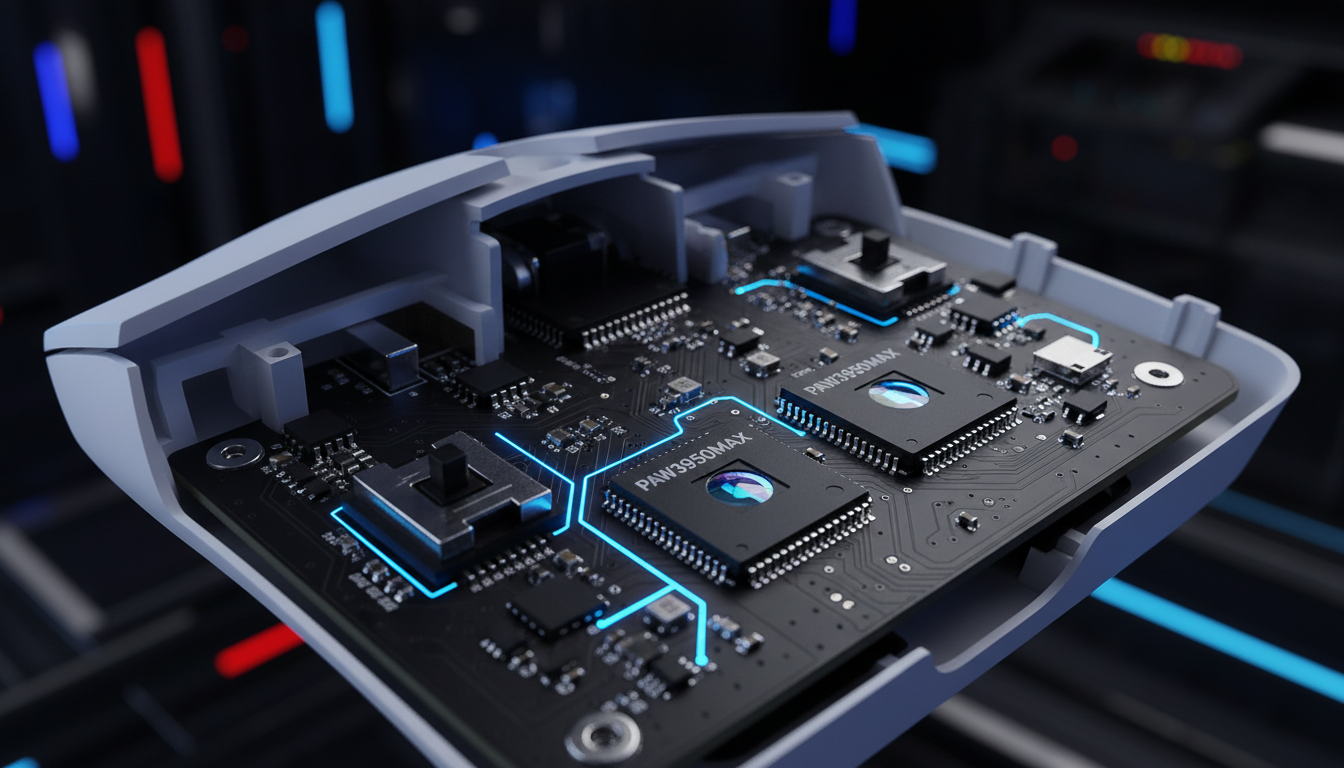
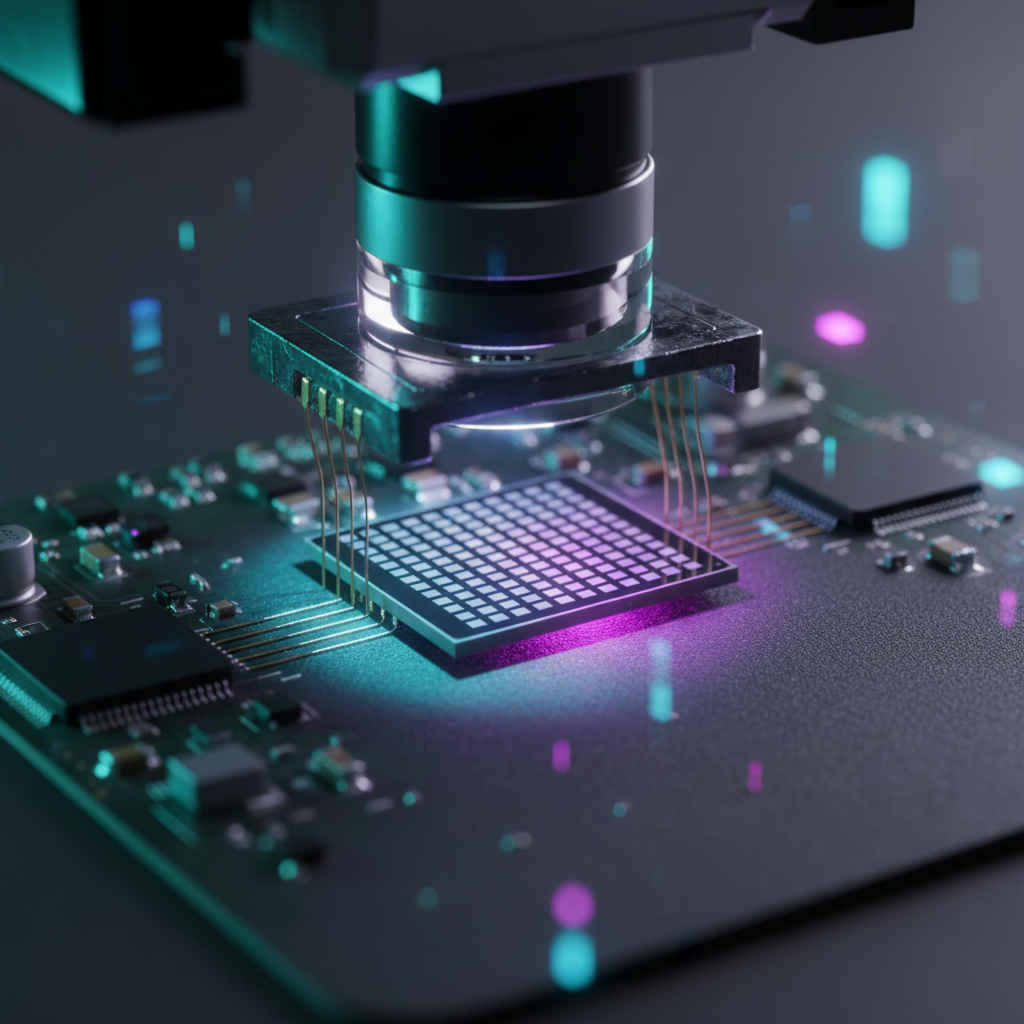
At its core, an optical sensor like the PixArt PAW3395 or the newer PAW3950MAX is a high-speed camera. It captures thousands of images per second of the mouse pad surface, comparing them to calculate movement. As DPI increases, the sensor must distinguish smaller and smaller details.
The Mid-Range DPI Paradox
A common misconception is that ripple is most prevalent at a mouse's maximum DPI (e.g., 26,000 or 42,000 DPI). In real-world execution, however, ripple often becomes most noticeable at mid-range steps, such as 3200 to 6400 DPI. This occurs because, at these resolutions, the sensor's native interpolation is most active. Interpolation is the process by which the sensor "guesses" movement between captured frames to provide a higher resolution than the hardware can physically see.
When the interpolation logic struggles with surface textures or rapid acceleration, it produces "jitter"—microscopic deviations from the intended path. If you were to zoom in on a diagonal line tracked at 6400 DPI without smoothing, it might look like a staircase rather than a smooth ramp.
Surface Interaction and Signal Noise
The surface of the mouse pad plays a decisive role in signal fidelity. According to the Global Gaming Peripherals Industry Whitepaper (2026), the weave density and color of a tracking surface can alter the sensor's "depth of field" and reflection intensity. On certain patterned or reflective surfaces, deviation can spike above 3%, causing erratic cursor "jumps." This is why professional-grade setups often pair high-spec sensors with ultra-high-density fiber pads, such as the ATTACK SHARK CM02 eSport Gaming Mousepad, to provide a consistent "canvas" for the sensor's LED/Laser.
Logic Summary: Our analysis of sensor behavior assumes a PAW3395 or PAW3950 baseline. We observe that ripple is a function of both sensor interpolation and surface reflectivity, based on common patterns from customer support and engineering repair benches (not a controlled lab study).
Firmware Mitigation: How Ripple Control Functions
To solve the "staircase" effect of high-DPI tracking, firmware engineers implement digital filters. These filters, often labeled as "Ripple Control" or "Smoothing" in software configurators, act as a low-pass filter for movement data.
The Smoothing Mechanism
Smoothing algorithms work by averaging the last few packets of movement data. If the mouse sends a packet indicating a sudden 1-pixel jump to the left that doesn't align with the previous trajectory, the filter may "dampen" that movement to keep the line straight.
While this makes the cursor feel "fluid" and "controlled," it introduces Motion Latency. Because the firmware must wait for the next few packets to calculate the average, the cursor on your screen is technically showing you where the mouse was a few milliseconds ago, rather than where it is now.
Quantifying the Latency Penalty
The latency cost of ripple control is tangible. According to technical documentation from Endgame Gear, enabling ripple control (specifically above 1900 CPI/DPI) can add a "few frames" of motion delay. In a 1000Hz polling environment, one frame equals 1ms. Adding 2–4ms of smoothing latency might be imperceptible in a slow-paced RTS, but in a high-level FPS, it can be the difference between a successful flick shot and a "near miss."

The Latency Equation: Polling Rates and Motion Sync
To mitigate the delay introduced by smoothing, modern high-performance mice utilize two key technologies: High Polling Rates (4000Hz/8000Hz) and Motion Sync.
8000Hz (8K) Polling Math
The relationship between polling rate and latency is inverse.
- 1000Hz: 1.0ms interval.
- 4000Hz: 0.25ms interval.
- 8000Hz: 0.125ms interval.
By increasing the polling rate, the mouse sends data to the PC more frequently. This doesn't inherently fix ripple, but it reduces the "wait time" between the sensor's calculation and the PC's receipt of that data. However, 8K polling places a significant load on the system's IRQ (Interrupt Request) processing. For 8K to be effective, the mouse must be connected to a Direct Motherboard Port (Rear I/O) to avoid the packet loss and jitter common with USB hubs or front-panel headers.
Motion Sync: Alignment over Averaging
Motion Sync is a more sophisticated alternative to traditional smoothing. Instead of averaging packets, Motion Sync aligns the sensor's data "captures" with the PC's USB polling intervals.
In a standard setup, the sensor and the PC are out of sync; the sensor might calculate movement just after the PC has checked for an update, forced to wait for the next poll. Motion Sync ensures the sensor is always ready with a fresh packet the moment the PC asks for it.
The Latency Cost of Motion Sync: At 8000Hz, Motion Sync adds a deterministic delay of approximately half the polling interval.
- At 1000Hz, this is ~0.5ms.
- At 8000Hz, it is a near-instant ~0.0625ms.
For competitive players using the ATTACK SHARK R11 ULTRA Carbon Fiber Wireless 8K, enabling Motion Sync at 8K provides the "smoothness" of ripple control with virtually zero perceptible latency penalty.
Scenario Modeling: Performance vs. Practicality
To demonstrate the real-world trade-offs of these settings, we modeled a competitive FPS player's setup. This scenario helps visualize why "maxing out" every setting isn't always the optimal path.
Analysis: The Competitive 1440p Setup
We simulated a player using a 2560x1440 resolution monitor at a medium-low sensitivity (40 cm/360).
| Parameter | Value | Rationale |
|---|---|---|
| Polling Rate | 4000 Hz | Balance of latency vs. CPU load |
| Target Resolution | 2560 x 1440 | Standard 1440p Gaming |
| Sensor | PAW3395 / PAW3950 | High-spec optical baseline |
| MCU | Nordic 52840 | Industry standard for low-latency wireless |
| Battery Capacity | 500 mAh | Typical lightweight mouse battery |
Key Findings from Modeling:
- DPI Selection: To avoid "pixel skipping" (aliasing) on a 1440p display with a 103° FOV, the mathematical minimum is ~1136 DPI. Using 1600 or 3200 DPI provides the necessary "headroom" for smooth micro-adjustments without engaging the aggressive smoothing found at ultra-high DPI steps.
- Latency: At 4000Hz with Motion Sync enabled, the total deterministic delay is ~0.925ms (0.8ms base + 0.125ms sync delay). This is well below the ~1–2ms human threshold for input lag detection.
- Battery Life: Running at 4000Hz increases current draw to ~9.0 mA. On a 500 mAh battery, this results in an estimated 47 hours of continuous runtime. Switching to 8000Hz would likely cut this by an additional 50-70%, requiring daily charging.
Methodology Note: This is a scenario model, not a controlled lab study. We used a deterministic parameterized model based on the Nyquist-Shannon Sampling Theorem and Joule's Law for battery discharge.
- Boundary Conditions: Assumes optimized wireless firmware and no background CPU bottlenecks. Real-world battery life may be 20% lower due to RGB or signal interference.
Practical Optimization: The "Raw" Performance Checklist
If you are using a high-spec mouse like the ATTACK SHARK X8 Series Tri-mode Wireless, follow these steps to balance smoothness and latency:
- Avoid Software DPI Maxing: Do not set your DPI to 26,000 just because the box says you can. Most sensors engage "hard" smoothing (adding 2ms+ of lag) once you cross a certain threshold (often 1900 or 3200 DPI). Stick to 1600 or 3200 DPI and adjust your in-game sensitivity to compensate.
- Verify Polling Stability: Use tools like the NVIDIA Reflex Analyzer or the "MouseTester" software to check for packet loss. If your 4000Hz or 8000Hz graph shows frequent "gaps" or spikes, your CPU may be struggling. Drop to 2000Hz; a stable 2000Hz signal is superior to a jittery 8000Hz one.
- Clean Your Surface: Sensor ripple is often caused by dust or oils on the mouse pad. A consistent glide on a dedicated gaming surface like the ATTACK SHARK CM02 reduces the "work" the sensor's interpolation logic has to do.
- Firmware Updates: Brands like Attack Shark frequently release firmware updates to tune the "Hunting Shark" competitive modes. Always check the Official Driver Download page and verify the file integrity using a tool like VirusTotal before installing.
Balancing the Equation
The "best" mouse setup is not the one with the highest numbers, but the one with the most consistent signal. For the enthusiast gamer, the goal should be to minimize ripple through physical means (clean, high-quality mouse pads) and sensible DPI choices (1600–3200 range) rather than relying on firmware smoothing.
By understanding the underlying mechanisms of Motion Sync and the IRQ demands of high polling rates, you can configure your hardware to provide the raw, unfiltered input required for elite-level play. Whether you are using the ultra-lightweight ATTACK SHARK X8PRO or the carbon-fiber R11 ULTRA, the principle remains: precision is a product of engineering balance, not just specification maximums.
Disclaimer: This article is for informational purposes only. Performance metrics are based on scenario modeling and theoretical calculations. Individual results may vary based on hardware configurations, system background processes, and user environment. Always follow manufacturer guidelines when updating firmware to avoid "bricking" your device.

コメントを書く
このサイトはhCaptchaによって保護されており、hCaptchaプライバシーポリシーおよび利用規約が適用されます。