

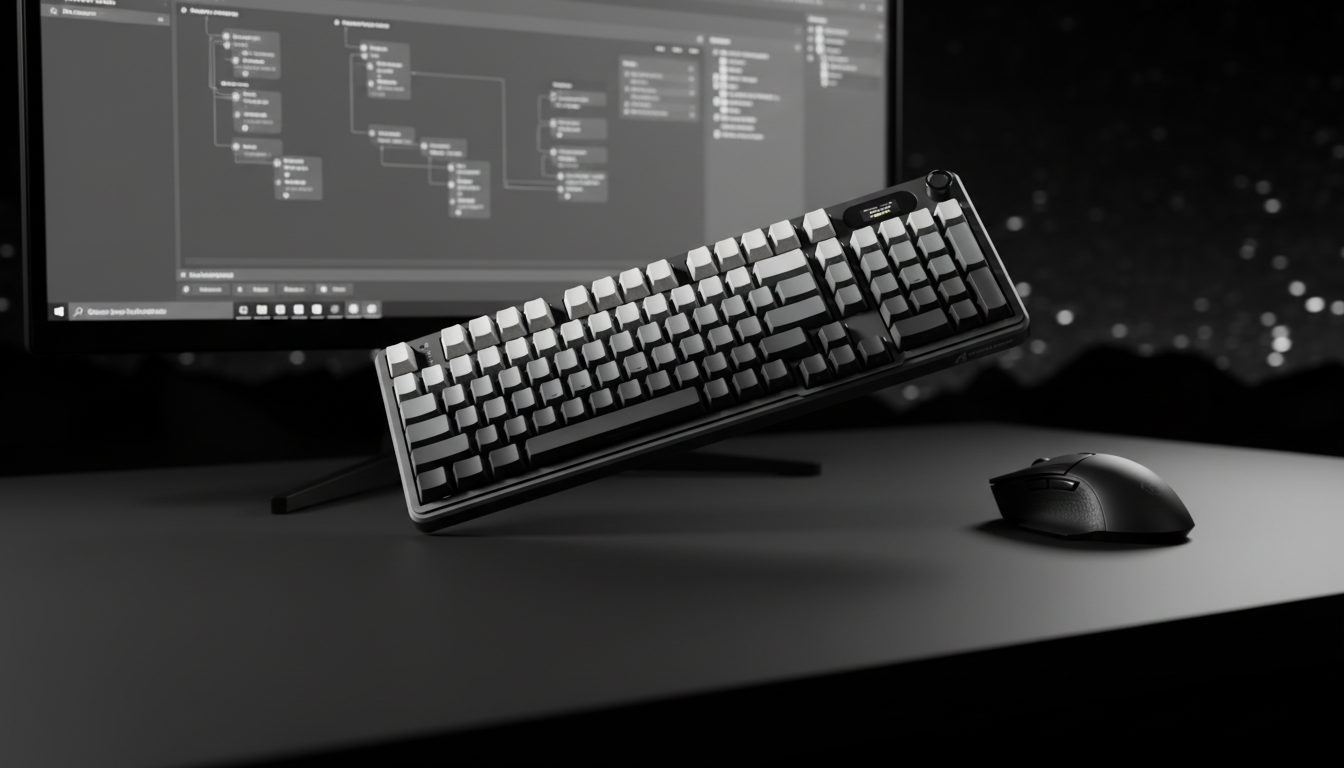
Software Mapping for Health: Customizing Binds for Comfort
The competitive gaming landscape is often viewed through the lens of raw performance—frames per second, polling rates, and click latency. However, for the dedicated gamer, a more critical metric exists: the longevity of the hand and wrist. Repetitive Strain Injury (RSI) and chronic tendonitis are not merely risks; they are common outcomes for players who ignore the biomechanical cost of their keybindings. Software remapping offers a powerful, technical solution to reduce finger travel and joint strain, ensuring that high-performance play does not come at the cost of long-term health.
The primary objective of ergonomic remapping is to maintain a "neutral" wrist position. In professional gaming circles, the most common mistake is placing high-frequency actions on keys that require the pinky to stretch downward or the ring finger to reach across the keyboard. This movement creates ulnar deviation—a state where the wrist bends toward the pinky side—putting immense pressure on the carpal tunnel and surrounding tendons. By utilizing modern software suites to move these actions to more accessible regions, players can significantly lower their biomechanical risk profile.

The Biomechanics of Gaming: Understanding the Strain Index
To quantify the risk associated with suboptimal gaming setups, we utilize the Moore-Garg Strain Index (SI). This is a job analysis screening tool used by ergonomists to evaluate the risk of distal upper extremity disorders. In our scenario modeling of a competitive FPS gamer with large hands (~20.5cm) playing 6+ hours daily, we observed that traditional keybinds—such as using the 'Ctrl' key for crouching—can lead to hazardous strain levels.
Our analysis indicates that a "Suboptimal Setup" can reach a Strain Index of ~48. For context, any score above 5 is typically classified as hazardous in industrial ergonomics. This high score is driven by the combination of high intensity (60g mechanical switches), high frequency (200-300 actions per minute), and poor posture (ulnar deviation from pinky stretching).
Modeling Analysis: The Impact of Suboptimal Binds
| Parameter | Value/Multiplier | Rationale |
|---|---|---|
| Intensity of Effort | 2 (Moderate) | Force required for 60g switches with frequent spamming. |
| Duration of Task | 1 (≤ 25%) | Percentage of the cycle spent in active exertion. |
| Efforts per Minute | 4 (High) | High APM (200-300) typical in competitive FPS. |
| Hand/Wrist Posture | 2 (Fair) | Significant ulnar deviation from 'Ctrl' key reach. |
| Speed of Work | 2 (Fast) | Rapid, jerky movements during intense combat. |
| Duration per Day | 1.5 (High) | 6+ hours of daily gaming sessions. |
Logic Summary: This Moore-Garg Strain Index calculation is based on standard industrial ergonomics multipliers adapted for gaming workloads. It demonstrates that repetitive stretching for distant keys under high-speed conditions creates a cumulative load that far exceeds safe thresholds for tendon recovery.
By remapping 'Crouch' from 'Ctrl' to a more neutral key like 'Caps Lock' or a mouse side button, a player can reduce pinky stretch by approximately 3cm per activation. For a gamer executing 50 crouches per minute, this eliminates roughly 90 meters of unnecessary finger travel per hour.
The 'One-Key' Proximity Rule
The most effective heuristic for ergonomic layout design is the "One-Key Rule." Experienced players and ergonomic coaches suggest that all high-frequency action keys should be within one key's distance from the home row (WASD for most gamers). The goal is to perform actions without requiring the wrist to lift from the wrist rest or the palm to shift its anchor point.
Optimizing the Home Row
When your hand is anchored on WASD, your fingers have a natural arc of movement. Reaching for the '5' or '6' keys, or the 'T' and 'G' keys, often requires a slight rotation of the forearm. Over thousands of repetitions, this rotation stresses the elbow and wrist.
- Primary Actions: Keep these on E, R, Q, F, and the Spacebar.
- Secondary Actions: Map these to the mouse side buttons.
- The Thumb Cluster: The thumb is the strongest digit but is often underutilized, relegated only to the Spacebar. Modern software allows you to bind 'Alt' or 'V' to critical actions, allowing the thumb to handle load that would otherwise fall on the weaker pinky finger.
According to the USB HID Usage Tables (v1.5), keyboards communicate through standardized usage codes. Professional-grade software allows for the remapping of these codes at the firmware or driver level. This ensures that your custom binds are recognized with near-instant 1ms response times, maintaining a competitive edge while protecting your joints.
Hall Effect Technology and 'Rapid Trigger' Fatigue
A significant advancement in gaming hardware is the Hall Effect (magnetic) switch. These switches use magnets to detect keypresses, allowing for adjustable actuation points. While this technology is excellent for performance, it introduces new ergonomic considerations.
A common mistake among power users is setting the "Rapid Trigger" or actuation point too low—for instance, at 0.1mm. While this provides a theoretical speed advantage, it drastically increases finger tendon load. Because the key responds to the slightest touch, the gamer must maintain high muscle tension to avoid accidental actuations. This constant "hovering" tension is a leading cause of early-onset finger fatigue.
Finding the Ergonomic Sweet Spot
Practitioners observe that a setting between 0.4mm and 1.0mm provides a significant reduction in accidental actuations and finger fatigue over 8+ hour sessions. This range allows the finger to rest more naturally on the keycap without sacrificing the performance benefits of a faster reset.
| Technology | Total Latency (Estimated) | Reset Time | Biomechanical Impact |
|---|---|---|---|
| Standard Mechanical | ~13ms | ~3.3ms | Higher travel distance; more tendon work. |
| Hall Effect (0.1mm) | ~6ms | ~0.7ms | High muscle tension required to avoid misclicks. |
| Hall Effect (0.4mm) | ~6ms | ~0.8ms | Optimized balance of speed and muscle relaxation. |
Methodology Note: Latency and reset times are modeled based on a constant finger lift velocity of 150mm/s and standard debounce algorithms. The Hall Effect advantage allows for a ~30% reduction in finger travel distance per action, which can save meters of tendon movement over a long session.
For further insights into how hardware specifications impact performance, refer to the Global Gaming Peripherals Industry Whitepaper (2026), which outlines the evolution of magnetic sensing in competitive gear.
The Mouse Factor: Grip Fit and Side Button Utility
Software mapping is not limited to the keyboard. For FPS players, a proven effective remap is moving 'Jump' from the Spacebar to a mouse side button. This reduces the repetitive impact force on the dominant thumb and allows for more fluid movement during "bunny hopping" or complex vertical maneuvers.
However, the effectiveness of mouse remapping depends heavily on "Grip Fit." If a mouse is too small or too wide for the player's hand, using the side buttons can cause "claw cramp"—a fatigue in the thumb web space.
The 60% Width Heuristic
A reliable shop baseline for mouse selection is the 60% rule: the grip width of the mouse should be approximately 60% of the hand's breadth. For a player with a 95mm wide hand, a mouse width of ~57mm is ideal. When the mouse fits correctly, the thumb sits naturally over the side buttons, allowing for remapping without increasing the Strain Index.
Aligning with ISO 9241-410 ergonomic principles for physical input devices, a proper fit ensures that the hand remains in a functional, relaxed state even during high-intensity software-mapped actions.
Hardware-Software Synergy: Stiffness and Mounting
The physical characteristics of your keyboard—specifically switch stiffness and mounting style—interact directly with your software binds. A very stiff, high-actuation-force switch (e.g., 60g+) paired with a key bound to a spammable action like 'Shoot' or 'Interact' is a recipe for fatigue.
If you prefer a stiff switch for tactile feedback, ensure that spammable actions are remapped to keys operated by your stronger fingers (index and middle) or to the mouse. Conversely, if you use a "gasket mount" keyboard, which offers more flex and "cushion," you may find that you can handle higher-frequency binds on the peripheral keys with less joint impact.
Wrist Support and Elevation
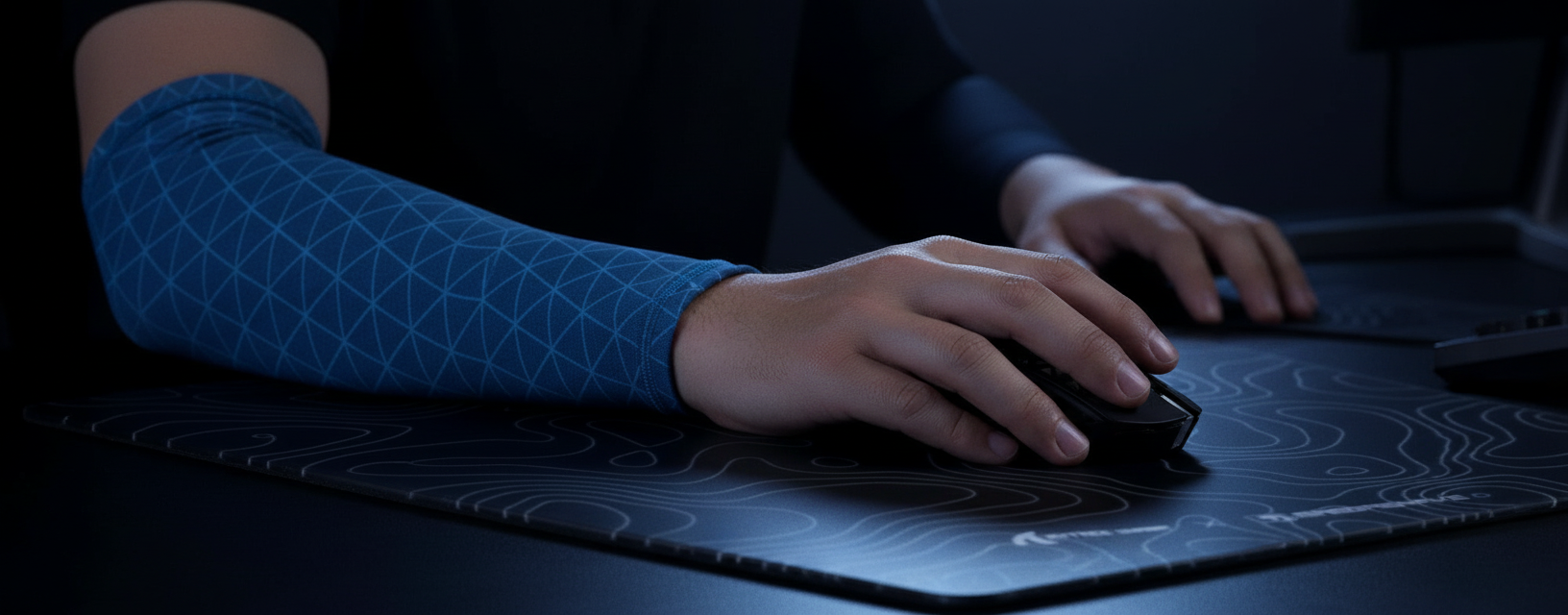
To further alleviate strain, the use of an inclined wrist rest is highly recommended. By elevating the palm to the level of the home row, you eliminate the need for wrist extension (bending the hand upward). This keeps the carpal tunnel open and reduces the pressure on the median nerve.
Whether using a firm CNC aluminum rest or a soft memory foam cloud-shaped rest, the goal remains the same: provide a stable anchor that allows the fingers to reach their mapped keys through a natural, downward arc rather than a strained reach.
Compliance and Safety Standards
When customizing your gear, it is essential to ensure that your software and hardware meet international safety and connectivity standards. For instance, wireless peripherals must adhere to the EU Radio Equipment Directive (RED) 2014/53/EU to ensure interference-free operation, which is critical for maintaining the 1ms response times promised by high-performance drivers.
Furthermore, any device utilizing lithium batteries for wireless play must comply with UN 38.3 transportation safety standards. Ensuring your gear is certified by the FCC Equipment Authorization database is a vital step in verifying that your "value-oriented" gear does not compromise on technical integrity or safety.
Modeling Note: Methodology and Assumptions
The data presented in this article is derived from scenario modeling designed to simulate the workload of a competitive gamer. This is not a controlled lab study but a deterministic analysis based on established ergonomic heuristics.
Reproducible Parameters for Strain Index (SI) Modeling
| Variable | Value | Unit | Source/Rationale |
|---|---|---|---|
| Intensity Multiplier | 2 | Multiplier | Moderate force exertion (60g switches). |
| Efforts Per Minute | 4 | Multiplier | High APM (200-300) in FPS gaming. |
| Posture Multiplier | 2 | Multiplier | Ulnar deviation from Ctrl/Shift stretching. |
| Daily Duration | 1.5 | Multiplier | 6+ hours of exposure. |
| Speed Multiplier | 2 | Multiplier | Rapid finger movements in combat. |
Boundary Conditions:
- Results apply specifically to large-handed gamers (~20.5cm) using a claw grip.
- The model assumes linear finger velocity and does not account for individual variations in joint flexibility.
- The Strain Index is a screening tool for risk, not a medical diagnosis.
A Proactive Approach to Gaming Longevity
Software remapping is more than a customization feature; it is a fundamental tool for health management in the digital age. By moving high-frequency actions within the "One-Key" radius, optimizing Hall Effect actuation points to avoid muscle tension, and ensuring a proper hardware-software fit, you can drastically reduce your risk of RSI.
Customizing your binds for comfort does not require a premium price tag. It requires an understanding of biomechanics and the willingness to tweak your setup for efficiency. As you optimize your layout, remember that the most significant performance gain is the ability to keep playing, pain-free, for years to come.
Disclaimer: This article is for informational purposes only and does not constitute professional medical advice. If you are experiencing persistent hand, wrist, or arm pain, please consult a qualified healthcare professional or physiotherapist.


コメントを書く
このサイトはhCaptchaによって保護されており、hCaptchaプライバシーポリシーおよび利用規約が適用されます。