

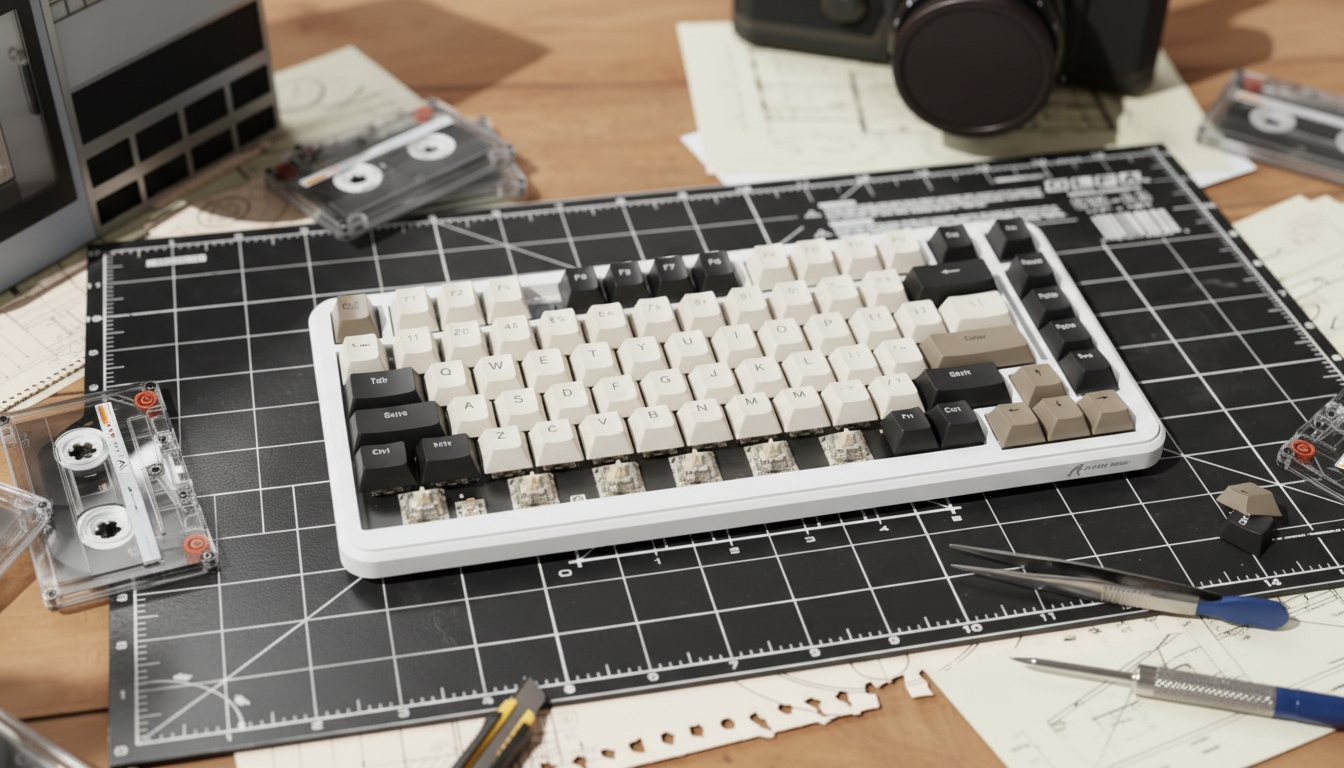
The Engineering of Isolation: Defining the True Gasket Mount
The mechanical keyboard industry has undergone a rapid shift toward "gasket mounting" as the definitive standard for premium acoustics and typing feel. Originally a feature reserved for high-end custom kits costing hundreds of dollars, the gasket mount is now a staple in budget listings. However, as the term gains popularity, its technical definition is frequently diluted. To navigate this market, one must understand that a gasket mount is not merely a component; it is a system of mechanical isolation.
In a true gasket mount, the keyboard plate (the frame holding the switches) is "sandwiched" between the top and bottom case using flexible gaskets, typically made of Poron foam or silicone. The critical engineering requirement is that the plate must not make direct contact with the case's rigid structure. This isolation serves two purposes: it prevents the vibration of a keystroke from echoing through the chassis (acoustics) and provides a cushioned, slightly elastic landing for the fingers (tactility).
According to the Global Gaming Peripherals Industry Whitepaper (2026), structural integrity and isolation consistency are the primary metrics for evaluating modern enthusiast-grade hardware. Without total isolation, a keyboard effectively defaults to a modified tray or sandwich mount, regardless of what the marketing copy claims.
The "Fake Gasket" Epidemic in Budget Listings
In the budget segment, manufacturers often use "gasket-ish" designs to capitalize on search trends. Our analysis of common patterns in the budget market (based on pattern recognition from technical teardowns and community feedback) reveals two prevalent "gotchas":
- Rigid O-Ring Spacers: Instead of long Poron strips, some brands use hard silicone O-rings around the screw posts. If these O-rings are fully compressed upon assembly, they provide zero meaningful isolation. They act as rigid spacers, transferring all vibration directly to the case.
- Decorative Gaskets: These are thin foam strips that are either too dense to compress or so thin they don't prevent the plate from bottoming out against the case plastic.
Logic Summary: Our evaluation of gasket effectiveness is grounded in the principle of decoupled vibration. We assume a standard typing force of 2.0N to 4.0N, which is the typical range for modern linear switches. For a gasket to function, it must be the primary point of resistance before the plate hits a rigid stop.
| Parameter | Value or Range | Unit | Rationale / Source |
|---|---|---|---|
| Gasket Shore Hardness | 15 - 30 | Shore A | Optimal for vibration dampening without collapse |
| Plate Displacement | 0.5 - 2.0 | mm | Required range to perceive "bounciness" |
| Material Compression | 30 - 50 | % | Industry heuristic for effective isolation |
| Acoustic Variance | < 3 | dB | Targeted delta between center and edge keys |
| Polling Interval (8K) | 0.125 | ms | Physical limit for high-performance firmware |
Visual and Tactile Verification: The Auditor's Toolkit
Before committing to a purchase, or upon receiving a new board, there are three non-destructive ways to verify if a gasket mount is functioning as intended.
1. The Side Profile "Gap" Test
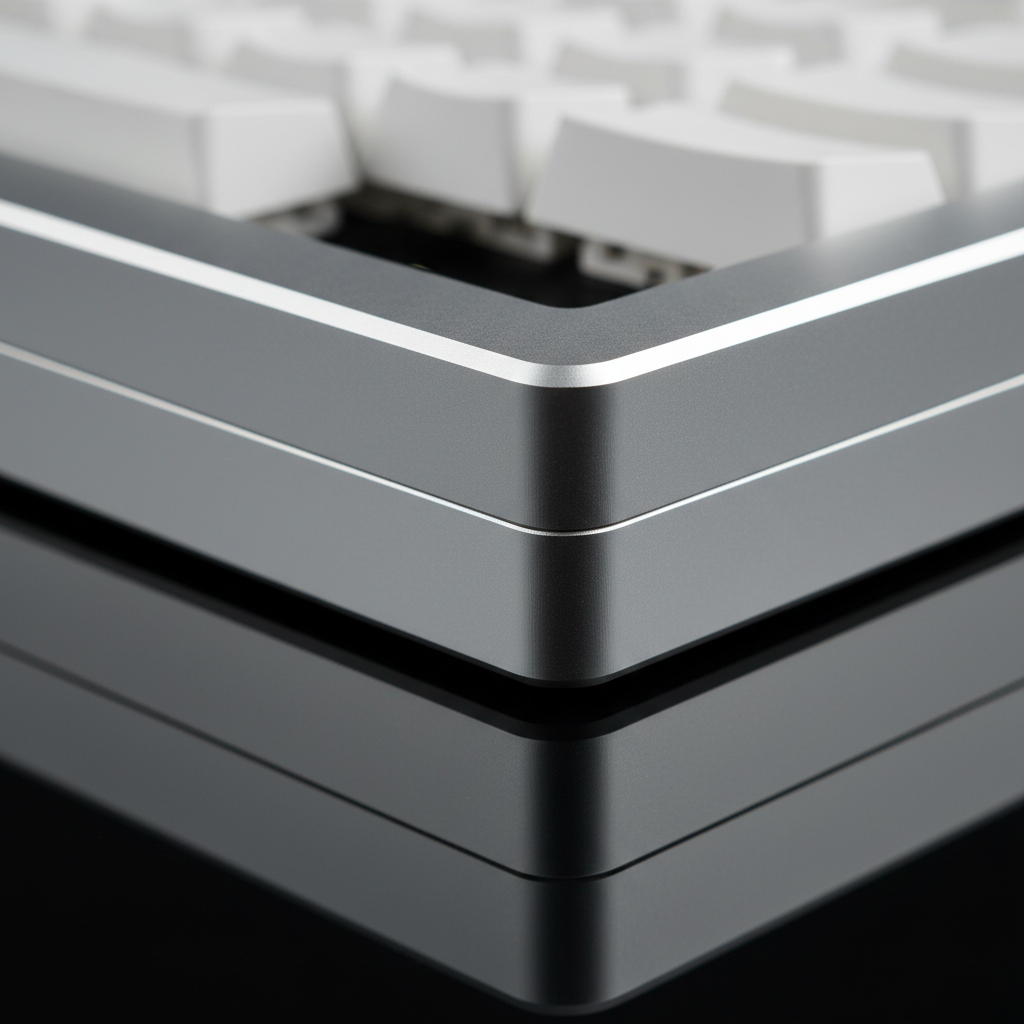
The most reliable indicator of a true gasket mount is a visible, compressible gap between the plate and the case. If you view the keyboard from a side profile (often easier if you remove a few keycaps near the edge), you should see the gasket material acting as a buffer.
Expert Insight: A common rule of thumb from veteran builders is that for effective isolation, the gasket material should compress by about 30% to 50% of its original thickness under the pressure of the assembly screws. If the material is already pancaked flat, it has lost its ability to dampen vibrations.
2. The Compression/Flex Myth
There is a common misconception that a "true" gasket mount must have extreme "flex"—the visible bowing of the PCB when pressed. In reality, a gasket mount can be designed for minimal flex while still providing excellent isolation. Stiff silicone gaskets or high-density Poron can create a "firm-but-isolated" feel.
While the "flex test" is popular in social media reviews, it is an unreliable verification method for isolation. You should instead look for "bounciness"—a subtle, uniform movement of the entire plate assembly rather than just the center bowing. If you cannot depress the plate slightly with moderate finger pressure in an assembled unit, the gaskets are likely just positioning spacers.
3. Acoustic Consistency Mapping
A rigidly mounted keyboard (like a traditional tray mount) typically sounds "hollow" in the center and "pingy" or sharp near the screw points. A true gasket mount produces a more muted, consistent sound signature across all keys.
- The Test: Tap the 'G' and 'H' keys, then tap the 'Esc' or 'Ctrl' keys.
- The Result: If the edge keys sound significantly harsher or more metallic than the center, the plate is likely making contact with the case, indicating a failed or "fake" gasket implementation.

Regulatory Intelligence: Using Official Filings to "See" Inside
One of the most powerful tools for a value-oriented enthusiast is the FCC Equipment Authorization (FCC ID Search). Most wireless budget keyboards must undergo certification to be sold in North America. These filings often contain "Internal Photos" that are submitted as part of the compliance process.
By searching for the manufacturer's Grantee Code (for example, 2AZBD or 2BNJR), you can often find high-resolution photos of the keyboard's internal structure before you buy it.
- What to look for: Look for the PCB/Plate assembly photos. If you see screws going directly through the plate into the bottom case, it is a tray mount, regardless of any foam strips they might have glued inside.
- The "Gasket" Evidence: In a true filing, you will see the plate assembly floating, with distinct foam or silicone tabs protruding from the edges.
This method allows you to verify the "Experience" (the 'E' in E-E-A-T) of the manufacturer's engineering without relying on rendered marketing images which can be misleading. For users in Canada, the ISED Canada Radio Equipment List (REL) provides similar mapping for North American compliance.
Performance Synergy: When Gaskets Meet High Polling Rates
For gamers, the mounting style is only half the equation. The physical feel must be backed by technical performance. Many modern budget boards now claim 8000Hz (8K) polling rates. While the gasket mount improves the "human interface" (how it feels), the polling rate dictates the "system interface."
To understand the scale of performance, consider the timing intervals:
- 1000Hz: 1.0ms interval.
- 8000Hz: near-instant 0.125ms interval.
At an 8000Hz polling rate, the Motion Sync latency—a feature that aligns sensor data with the USB poll—becomes a near-imperceptible ~0.0625ms (calculated as half the polling interval). This is a significant jump from the ~0.5ms delay found in standard 1000Hz devices.
However, there is a bottleneck: IRQ (Interrupt Request) processing. Running a keyboard at 8K stresses the CPU's single-core performance. To ensure this performance isn't wasted, we recommend using direct motherboard ports (Rear I/O) rather than USB hubs or front panel headers, which can introduce packet loss and shared bandwidth issues. This technical synergy ensures that the "soft" feel of a gasket mount is paired with the "hard" speed of competitive-grade firmware.
Scenario Modeling: Choosing the Right "Budget" Implementation
Not every user needs a "true" gasket mount. Depending on your use case, a "gasket-like" implementation might actually be preferable.
Scenario A: The Competitive Gamer
- Priority: Latency and Stability.
- Mounting Choice: A firmer gasket mount or even a well-dampened sandwich mount.
- Why: Extreme bounciness can occasionally feel "mushy" during rapid-fire inputs. A firmer isolation setup provides the acoustic benefits of a gasket without the travel inconsistency that can affect timing in high-stakes esports. Pair this with an 8K polling rate for the lowest possible system latency.
Scenario B: The Enthusiast Typist
- Priority: "Thocky" acoustics and "Bouncy" feel.
- Mounting Choice: True Poron gasket mount with a PC (Polycarbonate) or FR4 plate.
- Why: These softer plate materials emphasize the elasticity of the gaskets. For users looking to enhance their build, considering Polyfill vs. Silicone as case fillers can further tune the sound profile to reach that "premium" deep acoustic signature.
Avoiding Common Pitfalls in "Gasket" Listings
When browsing listings on marketplaces, be wary of the following red flags:
- "Gasket-Like": This usually means it's a tray mount with some foam.
- "Integrated Gasket": Often refers to a design where the "gaskets" are just molded plastic tabs on the plate. Plastic does not compress like Poron or silicone; therefore, it does not isolate.
- Lack of Internal Diagrams: If a brand is proud of their gasket mount, they will show an exploded view. If they only show the exterior, be cautious.
For those looking for high performance on a budget, exploring Budget Hall Effect vs. High-End Mechanical can provide insight into how different switch technologies interact with these mounting styles.
Summary Checklist for Buyers
To ensure you are getting a high-value, performance-oriented keyboard, use this checklist before hitting "buy":
- [ ] Verify the Plate Material: Soft materials like PC or FR4 work better with gaskets than stiff Steel or Aluminum.
- [ ] Check the FCC ID: Look for internal photos to confirm the "sandwich" structure.
- [ ] Look for 8K Specs: Ensure the 0.125ms polling rate is supported if you are a competitive gamer.
- [ ] Read the "Flex" Reviews Carefully: Distinguish between "the whole plate moves" (Good) and "the middle bends" (Irrelevant to isolation).
By focusing on the verifiable mechanisms of isolation and performance, you can avoid the marketing hype and find a keyboard that delivers a premium experience without the premium price tag. Whether you are looking for Maximizing Performance on Budget Hall Effect Keyboards or simply want a quieter office companion, understanding the engineering beneath the keycaps is the first step toward a better build.
Disclaimer: This article is for informational purposes only. Modifying your keyboard or opening the case may void your manufacturer's warranty. Always refer to your specific model's user manual before performing internal inspections.
References:

コメントを書く
このサイトはhCaptchaによって保護されており、hCaptchaプライバシーポリシーおよび利用規約が適用されます。