Game Mouse

How Can I Reduce the Sound of Clicking My Mouse

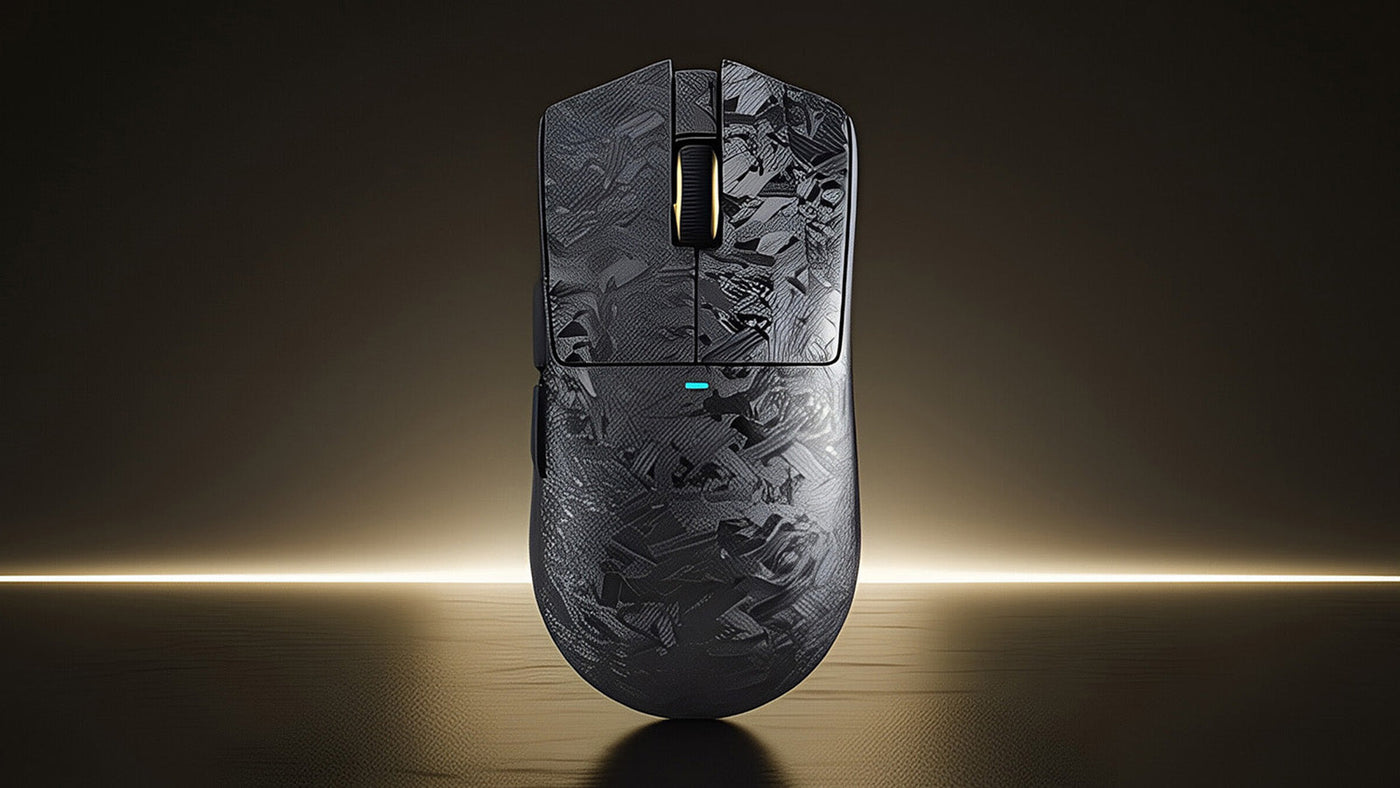
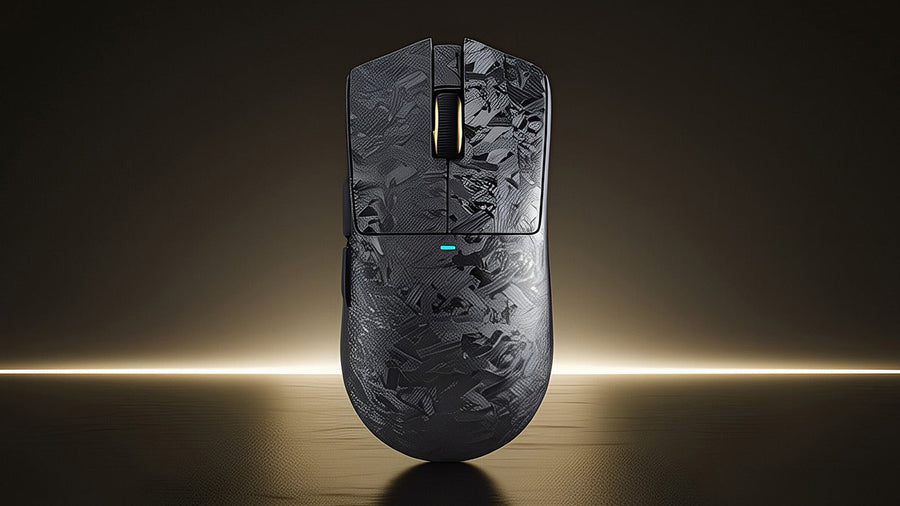
Attack Shark gaming mouse with a grey forged carbon fiber pattern on a gold background.

The satisfying "click" of a mouse is a staple of computing, but in a quiet library, office, or shared bedroom, that sound can quickly become a nuisance. Whether you are a late-night gamer or a professional working in a silent environment, the repetitive noise can distract you and annoy those around you. Fortunately, you do not have to sacrifice performance for peace. This guide explores why mice make noise and provides practical solutions to reduce the sound, from DIY modifications to upgrading to a silent gaming mouse.

Attack Shark forged carbon gaming mouse on a moon-like surface with crater rocks.

Is Noise From Using a Gaming Mouse Normal?

Yes, the clicking sound is completely normal. It is a byproduct of the mechanical switch design found in almost all computer mice. Inside the mouse, under the button, there is a tiny micro-switch. When you press down, a metal spring snaps into contact with another metal plate to close the electrical circuit. This snapping action creates the tactile bump you feel and the audible click you hear.

For gamers, this noise is often a sign of quality. High-end mice use crisp, loud switches (like Omron or Kailh) because they provide clear feedback. This feedback confirms that an action has been registered, which is critical in fast-paced games. However, this design philosophy prioritizes tactile response over acoustic stealth. While normal, the volume can vary significantly depending on the switch type, the mouse shell material, and even the desk surface.

TTACK SHARK R5 ウルトラカーボンファイバーワイヤレス 8K PAW3950MAX ゲーミングマウス、8K コイルケーブル付き

Price: ¥13,675
カーボンファイバーで新たな可能性を解き放つ カーボンファイバー複合材は、その卓越した強度対重量比により、航空宇宙、自動車、スポーツ産業に最適です。R5 Ultraのシェルにカーボンファイバー複合材を使用することで、39グラム(±3グラム)という軽量化を実現しながら、高い耐衝撃性も維持しています。 新世代フラッグシップセンサー: PAW3950MAX PixArt 社の最新鋭 PAW3950MAXを搭載したこの最先端センサーは、42,000DPI、8000Hzポーリング、750IPSの速度、そして50Gの加速性能を実現し、比類なき精度を実現します。超高速レスポンスと完璧なトラッキングにより、FPSでの正確なヘッドショットやMOBAでのハイスピードな駆け引きを可能にします。プロゲーマーの信頼を得て、勝利のために設計されています。 わずか39gの超軽量 R5 超軽量マウスは、カーボンファイバー複合材と穴あきシェル設計により、余分な重量を削減し、わずか39(±3)gを実現しました。G Pro Xより33%、V3 Proより23%軽量です。RPG、MMO、FPS、MOBA、バトルロイヤルなど、テンポの速いゲームに最適です。 8000Hzワイヤレスポーリングレート R5 Ultraは、ワイヤレスモードで驚異的な8000Hzポーリングレートを実現し、応答時間を1000Hz 時の1msからわずか0.125msへと大幅に短縮します。超高速のカーソル移動と超高速のトリガー反応を体感して、勝負を決める際に必要な優位性を手に入れましょう。 SMARTSPEEDコネクティビティ 常に接続を保ち、止まることなくプレイ...

Wired vs. Wireless Gaming Mouse: Which is Louder?

There is a common misconception that the connection type affects the noise level. In reality, whether a mouse is wired or wireless has almost zero impact on the loudness of the click. The sound comes from the physical switch mechanism, not the data transmission method. A silent click gaming mouse can be either wired or wireless.

However, the build quality associated with these categories can play a role. Wireless mice often have denser shells to house batteries, which can sometimes dampen the hollow echo of a click. Conversely, ultra-lightweight wired mice, which often have honeycomb shells, can amplify the sound because there is less material to absorb the vibration. Ultimately, the switch determines the volume, not the cable. If you are comparing two mice with the same switches, they will sound virtually identical regardless of how they connect to your PC.

Attack Shark black and white gaming mice floating against a dark gold background.

How to Make Mouse Click Sound Silent

If you love your current mouse but hate the noise, there are a few DIY methods to dampen the sound without buying new gear. Be aware that opening your mouse will likely void the warranty.

Internal Sound Dampening

The empty space inside a mouse shell acts like a resonance chamber, amplifying the click. You can open the mouse and place small pieces of sound-dampening foam or thick tape inside the top shell. This absorbs the vibrations before they turn into noise. It won't eliminate the mechanical snap, but it reduces the high-pitched "ping" that travels through the plastic.

Switch Lubing

Mechanical keyboard enthusiasts often lube switches, and you can do the same for a mouse. Applying a tiny amount of non-conductive dielectric grease to the internal mechanism of the micro-switch can soften the impact. This requires precision; too much grease can make the switch feel mushy or stop it from working entirely.

Using a Desk Mat

Sometimes the desk itself is the amplifier. A hard mouse on a hard wood desk transfers vibrations efficiently. Using a thick, soft gaming mouse pad absorbs the energy from your hand movements and the click impact, reducing the overall perceived noise level in the room.

Is There a Mouse That Doesn’t Make Clicking Noise?

For those who want a guaranteed solution without tinkering, the market now offers dedicated silent options. These devices replace the standard snapping mechanism with dampened switches. These switches use rubber buffers to soften the contact points, reducing the sound by over 90% while still registering the input.

Finding the best silent mouse depends on your specific needs. You want something that balances silence with the responsiveness required for gaming. For example, the ATTACK SHARK X2 Wireless Gaming Mouse is a prime contender in this category. This device features a Tri-Mode Wireless connection (2.4Ghz, Bluetooth 5.0, and USB-C Wired), making it versatile for any setup. Its standout feature is the Silent Click switch technology, which allows you to game furiously without disturbing anyone.

Unlike standard office silent mice which often lag, the ATTACK SHARK X2 maintains gaming-grade performance with its PixArt 3212 sensor. It also boasts an ergonomic transparent shell with RGB backlighting, proving that a silent click gaming mouse can still look stylish and perform at a high level on both Windows and MAC systems. If you are hunting for the best silent mouse that transitions seamlessly from office work to late-night raids, this model offers the perfect blend of quiet operation and tactile satisfaction.

ATTACK SHARK G3 トライモード ワイヤレス ゲーミングマウス 25000 DPI 超軽量

Price: ¥4,451
製品比較 モデル G3 G3PRO をチェック センサー PAW3311 MCU BK52820 マイコン スイッチ HUANO ブルーシェルピンクドットスイッチ:8000 万回のクリック オムロンマイクロスイッチ:1 億回クリック スクロールホイール Fスイッチスクロールホイール:50Kスクロール Fスイッチスクロールホイール:200 万回スクロール...

FAQs

Do silent gaming mice feel mushy?

Early models did, but modern silent switches have improved significantly. While they lack the sharp "snap" of a traditional mechanical switch, high-quality silent mice provide a distinct tactile bump so you know when you have activated the button.

Can I replace the loud switches in my current mouse?

Yes, if you are comfortable with soldering. You can desolder the existing loud switches (usually 3-pin) and solder in silent micro-switches, such as Kailh Silent or Huano Silent switches. This gives you your favorite shape with silent operation.

Are silent mice more expensive?

Not necessarily. The technology for silent switches is not inherently more costly. You can find a silent gaming mouse at various price points, from budget-friendly options to premium models. The price difference usually comes from the sensor quality and wireless features rather than the silent switches themselves.

Do silent switches wear out faster?

In the past, silent switches were rated for fewer clicks (around 3-5 million). However, modern silent switches in a quality silent click gaming mouse are often rated for 20 million clicks or more, making them durable enough for years of gaming.

Will a silent mouse affect my gaming performance?

For 99% of gamers, no. The actuation point and latency are comparable to standard mice. Only professional e-sports players who rely heavily on the auditory cue of a loud click for rhythm might find the transition jarring initially.

前後の記事を読む

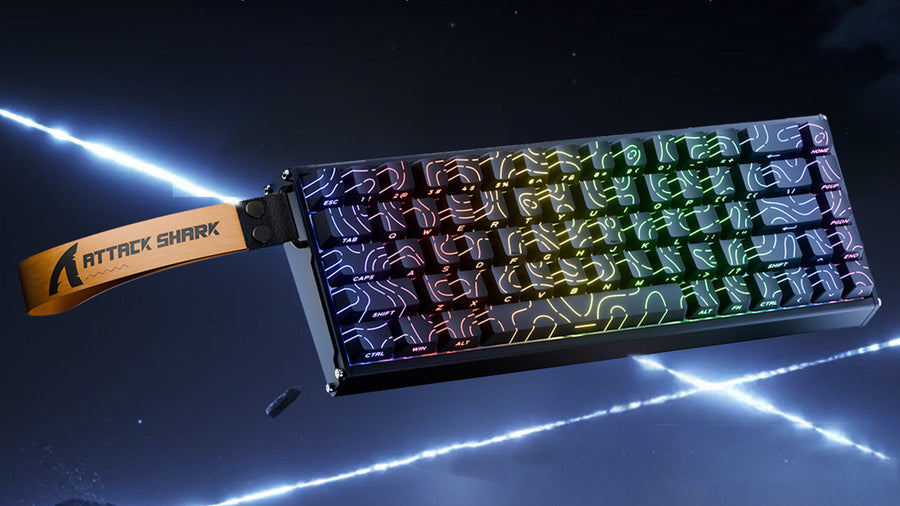
Attack Shark mechanical keyboard with RGB lighting and yellow strap in a space setting.
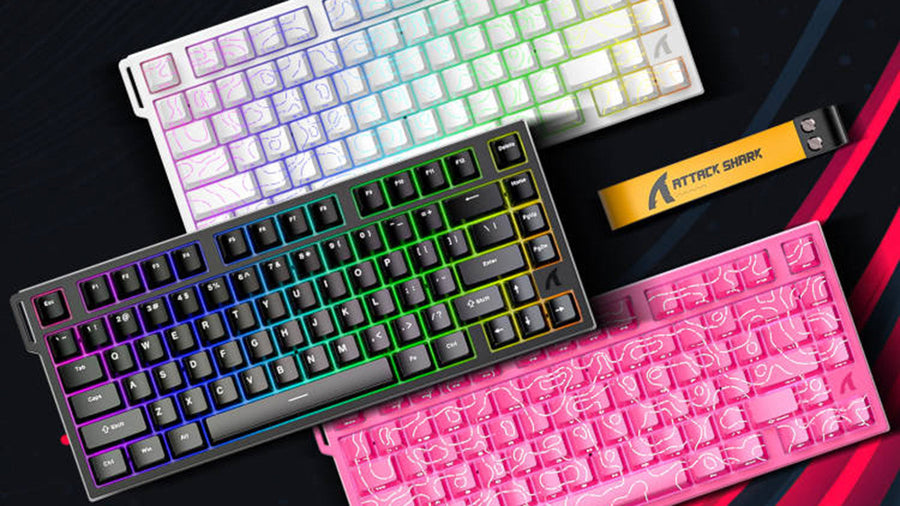
Attack Shark keyboards in white, black, and pink with topographic RGB keycaps and a yellow strap.

コメントを書く

このサイトはhCaptchaによって保護されており、hCaptchaプライバシーポリシーおよび利用規約が適用されます。