The Biomechanics of Arm Aiming: Understanding the Kinetic Chain
In competitive first-person shooters (FPS), the "arm aiming" technique involves using the elbow and shoulder as the primary pivots for large-scale movements, typically at low sensitivities ranging from 30cm to 50cm per 360-degree turn. While this method offers superior precision for tracking and large-angle flicks, it places a unique set of biomechanical demands on the upper extremity. Unlike wrist aiming, which relies on the smaller, more agile muscles of the forearm, arm aiming engages the rotator cuff, deltoids, and the larger muscle groups of the posterior chain.
A common oversight among performance-focused gamers is the assumption that a lighter mouse is always a healthier mouse. However, for arm aimers, the interaction between mouse shape and the hand's stability is the primary determinant of long-term comfort. When a mouse lacks sufficient support—particularly on the right side for right-handed users—the hand is forced into a compensatory "over-grip." This results in the "floating" sensation where the fingers and wrist must provide the stability that the mouse shell should have provided, leading to rapid fatigue in the forearm extensors.
Quantifying Ergonomic Strain: The Moore-Garg Index Analysis
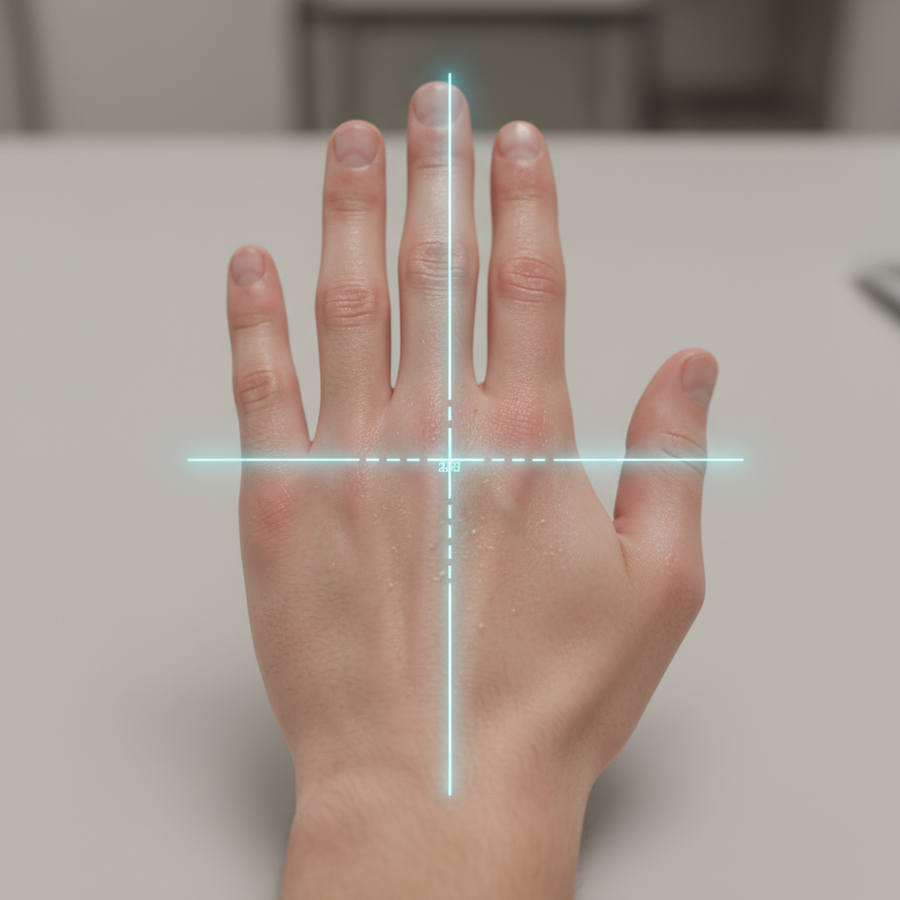
To move beyond qualitative observations, it is necessary to examine the physiological load of competitive gaming through established screening tools. By applying a parameterized scenario model based on a large-handed competitive arm-aimer (95th percentile male, ~20.5cm hand length), we can quantify the risk of distal upper extremity disorders.
Under high-intensity tournament conditions characterized by rapid ballistic movements and aggressive claw grips, the calculated Moore-Garg Strain Index (SI) reaches a score of 96. For context, the standard threshold for a "Hazardous" classification in industrial ergonomics is any score greater than 5. This high score is driven by the frequency of efforts per minute and the sustained duration of sessions, which typically exceed three hours.
Modeling Note (Reproducible Parameters): This deterministic model analyzes a high-intensity gaming workload.
Parameter Value Rationale Intensity Multiplier 2.0 High exertion for large arm swipes Duration Multiplier 1.5 3+ hour sessions Efforts Per Minute 4.0 High APM in competitive FPS Posture Multiplier 2.0 Aggressive claw grip with wrist deviation Speed Multiplier 2.0 Rapid flick movements Boundary Condition: This is a screening tool for risk assessment, not a medical diagnosis. Individual physiological variance and rest patterns significantly alter real-world risk.
This data underscores that the mouse is not merely a peripheral but a structural component of the arm's kinetic chain. A mouse that fails to align with the hand's natural dimensions forces the user into a posture that exacerbates these strain multipliers.

Essential Shell Features for Fatigue Prevention
For the arm-aiming professional, the geometry of the mouse shell must facilitate a relaxed hand state even during high-velocity swipes.
The Right-Side Curve and Pinky Support
The inward curve on the right side of an ergonomic mouse is perhaps the most critical feature for preventing forearm fatigue. A shallow or flat right side forces the ring and pinky fingers into an extended, active gripping position. This sustained contraction tires the forearm extensors quickly. In contrast, a pronounced inward curve allows these fingers to rest in a more neutral, relaxed curl.
Technical practitioners often use a simple self-check: perform ten large, slow left-to-right swipes. If the ring and pinky fingers feel they are "digging in" to maintain control, or if the wrist cocks sideways (ulnar deviation) to compensate for a lack of side support, the shape is likely inadequate for the user's hand size.
Front Flare and Lateral Pulls
During low-sensitivity play, the primary contact point often shifts from the palm to the base of the thumb and the right side of the palm. A mouse with an insufficient flared front or poor right-side support will cause the hand to "claw" unconsciously during lateral pulls. This transfers the strain from the large muscles of the arm back down to the delicate tendons of the wrist.
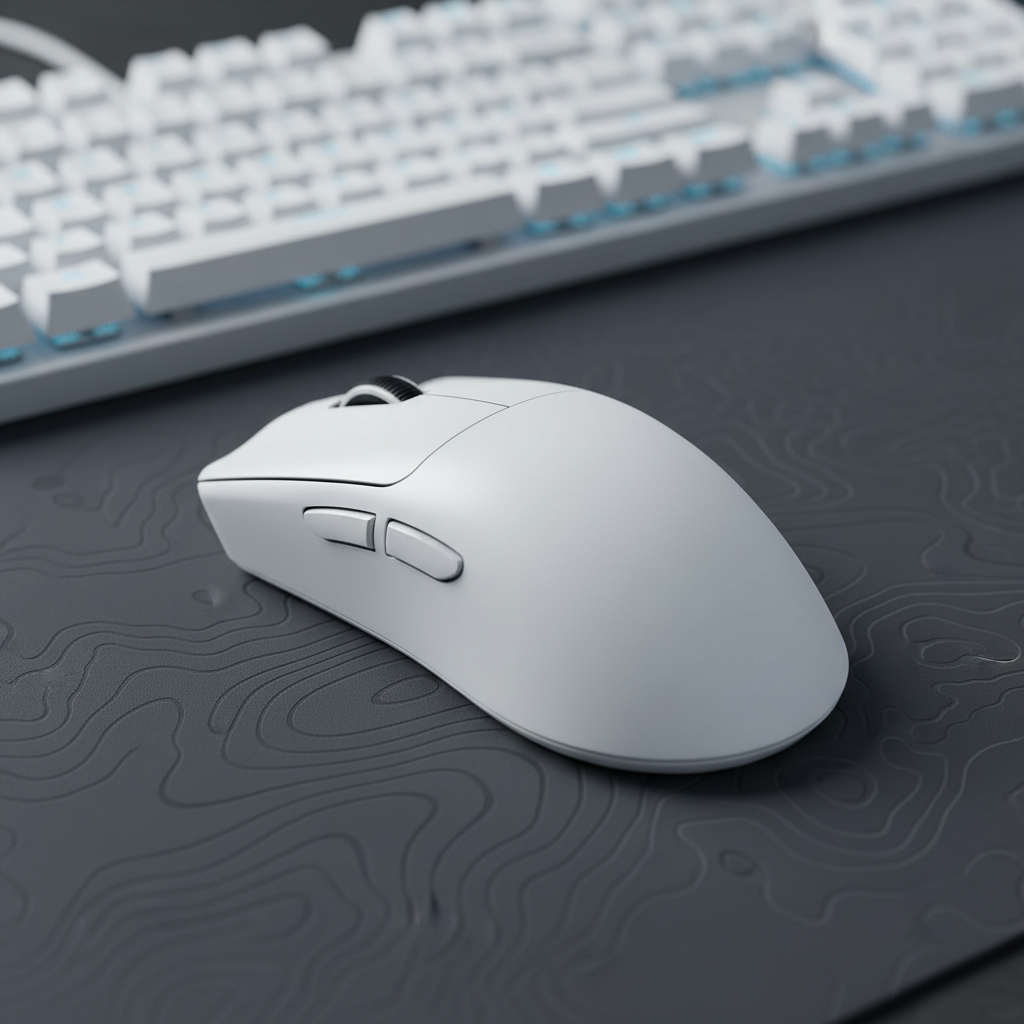
High-performance models like the ATTACK SHARK X8 Series Tri-mode Lightweight Wireless Gaming Mouse address this by providing a sculpted right-handed profile that supports the hand's natural arch, reducing the need for active muscular stabilization.
The Weight Paradox: Why Sub-50g Isn't Universal
There is a growing trend toward ultra-lightweight mice (sub-50g), but for arm aimers, this can be a double-edged sword. While lower mass reduces the initial force required to move the mouse (static friction), it also reduces the inertia available to help the mouse "stop" predictably.
Experienced players often find a sweet spot between 60g and 80g. This range provides enough inertia for smooth, controlled stops after a large swipe without causing significant drag. An ultra-light mouse may feel "flighty," causing the user to over-tense their shoulder and bicep to prevent overshooting the target. This tension, when sustained over a four-hour session, is a primary driver of systemic fatigue.
Logic Summary: Our analysis suggests that for large-handed users (20cm+), a 125mm mouse length provides a near-ideal Grip Fit Ratio of ~0.95. This allows for the palm to rest securely on the shell, distributing the mouse's weight across a larger surface area and lowering localized pressure points.
Performance Synchronization: DPI and Polling Rates
Ergonomics extends beyond physical shape into the digital fidelity of the sensor. For low-sensitivity arm aiming on high-resolution displays (1440p+), the "pixel skipping" or aliasing effect can hinder micro-adjustments, forcing the user to make more frequent, jerky movements that increase strain.
The Nyquist-Shannon Benchmark
To maintain visual fidelity at 45cm/360 sensitivity on a 1440p display, the Nyquist-Shannon criterion dictates a minimum DPI of approximately 1050. Using a native DPI of 1600 with a proportionally lower in-game sensitivity is a common approach to ensure that every micro-movement is captured by the sensor without digital jitter.
8000Hz (8K) Polling and System Bottlenecks
Modern high-performance mice now offer polling rates up to 8000Hz, providing a near-instant 0.125ms reporting interval. While this reduces input latency, it introduces significant system demands.
- Latency Math: At 8000Hz, the motion sync delay is reduced to approximately 0.0625ms, which is virtually imperceptible compared to the 0.5ms delay found at 1000Hz.
- The CPU Bottleneck: Processing 8000 reports per second places a heavy load on the CPU's Interrupt Request (IRQ) handling. This requires a high-performance, single-core CPU and a direct connection to the motherboard's rear I/O ports. Using a USB hub or front-panel header will likely result in packet loss and stuttering.
- Saturation Logic: To fully saturate the 8000Hz bandwidth, movement speed is a factor. At 1600 DPI, a movement speed of only 5 Inches Per Second (IPS) is required to provide enough data points for the 8K polling rate to be effective.
According to the Global Gaming Peripherals Industry Whitepaper (2026), the integration of high polling rates must be balanced with system stability to avoid micro-stutters that can disrupt the muscle memory of an arm aimer.
The Support Ecosystem: Wrist Rests and Surface Interaction
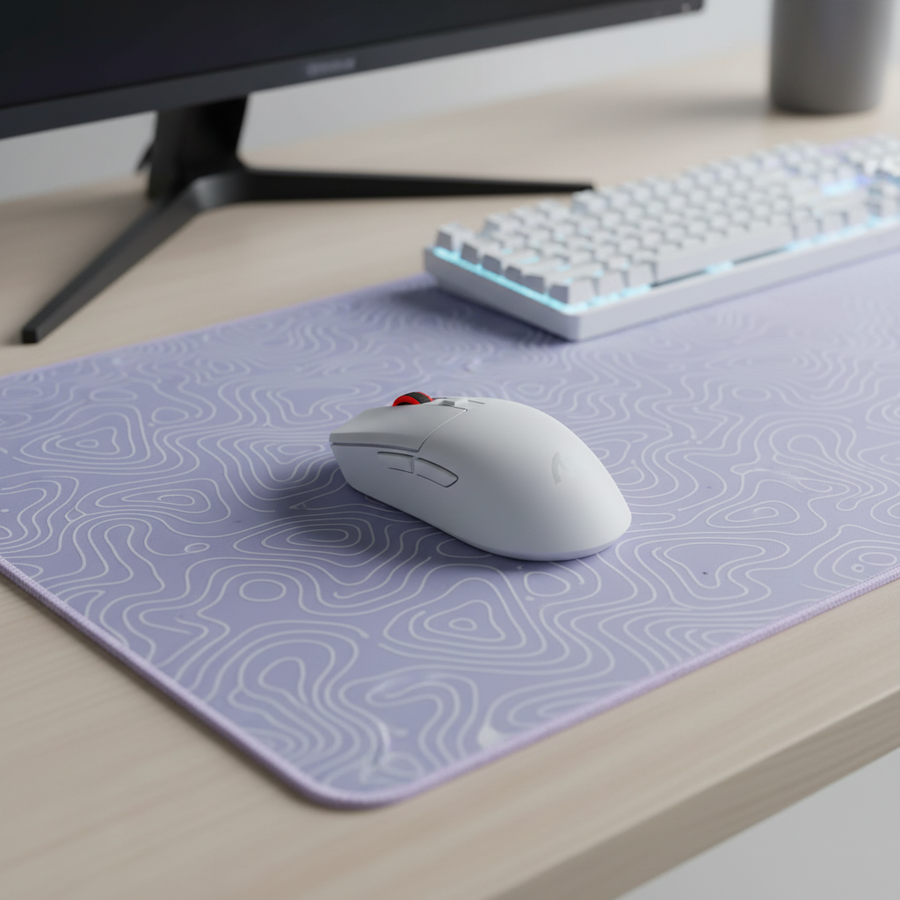
While the mouse shape handles the hand, the rest of the arm needs a stable environment. A common mistake is using static armrests that create a pivot point. For dynamic arm aiming, the entire forearm should glide freely across the desk surface. If an armrest or pillow restricts this anterior-posterior movement, the user often subconsciously "hikes" their shoulder to extend their reach, leading to trapezius strain.
However, for the periods between active aiming—such as typing or navigating menus—ergonomic support is vital. The ATTACK SHARK Cloud Keyboard Wrist Rest provides a soft, memory foam surface with circular massage holes that help relieve pressure on the carpal tunnel during downtime. Similarly, for those who prefer a firmer, more stable platform, the ATTACK SHARK ACRYLIC WRIST REST offers an inclined design that aligns the hand with the keyboard's height, reducing the angle of wrist extension.
Microbreaks and Movement
Data from muscular fatigue onset studies suggests that back and thumb muscle fatigue begins within 20 to 30 minutes of sustained activity. Mandatory microbreaks—short 30-second stretches every half hour—are the most evidence-based countermeasure for long-term health. No hardware solution can fully compensate for the biological need for varied movement patterns.
Summary of Ergonomic Optimization for Arm Aimers
| Feature | Recommendation | Rationale |
|---|---|---|
| Weight | 60g – 80g | Provides inertia for controlled stops |
| Shape | Pronounced right-side curve | Reduces active pinky/ring finger gripping |
| Length | ~125mm (for 20cm hands) | Ensures palm support and reduces "floating" |
| DPI | 1000+ (Native 1600) | Prevents pixel skipping on 1440p+ displays |
| Polling Rate | 1000Hz - 8000Hz | Reduces input latency (requires high-end CPU) |
| Surface | Large, low-friction pad | Allows unrestricted forearm gliding |
By selecting peripherals that prioritize these structural and technical benchmarks, competitive players can maintain their precision without sacrificing their physiological health. The goal is to create a setup where the hardware absorbs the mechanical stress, allowing the athlete to focus entirely on the game.
YMYL Disclaimer: This article is for informational purposes only and does not constitute professional medical advice. Ergonomic needs vary significantly by individual. If you experience persistent pain, numbness, or tingling in your hands, wrists, or arms, please consult a qualified healthcare professional or occupational therapist.


コメントを書く
このサイトはhCaptchaによって保護されており、hCaptchaプライバシーポリシーおよび利用規約が適用されます。