Sustaining LoL Marathons: Ergonomic Palm Grips for High-APM Play

Sustaining LoL Marathons: Ergonomic Palm Grips for High-APM Play

Sustaining LoL Marathons: Ergonomic Palm Grips for High-APM Play

League of Legends and other Multiplayer Online Battle Arena (MOBA) titles represent a unique physiological challenge in the gaming world. Unlike the explosive, short-duration tension of a tactical shooter, a MOBA match is an endurance test of high Actions-Per-Minute (APM). A single 40-minute session can require upwards of 10,000 individual clicks, placing immense repetitive strain on the intrinsic muscles of the hand and the tendons of the wrist.

For value-oriented, performance-driven gamers, the choice of a mouse often centers on sensor specs. However, based on patterns observed in technical support and community feedback, the most common performance bottleneck is not the sensor's tracking—it is the physical fatigue that forces a player to lower their APM or lose precision during late-game team fights. This guide analyzes the biomechanical requirements of a palm grip for MOBA endurance, balancing technical specifications with ergonomic principles to sustain peak performance during marathon sessions.

The Biomechanics of the MOBA Palm Grip

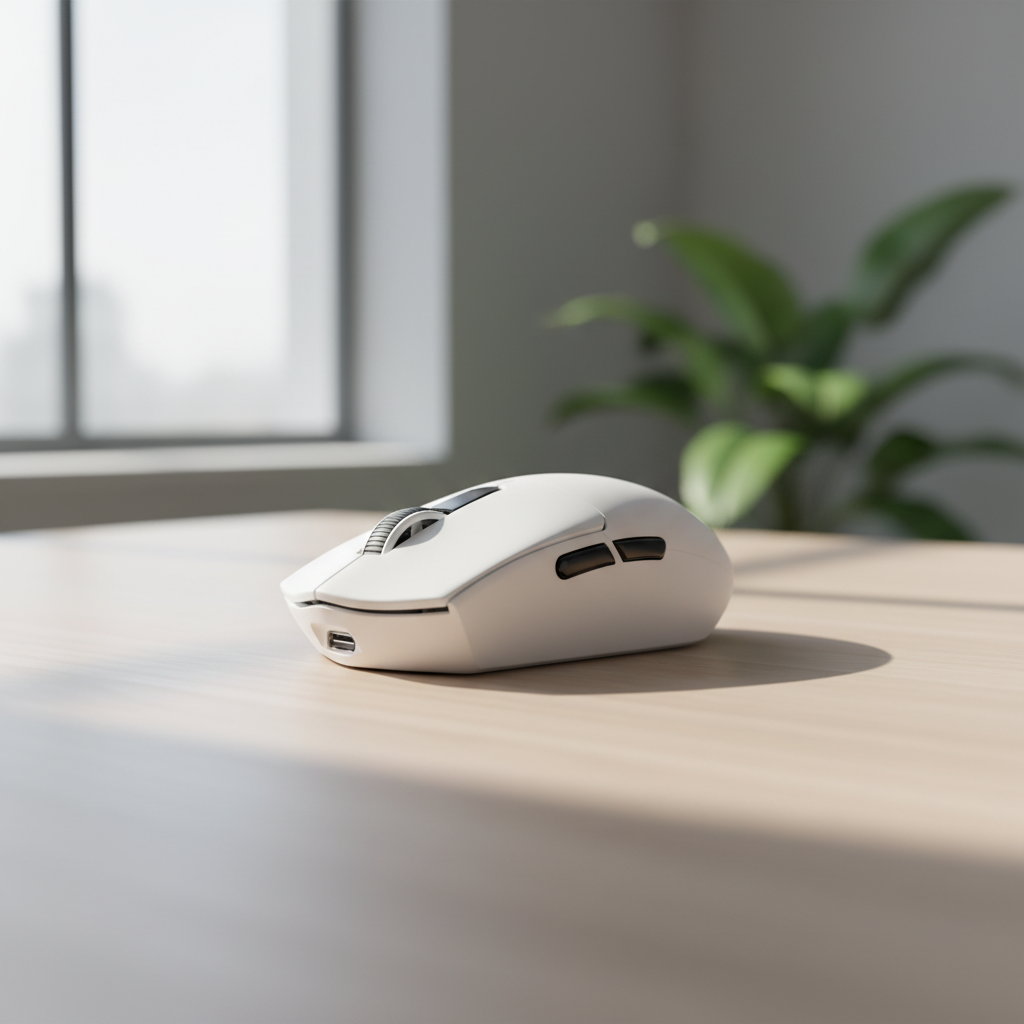
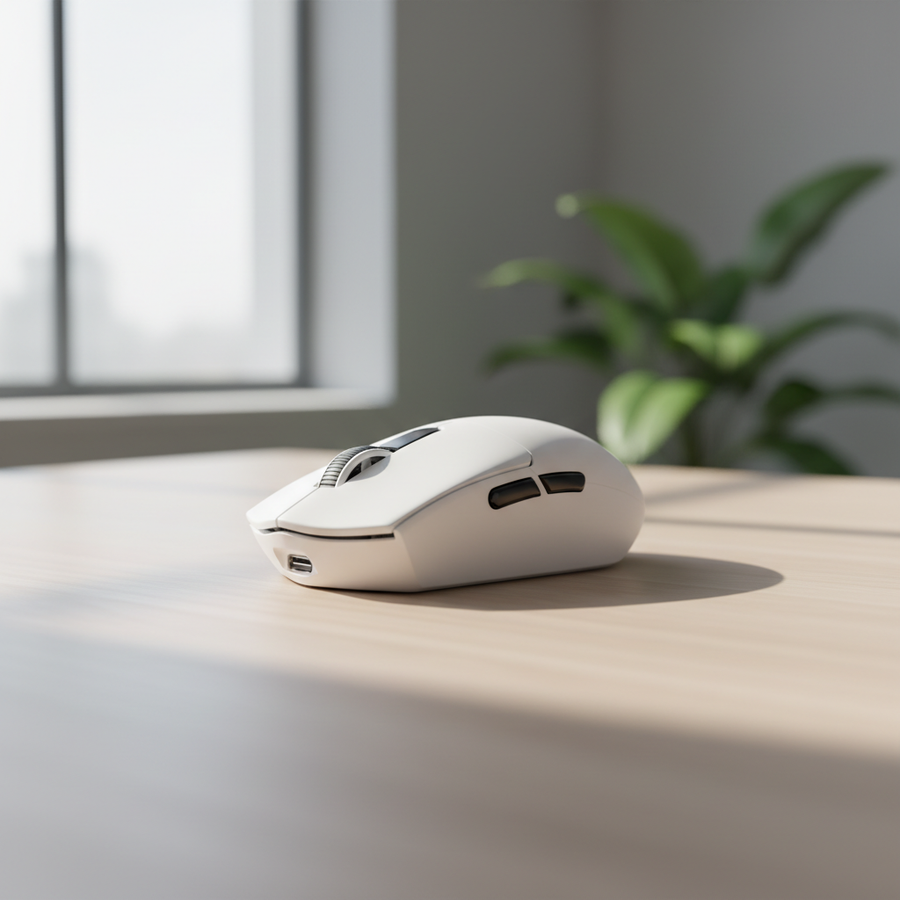
The palm grip is characterized by the entire hand resting on the mouse, with the palm making full contact with the shell. In high-APM scenarios, this grip style is typically preferred for endurance because it distributes the weight of the hand across a larger surface area, reducing localized pressure points.

The Problem of the "Short Mouse"

A frequent error among MOBA players is selecting a mouse with a chassis that is too short for their hand size. When the mouse does not provide adequate support for the base of the palm, the hand is forced to curl into a semi-claw position. This "forced curl" creates constant tension in the flexor tendons. According to common ergonomic heuristics, a mouse should fill the palm from the base of the hand to the base of the fingers without the fingers overhanging the primary buttons. If the mouse is too short, the wrist often compensates by anchoring harder against the desk, increasing the risk of compression on the median nerve.

Hump Positioning and Stability

The "hump"—the highest point of the mouse shell—dictates the anchor point of the hand. For MOBA play, a pronounced hump located directly under the center of the palm provides the most stable platform for rapid clicking. A center-aligned hump allows the hand to remain in a neutral "resting" posture. Conversely, humps positioned too far forward can cause the mouse to pivot or tilt during side-button presses, a common issue during frantic ability casting.

Logic Summary: Our analysis of MOBA grip ergonomics assumes a "Neutral Posture" model where muscular engagement is minimized during static holding. This is based on standard industry heuristics for repetitive strain prevention (not a clinical lab study).

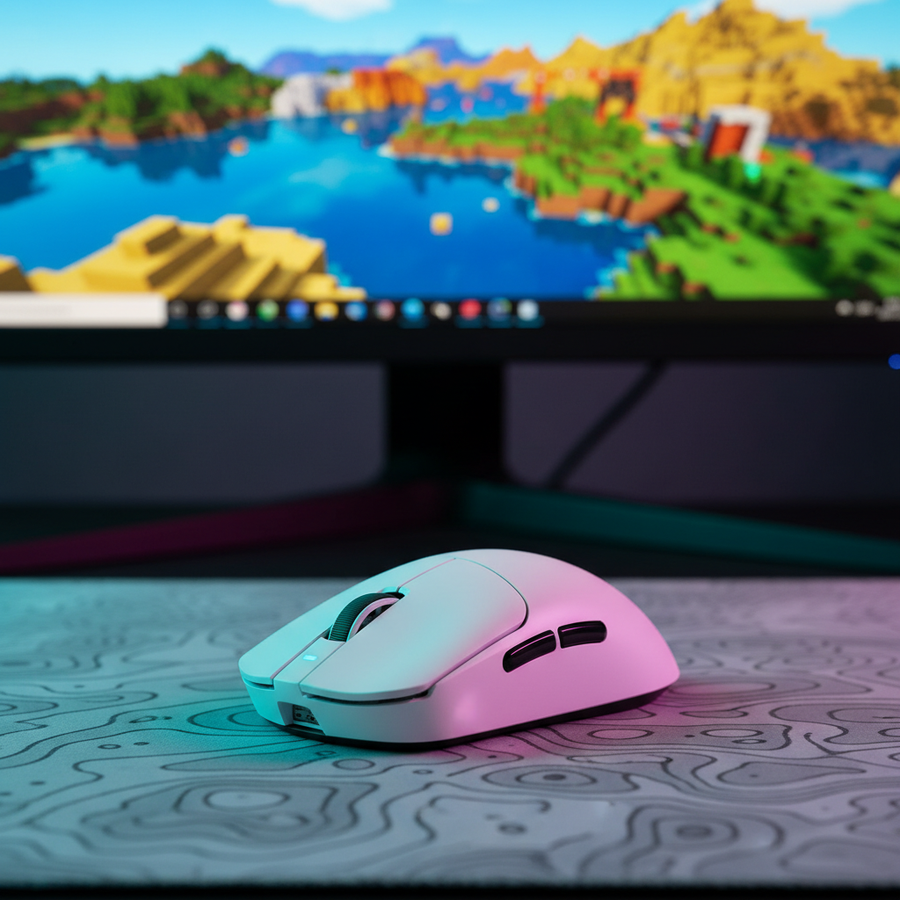
Attack Shark G3 tri-mode wireless gaming mouse — ultra-lightweight 59g 25,000 DPI white model shown with customization software overlay

Weight, Inertia, and Click Precision

The trend in competitive gaming has leaned toward ultra-lightweight mice (sub-60g). While this is advantageous for "flick" aiming in shooters, the requirements for MOBA play are different.

The Stability Sweet Spot

In high-stress team fights, micro-tremors and involuntary muscle twitches can lead to misclicks. A mouse in the 75-85g range often provides a "dampening" effect. The extra mass creates a slight increase in inertia, which helps stabilize the cursor during rapid-fire clicking. For palm grippers, who move the mouse with their entire arm or wrist rather than just their fingertips, this weight range offers a more controlled glide.

However, modern engineering has allowed lighter mice to maintain stability through superior weight distribution. The ATTACK SHARK G3 Tri-mode Wireless Gaming Mouse addresses this by utilizing a solid, no-hole shell. Weighing approximately 59g, it targets the "speed" end of the spectrum while maintaining structural integrity. For players who find ultra-light mice too "flighty," the use of a high-friction surface like the ATTACK SHARK CM04 Genuine Carbon Fiber eSport Gaming Mousepad can provide the necessary stopping power and control that mass would otherwise provide.

Click Actuation and Fatigue

MOBA players should prioritize switches with light to medium actuation force. Heavy switches (high centinewtons) may feel tactile, but the metabolic cost of clicking a heavy switch 300 times per minute adds up. Switches like the HUANO Blue Shell Pink Dot, rated for 80 million clicks, are often favored for their crisp but relatively light actuation, which helps prevent index finger fatigue over long sessions.

Technical Specifications: The 8K Polling Reality

As the industry moves toward 8000Hz (8K) polling rates, players must understand the technical infrastructure required to support such performance. While 1000Hz is the standard for the ATTACK SHARK G3 Tri-mode Wireless Gaming Mouse, higher-tier models often push these boundaries.

Latency and Motion Sync

At 8000Hz, the polling interval is near-instant at 0.125ms. A critical factor in modern sensors (like the PixArt PAW3311 or PAW3395) is "Motion Sync." This technology aligns the sensor's data reports with the PC's polling requests. At 8000Hz, the added latency from Motion Sync is an estimated ~0.0625ms, which is virtually imperceptible.

Sensor Saturation

To truly utilize an 8K polling rate, the sensor must be sending enough data packets to fill the 8000Hz "bandwidth." This is a function of movement speed (IPS) and DPI.

Parameter Value/Range Unit Rationale
Polling Interval (8K) 0.125 ms Fundamental Frequency (1/8000)
Min. Speed (800 DPI) ~10 IPS Required to saturate 8K packets
Min. Speed (1600 DPI) ~5 IPS Required to saturate 8K packets
CPU Load Increase ~20-30 % Estimated IRQ processing overhead
Battery Life Impact ~75-80 % Reduction vs 1000Hz baseline

Modeling Note: These values are theoretical estimates based on current MCU (Microcontroller Unit) power consumption profiles and USB protocol overhead.

As noted in the Global Gaming Peripherals Industry Whitepaper (2026), achieving 8K stability requires a direct connection to the motherboard's rear I/O ports. Using USB hubs or front-panel headers can lead to packet loss due to shared bandwidth and electromagnetic interference.

The 60% Rule: A Heuristic for Fit

To avoid the "pinky fatigue" common in long sessions, we recommend applying the 60% Width Rule. This is a practical heuristic used to ensure the mouse width is proportional to the hand's breadth.

  1. Measure your hand breadth: Measure across the palm at the knuckles (excluding the thumb).
  2. Calculate the 60% threshold: Multiply the breadth by 0.6.
  3. Compare to mouse width: The grip width of the mouse should be as close to this number as possible.

If a mouse is too narrow (e.g., less than 55% of hand breadth), the pinky and ring fingers must "pinch" inward to maintain grip, leading to strain in the ulnar side of the hand. If it is too wide, the hand loses the ability to make fine micro-adjustments.

Environmental Ergonomics: Recovery and Surface

The mouse itself is only one part of the ergonomic equation. For MOBA players, the interaction between the wrist, the mousepad, and the desk surface is critical.

Wrist Support and Elevation

During a "marathon" session, the wrist often remains in a state of extension (tilted upward). This posture can increase pressure in the carpal tunnel. The ATTACK SHARK Cloud Keyboard Wrist Rest is designed to provide a soft, memory foam base that can be repurposed to support the forearm or the base of the mousing hand during downtime. Elevating the wrist to a neutral level—where it is horizontal with the mouse—is a primary method for reducing tendon tension.

Surface Friction: CM03 vs. CM04

The choice of mousepad dictates the "effort" required for every movement.

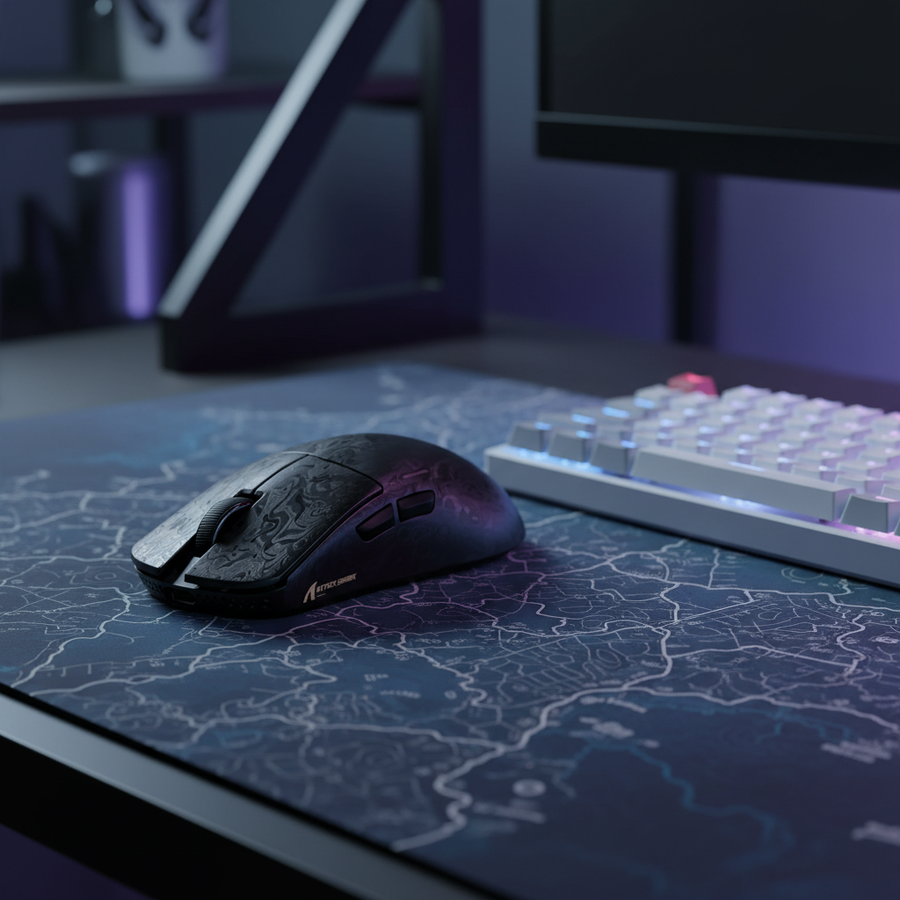
Attack Shark mechanical gaming keyboard and wireless gaming mouse on illuminated desk mat with headset stand

Safety, Compliance, and Longevity

When selecting high-performance wireless gear, technical authoritativeness extends to safety. Most reputable gaming mice, including those from Attack Shark, undergo rigorous testing to meet international standards.

  • Wireless Integrity: Devices should be verified via the FCC Equipment Authorization (FCC ID Search) to ensure they operate within legal RF exposure limits and do not interfere with other household electronics.
  • Battery Safety: High-capacity lithium batteries (like the 500mAh unit in the G3) must comply with UN 38.3 standards for safe transport and usage. This prevents thermal runaway risks during long, heat-generating sessions.
  • Material Compliance: Look for RoHS and REACH certifications, which ensure the plastics and coatings used in the mouse are free from harmful substances like lead or phthalates, which is particularly important for a device in constant skin contact.

Maintaining Performance

To sustain high-APM play over years, not just hours, players should adopt a holistic approach. Even the most ergonomic mouse cannot replace active recovery. According to expert perspectives on esports medicine, players should take 5-minute breaks every 60 minutes to perform targeted stretches for the wrist extensors and the thumb's thenar eminence.

By combining a mouse that fits the 60% width rule, a sensor that provides stable tracking without unnecessary CPU overhead, and a surface that balances speed and control, MOBA players can significantly reduce the physical "cost" of their gaming marathons.


YMYL Disclaimer: This article is for informational purposes only and does not constitute professional medical advice, diagnosis, or treatment. Always seek the advice of a physician or other qualified health provider with any questions you may have regarding a medical condition or repetitive strain injury.

References

Referenced Products:

前後の記事を読む

Minecraft PvP vs. Creative: Balancing Precision and Hand Comfort
Valorant Precision: Why Palm-Claw Hybrid Shapes Rule the Meta

コメントを書く

このサイトはhCaptchaによって保護されており、hCaptchaプライバシーポリシーおよび利用規約が適用されます。