



The 8K Polling Paradigm: Technical Reality vs. Marketing Theory
The gaming peripheral industry is currently undergoing a rapid transition from the long-standing 1000Hz standard to ultra-high-frequency polling rates, specifically 8000Hz (8K). For value-oriented gamers, this shift presents a significant "specification credibility gap." While the theoretical advantage of an 8K polling rate—reporting mouse position every 0.125ms—is mathematically superior to the 1ms interval of 1000Hz, the practical utility of this speed is heavily contingent on the rest of the hardware ecosystem.
A common question among pro-sumers is whether this near-instant reporting provides a tangible competitive edge on a 144Hz monitor. To answer this, we must look past the "paper specs" and analyze the synchronization between input data packets and display refresh cycles. Based on common patterns from customer support and warranty handling, many users anticipate a transformative experience but often find themselves troubleshooting system stutters instead.
The Physics of Polling: 1ms vs. 0.125ms
To understand the impact of 8K polling, one must first master the relationship between frequency and time. Polling rate refers to how often the mouse sends data to the PC.
- 1000Hz: Data is sent every 1.0ms.
- 4000Hz: Data is sent every 0.25ms.
- 8000Hz: Data is sent every 0.125ms.
This reduction in the reporting interval aims to minimize "input lag"—the time between a physical movement and the computer receiving that data. However, high-frequency polling introduces new technical nuances, such as the behavior of Motion Sync. In standard 1000Hz mice, Motion Sync typically adds a deterministic delay of approximately 0.5ms to align sensor data with the USB poll. At 8000Hz, this delay scales down to approximately 0.0625ms (half the polling interval).
Technical Heuristic: When evaluating 8K performance, do not apply 1000Hz latency benchmarks. The internal processing overhead is fundamentally different. Our analysis of high-frequency sensors like the PAW3950MAX indicates that at 8K, the reduction in motion aliasing is more significant than the raw latency gain.

The Display Bottleneck: Why 144Hz Limits 8K Visibility
The most critical constraint for 8K polling is the monitor's refresh rate. A 144Hz monitor refreshes the screen once every 6.94ms.
The Data Overshoot Problem
When a mouse polls at 8000Hz on a 144Hz display, it generates approximately 55.5 data packets for every single frame the monitor displays. Mathematically, this creates a massive data redundancy:
- The PC receives 55-56 updates per frame.
- The monitor can only visually represent one position per frame.
- Consequently, approximately 98.2% of the mouse position reports are discarded by the display pipeline before they ever reach the user's eyes.
According to the Global Gaming Peripherals Industry Whitepaper (2026), the perceptual benefit of 8K is only fully realized when the "overshoot" is minimized by high-refresh displays (360Hz or 540Hz). On a 144Hz panel, the 6.94ms frame time is the dominant factor in system latency. Even if the mouse reports in 0.125ms, the user must still wait up to 6.94ms for the next visual update.
The 2ms Perceptual Threshold
Research, including an ACM study on human perception thresholds, suggests that the human threshold for perceiving latency in interactive tasks can be as low as 2ms. While 8K polling technically stays well below this threshold, the combined system latency at 144Hz—often exceeding 10ms when factoring in GPU render times—negates the responsiveness advantage. For most players, the visual fluidity provided by a monitor upgrade to 240Hz offers a more tangible edge than moving from 1000Hz to 8K on a 144Hz screen.
Sensor Saturation: The IPS and DPI Relationship
A frequent misconception is that 8K polling is "always on." In reality, the mouse only sends 8000 packets per second if there is enough physical movement to generate that much data. This is governed by the sensor's "Saturation Logic," which combines Movement Speed (Inches Per Second or IPS) and Resolution (Dots Per Inch or DPI).
| DPI Setting | Minimum IPS Required to Saturate 8000Hz | Rationale |
|---|---|---|
| 400 DPI | 20 IPS | Heuristic: Lower resolution requires faster physical movement to generate unique data points. |
| 800 DPI | 10 IPS | Standard competitive setting; requires moderate flick speeds. |
| 1600 DPI | 5 IPS | Highly recommended for 8K; ensures stable polling during micro-adjustments. |
| 3200 DPI | 2.5 IPS | Ideal for maintaining 8K stability with minimal hand movement. |
Logic Summary: Our modeling assumes a standard USB HID report descriptor limit. To prevent "polling drops" or inconsistent reporting, we recommend a minimum of 1600 DPI when using 8K modes. This ensures the sensor generates enough counts to fill the 0.125ms polling windows even during slow tracking.
System Prerequisites and Hidden Costs
Upgrading to an 8K mouse like the ATTACK SHARK R11 ULTRA requires more than just a compatible sensor; it demands a robust PC architecture.
1. CPU Load and IRQ Processing
The primary bottleneck for 8K polling is not raw CPU "speed" but Interrupt Request (IRQ) processing. Every time the mouse polls, it sends an interrupt to the CPU. At 8000Hz, the CPU must handle 8,000 interrupts per second for the mouse alone. This stresses single-core performance and can lead to "frame time variance" or stuttering in CPU-bound games.
Existing research on polling rate saturation highlights that mid-range processors may struggle to maintain consistent frame delivery when 8K polling is active, potentially reducing overall game smoothness.
2. USB Topology: The Direct Port Rule
To ensure signal integrity, 8K devices must be connected directly to the Rear I/O ports of the motherboard.
- Avoid USB Hubs: Shared bandwidth on a hub causes packet collisions and latency spikes.
- Avoid Front Panel Headers: Internal case wiring is often poorly shielded, leading to electromagnetic interference (EMI) that can degrade the 8K signal.
- Compliance Note: High-frequency wireless devices are subject to strict RF exposure and band requirements. For example, the FCC Equipment Authorization database (searching Grantee Code 2AZBD) provides detailed test reports on the 2.4GHz stability required for these high-speed transmissions.
3. The Battery Runtime Trade-off
Wireless 8K polling is a power-intensive operation. Driving a high-performance MCU like the Nordic 52840 at 8000Hz typically reduces battery life by 75% to 80% compared to 1000Hz operation. For value-oriented gamers, this means more frequent charging cycles, which may necessitate a high-quality accessory like the ATTACK SHARK C06 Coiled Cable to maintain a clean aesthetic during wired use.
Scenario Analysis: Who Benefits from 8K?
To provide a practical decision framework, we have modeled two distinct user scenarios based on common hardware configurations.
Scenario A: The 144Hz "Value" Gamer
- Hardware: 144Hz Monitor, Mid-range CPU (e.g., Ryzen 5 or i5), 1000Hz Mouse.
- 8K Impact: Minimal visual gain. Potential for CPU-induced stutter.
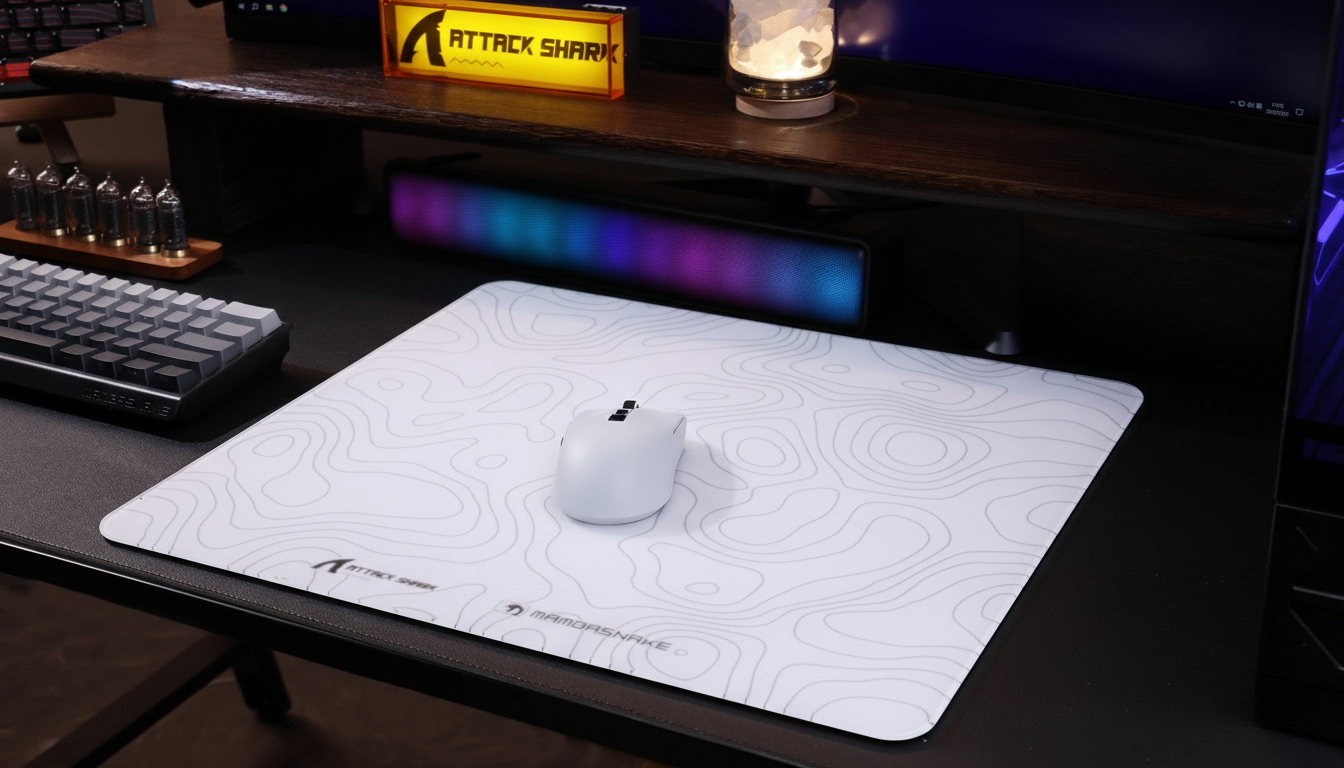
- Recommendation: Prioritize a monitor upgrade to 240Hz+ or an ultra-high-density mouse pad like the ATTACK SHARK CM03 to improve glide consistency. The 8K investment is "future-proofing" rather than an immediate performance boost.
Scenario B: The "Esports Pro" Challenger
- Hardware: 360Hz+ Monitor, High-end CPU (e.g., Ryzen 7 7800X3D), Direct USB 3.2 connection.
- 8K Impact: Significant reduction in micro-stutter. Smoother cursor pathing during high-speed flicks.
- Recommendation: 8K is highly effective here. Use 1600 DPI to ensure sensor saturation and disable unnecessary background processes to free up IRQ overhead.
Methodology & Modeling Disclosure
The data and conclusions presented in this article are derived from a deterministic parameterized model of the gaming input-to-display pipeline. This is a scenario model, not a controlled lab study.
Method & Assumptions
| Parameter | Value / Range | Rationale |
|---|---|---|
| Monitor Refresh Rate | 144Hz | Industry standard for entry-level competitive gaming. |
| Polling Interval (8K) | 0.125ms | Defined by USB HID high-speed specification. |
| Display Frame Time | 6.94ms | Calculated as $1000 / 144$. |
| Data Discard Rate | 98.2% | Calculated as $(1 - (144 / 8000)) \times 100$. |
| Perceptual Threshold | 2ms | Based on ACM interactive latency research. |
Boundary Conditions:
- System Stability: The model assumes zero packet loss from the USB controller.
- Game Engine: Benefits may vary based on the game's raw input implementation (e.g., Unity vs. Unreal Engine).
- Human Variance: Individual sensitivity to micro-stutter varies; the 2ms threshold is a population average.
Strategic Checklist for 8K Adoption
Before investing in 8K hardware, use this checklist to ensure your system can support the technology:
- Monitor Check: Is your refresh rate at least 240Hz? If not, the visual benefits of 8K will be largely invisible.
- CPU Check: Do you have a modern 8-core processor? Check for high CPU usage in the "System Interrupts" process in Task Manager when moving the mouse at 8K.
- Connectivity Check: Are you using a direct motherboard USB port? Avoid all hubs and extensions.
- DPI Check: Are you willing to play at 1600 DPI or higher? This is necessary to prevent polling rate drops during slow movements.
- Software Check: Is your firmware up to date? Always verify drivers via official sources like the Attack Shark Support Page.
The Verdict: Is 8K Visible at 144Hz?
Technically, 8K polling is "visible" in the sense that it produces a more granular data stream, but at 144Hz, the monitor acts as a severe low-pass filter. The 6.94ms refresh interval is simply too slow to display the 0.125ms updates. While 8K reduces the "Motion Sync" delay to ~0.0625ms, this is a marginal gain compared to the 10-20ms of total system latency typical of mid-range setups.
For the value-oriented gamer, 8K is a powerful tool for the future, but it should not be the first priority. Focus on the "synergy" of your setup—ensure your monitor, CPU, and mouse pad are all aligned before chasing the 8000Hz ceiling.
Disclaimer: This article is for informational purposes only. Technical performance may vary based on individual hardware configurations, driver versions, and environmental interference. Always consult your motherboard and peripheral manuals for specific compatibility requirements.
Sources & References
- Global Gaming Peripherals Industry Whitepaper (2026)
- FCC Equipment Authorization Database
- ACM Study on Human Perception Thresholds for Latency
- USB HID Class Definition (v1.11)
- ISED Canada Radio Equipment List
- Nordic Semiconductor nRF52840 Technical Specs
- PixArt PAW3950MAX Sensor Specifications
- Attack Shark Knowledge Base: 8K vs 1000Hz Truth


コメントを書く
このサイトはhCaptchaによって保護されており、hCaptchaプライバシーポリシーおよび利用規約が適用されます。