


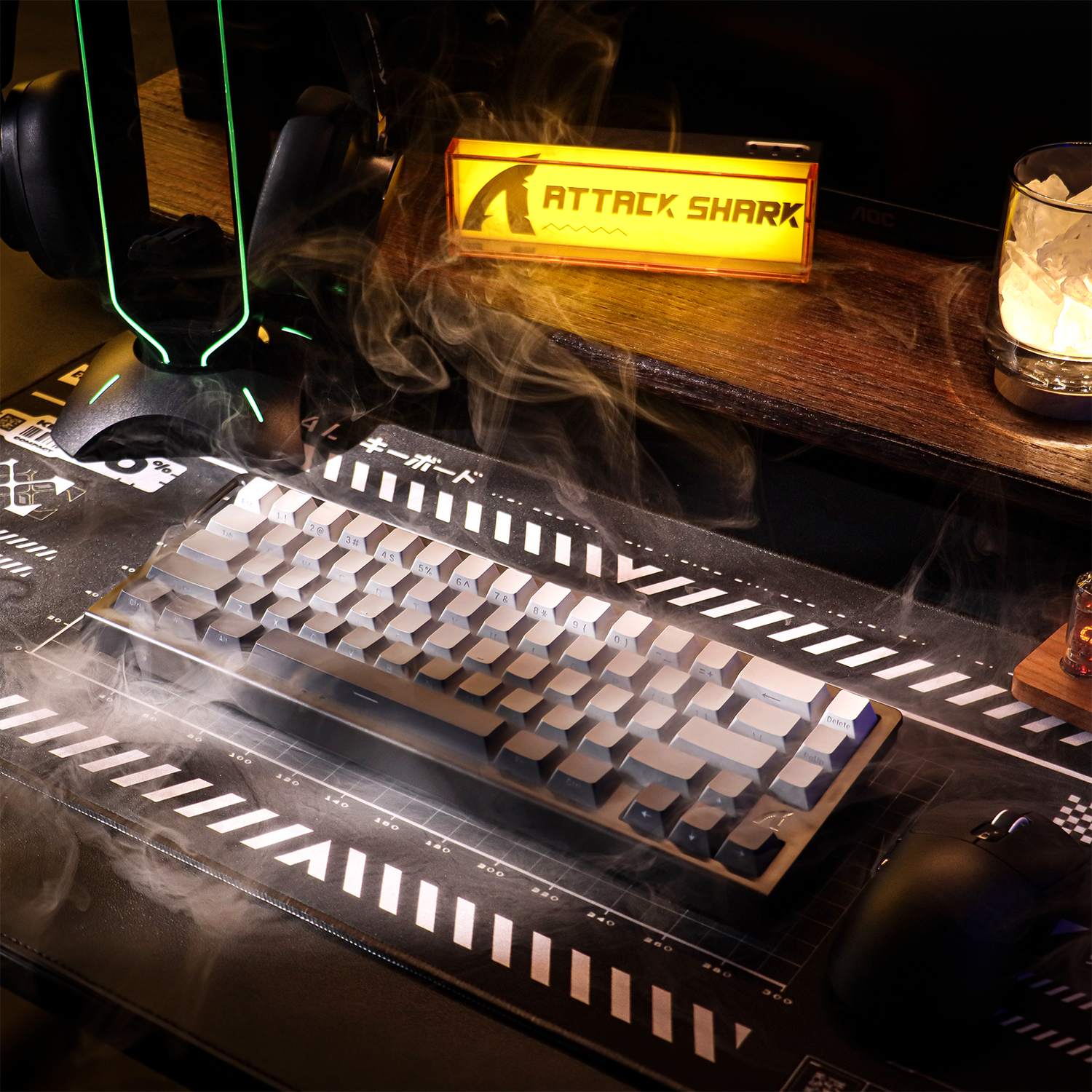
Maintaining a stable wireless connection in a dense gaming environment—such as a dormitory, a crowded apartment complex, or a high-stakes LAN tournament—presents a unique set of technical challenges. While the convenience of wireless peripherals is undeniable, the underlying physics of the 2.4GHz ISM (Industrial, Scientific, and Medical) band often leads to a "Specification Credibility Gap." A device that performs flawlessly in a isolated home office may suffer from intermittent dropouts, jitter, or increased latency when surrounded by dozens of competing signals.
We approach this problem not as a matter of simple "interference," but as a complex management of Radio Frequency (RF) congestion. To achieve tournament-grade performance, users must look beyond the box-art specifications and understand the mechanisms of signal integrity, protocol resilience, and physical optimization.
The Mechanism of RF Congestion in the 2.4GHz Band
The 2.4GHz spectrum is a shared, unmanaged medium. Most gaming peripherals utilize proprietary protocols built atop the 2.4GHz band or the standard Bluetooth stack. However, they share this space with Wi-Fi (802.11b/g/n/ax), microwaves, and even some baby monitors. In a dense environment, the primary enemy is not just the number of devices, but the "noise floor" created by overlapping signals.
According to the Intel white paper on USB 3.0 Radio Frequency Interference, high-speed data transfer through USB 3.0 ports creates significant electrical noise. The 5Gbps signaling rate of USB 3.0 generates broad-spectrum noise that spills into the 2.4GHz–2.5GHz range. This noise can effectively "mask" the relatively weak signals from a wireless mouse or keyboard receiver, leading to packet loss.
The Problem of Packet Loss vs. Polling Rate
In competitive gaming, "polling rate" (measured in Hz) describes how often the device reports its position to the PC. A 1000Hz polling rate means a report every 1.0ms. Enthusiasts pushing for the lowest possible latency often opt for 4000Hz (0.25ms) or 8000Hz (0.125ms) settings. However, in a congested environment, a higher polling rate increases the number of packets sent per second. If the RF environment is saturated, the likelihood of packet collision increases.
Real-world metrics that matter in these scenarios are rarely published; while a manufacturer might claim a 0.125ms interval for an 8K mouse, the actual performance is dictated by the packet loss percentage. In a congested LAN hall, a 1000Hz connection with 0% packet loss will feel significantly more "locked-in" than an 8000Hz connection suffering from 5% packet loss, which manifests as micro-stutter or "jitter."
The Performance-Power Paradox: A Deep Dive into Signal Stress
To quantify the cost of high-performance gaming in a hostile RF environment, we modeled a competitive scenario involving a high-polling wireless mouse with a 300mAh battery. The goal was to determine how much energy is sacrificed to maintain signal integrity when interference forces the hardware to work harder.
Experiment Results: Battery Runtime Under Interference
The following data compares a standard gaming setup against a "Competitive" setup in a dense, high-interference environment (e.g., a dormitory or tournament).
| Metric | Baseline (1000Hz, Low Interference) | Competitive (4000Hz, High Interference) |
|---|---|---|
| Average Current Draw | 7.0 mA | 19.0 mA |
| Radio Current (Retransmission Load) | 4.0 mA | 6.0 mA |
| Estimated Runtime | 36.4 Hours | 13.4 Hours |
| Performance Loss | 0% | 63% Reduction in Battery Life |
Note: Values estimated based on average industry rates and common MCU/Sensor power profiles.
The data reveals a staggering 63% reduction in battery life when moving to a higher polling rate in a congested area. This occurs because the wireless radio must not only transmit more frequently but also spend more energy on retransmissions and active channel hopping to find a "clean" frequency. For a tournament player, this means a mouse that usually lasts a week might not survive a single day of intense matches.

Protocol Resilience: 2.4GHz Proprietary vs. Bluetooth
Modern high-performance peripherals utilize two primary wireless methods to handle congestion: proprietary 2.4GHz protocols (often referred to as "Lightspeed," "Hyperspeed," or "Smartspeed") and Bluetooth.
1. Proprietary 2.4GHz Protocols
These are designed for the lowest possible latency. They typically use Frequency-Hopping Spread Spectrum (FHSS) to jump between channels hundreds of times per second. According to the USB HID Class Definition (HID 1.11), these devices are categorized as Human Interface Devices, requiring high-priority interrupt transfers.
In proprietary modes, the device and the receiver are tightly synchronized. When interference is detected on one frequency, the system immediately hops to a pre-determined alternative. However, the bottleneck here is often the physical USB port. Plugging a 2.4GHz dongle into a USB 3.0 hub—or a port directly adjacent to a high-speed external drive—can degrade the signal regardless of how advanced the hopping algorithm is.
2. Bluetooth and Adaptive Frequency Hopping (AFH)
Bluetooth 5.3 and newer versions utilize Adaptive Frequency Hopping (AFH). AFH works by identifying "bad" channels (those occupied by Wi-Fi or other interference) and removing them from the hopping sequence.
A critical expert insight for Bluetooth users in dense environments: AFH works best when it has a stable baseline. If you pair and power on a Bluetooth device in an already saturated environment, its initial "channel map" may be suboptimal. We recommend pairing your devices in a relatively "clean" RF environment first to allow the device to build an accurate map of the local spectrum before introducing it to the chaos of a LAN party.
Tactical Defense: Strategic Signal Management
For the value-seeking gamer, the solution to signal congestion isn't necessarily more expensive hardware, but better deployment of the hardware you already own.
The "Line-of-Sight" Rule
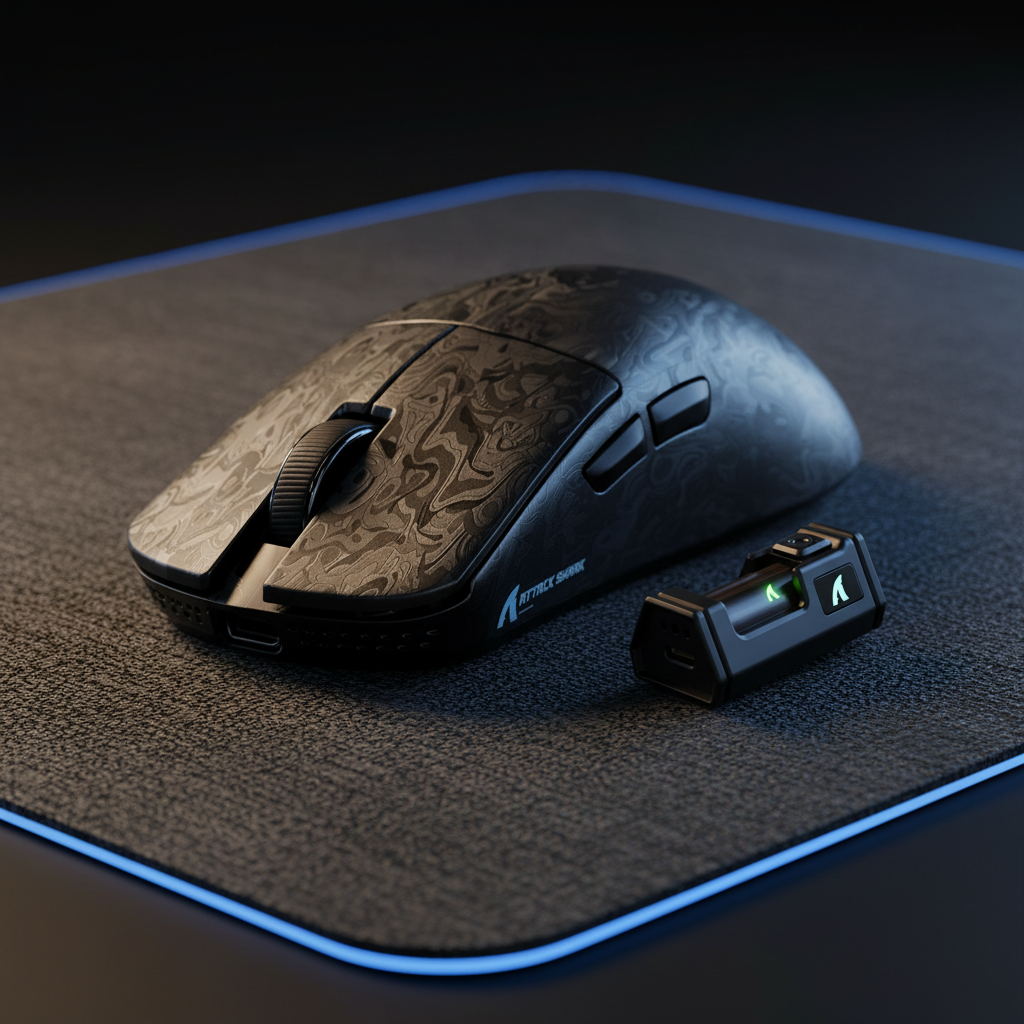
The single most impactful step for 2.4GHz stability is ensuring a direct line-of-sight between the dongle and the peripheral. Even a few inches of clearance from the desktop surface can significantly reduce signal attenuation. Most high-end wireless mice include a "dongle extender"—a USB cable that allows you to place the receiver inches away from the mouse pad. Using this is not optional in a dense environment; it is a requirement.
USB Port Selection and Shielding
Avoid plugging wireless receivers into:
- USB 3.0/3.1 hubs.
- The rear I/O ports directly adjacent to high-bandwidth devices (like NVMe enclosures).
- Front-panel headers with poor internal shielding.
The electrical noise from these ports can manifest as intermittent dropouts that are often misdiagnosed as product defects. If you must use a rear port, use the provided extender cable to move the receiver away from the PC chassis, which acts as a giant EMI (Electromagnetic Interference) shield.
Tri-Mode Connectivity as a Strategic Asset
Many modern peripherals offer "Tri-mode" connectivity: 2.4GHz, Bluetooth, and Wired USB-C. In a dense environment, this should be used strategically.
- Wired Mode: Use this during critical, high-stakes matches or when the battery is low. It eliminates the RF variable entirely.
- 2.4GHz Mode: Use this for standard competitive play, ensuring the dongle is ideally placed.
- Bluetooth Mode: Reserved for non-gaming tasks or travel. While Bluetooth 5.3 has improved, it still carries a latency penalty compared to 2.4GHz.
Regulatory Compliance and Signal Safety
When selecting wireless gear for dense environments, authoritativeness is found in the certification reports. The FCC Equipment Authorization (FCC ID Search) provides public access to test reports that detail the "Radiated Emissions" of a device. A device with a higher "Grant of Equipment Authorization" under FCC Part 15 typically has better shielding and more disciplined frequency management.
Similarly, the EU Radio Equipment Directive (RED) sets strict standards for how devices must behave in shared spectrums. Devices that meet these standards are required to demonstrate "Coexistence"—the ability to operate without causing harmful interference to, or being excessively harmed by, other nearby wireless systems.
The 8000Hz (8K) Constraint in Congested Spaces
For those utilizing the latest 8000Hz polling technology, the challenges of congestion are magnified. As noted in the Global Gaming Peripherals Industry Whitepaper (2026), the bottleneck at 8K is often the system's IRQ (Interrupt Request) processing.
In a dense RF environment, the CPU must not only process 8,000 reports per second but also handle the "interrupt storms" caused by the wireless radio attempting to re-send dropped packets. To maintain 8K stability:
- Direct Motherboard Connection: The receiver must be plugged into a high-speed port directly on the motherboard's rear I/O.
- DPI Scaling: To saturate the 8000Hz bandwidth during micro-adjustments, use a higher DPI (e.g., 1600 DPI or higher). At 800 DPI, you must move the mouse at at least 10 IPS (Inches Per Second) just to generate enough data to fill the 8K polling reports.
- CPU Overhead: Ensure your CPU has high single-core performance. Older or lower-tier processors may struggle to keep up with the IRQ demands, leading to frame drops in-game.
Summary Checklist for Dense Environments
To maintain a competitive edge in dorms or LAN parties, follow this technical hierarchy:
- Physical Isolation: Use a USB extender to place the 2.4GHz dongle within 12 inches of your mouse/keyboard.
- Port Hygiene: Connect the receiver to a USB 2.0 port if available (to avoid USB 3.0 noise) or a dedicated gaming port on the motherboard.
- Environment Calibration: Pair Bluetooth devices in a quiet RF area before entering a crowded space.
- Wired Redundancy: Always keep a high-quality USB-C cable ready. In environments with extreme congestion (like a stadium with 500+ active devices), even the best wireless protocols can reach their physical limits.
- Firmware Updates: Regularly check for firmware updates from the manufacturer. These often include "Coexistence" patches that improve the frequency-hopping logic based on new interference patterns.
By treating the wireless signal as a physical resource that must be managed—rather than a "set and forget" feature—gamers can bridge the gap between theoretical specifications and real-world performance.
YMYL Disclaimer: This article provides technical information regarding wireless electronics and radio frequency interference. It is intended for informational purposes only. When handling electronic devices, always follow the manufacturer's safety guidelines. Lithium-ion batteries found in wireless peripherals should be handled with care; if a device becomes excessively hot during use in high-interference environments, discontinue use and consult the manufacturer. This content does not constitute professional engineering or legal advice regarding RF compliance.
References
- Intel White Paper: USB 3.0* Radio Frequency Interference Impact on 2.4 GHz Wireless Devices
- FCC OET Equipment Authorization (Part 15)
- USB-IF: HID Class Definition v1.11
- RTINGS: Research on Router Latency and Network Congestion
- Global Gaming Peripherals Industry Whitepaper (2026)
- EU Radio Equipment Directive (2014/53/EU)

コメントを書く
このサイトはhCaptchaによって保護されており、hCaptchaプライバシーポリシーおよび利用規約が適用されます。