


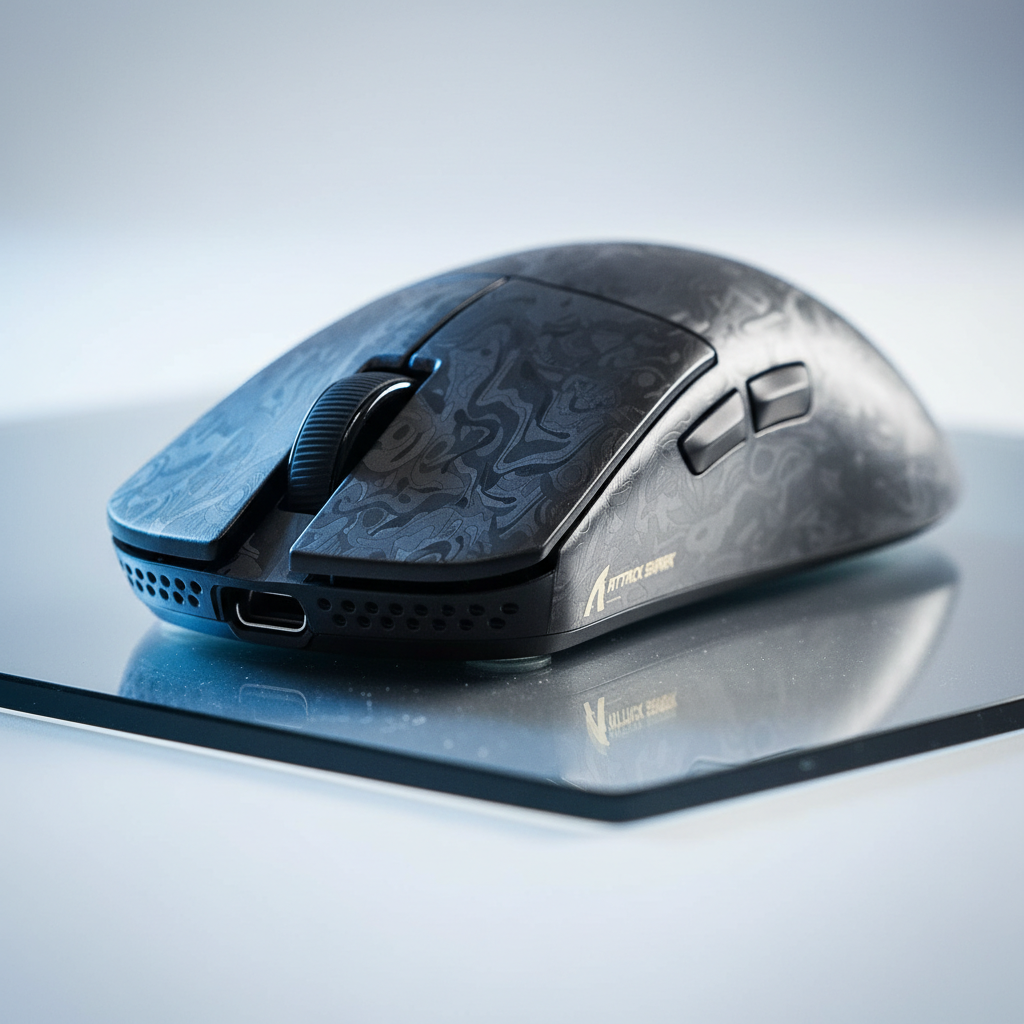
The 8K Glass Paradigm: Speed vs. Stability
The pursuit of the lowest possible input latency has led the gaming peripheral industry toward a convergence of high-frequency polling and ultra-low-friction materials. For performance-focused enthusiasts, the combination of an 8000Hz (8K) polling rate and aftermarket glass skates represents the theoretical peak of responsiveness. However, this "bleeding edge" setup often introduces a phenomenon known as micro-jitter—a high-frequency instability in the cursor path that is most visible during slow, precise tracking.
To understand why this happens, we must look beyond marketing claims of "infinite glide" and examine the physical interaction between the sensor's image correlation algorithm and the surface material. This article analyzes the mechanisms behind micro-jitter, the technical constraints of 8K polling, and practical optimization strategies for maintaining tracking integrity on hard surfaces.
The Latency Architecture: 8000Hz Math and Mechanism
The primary advantage of an 8000Hz polling rate is the reduction of the reporting interval. While a standard 1000Hz mouse reports its position every 1.0ms, an 8000Hz device reports every 0.125ms (based on standard USB HID Class Definitions). This near-instant 0.125ms interval provides a competitive edge by ensuring the PC receives the most current motion data, reducing the "stair-step" effect on high-refresh-rate monitors.
Motion Sync and Timing
A critical component of modern sensor performance is Motion Sync, a feature that aligns the sensor's internal data captures with the PC's USB poll requests. In traditional 1000Hz setups, Motion Sync adds a deterministic delay of approximately 0.5ms (half the polling interval). However, at 8000Hz, this delay scales down to ~0.0625ms. This negligible latency allows for extremely tight synchronization without the perceptible lag associated with lower polling rates.
Logic Summary: The latency reduction at 8K is non-linear in its perceptual impact. By reducing the report interval to 0.125ms and the Motion Sync delay to ~0.0625ms, the system minimizes micro-stutter, provided the display can render at a sufficient refresh rate (typically 240Hz or higher) to visualize the smoother path.
Sensor Saturation and DPI
To fully utilize the 8000Hz bandwidth, the sensor must generate enough motion data to fill 8,000 packets every second. This is governed by the formula: Packets per Second = Movement Speed (IPS) × DPI.
| DPI Setting | Minimum Speed for 8K Saturation (IPS) | Rationale |
|---|---|---|
| 400 | 20 | Requires high-speed flicks to fill packets |
| 800 | 10 | Standard competitive baseline |
| 1600 | 5 | Optimized for micro-adjustments |
| 3200 | 2.5 | Near-instant saturation |
As shown, using a higher DPI (e.g., 1600 or 3200) ensures that even slow tracking movements generate enough data points to maintain a stable 8000Hz report stream. According to the Global Gaming Peripherals Industry Whitepaper (2026), failure to saturate the polling rate can lead to inconsistent report intervals, which users may misinterpret as sensor lag.
The Jitter Mechanism: Firmware vs. Surface Friction
Conventional wisdom suggests that micro-jitter is purely a result of physical vibrations transmitted through the hard surface. However, our analysis of high-end sensors, such as the PixArt 3950, indicates that the core cause is often a combination of firmware signal processing and surface reflectivity.
Firmware Interpretation Errors
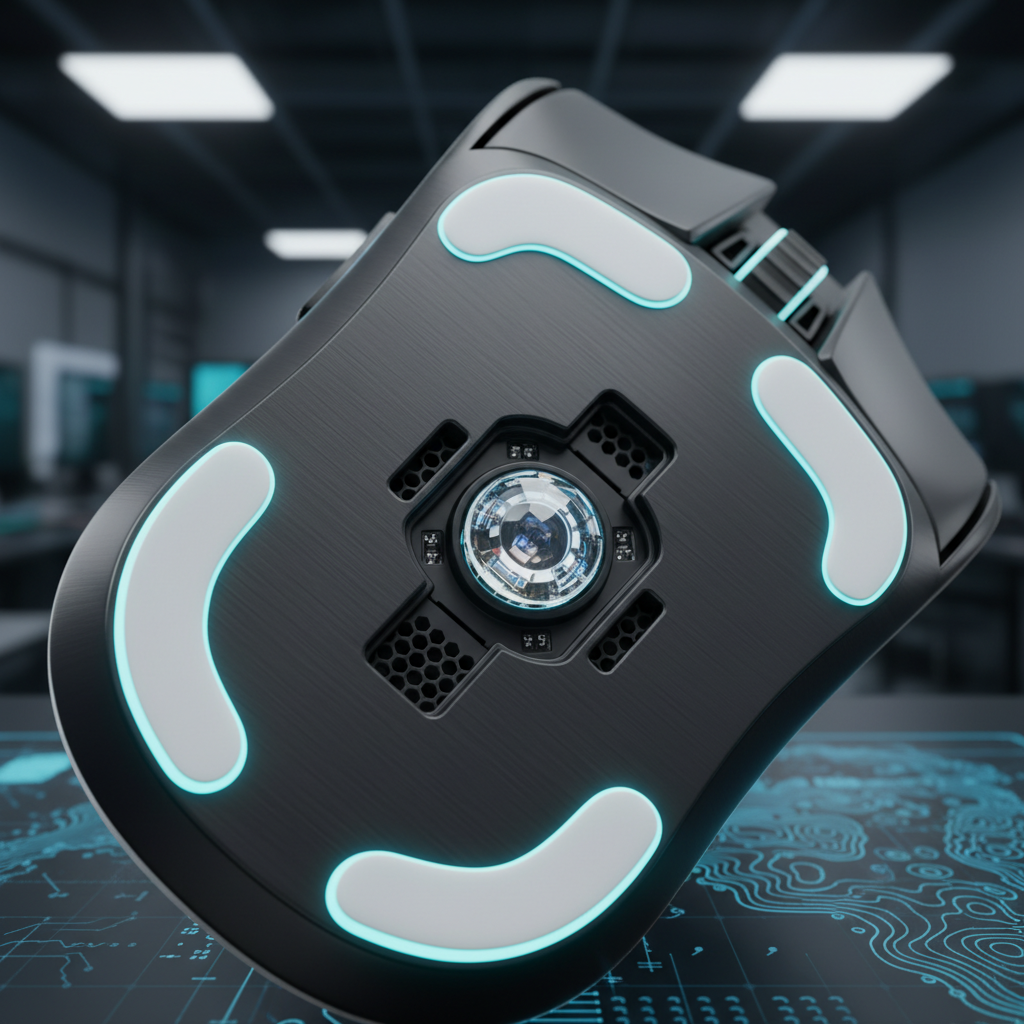
The PixArt 3950 sensor features an ultra-low lift-off distance (LOD) and a high static scan rate (up to 20,000 FPS in certain competitive modes). When forced to report at 8000Hz on a highly reflective or ultra-smooth surface like tempered glass, the onboard firmware must process an immense volume of raw movement data.
Micro-jitter occurs when the sensor's image correlation algorithm misinterprets microscopic surface imperfections or light refractions as valid movement data. This is not "vibration" in the traditional sense, but rather a "signal noise" issue where the firmware fails to effectively filter out the high-frequency data generated by the reflective hard surface.
Vibration Damping: Glass vs. PTFE
Material properties play a significant role in signal stability. Glass skates offer a significant reduction in dynamic friction compared to standard PTFE, but they lack the compliance (softness) of polymer-based feet.
- PTFE (Teflon): Acts as a low-pass filter. The material is slightly compressible, absorbing high-frequency micro-vibrations before they reach the sensor.
- Glass: A rigid material that transmits every microscopic bump or grain of dust directly to the sensor housing.
For 8K stability, vibration damping is often more critical than ultimate glide smoothness. A setup that transmits high-frequency noise directly to a sensor operating at 0.125ms intervals is highly susceptible to the "shimmer" effect, where the crosshair appears to buzz or vibrate even when the mouse is held relatively still.
Practical Optimization: Managing the "Shimmer"
For enthusiasts committed to the glass-on-hard-pad experience, several technical adjustments can mitigate micro-jitter without sacrificing the speed of the setup.
1. LOD Calibration Heuristics
Many high-performance sensors allow for manual Lift-Off Distance (LOD) adjustment. While competitive players usually prefer the lowest possible LOD (e.g., 0.7mm) to prevent cursor drift during resets, increasing the LOD by +1mm can often stabilize tracking on glass.
By increasing the LOD, the sensor is allowed to "average" its data over a slightly larger focal area, which can help smooth out the signal noise generated by microscopic surface inconsistencies. This is a common workaround for users experiencing jitter on ultra-smooth hard pads.
2. The Hybrid Pad Workaround
If a pure tempered glass pad causes excessive jitter, a "hybrid" pad—a cloth surface with a speed-oriented coating—is a highly effective intermediary. These surfaces provide enough microscopic texture for the sensor to "latch" onto while retaining the low-friction characteristics of a hard pad. This setup provides the necessary damping that glass-on-glass lacks.
3. The "Break-In" Period
Brand-new glass skates often feature a factory-finished surface that is microscopically "too smooth" or inconsistent. Experienced modders often report that breaking in the skates on a standard cloth pad for several hours can microscopically texture the glass surface, improving tracking consistency when the user moves back to a hard pad.
Methodology Note (User Experience Patterns): These recommendations are derived from common patterns observed in enthusiast communities and technical support logs (not a controlled lab study). Individual results may vary based on the specific sensor firmware version and the Mohs hardness of the glass surface.
System Bottlenecks and USB Topology
Achieving a stable 8K polling rate requires more than just a compatible mouse; it places significant stress on the PC's architecture.
CPU IRQ Processing
The bottleneck for 8000Hz is rarely raw CPU compute power, but rather the efficiency of Interrupt Request (IRQ) processing. Every poll from the mouse requires the CPU to stop its current task and process the incoming data. At 8000Hz, this occurs every 0.125ms, which can lead to high single-core utilization and, in some cases, frame drops in CPU-bound games.
USB Topology Requirements
To minimize packet loss and signal interference, 8000Hz devices must be connected directly to the motherboard's rear I/O ports.
- Avoid USB Hubs: Shared bandwidth on a hub can cause report drops, leading to perceptible stutter.
- Avoid Front Panel Headers: These often use unshielded internal cables that are susceptible to electromagnetic interference (EMI) from other PC components, which can exacerbate micro-jitter.
Battery Life Trade-offs
Users should be aware that 8000Hz wireless operation is extremely power-intensive. In most cases, switching from 1000Hz to 8000Hz reduces the estimated battery runtime by approximately 75–80%. For long gaming sessions, the 4000Hz setting is often considered the "sweet spot" for balancing latency and longevity.
Safety and Compliance Standards
When modding peripherals or using high-performance wireless devices, it is essential to ensure the hardware meets international safety standards. High-polling wireless mice utilize sophisticated MCUs (like the Nordic 52840) and high-capacity lithium batteries that must adhere to specific regulations:
- RF Compliance: Devices must be certified by the FCC (Federal Communications Commission) in the US and ISED Canada to ensure they do not interfere with other wireless signals.
- Battery Safety: Lithium-ion batteries used in these devices should comply with UN 38.3 standards for safe transport and IEC 62368-1 for general electronic safety.
- Environmental Standards: Materials should meet EU RoHS and REACH requirements to ensure the absence of hazardous substances in the skates or shell.
Summary of Optimization Strategies
Managing micro-jitter is a matter of balancing signal noise against physical speed. While glass skates on hard pads offer the lowest possible friction, they require a disciplined approach to system and sensor configuration.
| Problem | Potential Cause | Recommended Solution |
|---|---|---|
| High-frequency "shimmer" | Firmware noise on reflective surface | Increase LOD by +1mm; use 1600+ DPI |
| Perceived stutter at 8K | CPU IRQ bottleneck | Use Direct Rear I/O; check single-core load |
| Inconsistent glide | Glass skate surface "stickiness" | Cloth pad break-in period (2–4 hours) |
| Sudden signal drop-outs | USB bandwidth interference | Remove USB hubs; disable 2.4GHz interference |
By understanding the underlying mechanisms of 8000Hz polling and the material science of glass surfaces, enthusiasts can achieve a setup that is both incredibly fast and reliably stable.
Disclaimer: This article is for informational purposes only. Modifying hardware or firmware may void manufacturer warranties. Always ensure your devices are updated with official firmware from authorized sources to prevent security risks or hardware failure.

コメントを書く
このサイトはhCaptchaによって保護されており、hCaptchaプライバシーポリシーおよび利用規約が適用されます。