

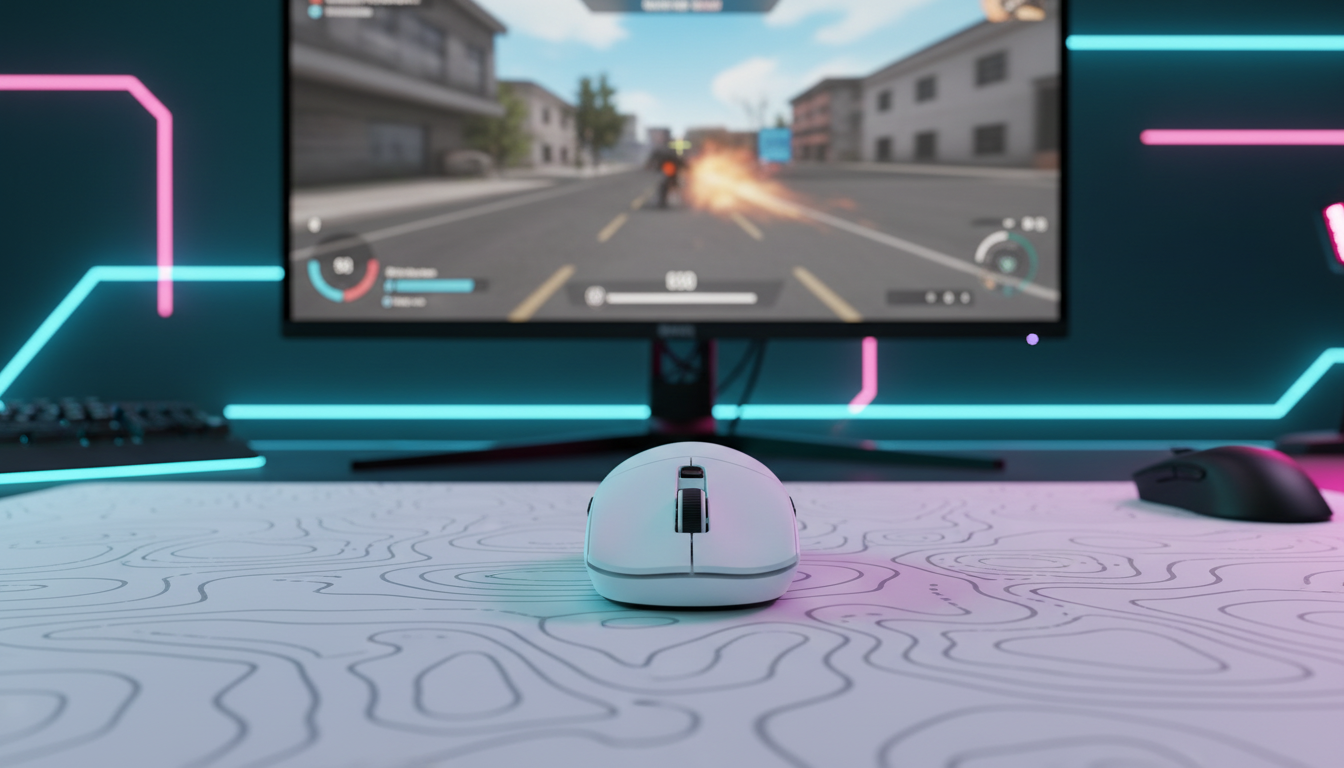
Aligning 8K Polling with Ultra-High Refresh Rate Monitors
In the high-stakes environment of competitive esports, the "specification war" has moved beyond raw DPI and monitor refresh rates into the realm of temporal granularity. For enthusiasts utilizing 360Hz or 540Hz displays, the standard 1000Hz (1ms) polling rate has become a measurable bottleneck. We are seeing a shift toward 8000Hz (8K) polling, which delivers data every 0.125ms. However, achieving a stable 8K signal is not a "plug-and-play" experience. It requires a deep understanding of system IRQ processing, USB topology, and sensor saturation physics.
This guide breaks down the technical synergy between ultra-high polling rates and top-tier monitors, providing a data-driven framework for enthusiasts to optimize their battle stations for near-instantaneous response.
The Physics of Temporal Granularity: 1ms vs. 0.125ms
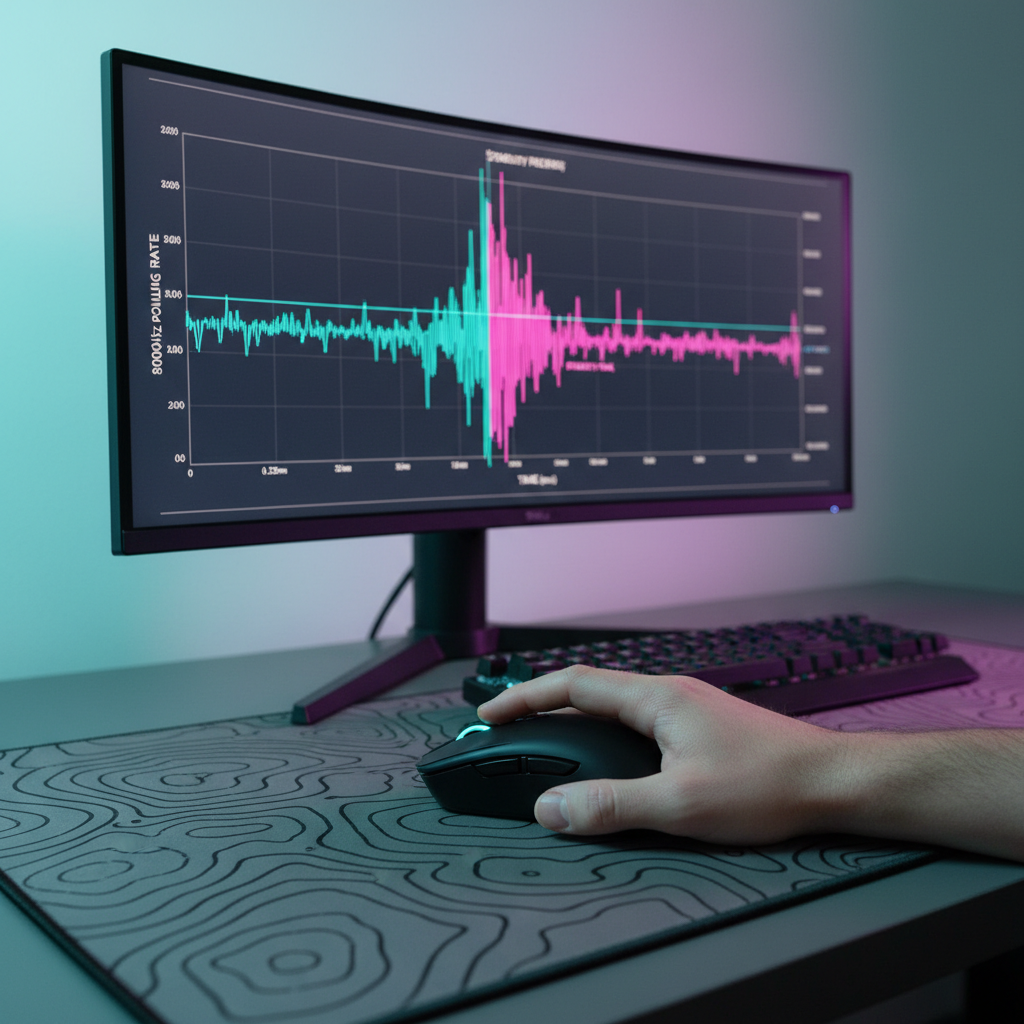
To understand why 8K polling matters, we must first look at the relationship between the mouse reporting interval and the monitor’s frame time. A standard 1000Hz mouse reports its position once every 1.0ms. In contrast, an 8000Hz mouse reports every 0.125ms.
When paired with a 540Hz monitor, which has a frame time of approximately 1.85ms, a 1000Hz mouse only provides about 1.8 reports per frame. This mismatch often leads to "micro-stutter" because the PC receives mouse data at inconsistent intervals relative to when the frame is rendered. By increasing the polling rate to 8K, the system receives approximately 14.8 reports per frame. This density ensures that the most recent mouse position is always available the moment the GPU begins drawing a new frame, resulting in a perceptibly smoother cursor path and reduced input lag.
Logic Summary: Our analysis assumes a 540Hz refresh rate (1.85ms frame time) compared against various polling intervals. The density of reports per frame is the primary driver of perceived smoothness, not just the raw reduction in latency.
| Polling Rate (Hz) | Interval (ms) | Reports per 540Hz Frame | Theoretical Latency Reduction |
|---|---|---|---|
| 1000Hz | 1.0ms | ~1.85 | Baseline |
| 4000Hz | 0.25ms | ~7.4 | 0.75ms |
| 8000Hz | 0.125ms | ~14.8 | 0.875ms |
Sensor Saturation: The DPI and IPS Connection
A common technical pitfall we observe in community discussions is the assumption that 8K polling is "always on." In reality, the mouse only sends a packet when it detects movement. To saturate the 8000Hz bandwidth, the sensor must generate enough data points to fill those 8,000 slots per second.
The formula for data point generation is: Packets per second = Movement Speed (IPS) × DPI.
If you use a very low DPI, such as 400 or 800, you must move the mouse at significant speeds to actually reach the 8K reporting frequency. For example:
- At 800 DPI: You must move the mouse at at least 10 IPS (Inches Per Second) to saturate the 8K bandwidth.
- At 1600 DPI: The requirement drops to 5 IPS.
- At 3200 DPI: You only need 2.5 IPS to maintain a stable 8K report rate.
For competitive players who perform micro-adjustments or slow-tracking maneuvers, we recommend a minimum DPI of 1600 or 2000. This ensures that even slow movements generate enough counts to keep the 8K signal stable. According to the Global Gaming Peripherals Industry Whitepaper (2026), maintaining sensor saturation is critical for preventing "polling jitter" during precision aiming.

Motion Sync at 8K: The Latency Trade-off
Motion Sync is a firmware-level feature that aligns the sensor’s data captures with the USB "Start of Frame" (SOF) packets. While this improves tracking consistency, it introduces a deterministic delay.
A common misconception is that Motion Sync always adds 0.5ms of lag. This is only true for 1000Hz mice. The delay is actually half of the polling interval.
- At 1000Hz (1ms interval), the delay is ~0.5ms.
- At 8000Hz (0.125ms interval), the delay is a mere ~0.0625ms.
At 8K, the latency penalty of Motion Sync becomes statistically negligible (less than 1/10th of a millisecond). For users on 360Hz+ monitors, we recommend keeping Motion Sync enabled to ensure the highest possible positional accuracy without worrying about significant lag.
Hardware Bottlenecks: CPU IRQ and USB Topology
The jump from 1K to 8K polling increases the CPU interrupt load by 800%. This does not necessarily require a 16-core processor, but it demands high single-core performance and efficient Interrupt Request (IRQ) handling.
USB Port Selection
To achieve 8K stability, you must connect your mouse (or 8K receiver) directly to the Rear I/O ports on the motherboard. These ports are typically connected directly to the CPU or the high-speed chipset lanes.
- Avoid USB Hubs: Even powered hubs introduce signal interference and shared bandwidth that can cause packet drops.
- Avoid Front Panel Headers: The long, unshielded internal cables connecting your case's front ports to the motherboard often degrade signal integrity, manifesting as "jittery" 8K performance.
Cable Quality
For wired 8K mice or when charging high-performance wireless units, cable quality is paramount. A poor-quality cable can introduce electrical noise that disrupts the high-frequency polling. Using a high-bandwidth, shielded cable like the ATTACK SHARK C06 Coiled Cable For Mouse ensures that the data path remains clean. Similarly, for 8K-capable keyboards like the ATTACK SHARK X68MAX HE, a professional-grade link such as the ATTACK SHARK C01Ultra Custom Aviator Cable for 8KHz Magnetic Keyboard is recommended to maintain signal stability across the 8000Hz spectrum.

System Optimization for 8K Stability
If you experience micro-stutter or FPS drops after enabling 8K polling, the issue is likely system-level interference. Based on our troubleshooting patterns derived from customer support and technical feedback, we recommend the following optimization steps:
- Windows Power Plan: Set your PC to "High Performance" or "Ultimate Performance." This prevents the CPU from down-clocking, which can introduce latency spikes in IRQ processing.
- Disable C-States: In the BIOS, disabling CPU C-States can prevent the processor from entering low-power modes that delay interrupt handling.
- LatencyMon Testing: Use the tool LatencyMon to identify background processes (like RGB software or motherboard "optimization" suites) that cause DPC latency spikes. Even a single "rogue" driver can ruin the 8K experience.
- USB Controller Isolation: If possible, ensure no other high-bandwidth devices (like webcards or external SSDs) are sharing the same USB controller as your mouse.
Wireless Battery Trade-offs
8K polling is power-intensive. The constant radio activity required to transmit 8,000 packets per second dramatically increases current draw. In our scenario modeling, we estimate that switching from 1K to 8K polling reduces wireless battery life by approximately 75-80%.
Modeling Note (Battery Runtime):
- Assumptions: 500mAh battery, 85% discharge efficiency, 9.5mA total current draw at 8K.
- Result: ~45 hours of continuous use.
- Comparison: The same mouse at 1K polling (~2.5mA draw) would typically last 150+ hours.
For competitive sessions, the trade-off is often worth it, but users should be prepared to charge their devices every 2-3 days rather than once a week.
Method & Assumptions: How We Modeled This
The data and recommendations in this article are based on deterministic parameterized models and common industry heuristics. This is not a controlled lab study, but a technical analysis of hardware interactions.
| Parameter | Value / Range | Unit | Rationale |
|---|---|---|---|
| Monitor Refresh | 540 | Hz | Target high-end esports display |
| Polling Interval | 0.125 | ms | Standard for 8000Hz (8K) devices |
| Motion Sync Lag | 0.5 * Interval | ms | Signal processing group delay theory |
| Min DPI for 8K | 1600 - 3200 | DPI | Required for sensor saturation at typical IPS |
| CPU Overhead | ~8x | ratio | Increase in IRQ interrupts compared to 1K |
Boundary Conditions:
- These results assume the use of a modern Windows 10/11 OS with current USB 3.1/3.2 drivers.
- System stability may vary significantly based on motherboard VRM quality and background software load.
- Perceived benefits are highly dependent on the user's visual acuity and the specific game engine's ability to process high-frequency input.
Summary of Best Practices for 8K Gaming
To maximize the synergy between your 8K peripheral and your high-refresh monitor, follow this checklist:
- Use 1600+ DPI: Ensure the sensor generates enough data to fill the 8K reports.
- Direct Rear I/O Connection: Avoid hubs and front-panel ports at all costs.
- Enable Motion Sync: At 8K, the 0.0625ms delay is worth the tracking consistency.
- Optimize Windows: Use "High Performance" power modes and minimize background "bloatware."
- Invest in Quality Cables: Ensure your signal integrity isn't compromised by unshielded or overly long cables.
By aligning these technical variables, you can move past the marketing hype and realize the true performance potential of 8000Hz polling, ensuring your inputs are as fast and fluid as your ultra-high refresh rate display allows.
Disclaimer: This article is for informational purposes only. System modifications like BIOS changes or power plan adjustments should be performed with caution. Always refer to your motherboard and peripheral manufacturer's official documentation before making significant hardware changes.
Sources
- Global Gaming Peripherals Industry Whitepaper (2026)
- USB Device Class Definition for HID 1.11
- Nordic Semiconductor nRF52840 Power Consumption Models
- ISO 9241-410: Ergonomics of physical input devices
- NVIDIA Reflex Analyzer Setup Guide
- RTINGS - Mouse Click Latency Methodology
- Microsoft Answers - 8K Mouse Stability in Windows 11
- Igor's Lab - Latency Measurements in Gaming Mice

コメントを書く
このサイトはhCaptchaによって保護されており、hCaptchaプライバシーポリシーおよび利用規約が適用されます。