






フィルター
11 商品
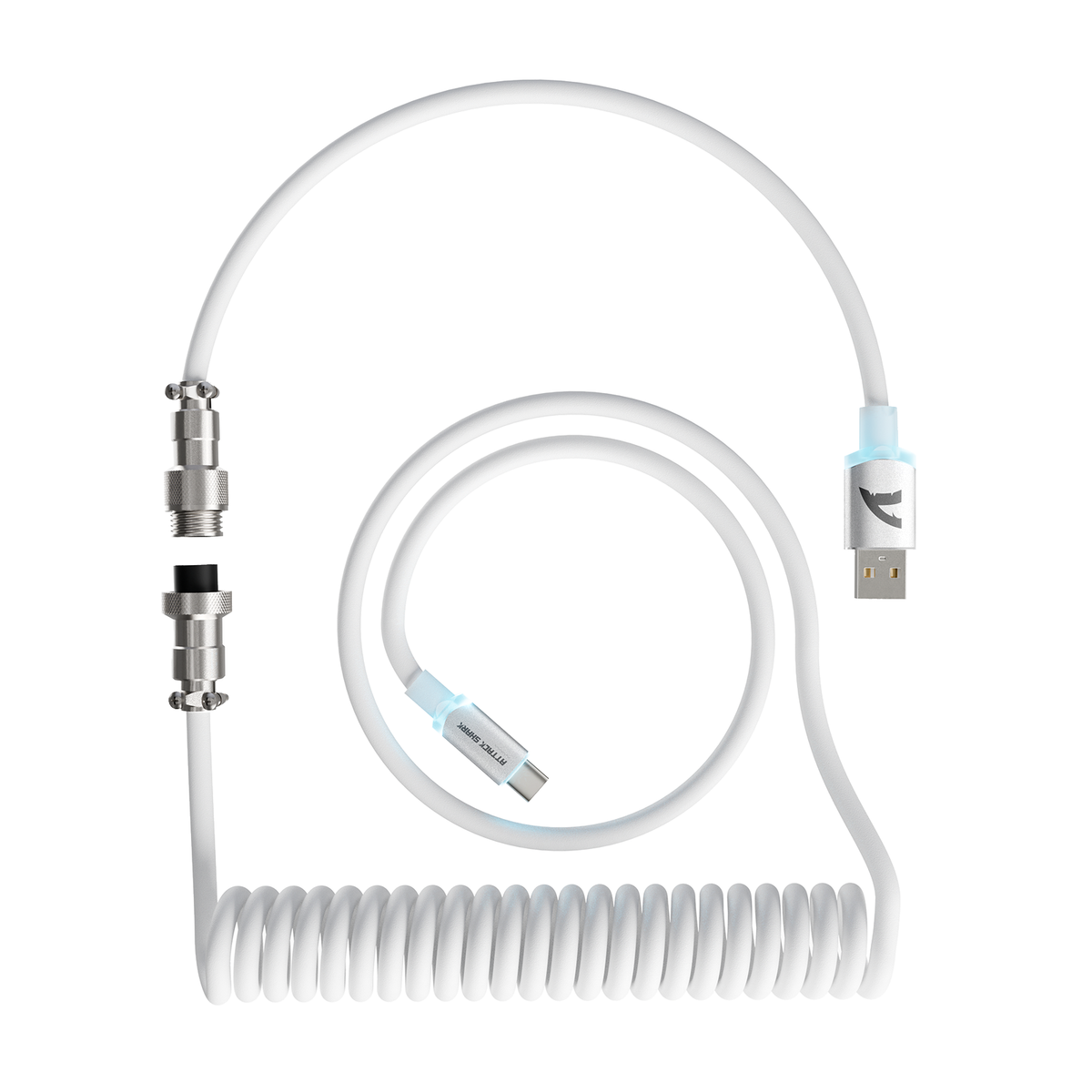
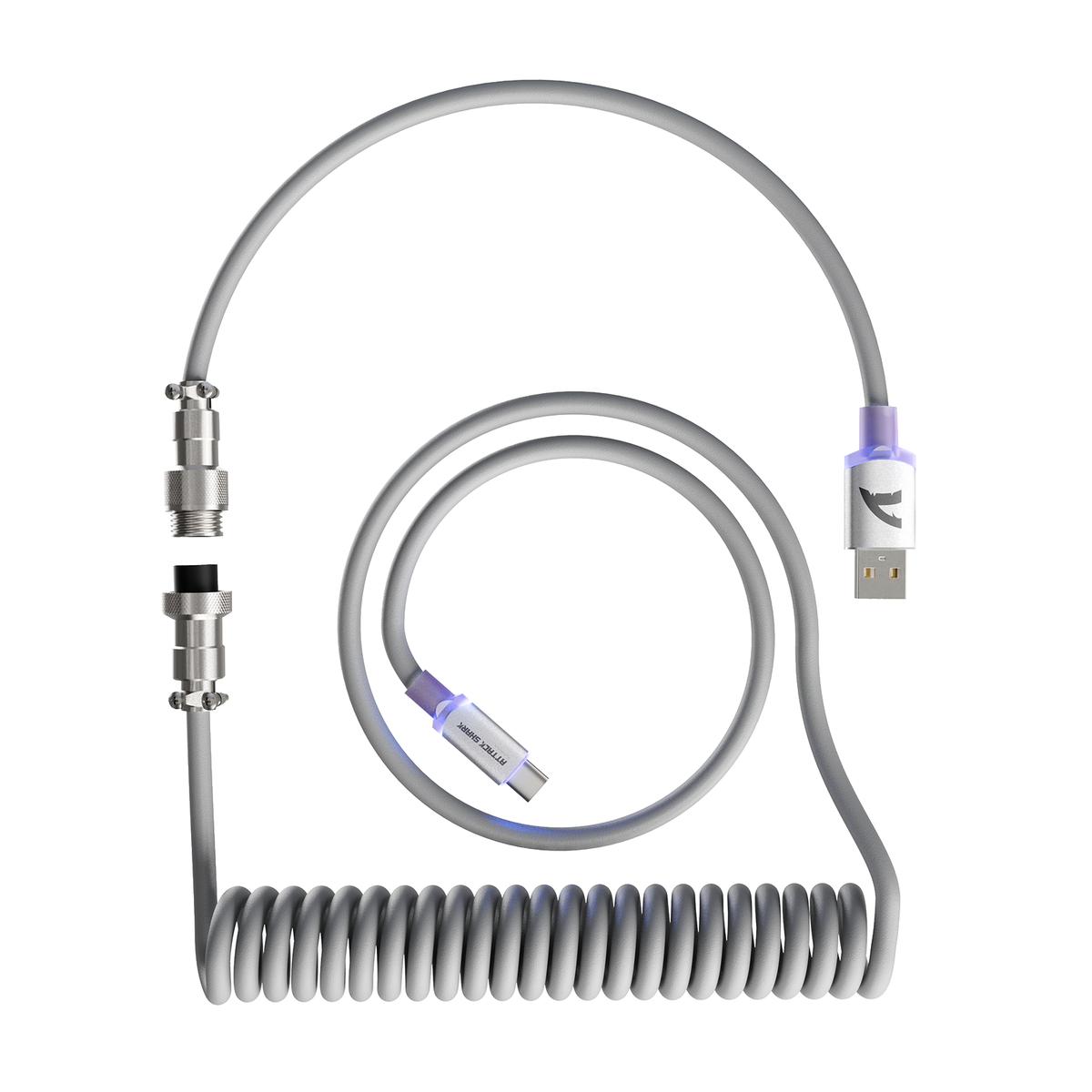


Attack Shark cables are made to match gaming keyboards and mice: detachable aviator connectors, coiled or straight runs, and cables built for 8KHz magnetic switch keyboards. This collection covers keyboard cables, a dedicated mouse cable, two 2-in-1 split cables that run a keyboard and a mouse from one lead, and a winder for storing coils. Start with the device you want to connect, then compare recommended use, form, connector and length in the table below; sleeve, finish and lighting are described further down.
1. Which Attack Shark Cable Fits Your Setup?
Model |
Recommended Use |
Form |
Connector |
Length |
C01 ULTIMATE |
8K HE keyboard |
Coiled |
4-pin stainless steel aviator |
Not stated |
C01Ultra |
8K HE keyboard |
Coiled |
4-pin metal aviator |
1.23 ft coil + 3.28 ft straight (4.71 ft total) |
C07 |
8K HE keyboard |
Straight |
5-pin metal aviator |
150 cm |
C07 PRO |
8K keyboard + mouse, same time |
Straight, 2-in-1 |
5-pin metal aviator, dual Type-C |
150 cm |
C08 |
8K keyboard + mouse, same time |
Split, 2-in-1 |
4-pin steel aviator |
Not stated |
C06 ULTRA |
USB-C mouse |
Coiled |
4-pin metal aviator |
about 52 in, stretches to 70 in |
C01PRO |
USB-C keyboard |
Coiled |
4-pin metal aviator |
about 65 in, stretches to 85 in |
C03 |
USB-C keyboard |
Coiled |
24K gold-plated aviator |
about 65 in, stretches to 85 in |
C04 |
USB-C keyboard; Type-C to Type-C or USB-A to Type-C |
Coiled, one-to-two |
5-pin metal aviator; USB-A to C or C to C tails |
1.62 ft coil + two 3.28 ft runs |
C05 |
USB-C keyboard or phone charging |
Coiled |
4-pin CNC copper aviator; USB-C to USB-A, USB 3.0 |
5.3 ft (1.6 m) |
RC01 |
Cable storage |
Accessory |
— |
7.68 in |
Sleeve and finish differ by model: PET mesh with a translucent silk sleeve on the C01 ULTIMATE, matte nylon double weave on the C01PRO, sequined silk on the C03, and an anodized aluminum hub on the C08. Lighting controls are listed under Lighting, Care and Storage below.
2. Cables for 8KHz Magnetic Keyboards and Mice
If your keyboard or mouse runs at an 8000Hz polling rate, start with a cable whose product page lists 8KHz support. In this collection that is the C01 ULTIMATE, C01Ultra, C07, C07 PRO and C08. The C01 ULTIMATE and C08 use pure copper cores, and the C07 uses an 8-core single crystal copper interior.
If you are unsure whether 8KHz matters for your setup, read the label as a specification rather than a ranking. The C01 ULTIMATE, C01Ultra, C07, C07 PRO and C08 are specified for keyboards and mice that report at 8000Hz, and their conductors are chosen to hold signal integrity at that polling rate. The C01PRO, C03, C04 and C05 are standard USB-C cables: they carry keyboard and mouse data and charge the connected device on the same lead, and they offer the widest choice of colour, sleeve and coil finish in the collection. Neither group is a step down from the other — they answer different questions, so choose by the polling rate and the ports your setup actually uses.
Match the cable to how you plan to use it:
- 8K polling on a magnetic switch keyboard — C01 ULTIMATE, C01Ultra or C07.
- One lead for a keyboard and a mouse at the same time — C07 PRO or C08.
- A mouse on its own — C06 ULTRA.
- Colour and coil styling on a standard USB-C keyboard — C01PRO or C03.
- A keyboard link that runs Type-C to Type-C — C04, supplied with both a USB-A to C and a C to C tail, so it fits a USB-C laptop port as readily as a USB-A one.
- A keyboard plugged into a USB-A port, or a phone charged from a USB-A charger — C05, USB-C to USB-A, USB 3.0, 5.3 ft.
For the technical background, read Do 8K polling keyboards require specialized coiled and aviation cables? and Do coiled cables hurt 8K polling performance?
3. 2-in-1 Split Cables: C07 PRO vs. C08
A 2-in-1 split cable has two Type-C ends, so one lead can connect a keyboard and a mouse at the same time. Both models support dual wired, dual 2.4G wireless or a mixed wired + 2.4G setup. The C04 also ends in two tails, but its two tails are alternative ends for one device — USB-A to C and C to C — not two device outputs.
- C07 PRO — a 150 cm straight-through cable with a 5-pin metal aviator connector and a magnetic weighted nameplate. Touch the Type-C port with the nameplate to change its 12 RGB lights, or turn them off.
- C08 — a one-to-two design with a 4-pin steel aviation plug and an anodized aluminum hub. RGB runs along both tail lines and Type-C ports, with magnetic switching between gradient breathing and static colors.
Choose the C07 PRO if you want a straight cable with lighting you can switch off. Choose the C08 if you prefer the aluminum hub design and lighting on both tails.
4. Coiled or Straight?
Coiled cables — C01 ULTIMATE, C01Ultra, C01PRO, C03, C04, C05 and C06 ULTRA — give a custom desk look and keep the section closest to your device compact. Straight cables — C07 and C07 PRO — run 150 cm without a coil. If you are still deciding, Are coiled keyboard cables just for looks? covers the trade-offs.
Using a coiled cable on a mouse? Check drag and tension first with Coiled gaming mouse cables: check drag, tension, and compatibility.
5. Lighting, Care and Storage
- Lighting you can control: C07 PRO (change or turn off), C08 (magnetic light switching) and the Upgraded version of the C07 (adjustable lighting).
- Fixed lighting: the C01Ultra's spectrum effect cannot be adjusted or turned off. Check each product page for the lighting controls on other models.
- Keep coils in shape: the RC01 winder rod stores a coiled cable neatly when it is off the desk. See how to care for coiled aviator cables to prevent sagging and kinks.
6. Buying a Keyboard or Mouse at the Same Time?
Some best sellers are also sold with a matching cable in the box, such as the R82 HE with C01ULTRA LED cable, the X68 HE with C01PRO coiled cable and the R3 mouse with C06 coiled cable. Compare those versions before buying a cable separately.
For more coiled styles, including ATTACK SHARK x MAMBASNAKE designs, browse all coiled cables. To find a keyboard that makes full use of an 8KHz cable, see HE magnetic switch keyboards.