The Spacebar Modifier: Repurposing Thumbs for MOBA Macro Speed
In the high-intensity environment of Multiplayer Online Battle Arenas (MOBAs), the difference between a successful combo and a missed opportunity often comes down to milliseconds of input latency and the efficiency of your keybind layout. For technically-savvy players, the standard keyboard layout—designed originally for typing—presents a significant bottleneck: the thumb, the strongest and most versatile digit, is largely relegated to a single, low-frequency task: jumping.
Repurposing the spacebar as a modifier key (similar to Shift or Alt) can theoretically unlock a new tier of macro speed by allowing the thumb to access a secondary layer of abilities without the fingers ever leaving the WASD or QWER clusters. However, this optimization is not without its technical hurdles and ergonomic risks. To implement this strategy effectively, one must balance raw performance gains against biomechanical strain and firmware-level stability.
The Biomechanical Logic of Thumb-Based Input
The thumb's primary function in human biology is forceful, gross motor control and precision gripping. Unlike the fingers, which rely on a relatively simple flexion-extension mechanism, the thumb's metacarpophalangeal (MCP) joint and complex tendon network (including the extensor pollicis brevis and abductor pollicis longus) are designed for power.
When we transition the thumb from a stabilizing role to a high-frequency "rapid-tap" modifier role, we alter the joint's intended workload. According to research on gaming-related Repetitive Strain Injury (RSI) physiology, the thumb's design makes it a poor candidate for isolated, rapid flexion-extension under load.
Modeling the Strain: The Moore-Garg Analysis
To quantify the risk of this technique, we modeled a scenario involving a high-APM (Actions Per Minute) player using a spacebar modifier. Our analysis utilized the Moore-Garg Strain Index (SI), a recognized screening tool for distal upper extremity disorders.
Modeling Note (Reproducible Parameters): This scenario assumes a competitive MOBA environment (approx. 300 APM) with a spacebar modifier used for roughly 6 critical actions per minute.
Parameter Value Rationale / Source Category Intensity Multiplier 1.5 Forceful thumb presses required for modifier chording Duration Multiplier 0.5 Short-duration bursts (< 30s per minute) Efforts Per Minute 6.0 High-frequency modifier activation in team fights Posture Multiplier 2.0 Awkward thumb extension at the edge of natural range Speed Multiplier 2.0 Rapid thumb movements for complex chording Session Duration 1.5 4–6 hours of daily competitive play Output: The resulting SI score is ~27.0, which falls into the "Hazardous" category (where scores > 5 indicate elevated risk). This is primarily driven by the "awkward posture" and "high effort frequency" multipliers.
Disclaimer: This is a screening model, not a medical diagnosis. Individual susceptibility varies.
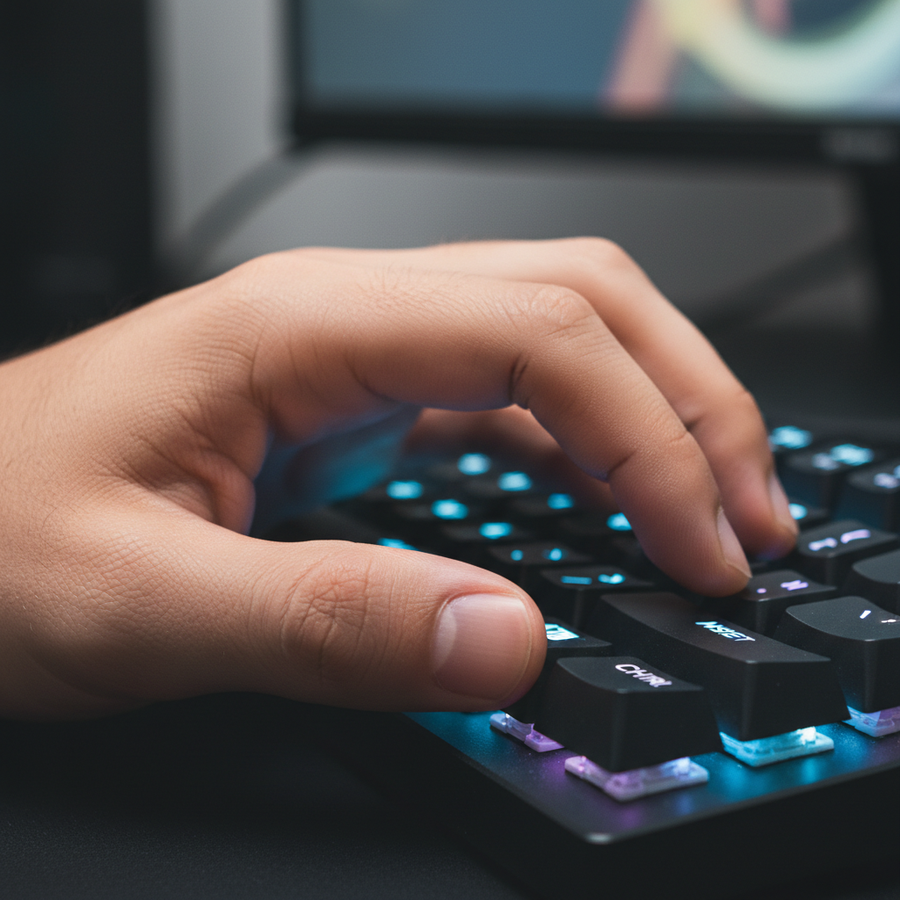
For players with large hands (approx. 20–21cm), the risk is often exacerbated. Our modeling of a 95th percentile male hand using a standard 120mm mouse indicates that the thumb's neutral resting position is often forward of the spacebar's center. This forces a slight ulnar deviation (wrist tilt) to reach the modifier, which can lead to what practitioners call a "claw cramp" at the base of the thumb after extended sessions.
Technical Implementation: Hardware vs. Software Layers
The most common mistake when setting up a spacebar modifier is relying solely on high-level software remapping. Tools like Karabiner-Elements or basic OS-level rebinds introduce a layer of software processing that can add measurable input latency. Furthermore, many modern anti-cheat systems view low-level software hooks with suspicion, potentially leading to account flags.
For a competitive edge, hardware-level remapping via the keyboard's on-board memory is the superior approach. This ensures that the "Layer 2" command is processed by the keyboard's MCU (Microcontroller Unit) before the signal even reaches the PC.
The Hall Effect Advantage
The emergence of Hall Effect (HE) magnetic switches has revolutionized this specific strategy. Unlike traditional mechanical switches that rely on physical metal contact (and thus require a "debounce" delay to filter out electrical noise), HE switches use magnetic sensors to detect the exact position of the stem.
When using the spacebar as a modifier, Hall Effect switches with Rapid Trigger technology provide a tangible performance delta.
| Switch Type | Total Actuation Latency | Reset Distance | Debounce Delay |
|---|---|---|---|
| Standard Mechanical | ~13.3ms | 0.5mm | 5ms |
| Hall Effect (RT) | ~5.7ms | 0.1mm | 0ms |
| Performance Gain | ~7.6ms | 0.4mm reduction | 5ms saved |
Note: Latency estimates are based on a thumb lift velocity of 150 mm/s and typical switch specifications.
This ~8ms advantage is critical when chording a modifier with a primary ability key. In a MOBA, where a 10ms difference can determine if a "Flash" or "Blink" ability activates before an incoming projectile hits, the hardware choice becomes as important as the binding itself.

Ergonomic Mitigation and Setup Optimization
If you choose to adopt the spacebar modifier, you must optimize your physical environment to counteract the "Hazardous" strain index identified in our modeling.
1. Switch Selection: The 45g Rule
The physical actuation force of the spacebar switch is the most significant factor in thumb fatigue. A common error is using a heavy tactile or clicky switch for the spacebar. For a modifier role, we recommend a linear switch with a medium actuation force (45–50g). This provides enough resistance to prevent accidental jumps while remaining light enough for rapid, repeated chording without overworking the MCP joint.
2. Wrist Elevation and Alignment
Maintaining a neutral wrist position is non-negotiable. Because the thumb must move laterally to actuate the spacebar as a modifier, any downward angle of the wrist increases the tension on the tendons.
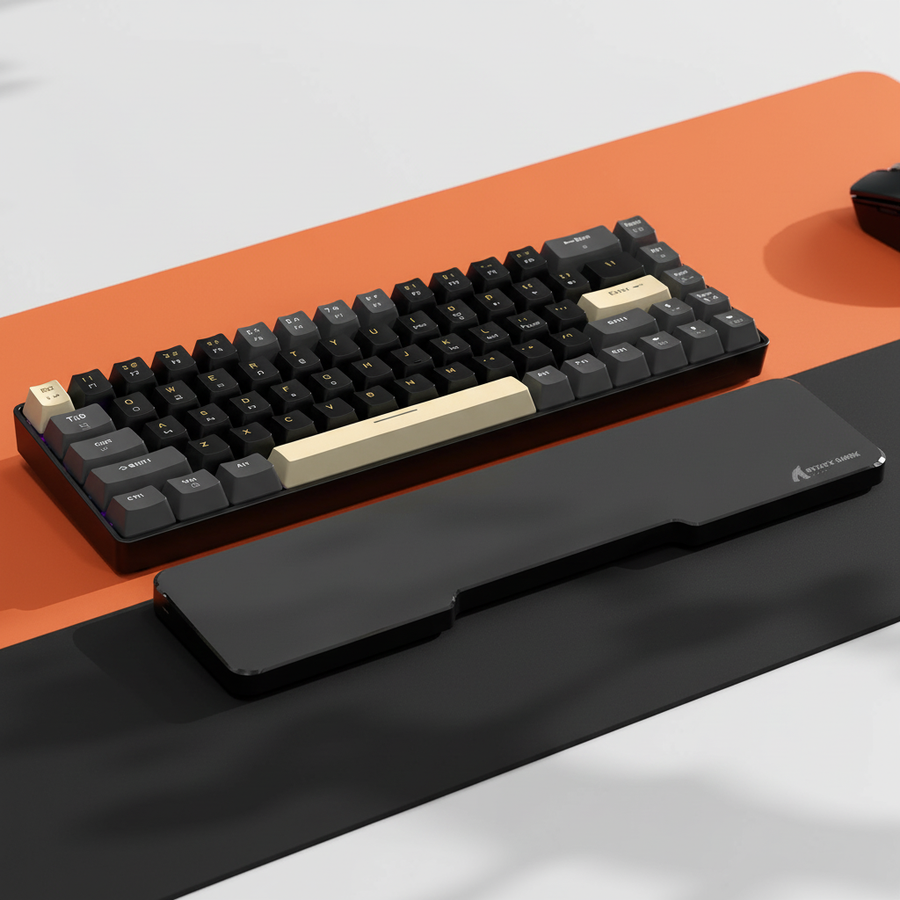
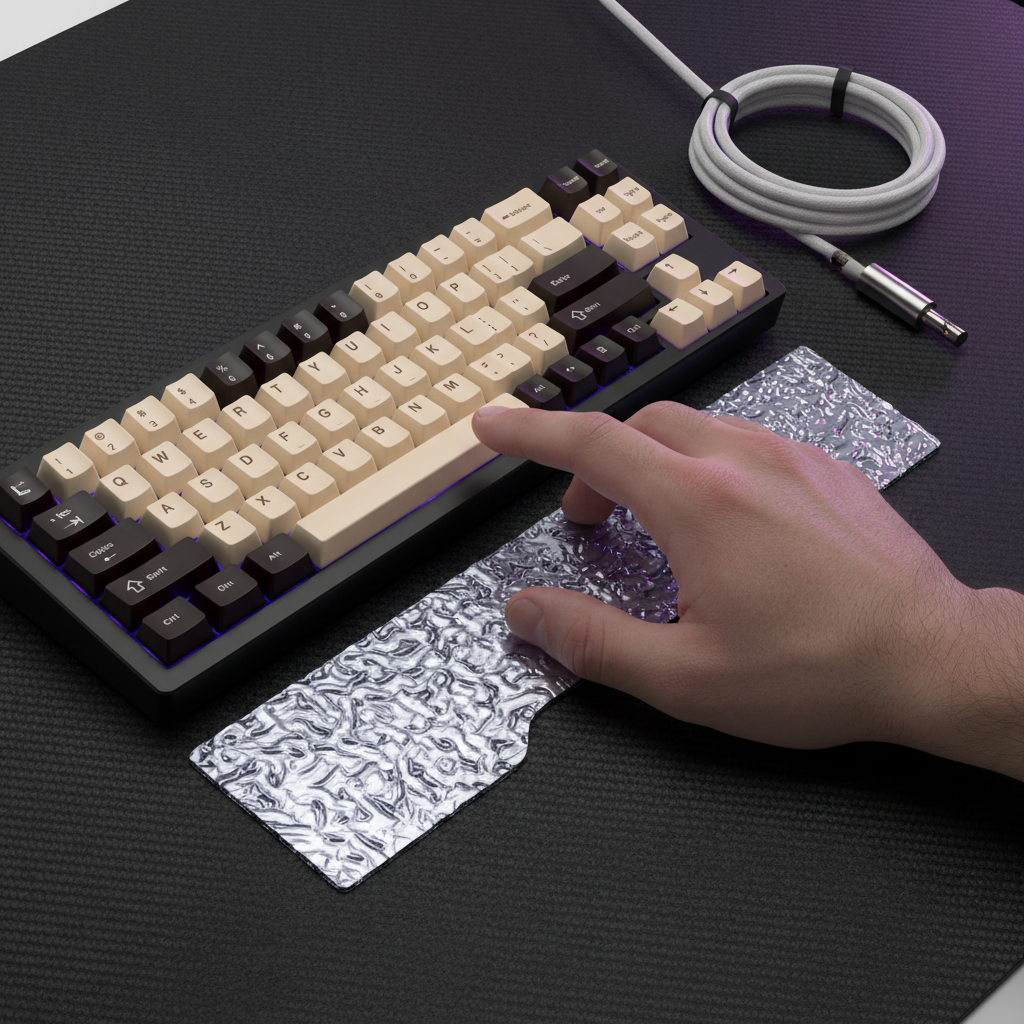
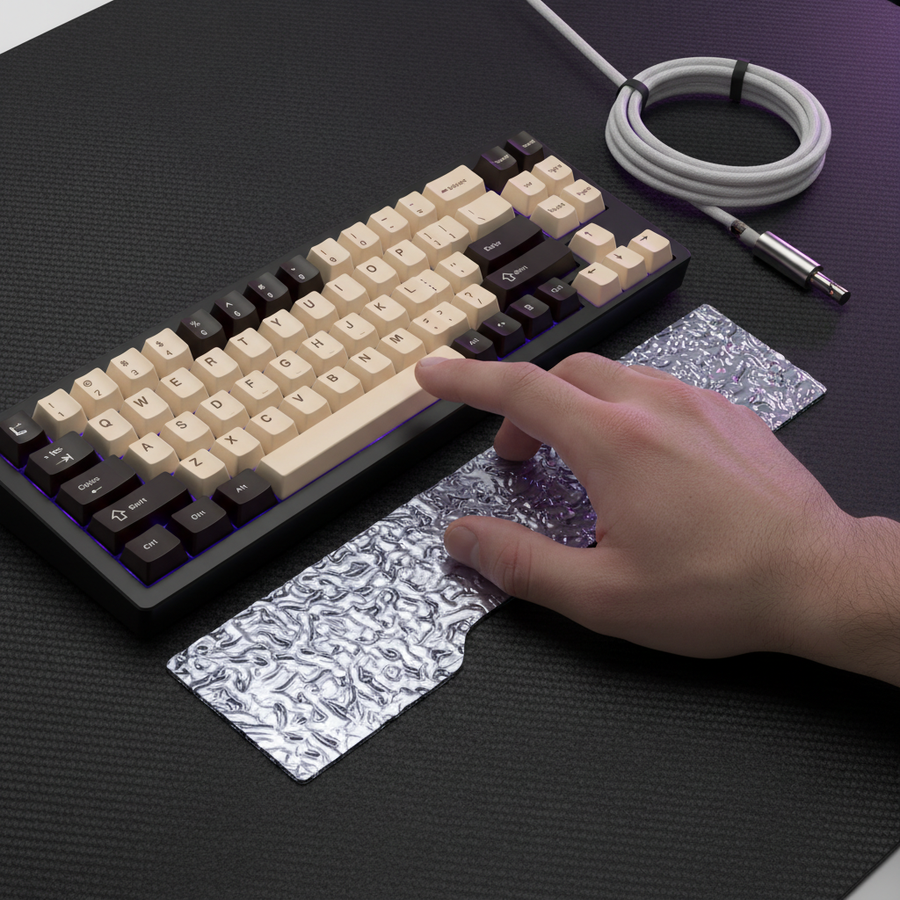
Using a dedicated support like the ATTACK SHARK Aluminum Alloy Wrist Rest with Partition Storage Case helps elevate the palm, keeping the thumb in a "ready" position parallel to the keyboard deck. The CNC aluminum construction of the ATTACK SHARK Aluminum Alloy Wrist Rest with Partition Storage Case provides a stable, non-slip base that prevents the hand from shifting during high-APM bursts—a common cause of input errors.
3. Signal Integrity and Cables
In a setup utilizing high polling rates (such as 4000Hz or 8000Hz), signal stability is paramount. Rapidly toggling a modifier layer generates a high density of HID (Human Interface Device) reports. As noted in the Global Gaming Peripherals Industry Whitepaper (2026), shared USB bandwidth or poor shielding can lead to packet loss, which manifests as "sticky" keys or failed modifier activations.
Using a high-quality, shielded cable like the ATTACK SHARK C04-C COILED CABLE or the ATTACK SHARK C01PRO COILED CABLE ensures that the increased data throughput of a 2-layer input strategy is handled without interference. The 5-pin metal aviator connectors on the ATTACK SHARK C04-C COILED CABLE provide a secure, low-resistance connection that is essential for maintaining the ~0.125ms polling intervals required for 8K performance.
Strategic Mapping: What to Bind?
Experienced players recommend a "gradual expansion" approach to modifier layers. Overloading the thumb with too many complex chords immediately leads to cognitive load issues and physical misfires.
- Primary Modifier (Spacebar Held): Map this to "Item Actives" (e.g., Zhonya's Hourglass, Black King Bar). These are high-impact, reactive items that benefit from the thumb's strength.
- Secondary Modifier (Spacebar + Shift): Use this for non-combat macros, such as "Quick Shop" or "Courier Control."
- Avoid: Do not map high-frequency movement abilities (like a short-range dash) to the spacebar modifier if you already use the spacebar for jumping. The "mode-switching" delay in your brain can lead to fatal hesitation.
The "Standardization" Trade-off
It is worth noting that professional configurations in games like Valorant or Overwatch overwhelmingly stick to a single, high-priority action for the spacebar. This is because standardization reduces the risk of mechanical failure under extreme pressure. As discussed in our guide on Thumb Placement During Genre Transitions, the muscle memory required to toggle a modifier is significantly more complex than a simple press.
The Performance-per-Dollar Verdict
For the value-oriented gamer, repurposing the spacebar is a "free" upgrade to macro efficiency, provided the hardware can support it. While brands like Attack Shark offer pro-consumer gear that makes high-performance features accessible, the user must provide the ergonomic discipline.
| Feature | Impact on Modifier Speed | Recommended Hardware |
|---|---|---|
| Polling Rate | Reduces input jitter during chording | 4K/8K compatible MCU |
| Switch Type | Eliminates debounce (saves ~5ms) | Hall Effect / Magnetic |
| Cable Quality | Prevents packet loss at high freq | ATTACK SHARK C04 COILED CABLE |
| Ergonomics | Lowers RSI risk (Hazardous SI 27) | ATTACK SHARK Aluminum Alloy Wrist Rest with Partition Storage Case |
Summary of Best Practices
- Prioritize Hardware Remapping: Use on-board memory to avoid software-induced latency and anti-cheat issues.
- Monitor Your Thumb Posture: If you feel a "burning" sensation or cramping at the base of the thumb (the MCP joint), your spacebar may be too far away or your hand too low.
- Optimize Actuation: Use linear switches. If your keyboard supports it, set a shallow actuation point (e.g., 1.0mm) for the spacebar to minimize the physical effort required to "hold" the modifier.
- Manage Your Cables: High-speed polling and complex input layers demand clean signals. Avoid USB hubs; connect your ATTACK SHARK C01PRO COILED CABLE directly to the motherboard's rear I/O.
By treating the spacebar as a strategic resource rather than just a "jump button," you can significantly increase your APM ceiling. However, the data is clear: without proper ergonomic support and high-performance hardware, the physical cost of macro speed can be high.
YMYL Disclaimer: This article is for informational purposes only and does not constitute professional medical advice. Repetitive strain injuries (RSI) are a serious risk in competitive gaming. If you experience persistent pain, numbness, or tingling in your hands or wrists, consult a qualified healthcare professional or physiotherapist immediately.


コメントを書く
このサイトはhCaptchaによって保護されており、hCaptchaプライバシーポリシーおよび利用規約が適用されます。