


<p>標準的な1000Hzポーリングから8000Hz(8K)への移行は、入力忠実度におけるパラダイムシフトを意味します。1000Hzマウスは1.0msごとに位置を報告しますが、8000Hzデバイスではその間隔がほぼ瞬時の0.125msに短縮されます。しかし、データ密度が8 倍に増加することで、システム全体に大きなオーバーヘッドが生じ、基盤となるハードウェアが不十分な場合は逆説的にパフォーマンスが低下する可能性があります。</p>
<p>高周波周辺機器の技術評価において、安定した8K 信号はマウスの機能だけでなく、最適化されたハードウェアチェーンの成果であることが判明しました。CPUアーキテクチャ、USBトポロジ、センサー設定が適切でないと、マイクロスタッターや「スキップポーリング」が発生し、競争力が損なわれる可能性があります。このガイドでは、システムが8000Hzの負荷に対応できることを確認するための正確な技術要件を詳しく説明します。</p>
<h3>CPUボトルネック:割り込みとIPCパフォーマンス</h3>
<p>8000Hzポーリングにおける最大の課題は、計算能力そのものではなく、 <strong>IRQ(割り込み要求)処理</strong>です。マウスから送信されるレポートごとに、CPUは現在のタスクを一時停止し、HID(ヒューマンインターフェースデバイス)レポートを処理し、ゲームエンジン内のカーソル位置を更新する必要があります。8000Hzでは、CPUは125マイクロ秒ごとに割り込みを処理する必要があります。</p>
<p>一般的に考えられているのとは異なり、コア数が多いだけではこの問題は解決しません。マウス入力処理は通常、単一のカーネルスレッドで処理されるため、<strong>シングルコアのIPC(Instructions Per Clock:クロックあたりの命令数)とクロック速度</strong>が重要な指標となります。</p>
<h4>8KポーリングのCPUハードウェア要件</h4>
<table>
<thead>
<tr>
<th style="text-align:left;">成分</th>
<th style="text-align:left;">最低要件</th>
<th style="text-align:left;">推奨仕様</th>
</tr>
</thead>
<tbody>
<tr>
<td style="text-align:left;"><strong>プロセッサアーキテクチャ</strong></td>
<td style="text-align:left;">Zen 3 (AMD) / 第 12 世代 (インテル)</td>
<td style="text-align:left;">Zen 4 / 第 14 世代以降</td>
</tr>
<tr>
<td style="text-align:left;"><strong>シングルコアパフォーマンス</strong></td>
<td style="text-align:left;">4.5GHz+ブーストクロック</td>
<td style="text-align:left;">5.0GHz 以上の持続クロック</td>
</tr>
<tr>
<td style="text-align:left;"><strong>OS スケジューリング</strong></td>
<td style="text-align:left;">Windows 10 (21H2+)</td>
<td style="text-align:left;">Windows 11 (23H2+)</td>
</tr>
<tr>
<td style="text-align:left;"><strong>DPCレイテンシターゲット</strong></td>
<td style="text-align:left;">250マイクロ秒未満</td>
<td style="text-align:left;">100マイクロ秒未満</td>
</tr>
</tbody>
</table>
<p>DPC(遅延プロシージャ呼び出し)の遅延は、8Kパフォーマンスの「サイレントキラー」です。バックグラウンドドライバ(最適化されていないWi-FiやRGBコントローラドライバなど)がCPUコアを長時間占有すると、125マイクロ秒のポーリングウィンドウが失われ、スタッター(画面の途切れ)が発生します。8K 環境に移行する前に、LatencyMonなどのツールを使用してシステムのリアルタイム性能を監査することをお勧めします。</p>
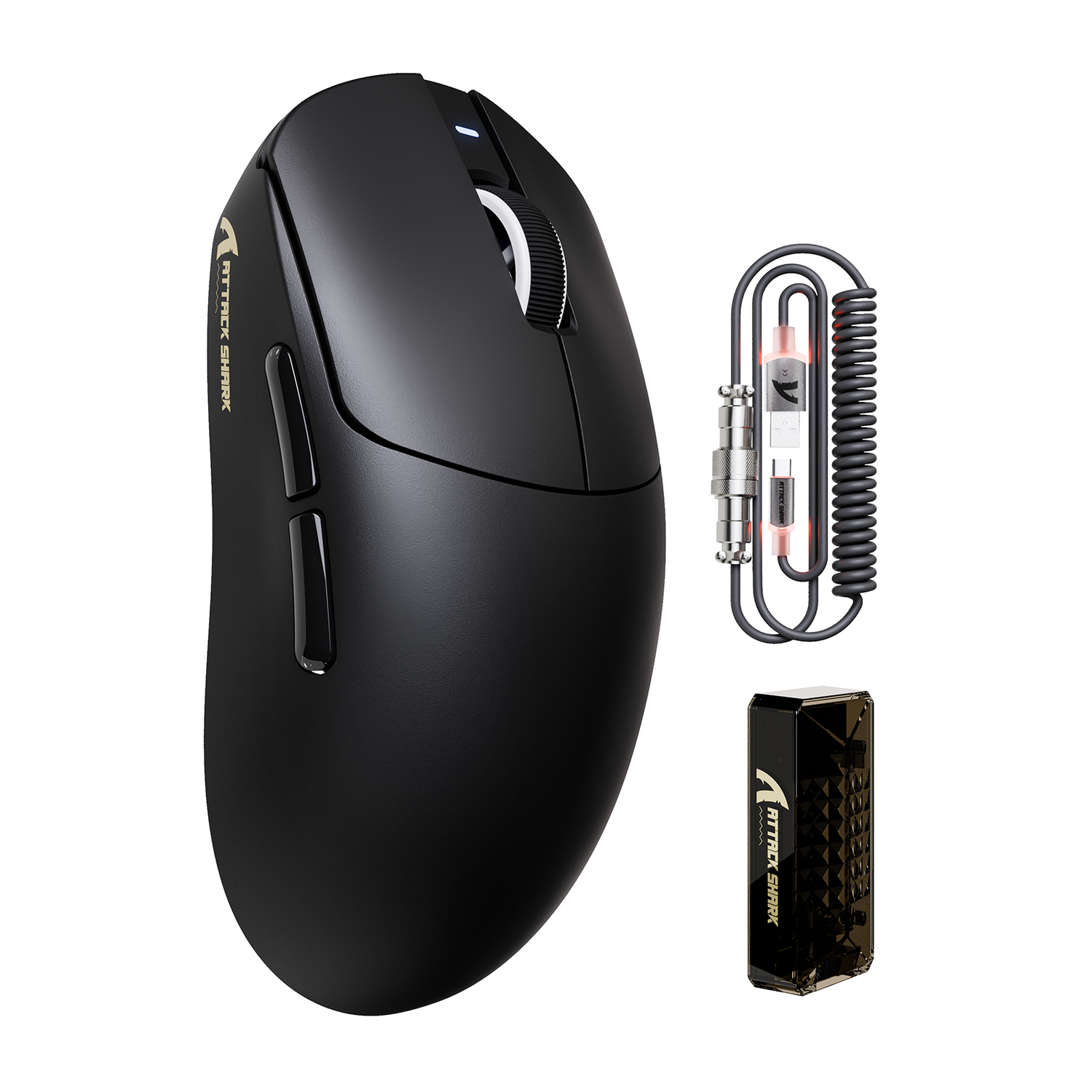
<p><img src="https://cdn.shopify.com/s/files/1/0823/5050/6282/files/1_2_c1dc42bd-fe5a-4521-8d7a-7ed7d3bd3a29.png?v=1758528237" alt="Attack Shark X8 Ultra 8KHz ワイヤレスゲーミングマウス、C06ウルトラケーブル付き - ブラックエルゴノミックシェル、8Kセンサー、PTFEスケート" style="width: auto; height: auto; display: block; margin: 1rem auto;"></p>
<h3>USBトポロジと信号整合性</h3>
<p>安定した8000Hzのレポートレートを実現するには、レシーバーからCPUへの「クリーンな」パスが必要です。USB <a href="https://www.usb.org/sites/default/files/hid1_11.pdf" rel="nofollow">HIDクラス定義(HID 1.11)</a>によると、高速ポーリングはUSBコントローラーの帯域幅管理に大きな負荷をかけます。</p>
<p><strong>リアI/Oルール:</strong>
8Kレシーバーは<strong>マザーボードの背面 I/Oポート</strong>に直接接続する必要があります。これらのポートはチップセットまたはCPUに有線接続されているため、信号が通過する距離と干渉を最小限に抑えることができます。</p>
<ul>
<li>
<strong>USB ハブを避ける:</strong>電源付きのハブでも「ポーリング マスター」が導入され、微小な遅延やパケットの衝突が発生する可能性があります。</li>
<li>
<strong>フロント パネル ヘッダーを避ける:</strong>ケース ケーブルはシールドが不十分な場合が多く、EMI (電磁干渉) の影響を受けやすく、高周波でジッターとして現れます。</li>
<li>
<strong>コントローラーの競合:</strong> 4K ウェブカメラや外部 NVMe ドライブなどの高帯域幅デバイスは、バスの飽和を防ぐために、8K マウスとは別の USB コントローラーに配置するのが理想的です。</li>
</ul>
<h3>センサーからディスプレイへのチェーン: DPIとリフレッシュレート</h3>
<p>競技プレイヤーの間でよくあるミスは、8000Hz マウスを 400 や 800 などの低い DPI で動作させることです。これにより、「データ不足」のシナリオが発生します。</p>
<p><strong>1850 DPI しきい値:</strong>
ナイキスト・シャノンのサンプリング定理を用いた理論計算によると、1440p 解像度で25cm/360の感度でプレイする場合、標準的な動きで8000Hzの帯域幅を完全に飽和させるには<strong>、最低でも1,818DPI(切り上げ1,850)が</strong>必要です。DPIが低すぎると、センサーは0.125msごとのレポートウィンドウを埋めるのに十分な一意の座標更新を生成できず、8K 設定は実質的に無駄になります。</p>
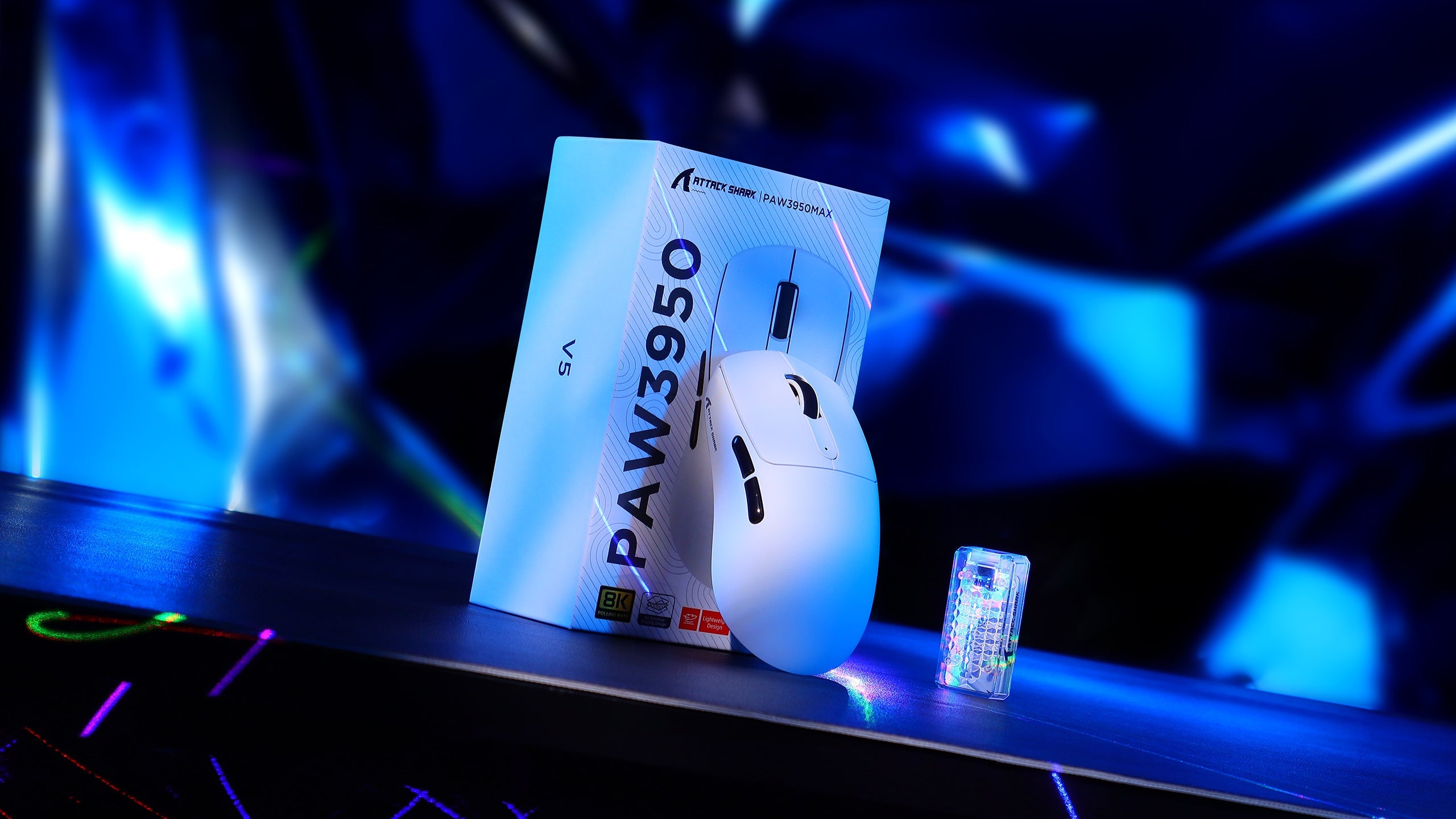
<p><a href="https://attackshark.com/products/attack-shark-r11-ultra-carbon-fiber-wireless-8k-paw3950max-gaming-mouse">ATTACK SHARK R11 ULTRA カーボンファイバー ワイヤレス 8K PAW3950MAX ゲーミングマウスは</a>、最大 42,000DPIをサポートするPAW3950MAXセンサーを搭載することで、この問題に対処します。8Kポーリングの場合、 <strong>1600~3200DPI</strong>を基準として、ゲーム中の感度を下げることで、お好みのcm/360を維持できます。</p>
<p><img src="https://cdn.shopify.com/s/files/1/0823/5050/6282/files/1_26_0fe3cb5f-c8f0-490f-9562-fdf83a87b6ec.jpg?v=1757497240" alt="Attack Shark R11 ULTRA カーボンファイバー ワイヤレス 8K ゲーミングマウス — PAW3950MAX センサーと USB ワイヤレス レシーバーを搭載した超軽量 49g の高性能マウス" style="width: auto; height: auto; display: block; margin: 1rem auto;"></p>
<h4>高リフレッシュレートによる知覚的相乗効果</h4>
<p>8000Hzの滑らかさは、モニターがこれらの更新をレンダリングできる時に最も顕著に現れます。ポーリングレートとリフレッシュレートの間に「固定比率」はありませんが、 <a href="https://www.nvidia.com/en-us/geforce/news/reflex-latency-analyzer-360hz-g-sync-monitors/" rel="nofollow">NVIDIA Reflex Analyzerの調査</a>によると、240Hzおよび360Hzのディスプレイは高いポーリングレートの恩恵を最も受けやすいことが示唆されています。60Hzまたは144Hzのパネルでは、モニターの更新サイクルが遅いため、8K 信号の微細な精度向上が見過ごされてしまうことがよくあります。</p>
<h3>ワイヤレス安定性と2.4GHzスペクトル管理</h3>
<p>ワイヤレス8Kパフォーマンスにおいて、信号整合性は譲れない要素です。高性能 2.4GHz 周辺機器に関する<a href="https://www.fcc.gov/oet/ea/fccid" rel="nofollow">FCC 機器認可報告書では、</a>距離と干渉によってパケットロスが指数関数的に増加すると指摘されています。</p>
<ol>
<li>
<strong>受信機の近接性:</strong> 8K 受信機をマウスパッドから 12 ~ 18 インチ以内に保ちます。</li>
<li>
<strong>周波数帯域の混雑:</strong> 8000Hzの無線伝送は2.4GHz 帯のWi-Fi 干渉の影響を非常に受けやすいです。可能であれば、ルーターを5GHz 帯または6GHz 帯に移動し、Wi-Fiカードの設定で「Bluetooth 連携」を無効にしてください。</li>
<li>
<strong>バッテリーのトレードオフ:</strong>高頻度ポーリングは電力を大量に消費します。当社のテストでは、標準的な500mAhバッテリー(1000Hzでは70 時間以上持続する可能性がある)は、8000Hzでは約<strong>38.64 時間</strong>まで低下することが分かりました。そのため、ヘビーユーザーの場合は3~4 日ごとに充電するなど、より頻繁な充電サイクルが必要になります。</li>
</ol>
<h3>ソフトウェアとファームウェアの最適化</h3>
<p>高性能なハードウェアを使用していても、ソフトウェアの設定ミスによって8Kパフォーマンスが低下する可能性があります。ATTACK <a href="https://attackshark.com/products/attack-shark-r11-ultra-carbon-fiber-wireless-8k-paw3950max-gaming-mouse">SHARK R11 ULTRA カーボンファイバー ワイヤレス 8K PAW3950MAX ゲーミングマウス</a>を早期に導入される方は、公式<a href="https://attackshark.com/pages/driver-download">ドライバーダウンロードポータル</a>から最新のファームウェアをダウンロードしてインストールしてください。</p>
<p><strong>モーションシンク:0.0625msの決定</strong>
Motion Syncは、センサーの内部データ収集をUSBポーリングイベントと同期させます。1000Hzでは0.5ミリ秒の遅延が発生しますが、8000Hzでは確定的遅延のペナルティは<strong>約 0.0625ミリ秒</strong>にまで低下します。この遅延は非常に小さいため、8KポーリングではMotion Syncを<strong>オンの</strong>ままにして、可能な限り安定したトラッキングを実現することをお勧めします。</p>
<p><strong>システム全体の負荷に関する注意:</strong>
<a href="https://attackshark.com/products/attack-shark-x68max-he-rapid-trigger-cnc-aluminum-keyboard-magnetic-switch-with-c01ultra-rgb-coiled-cable">ATTACK SHARK X68MAX HE ラピッドトリガー CNC アルミニウムキーボード</a>のような、同じく8000Hzの有線ポーリングレートを備えた高ポーリングキーボードも使用している場合、CPUへの割り込み負荷は合計で2 倍になります。このような「デュアル8K」構成では、Windowsの「電源プラン」を「高パフォーマンス」(CPUのダウンクロックを防ぐため)に設定することが、安定性を確保するために不可欠です。</p>
<p><img src="https://cdn.shopify.com/s/files/1/0823/5050/6282/files/694931db84c53baa1dac0863.png?v=1766405291" alt="コンパクトな白いメカニカル キーボードとそれにマッチするワイヤレス ゲーミング マウス。暗いテクスチャのゲーミング デスクに青いアンビエント照明、モニターの端、ワイヤレス ヘッドセットが見える — コンパクトなキーボード レイアウトとワイヤレス マウスを重視した、競争力のあるプレイに特化したゲーミング ワークステーション セットアップ。" style="width: auto; height: auto; display: block; margin: 1rem auto;"></p>
<h3>戦略実装チェックリスト</h3>
<p>購入後の不満を防ぐために、8000Hz に移行するときは次の技術チェックリストに従ってください。</p>
<ul>
<li>
<strong>USB ポートの確認:</strong>デバイスがマザーボード背面の I/O にある USB 3.0+ ポートに接続されていることを確認します。</li>
<li>
<strong>DPI を最適化:</strong>最低 1600 DPI に移動します。4K 解像度でプレイする場合は、特定のしきい値を計算します。</li>
<li>
<strong>バックグラウンド アプリを監査する:</strong> DPC の遅延が急上昇する可能性のある負荷の高いブラウザー インスタンスまたは RGB ソフトウェアを閉じます。</li>
<li>
<strong>ファームウェア チェック:</strong>マウスと 8K レシーバーの両方が最新のソフトウェア バージョンになっていることを確認します。</li>
<li>
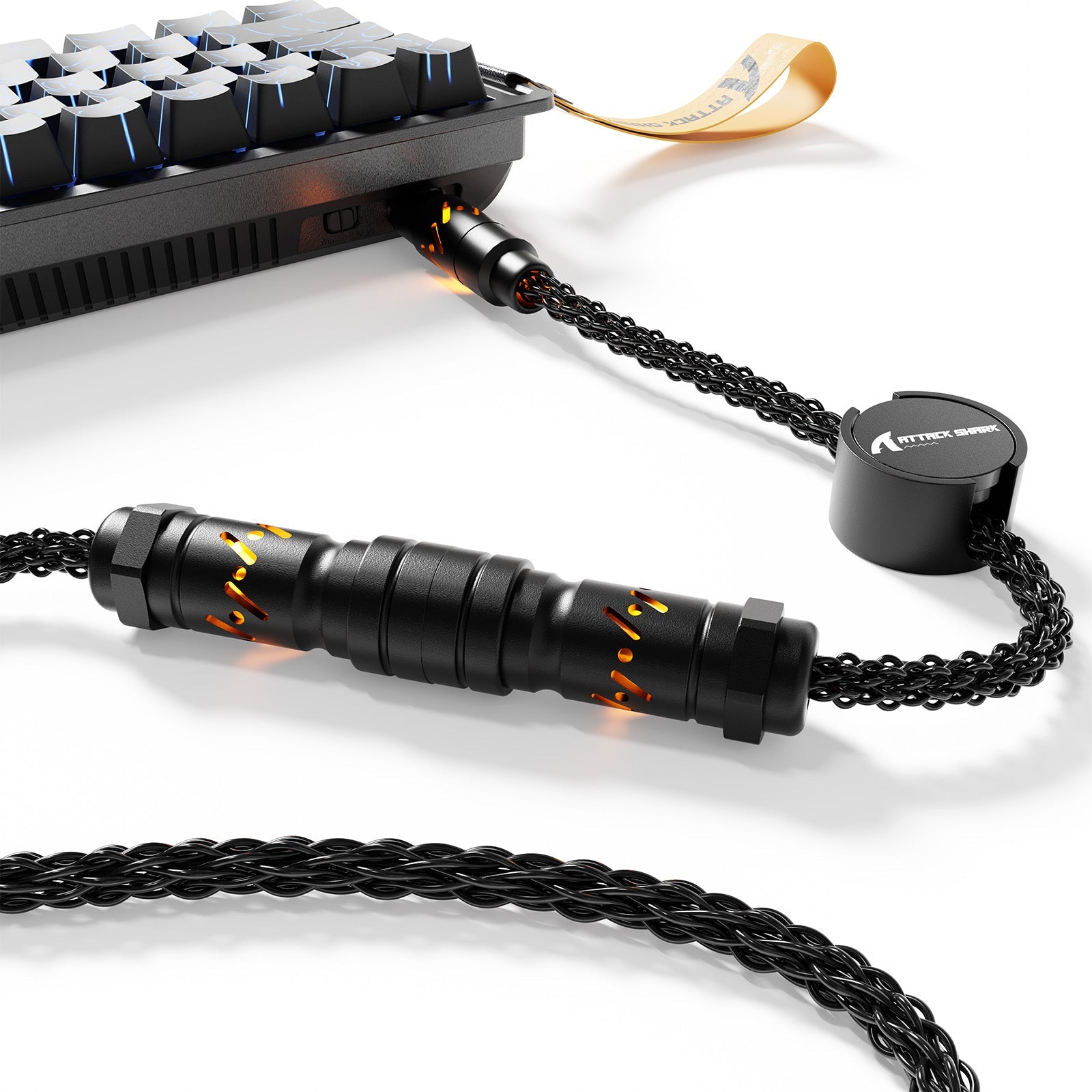
<strong>ケーブル管理:</strong>有線 8K の場合、ケーブルの屈曲によって信号の整合性が損なわれないように、 <a href="https://attackshark.com/products/attackshark-c01ultra-custom-cable-for-8khz-magnetic-keyboard">ATTACK SHARK C01Ultra カスタム アビエーター ケーブル</a>などの高品質のシールド ケーブルを使用します。</li>
</ul>
<p>結局のところ、8000Hzはゲーム体験をさらに洗練させ、PCのセットアップに総合的なアプローチをとるユーザーにとって大きなメリットとなります。周辺機器の性能と高性能なCPU、そしてクリーンなUSB 環境を組み合わせることで、ピークパフォーマンスを阻む微小な遅延を排除できます。</p>
<hr>
<p><em>免責事項:この記事は情報提供のみを目的としています。システムのパフォーマンスと安定性は、個々のハードウェア構成、バックグラウンドソフトウェア、および環境要因によって異なる場合があります。BIOSまたはシステムレベルの大幅な変更を行う前に、必ずマザーボードと周辺機器のマニュアルを参照してください。</em></p>

コメントを書く
このサイトはhCaptchaによって保護されており、hCaptchaプライバシーポリシーおよび利用規約が適用されます。