How to Live Without Dedicated Arrow Keys on a 60% Keyboard

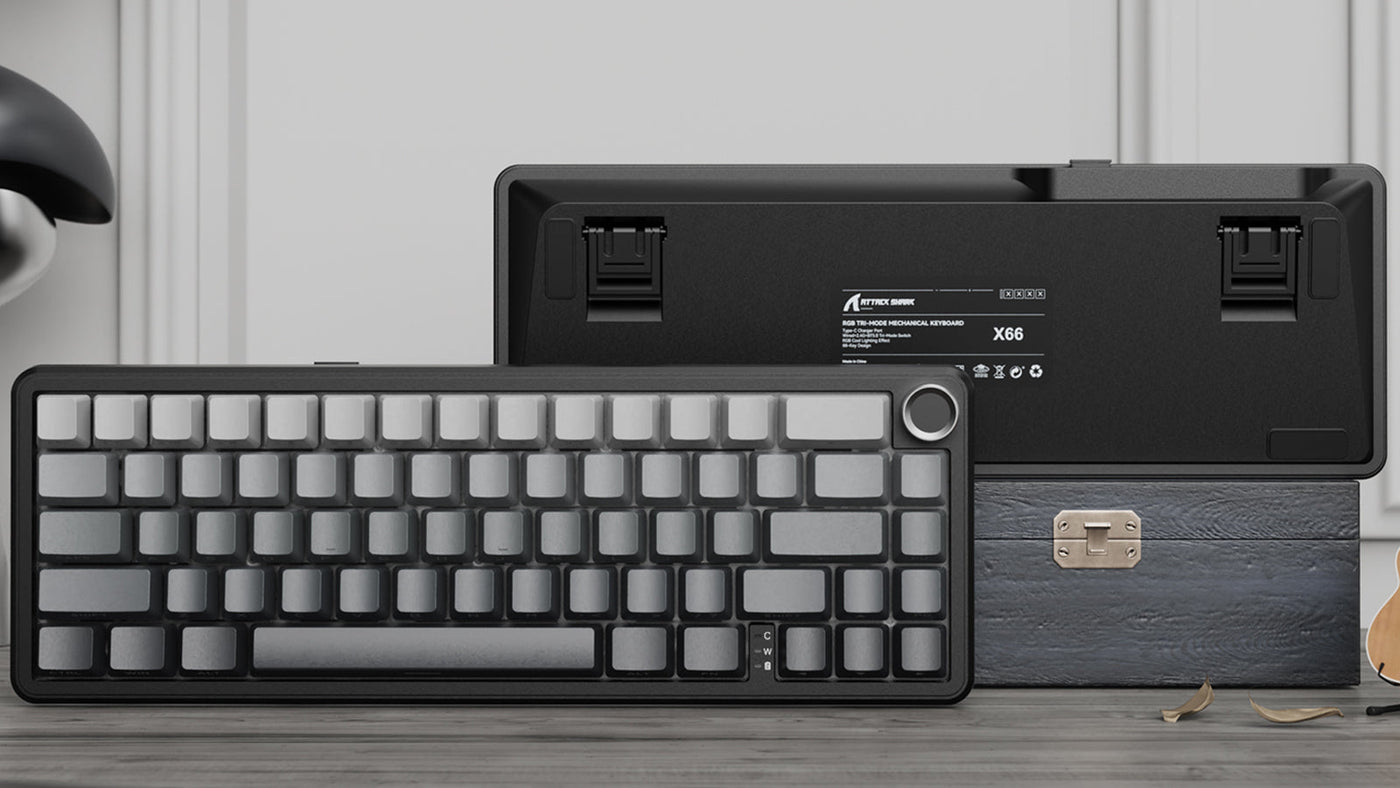
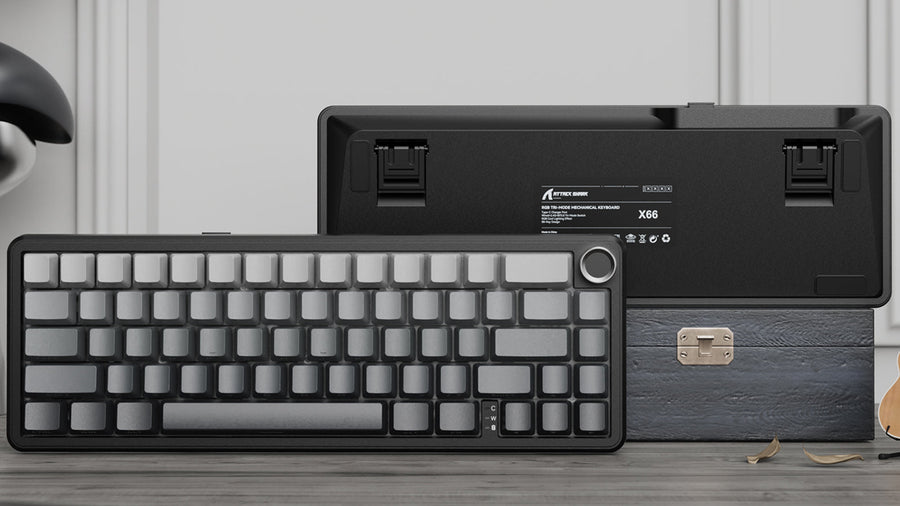
Front and back view of a grey mechanical keyboard with a knob, resting against a textured box.

Switching to a compact keyboards is a visually stunning upgrade for any desk. The extra mouse space and the minimalist aesthetic are undeniable perks. However, for many first-time users, the excitement fades the moment they need to navigate a document. "Where are my arrow keys?" is the panic-inducing question.

The 60% form factor removes the dedicated navigation cluster to save space, but that doesn't mean you lose functionality. In fact, mastering a 60 keyboard gaming setup can make you faster and more efficient. This guide will teach you how to unlock the hidden power of layers and navigate your screen without ever lifting your hands.

White mechanical keyboard with black topographic map pattern keycaps and RGB lighting.

Know the Concept of "Layers"

The secret to compact keyboard is "layering." While it sounds technical, you already use layers every day.

Think about the "Shift" key. When you press the "1" key alone, you type a number. When you hold "Shift" and press "1," you type an exclamation mark (!). You are accessing a second layer of that key. A 60 gaming keyboards layout works exactly the same way but adds a powerful new modifier: the Fn (Function) key.

The Fn key is your portal to the missing keys. By holding Fn, other keys transform into arrows, F-row keys, or media controls. Once you adapt, this is actually an efficiency boost. On a full-sized board, you must lift your right hand and move it six inches to hit the arrow keys. On a 60% board, you can navigate without your hands ever leaving the home row. This reduction in movement saves time and reduces wrist strain.

ATTACK SHARK X65 HE 磁気スイッチ ラピッド トリガー キーボード

Price: ¥9,611
究極の応答速度を備えたマグネティックキーボード ATTACK SHARK X65 HEマグネティックキーボードは、ホットスワップ可能なホール効果スイッチを搭載し、比類のないスピードとコントロール性を実現します。従来のメカニカルスイッチとは異なり、物理的な接触のない電磁気センサーを採用しているため、キーボードの応答性が大幅に向上しています。8000Hzのポーリングレートにより、レイテンシーを理論限界の0.125msまで抑え、ゲーミングにおける優位性をもたらします。 0.01mmの精度調整が可能なRT 機能 RT Accuracyにより、0.1mmから3.4mmまでのアクチュエーション距離を0.01mm 単位の精度で調整可能。完全なカスタマイズを実現します。このキーボードでは、4つの異なる押し込み深さに基づいて、1つのキーに最大 4つの異なる機能を割り当てることができます。連射でも複雑なコンボアクションでも、X65 HEはユーザーのニーズに合わせてカスタマイズされた比類のない体験を提供します。 プロゲーマー向けに設計 ValorantやCS2のようなFPSゲームでは、正確なストップ&シュートが不可欠です。X65 HEのマグネティックスイッチは、より速いストッピングパワーを提供し、ゲームプレイ中の精度を向上させます。また、FTGやMOBAゲームでは、X65 HEは1つのキーに複数の機能を割り当てることができるため、複雑なコマンドを簡素化し、効率性を向上させます。X65 HEは究極のゲーミングバフです。 プログラマブルQMKウェブドライバー キー機能の再マッピング、マクロの設定、ライティングエフェクトのカスタマイズが、インストールなしで行えます。任意のキーに希望の機能を割り当て、タイピングやゲームプレイのニーズに合わせてキーストロークのアクチュエーションポイントを微調整できます。この革新的なコントロールにより、レイテンシーを最小限に抑え、極めて正確なキーストロークを実現します。 Web...

Standard Layouts: Where are the "Invisible" Arrows?

Most manufacturers follow a logical pattern for placing these hidden keys. You just need to know where to look.

Common Clusters

The most standard factory preset maps the arrow keys to I, J, K, and L. This mimics the inverted-T shape of physical arrow keys. Some gaming-focused brands map them to W, A, S, and D to replicate movement controls. Check the side of your keycaps; many custom gaming keyboards have "side-printed legends" that show you exactly what each key does when the Fn layer is active.

Bottom Right Modifiers

Another popular configuration turns the bottom right cluster (Shift, Alt, Ctrl, and the Menu key) into a temporary arrow pad when Fn is held. This feels more natural for users who are used to having arrows in that specific corner of the board.

Black mechanical keyboard with topographic RGB keycaps and software customization interface.

The "Tap Mode" Magic (Tapping vs. Holding)

Advanced firmware has introduced a game-changing feature called "Tap Mode" or "Tap Layer."

Dual-Function Keys

This technology allows a single key to perform two different actions depending on how you press it. For example, the Right Shift key can be programmed so that a quick tap registers as an "Up Arrow," while holding it down registers as "Shift."

Consistency in Typing

This means you can have dedicated arrow keys without adding extra physical switches. It is incredibly intuitive. However, it requires precise timing. If you are a messy typist who lingers on keys, you might accidentally trigger the hold function. Adjusting the "tapping term" (the time in milliseconds before a tap becomes a hold) in your software settings is crucial for a smooth experience.

Pro Customization: QMK, VIA, and Remapping

If the default layout feels awkward, you don't have to suffer. The beauty of custom keyboards lies in their programmability.

Taking Control

Software tools like QMK and VIA are the gold standard for enthusiasts. They allow you to remap every single key on the board. You can move the Fn key to a more comfortable spot, like the Spacebar or the Caps Lock key.

The "Vim" Style and Caps Lock Hack

Many programmers swear by mapping arrows to H, J, K, and L (the navigation keys used in the Vim text editor) for peak coding efficiency. A favorite "Pro Tip" is turning the Caps Lock key into a secondary Fn key. Since Caps Lock is rarely used, holding it down with your left pinky while using your right hand to hit I/J/K/L for arrows creates a seamless, ergonomic workflow.

Building Muscle Memory: The Transition Phase

Reading about it is easy; doing it takes practice. Your brain needs to rewire its connection between "I want to move the cursor" and "move my hand."

Expect frustration for the first three days. This is the "transition phase." Do not switch back to your old keyboard during this time. Force your brain to adapt. By the end of day three, the Fn-chord movement will start to feel automatic.

Use typing trainers or play text-based games that require navigation. Set up a spreadsheet and practice moving between cells using your new shortcuts. Gamifying the process distracts you from the learning curve and helps solidify the muscle memory needed for fluid operation.

ATTACK SHARK X66 ワイヤレス メカニカル キーボード (サイドプリントPBTキーキャップ付き)

Price: ¥8,723
アップグレードされたガスケットマウントを備えたコンパクトな65%設計 ATTACK SHARK X66は、66キーレイアウトを採用し、デスクスペースを節約しながらも機能性をフルに発揮します。改良されたリーフスプリングガスケット構造と5 層の吸音フォームを組み合わせることで、非常に柔らかくクリーミーな打鍵音と、スムーズで静かなタイピング体験を実現します。 正確な音量コントロールと素早いミュートを可能にする、洗練されたアルミニウム CNC メタル ノブが付属しています。 トリプルモードの自由度と長持ちバッテリー Bluetooth 5.0、2.4GHzワイヤレス、USB-C 有線という3つの接続モードをシームレスに切り替えられます。X66なら、複数のデバイス間でのマルチタスクも楽々こなせます。パワフルな3000mAhバッテリー搭載で、長時間のゲームや仕事にも十分なパワーを発揮します。 完全にホットスワップ可能な、潤滑済みスイッチ 3ピンと5ピンの両方のスイッチに対応したホットスワップ可能なPCBで、タイピングの感触を自由にカスタマイズできます。このキーボードには、滑らかで安定したキーストロークで定評のある、潤滑油塗布済みのリニアストロベリースイッチが搭載されており、キーの安定性と応答速度が向上し、優れたDIY 体験を提供します。 鮮やかなRGBバックライトと完全なプログラム機能 1600 万色のカラーオプションと多彩なダイナミックライティングエフェクトで、まばゆいばかりのライトショーに浸りましょう。X66の鮮やかなRGBライトバーとキーごとのバックライトは、付属ソフトウェアで完全にカスタマイズ可能。自分のスタイルに合った、自分だけのゲーミング環境を作り出せます。 プレミアムPBTキーキャップとユニバーサルな互換性...

When to Consider 65% or 75% Keyboard

Sometimes, the workflow demands dedicated keys. If you spend 8 hours a day navigating complex Excel sheets, the constant layering might become tedious.

In these cases, a 65% keyboard might be the better "endgame" choice. It adds a single column of keys on the right side, giving you dedicated physical arrows while remaining compact. It is a small footprint increase for a significant gain in convenience for heavy data entry users.

Analyze your daily ratio. If you are 90% gaming and 10% typing, 60 gaming keyboards are perfect. If you are 50/50, consider the slightly larger 65% layout to get the best of both worlds without sacrificing desk space.

In A Nutshell:

Living without dedicated arrow keys is not a sacrifice; it is a shift in mindset. By embracing layers and customization, you can turn a tiny 60% keyboard into a productivity powerhouse. It forces you to be more intentional and efficient with your keystrokes. Once you master the "invisible" arrows, you will wonder why you ever wasted desk space on a full-sized keyboard in the first place.

FAQ

Will a 60% keyboard slow down my coding or spreadsheet work?

Initially, yes. However, once you master the layers (especially using the Caps Lock hack), many coders find they are actually faster because their hands never leave the home row to reach for navigation keys.

What is the "Tap Layer" or "Magic Fn" feature?

This feature allows a key to act as one thing when tapped (like an arrow key) and another when held (like Shift or Fn). It is a popular way to "fake" having dedicated arrow keys on a compact board.

How do I select text (Shift + Arrow) on a keyboard with no arrows?

You combine layers. For example, you would hold "Shift" (to select) + "Fn" (to activate the arrow layer) + the corresponding letter key (like "L" for right). It becomes a three-key combo, which feels natural very quickly.

Can I use a 60% keyboard for gaming if the game requires arrow keys?

Yes. You can usually rebind the game's controls to WASD or another cluster. Alternatively, you can toggle a "layer lock" on many keyboards that turns WASD permanently into arrow keys until you toggle it off.

前後の記事を読む

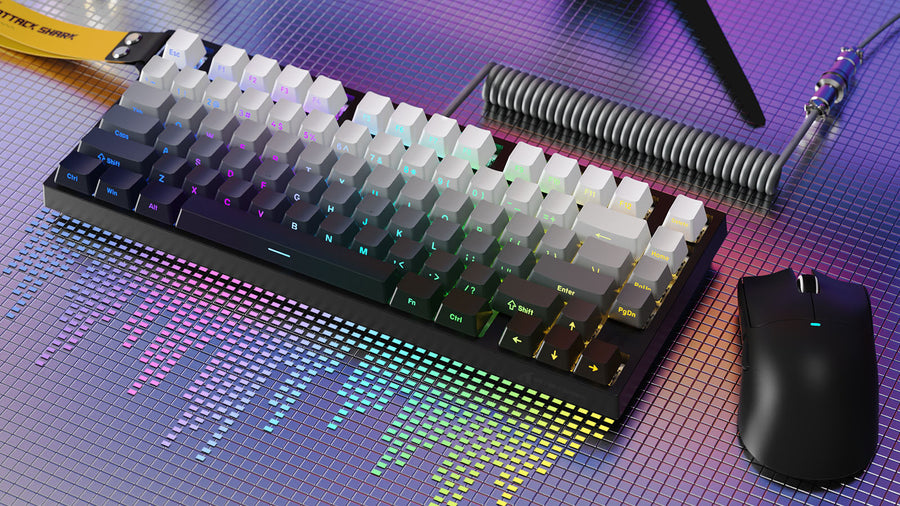
Compact mechanical keyboard with gradient keycaps, coiled cable, and black gaming mouse.
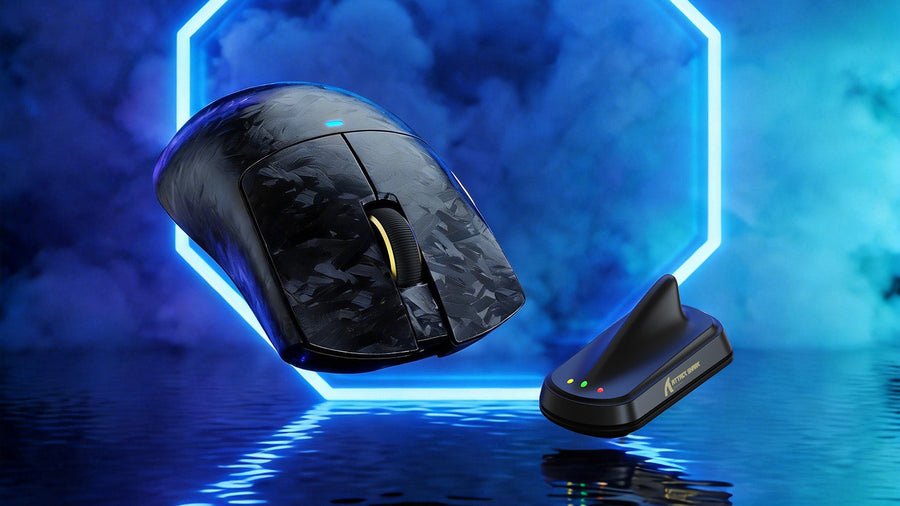
Carbon fiber patterned gaming mouse and its wireless receiver against a neon blue background.

コメントを書く

このサイトはhCaptchaによって保護されており、hCaptchaプライバシーポリシーおよび利用規約が適用されます。