The Engineering of Side-Button Actuation: Domes vs. Micro-Switches
In the competitive hierarchy of gaming peripherals, primary mouse buttons (M1 and M2) receive the lion's share of engineering attention. However, for high-APM (Actions Per Minute) genres such as MOBA and MMO, the reliability of side-panel inputs is often the determining factor in execution consistency. While marketing materials frequently highlight the sensor's DPI or the main switches' click rating, the underlying technology of side buttons remains a critical, albeit overlooked, technical variable.
The industry primarily utilizes two distinct mechanisms for side-button actuation: metal tactile domes and dedicated micro-switches. Understanding the mechanical trade-offs between these two—specifically regarding reset speed, actuation force, and longevity—is essential for players who rely on thumb-accessible macros and ability chaining.
Comparative Mechanics: Tactile Domes and Micro-Switches
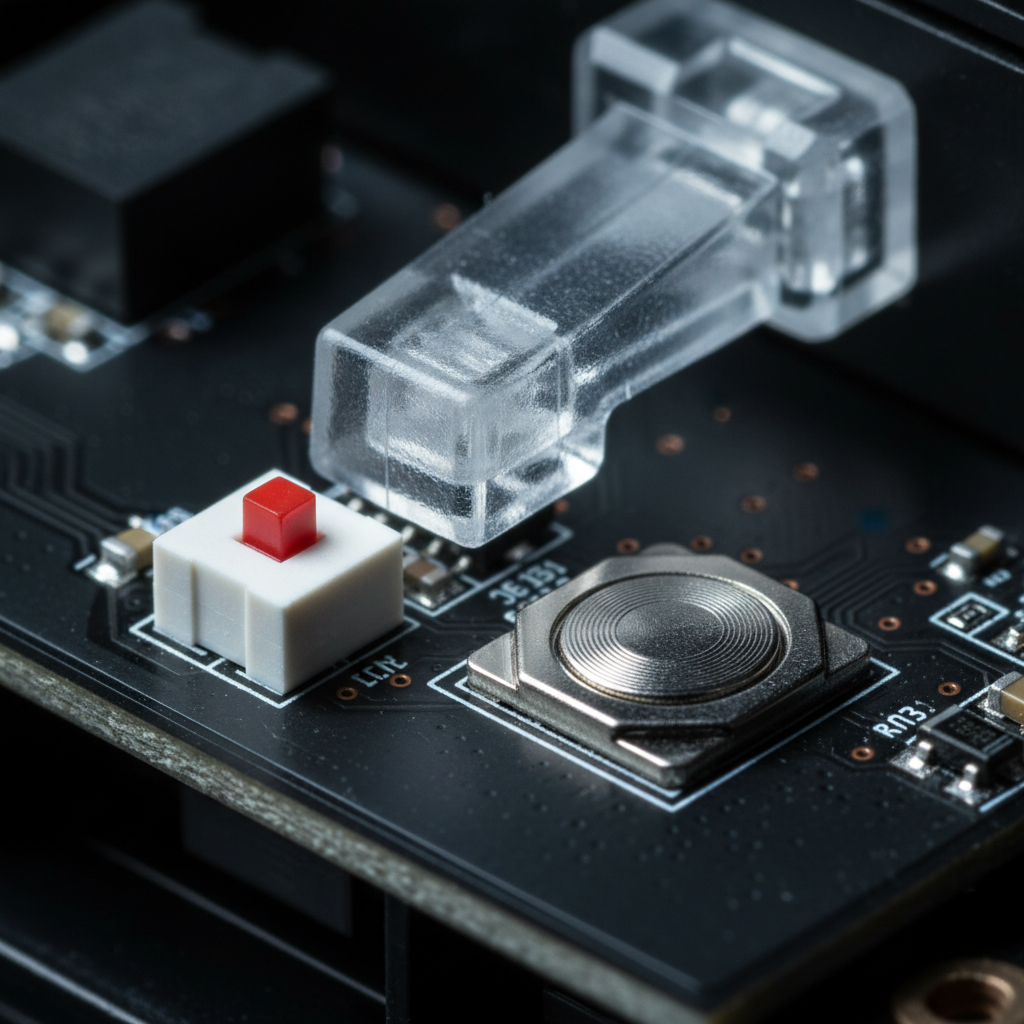
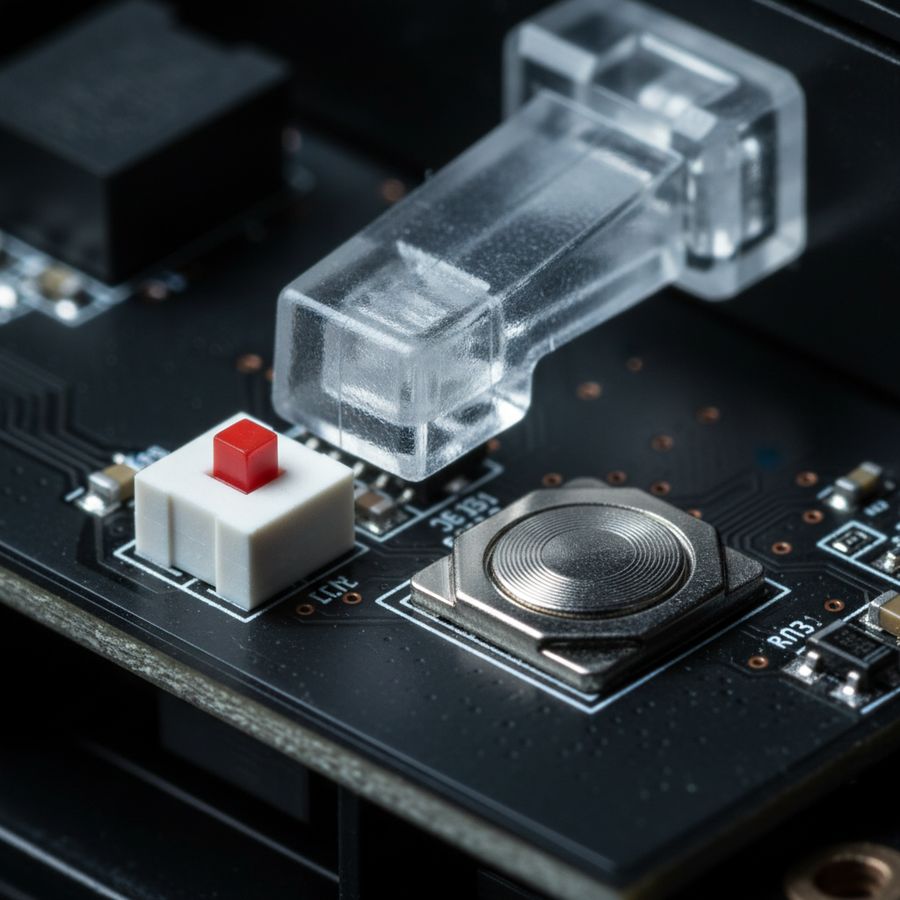
Tactile domes are low-profile, "snap-acting" switches. They consist of a circular or four-legged metal piece that collapses when a specific force threshold is met, completing the circuit on the PCB. In contrast, micro-switches utilize a physical metal leaf spring and a plunger mechanism, similar to the architecture found in primary mouse buttons but often in a smaller form factor (sub-miniature).
The "Tactile Advantage" and Durability Realities
Conventional wisdom often assumes that mechanical micro-switches are inherently more durable than dome-based systems. However, data from industrial applications suggests a more nuanced reality. According to Snaptron (2025), high-quality metal domes can achieve lifespans ranging from 1 to 5 million cycles. While this is significantly lower than the 50 to 100 million clicks advertised for flagship primary switches, it aligns closely with the practical requirements of side-panel use, where usage frequency is typically lower than primary buttons.
| Feature | Metal Tactile Dome | Sub-Miniature Micro-Switch |
|---|---|---|
| Profile Height | Ultra-low (0.5mm - 1.5mm) | Standard (3mm - 5mm) |
| Typical Lifespan | 1M - 5M cycles | 5M - 20M cycles |
| Actuation Force | 250g - 500g (Adjustable) | 60g - 150g (Fixed) |
| Tactile Feedback | High (Sharp Snap) | Moderate (Crisp Click) |
| Reset Travel | Near-zero | 0.1mm - 0.3mm |
Logic Summary: The choice between these technologies is frequently a space-saving trade-off. Tactile domes allow for thinner side walls and lighter overall mouse weights, whereas micro-switches provide a more familiar mechanical feel at the cost of internal volume.
Reliability Beyond the Switch: The Plunger Problem
Technical analysis of peripheral failure often focuses on the switch itself, but first-party observations from repair and warranty handling indicate that the mechanical interface—the plastic plunger—is a more frequent point of failure.
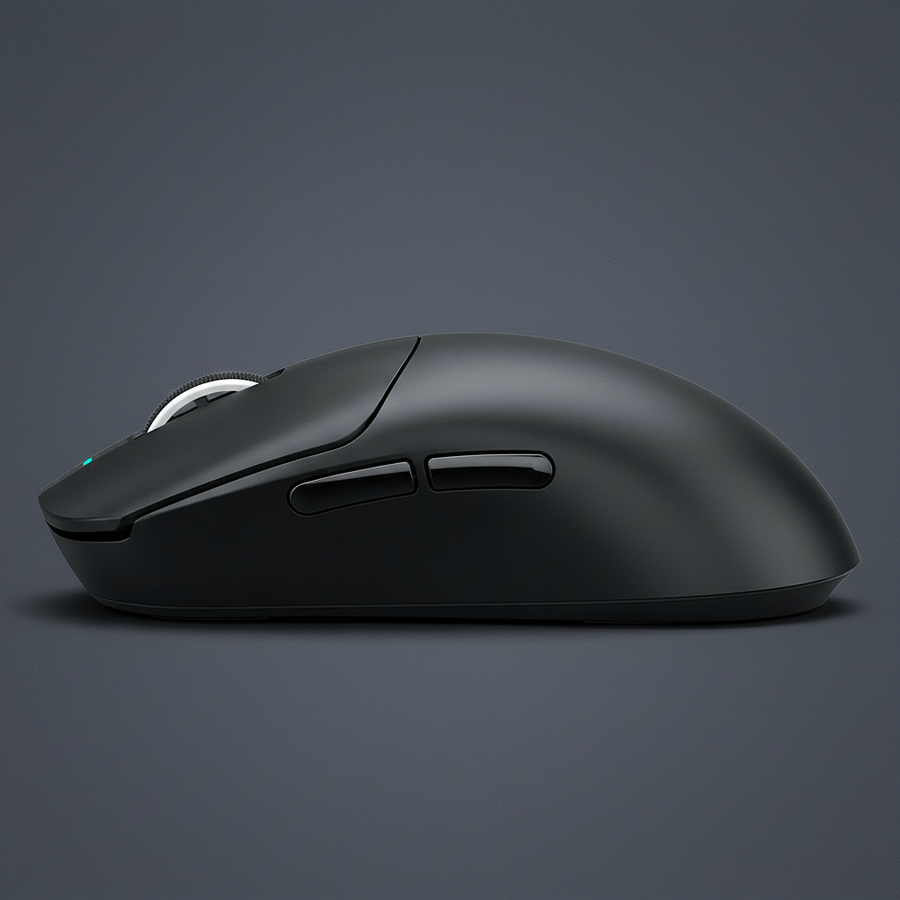
In many lightweight gaming mice, the side button is not a direct extension of the switch. Instead, a plastic plunger transfers force from the user's thumb to the internal actuator. Over extended periods of high-APM play, several non-obvious mechanical issues can emerge:
- Pre-travel and Lateral Play: If the plunger's housing has tolerances exceeding 0.2mm, the button may wobble before actuation. This lateral play can lead to inconsistent reset speeds, causing missed inputs during rapid ability chaining.
- Plunger Deformation: The "stem" of the plastic plunger can wear down or develop a groove where it meets the switch. This increases pre-travel and leads to a "mushy" sensation, even if the underlying switch is functioning perfectly.
- Alignment Shifts: Under heavy thumb pressure, the internal seating of the plunger can shift. This is often audible; a variation in click pitch or volume between the forward and back side buttons usually indicates inconsistent plunger alignment.
Experienced modders often address these issues by applying a small piece of adhesive-backed UHMW (Ultra-High Molecular Weight) tape to the plunger stem. This minor tweak stabilizes the contact point and eliminates perceived pre-travel, effectively "tuning" the side buttons to a professional standard.

Performance for High-APM MOBA and MMO Play
For MOBA players, the critical metric is not just the initial actuation, but the reset speed. A switch that requires the button to travel back significantly before it can be pressed again (hysteresis) will feel sluggish during "feathering"—the rapid, repetitive tapping of a key to time an ability perfectly.
Actuation Force and Misclick Prevention
In MMO scenarios, where the side panel may house 12 or more buttons, the risk of accidental clicks during intense movement is high. Data from Kovatech suggests that a target actuation force of 250g to 500g is often necessary for reliable side-button use. This is significantly higher than the ~60g required for primary buttons.
Tactile domes are particularly effective here because their collapse force is customizable during the manufacturing process. A higher-force metal dome provides a clear "gate" that prevents the thumb from accidentally triggering an ability while simply gripping the mouse for a flick shot.
8000Hz Polling and Side-Button Latency
As the industry moves toward 8000Hz (8K) polling rates, the reporting frequency of side buttons becomes technically relevant. At 8000Hz, the polling interval is exactly 0.125ms (calculated as 1/8000).
To maximize the benefits of this high frequency, the mouse's internal debouncing algorithm must be optimized. If a side button uses a slow, traditional debouncing method to prevent double-clicking, it may introduce a delay that negates the 0.125ms reporting advantage. Furthermore, to saturate the 8000Hz bandwidth, the system requires significant movement data. At 800 DPI, a user must move the mouse at approximately 10 IPS (Inches Per Second) to provide enough data packets for a stable 8K report. At 1600 DPI, this threshold drops to 5 IPS.
Method & Assumptions (8K Performance Modeling):
- Modeling Type: Deterministic latency calculation based on USB HID specifications.
- Key Assumption: The CPU is capable of handling IRQ (Interrupt Request) processing without significant jitter.
- Unit of Measure: Milliseconds (ms).
| Polling Rate | Interval | Motion Sync Delay (Est.) | CPU Usage Impact |
|---|---|---|---|
| 1000Hz | 1.0ms | ~0.5ms | Low |
| 4000Hz | 0.25ms | ~0.125ms | Moderate |
| 8000Hz | 0.125ms | ~0.0625ms | High |
Note: Motion Sync adds a delay typically equal to half the polling interval. At 8000Hz, this delay is negligible (~0.06ms).
Environmental Integrity and Ingress Protection
The debate between sealed tactile domes and mechanical switches often centers on sweat resistance. While it is a common belief that domes are better for "sweaty" hands, the reality is more nuanced. According to Rugged-Key (2024), while metal domes can be integrated into IP67-rated fully sealed assemblies, the primary failure point in consumer mice is often the corrosion of the contact pad beneath the dome, rather than the dome itself.
For mechanical micro-switches, even "sealed" or "dust-proof" variants may have vulnerable internal springs. Therefore, the overall housing design and the presence of internal barriers are more critical for longevity than the specific switch technology. For users in high-humidity or coastal environments, routine maintenance to block oxidation is recommended.
Regulatory Compliance and Wireless Standards
When evaluating high-performance wireless mice, technical reliability is also tied to regulatory compliance. Devices must adhere to standards set by the FCC (Federal Communications Commission) in the US and the ISED (Innovation, Science and Economic Development Canada) in Canada. These certifications ensure that the 2.4GHz wireless signal is stable and does not interfere with other devices—a critical factor for maintaining the sub-1ms response times required for competitive play.
Furthermore, products sold in the European Union must comply with the Radio Equipment Directive (RED) 2014/53/EU, which covers safety, electromagnetic compatibility (EMC), and efficient use of the radio spectrum. A device that fails to meet these standards may suffer from packet loss or signal drops, which are often misdiagnosed by users as "switch failure" or "sensor lag."
Technical Conclusion: Selecting the Right Interface
Choosing between mechanical and tactile dome side buttons depends on the user's specific performance priorities.
- For FPS Players: A mouse with micro-switch side buttons and low actuation force (under 100g) is typically preferred for quick, effortless utility use (e.g., melee or grenade).
- For MOBA Players: Focus on reset speed. A switch with a crisp, distinct reset point and minimal lateral play in the shell is vital for high-APM execution.
- For MMO Players: Prioritize actuation force. Look for a target force of 250g+ to prevent accidental triggers when navigating a complex 12-button grid.
Regardless of the technology, the build quality of the plunger and the tightness of the shell tolerances are the true indicators of long-term reliability. When testing a new device, listen for consistency between buttons and feel for any "pre-travel" before the click engages. These small mechanical details are what separate a high-spec challenger from a standard peripheral.
For more in-depth analysis on peripheral standards, refer to the Global Gaming Peripherals Industry Whitepaper (2026).
Disclaimer: This article is for informational purposes only. Technical specifications and performance metrics are based on industry standards and scenario modeling. Individual results may vary based on system configuration, environmental factors, and user habits. Always consult the manufacturer's documentation for specific maintenance and safety guidelines.
Sources and References
- FCC Equipment Authorization Database
- ISED Canada Radio Equipment List
- Snaptron: Mechanical Switches vs. Metal Domes (2025)
- RTINGS: Mouse Click Latency Methodology
- IATA Lithium Battery Guidance (2025)
- EU Radio Equipment Directive (RED) 2014/53/EU
- Rugged-Key: IP67 Sealed Input Standards
- Kovatech: Actuation Force and Side-Button Ergonomics
- Global Gaming Peripherals Industry Whitepaper (2026)


コメントを書く
このサイトはhCaptchaによって保護されており、hCaptchaプライバシーポリシーおよび利用規約が適用されます。