Mechanical Keyboard

65 vs 75 keyboard: Which Layout is Right for Your Needs

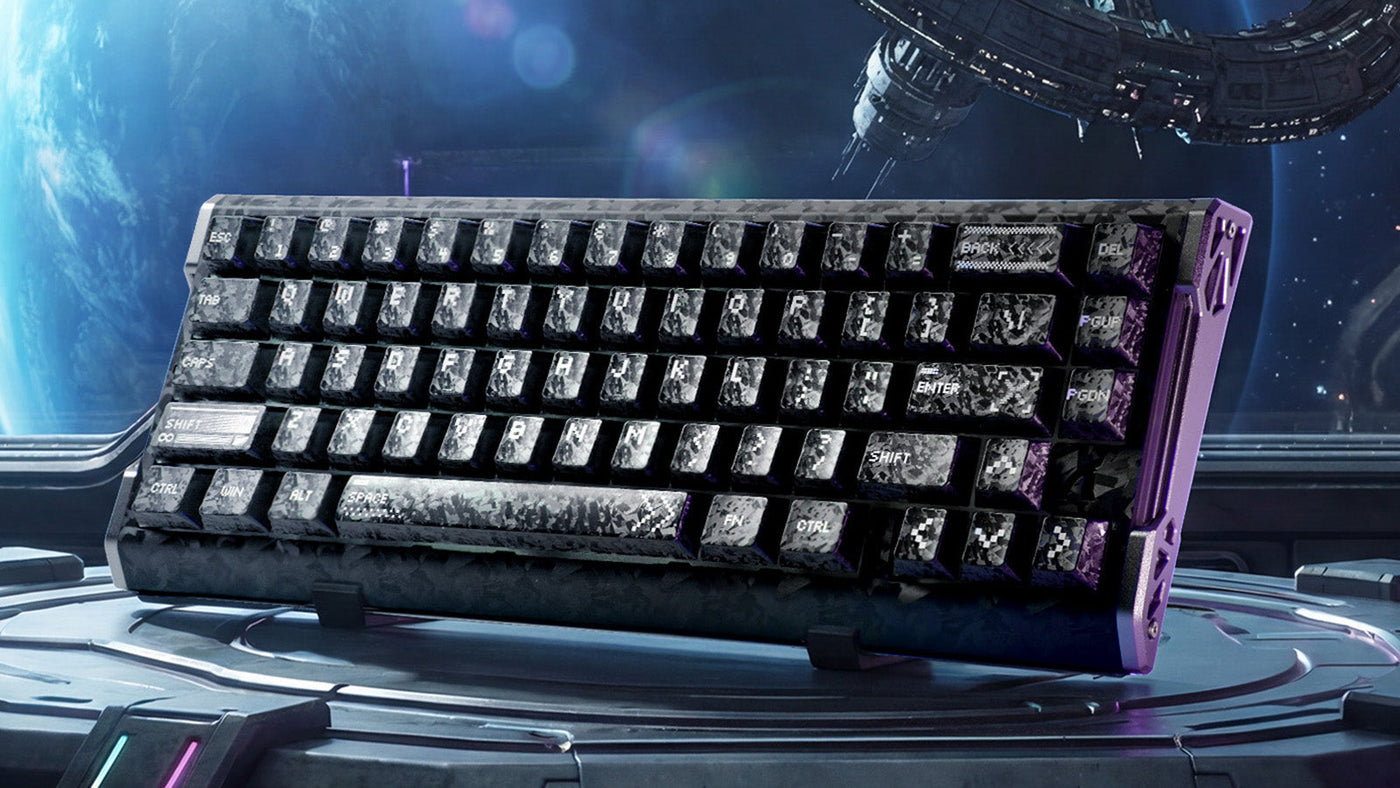
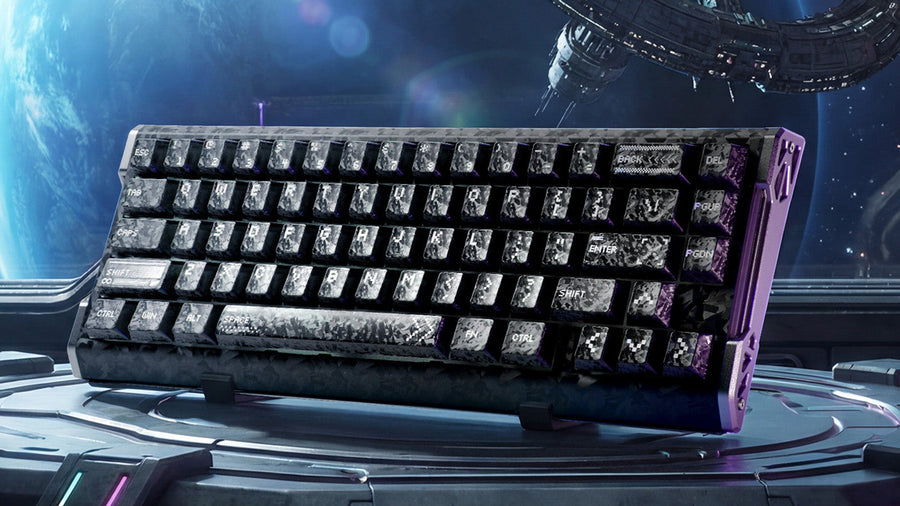
Attack Shark mechanical keyboard with galaxy-themed keycaps and a purple frame in a space station.

Choosing a mechanical keyboard is often a battle between functionality and desk space. If you are looking to downsize from a full-sized board, you will likely land on two popular form factors: the 65% and the 75%. Both offer a compact footprint, but a single row of keys separates them. This seemingly small difference drastically changes your daily workflow. This guide compares the 65 vs 75 keyboard layouts to help you decide which one fits your specific needs. 

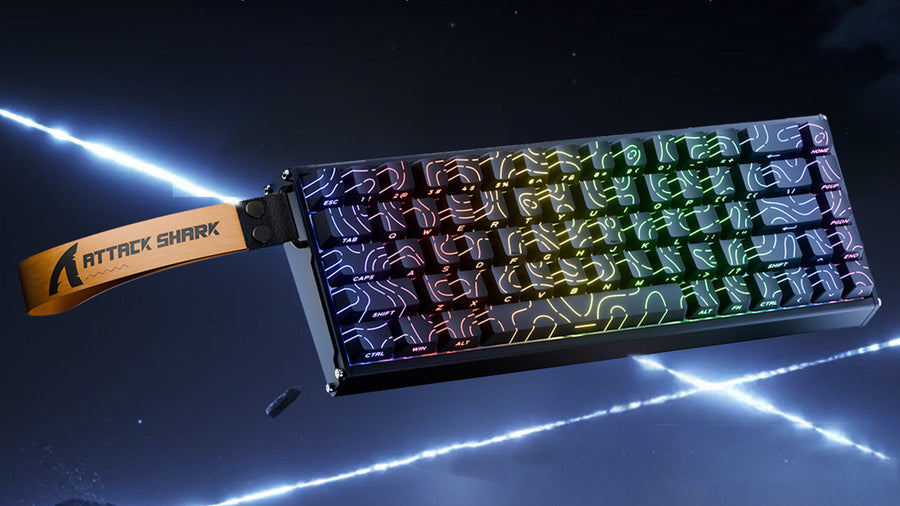
Attack Shark mechanical keyboard with RGB lighting and yellow strap in a space setting.

Key Differences Between 65% and 75% Keyboards

Visually, these keyboards look similar, but the layout philosophy is distinct. Understanding what is missing—and what is kept—is the first step in making a choice.

The 75 Percent Layout

A 75 percent keyboard is essentially a compact version of a Tenkeyless (TKL) board. It retains almost all the functionality of a larger keyboard but squashes the keys together to remove empty space. Crucially, it includes a dedicated Function row (F1-F12) along the top. It typically features arrow keys and a column of navigation keys (like Home, End, Page Up) on the right side. It is about 75% the width of a full-sized keyboard.

The 65 Percent Layout

A 65 percent keyboard takes compactness one step further. It removes the entire top Function row. To access F1-F12, you must use a key combination (usually Fn + Number keys). However, unlike smaller 60% boards, the 65 keyboard layout retains the dedicated arrow keys and a few navigation keys. This makes it the smallest viable option for users who cannot live without physical arrows.

Which Layout Works Best for Gamers?

For gaming, desk real estate is often the priority. A smaller keyboard allows for wider mouse movements, which is critical for low-sensitivity players.

FPS and Tactical Shooters

If you primarily play First-Person Shooters (FPS), the 65 keyboard is often superior. It gives you maximum mouse space while keeping the essential WASD cluster and arrow keys. Most modern games do not rely heavily on the F-keys during active gameplay. The compact size also allows you to position the keyboard at an angle more easily, which is a common ergonomic preference for competitive gamers looking for good keyboards for gaming.

MMO and RTS Games

However, if you play MMORPGs (like World of Warcraft) or RTS games, a 75 keyboard layout might be better. These genres often utilize the F-keys for skill shortcuts, camera controls, or macros. Having physical F-keys allows for faster execution than pressing a two-key combo. Additionally, the extra navigation keys on the side can be mapped to in-game actions, providing more options without needing a full-sized board.

Attack Shark 8000Hz gaming keyboard with RGB topography keycaps and red neon accents.

Which Layout Works Best for Developers?

Programming requires frequent use of navigation and function keys. This workflow makes the choice between 65 vs 75 keyboard layouts much more significant than it is for casual users.

The Case for 75%

For many programmers, the 75 percent keyboard is the safer bet. Development environments (IDEs) rely heavily on F-keys for debugging (F5, F10, F11) and refactoring code. Having a dedicated Delete, Home, and End key is also vital for navigating lines of code quickly. The 75 keyboard offers these dedicated keys, making it a very good keyboard for programming right out of the box.

The Case for 65%

That said, many developers love the 65 percent keyboard for its efficiency. With programmable layers (using software like QMK or VIA), you can map navigation keys to the home row. This means you never have to lift your hands from the typing position to hit "End" or "Page Down." While it requires a learning curve to memorize the "Fn" layers, once mastered, it can actually be faster than reaching for distant keys on a larger board.

ATTACK SHARK R68 HE Carbon Fiber Rapid Trigger Keyboard Magnetic Switch

Price: ¥15,917
Forged Carbon Fiber & CNC Aluminum Build Featuring a high-end Forged Carbon Fiber Composite top case paired with precision CNC-machined...

How to Choose Beyond Gaming and Programming

Your decision should also consider aesthetics, portability, and customization options.

Portability and Travel

If you work in a hybrid environment and carry your keyboard between home and office, the 65 keyboard layout wins. It fits easily into most laptop bags and backpacks. The 75 percent keyboard is slightly taller and bulkier due to the extra row, making it less travel-friendly.

Keycap Compatibility

Customization is a huge part of the hobby. Standard 75 keyboard layouts can sometimes be tricky to find keycaps for. The right "Shift" key is often a non-standard size (1.75u), and the navigation keys on the right column might need specific row heights to match the profile. The 65 percent keyboard faces similar issues, but due to its immense popularity in the enthusiast community, there are often more compatible keycap sets available specifically designed for this layout.

Aesthetics on the Desk

A 65 keyboard looks cleaner and more minimalist. If you are building a setup that focuses on simplicity and open space, the lack of the F-row creates a sleek, rectangular silhouette that many find visually appealing. The 75 keyboard layout looks busier and more dense, which some users prefer for a "command center" aesthetic. For deep customization, both layouts offer plenty of potential.

Conclusion: Finding Your Perfect Compact Companion

Ultimately, the battle of 65 vs 75 keyboard comes down to your reliance on the Function row. If you need F-keys for work or MMOs, the 75% is the perfect middle ground between size and utility. If you want to maximize mouse space and are comfortable using shortcuts for function keys, the 65% offers a sleeker, more portable experience. Both are excellent upgrades from a bulky full-sized board; you just need to decide which keys you can live without.

ATTACK SHARK R82 HE ラピッドトリガーキーボード マグネティックスイッチ 0.005MM RT

Price: ¥11,619
0.005mm RT Sensitivity, Zero Dead Zone With 0.005mm full-travel resolution, the R82 HE registers input instantly—no need to bottom out....

FAQ

Is it hard to get used to a 65% keyboard?

For most people, the adjustment takes about a week. The hardest part is remembering to hold the "Fn" key to press F5 (refresh) or F11 (fullscreen). Since you still have arrow keys, basic navigation remains intuitive compared to a smaller 60% board.

Can I use a 65% keyboard for Excel or data entry?

It is possible, but not ideal. The lack of a number pad slows down data entry significantly. You would need to buy a separate standalone numpad. A 75 percent keyboard doesn't solve the numpad issue either; for heavy data entry, a full-sized or 96% layout is better.

Are 75% keyboards better for office work?

Generally, yes. The dedicated navigation keys (Home, End, Page Up/Down) and Function keys are used frequently in office applications like Word and PowerPoint. Having immediate access to them increases productivity for general office tasks.

Do these keyboards have standard arrow keys?

Yes, this is the main selling point of both layouts. Unlike 60% keyboards, both 65 vs 75 keyboard designs feature dedicated arrow keys, usually tucked into the bottom right corner. This makes them much friendlier for general use than smaller compact boards.

Which layout has more switch options?

Both layouts are extremely popular in the custom keyboard scene. You will find a vast array of hot-swappable options for both 65 percent keyboard and 75 keyboard models, allowing you to install any mechanical switch you prefer. Availability is roughly equal.

前後の記事を読む

Ambidextrous vs. Ergo Mice: Which Shape Is Best for Your Gaming Aim?
Attack Shark mechanical keyboard with RGB lighting and yellow strap in a space setting.

コメントを書く

このサイトはhCaptchaによって保護されており、hCaptchaプライバシーポリシーおよび利用規約が適用されます。